





Coding is one of the hardest subjects to teach at home, especially if you do not code yourself. CodaKid gives homeschool families a complete coding curriculum for ages 6 to 18: 115+ self-paced courses with teacher support, private 1-on-1 lessons, and live camps. Your child builds real games, apps and websites, and you can see their progress along the way.
 Private 1:1Program: The fastest way to learn computer programming and AI with hand-picked online teachers, structured curriculum, and homework assignments.New students get their first session free
 Self-pacedProgram: 115+ self-study courses, including teacher support, in AI, Scratch, Python, Minecraft, Roblox, Unity, Unreal Engine and more. Kids learn any time, at their own pace.New students get their first 14 days free
 Online Camps and WorkshopsProgram: Live small-group camps each summer (June to July) and over the winter break, built around one big project. Every session is recorded.Live, small groups, every session recorded.



A Homeschool Coding Plan by Age
Every course lists its starting age, so you can build a path that grows with your child. A typical plan:
| Ages | Start with | Then move to |
|---|---|---|
| 6 to 8 | Typing practice (CodaKid Typing: Codeblaster, ages 6+), Scratch game courses, and the Candy Thieves text-based coding courses in JavaScript (ages 7+) | Minecraft with MCreator blocks, Roblox pets and adventure maps |
| 8 to 10 | Minecraft and Roblox game courses, beginner AI courses (ages 8+), Drone Programming 1 with Arduino (ages 9+) | Java Minecraft mods, bigger Roblox games |
| 10 to 12 | Python game programming and JavaScript game programming (Infinite Runner, Tower Defense) | Multiplayer Python games, AI projects with an AI coding partner |
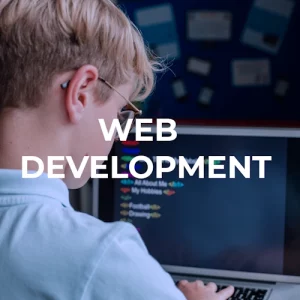
| 12 to 18 | Unity, Unreal Engine, web development, and live teen classes | AI Academy, independent study with a senior engineer, private lessons with a plan built around your teen’s goals |
For a deeper look at choosing a curriculum, read our guide to the best homeschool coding curriculum and our homeschool tech curriculum guide.
Explore Our Courses
- Try for Free
 Rock Paper Scissors: AI EditionAI Courses For Kids And TeensAges: 8+Beginner
 - Try for Free
 Prompt Engineering CodeAI Courses For Kids And TeensAges: 8+Beginner
 - Try for FreeAI Cartoon CreatorAI Courses For Kids And TeensAges: 8+Beginner
- Try for FreePrompt Engineering DesignAI Courses For Kids And TeensAges: 8+Intro
- Try for FreeThe AI Ethics Game ShowAI Courses For Kids And TeensAges: 8+Intro
- Try for FreeAI Web DevelopmentAI Courses For Kids And TeensAges: 9+Intermediate
- Try for FreeAI RPG AdventureAI Courses For Kids And TeensAges: 8+Beginner
- Try for FreeAI Language LearnerAI Courses For Kids And TeensAges: 8+Beginner
- Try for FreeFun Fact Generator (With Gemini API)AI Courses For Kids And TeensAges: 8+Beginner
- Try for FreeAI Space AttackAI Courses For Kids And TeensAges: 9+Intermediate
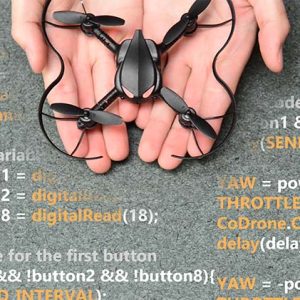
- Try for FreeDrone Programming 1Arduino Courses For Kids And TeensAges: 9+Beginner
- Try for FreeComputer Basics CourseComputer Basics Courses For KidsAges: 6+Intro
- Try for FreeCodakid Typing: CodeblasterComputer Basics Courses For KidsAges: 6+Intro
- Try for FreeGame Programming 1 with JavaScript: Infinite RunnerJavascript Courses For Kids And TeensAges: 10+Intermediate
- Try for FreeGame Programming 2 with Javascript: Tower DefenseJavascript Courses For Kids And TeensAges: 10+Intermediate
- Try for Free
 Candy Thieves From Outer Space: Text-Based Coding 101Javascript Courses For Kids And TeensAges: 6-9Intro
 - Try for FreeReturn of the Candy Thieves: Text Based Coding 303Javascript Courses For Kids And TeensAges: 6-9Intro
- Try for FreeCandy Thieves from Outer Space: Text Based Coding 202Javascript Courses For Kids And TeensAges: 6-9Intro
- Try for FreeJava Script App Development – Special OpsJavascript Courses For Kids And TeensAges: 10+Intermediate
- Try for FreeMod Creation: Forge Your Sword 1.18Minecraft Courses For Kids and TeensAges: 9+Beginner
- Try for FreeMod Creation: Power Ore 1.18Minecraft Courses For Kids and TeensAges: 9+Beginner
- Try for FreeMod Creation: Create a Creature 1.18Minecraft Courses For Kids and TeensAges: 9+Beginner
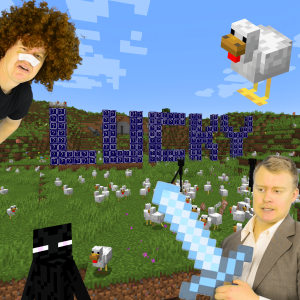
- Try for FreeMod Creation: Lucky Block 1.18Minecraft Courses For Kids and TeensAges: 9+Intermediate
- Try for FreeMod Creation: Magic Armor 1.18Minecraft Courses For Kids and TeensAges: 9+Intermediate
- Try for FreeMod Creation: Epic Weapons 1.18Minecraft Courses For Kids and TeensAges: 9+Intermediate
- Try for FreeMod Creation: Build and Boom 1.18Minecraft Courses For Kids and TeensAges: 9+Advanced
- Try for Free
 MCreator: Loot TablesMinecraft Courses For Kids and TeensAges: 8+Intro
 - Try for FreeMCreator: ProceduresMinecraft Courses For Kids and TeensAges: 8+Intro
- Try for FreeMCreator: Custom ToolMinecraft Courses For Kids and TeensAges: 8+Intro
- Try for FreeGame Programming with Python: Fish Eat FishPython Courses For Kids And TeensAges: 10+Intermediate
- Try for FreeGame Programming with Python: Attack of the RobotsPython Courses For Kids And TeensAges: 10+Intermediate
- Try for FreeGame Programming with Python: Get Connected!Python Courses For Kids And TeensAges: 10+Advanced
- Try for FreeGame Programming with Python: CodaKid SmashPython Courses For Kids And TeensAges: 10+Advanced
- Try for FreeIntro to Python: RobohackerPython Courses For Kids And TeensAges: 10+Intro
- Try for FreeGame Programming with Python: CodaBot StoriesPython Courses For Kids And TeensAges: 10+Beginner
- Try for FreeGame Programming with Python: Catch the CoinPython Courses For Kids And TeensAges: 10+Beginner
- Try for FreeGame Programming with Python: Infinite FlierPython Courses For Kids And TeensAges: 10+Intermediate
- Try for FreeGame Programming with Python: Art ExplosionPython Courses For Kids And TeensAges: 10+Beginner
- Try for FreeAdvanced Python – MasterPython Courses For Kids And TeensAges: 12+Advanced
- Try for FreeRoblox Game Development: Infinite RunnerRoblox Courses For Kids And TeensAges: 9+Intermediate
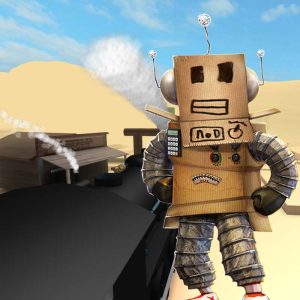
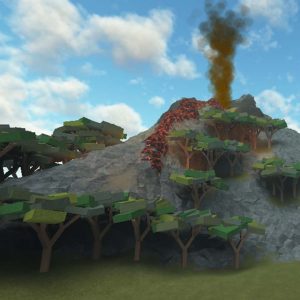
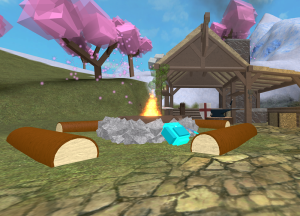
- Try for FreeRoblox Game Development: Adventure MapsRoblox Courses For Kids And TeensAges: 9+Beginner
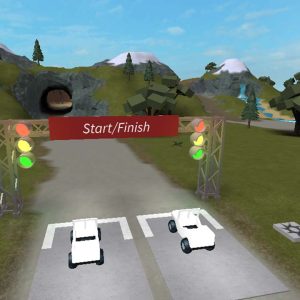
- Try for FreeRoblox Game Development: Racing MapsRoblox Courses For Kids And TeensAges: 9+Intermediate
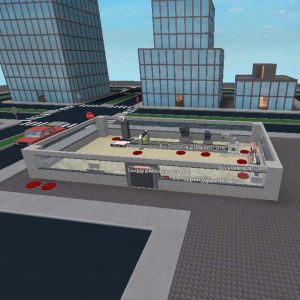
- Try for FreeRoblox Game Development: Tycoon GameRoblox Courses For Kids And TeensAges: 9+Advanced
- Try for FreeRoblox Game Development: DodgeballRoblox Courses For Kids And TeensAges: 9+Intermediate
- Try for FreeRoblox Game Development: Speed SimulatorRoblox Courses For Kids And TeensAges: 9+Intro
- Try for FreeRoblox Game Development: Battle RoyaleRoblox Courses For Kids And TeensAges: 9+Advanced
- Try for FreeRobux on Roblox: Game Passes and Developer ProductsRoblox Courses For Kids And TeensAges: 9+Advanced
- Try for Free
 Roblox Game Development: Mining SimulatorRoblox Courses For Kids And TeensAges: 9+Advanced
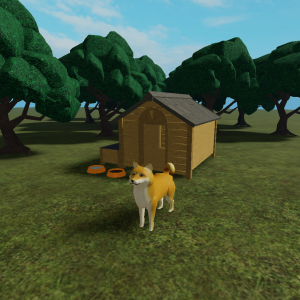
 - Try for FreeRoblox Game Development: PetsRoblox Courses For Kids And TeensAges: 9+Beginner
- Try for FreeScratch CatchScratch Courses For KidsAges: 6-9Intro
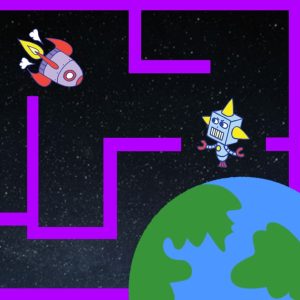
- Try for FreeThe Great Scratch MazeScratch Courses For KidsAges: 6-9Intro
- Try for Free
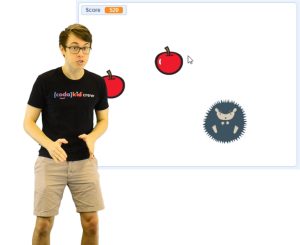
 Scratch Fruit Slash!Scratch Courses For KidsAges: 6-9Intro
 - Try for FreeCatch the CatScratch Courses For KidsAges: 6-9Intro
- Try for Free
 Scratch ArcheryScratch Courses For KidsAges: 6-9Intro
 - Try for Free
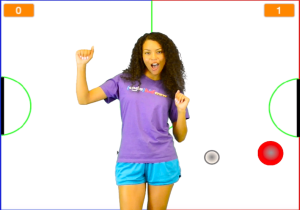
 Scratch HockeyScratch Courses For KidsAges: 6-9Intro
 - Try for FreeScratch Flappy BatScratch Courses For KidsAges: 6-9Intro
- Try for FreeScratch Infinite JumperScratch Courses For KidsAges: 6-9Intro
- Try for FreeScratch SlitherScratch Courses For KidsAges: 6-9Intro
- Try for FreeScratch Dino DefenseScratch Courses For KidsAges: 6-9Intro
- Try for FreeCodaKart Racing with Unity and C#Unity Courses For Kids And TeensAges: 12+Intermediate
- Try for Free3D Game Dev with Unity 1 – SpyUnity Courses For Kids And TeensAges: 12+Intro
- Try for FreeIndependent Study 2 3D Game Dev – LegendUnity Courses For Kids And TeensAges: 13+Advanced
- Try for Free3D Game Development 1 with UnrealUnreal Engine Courses For Kids And TeensAges: 12+Advanced
- Try for Free3D Game Development 2 with UnrealUnreal Engine Courses For Kids And TeensAges: 12+Intermediate
- Try for FreeWeb Development 1 – RangerWeb Development Courses For Kids And TeensAges: 10+Advanced







Built for Homeschool Parents
- You do not need to know how to code. Get help when you need it with 24/7 AI-powered learning support, trained specifically on CodaKid’s curriculum. Need help from a real teacher? Our instructor support team is available through scheduled support sessions. Private students have their own instructor.
- One plan for the whole family. The self-study Family Plan covers up to 3 students. Each child gets their own account, all under one parent account where you can view progress and manage billing.
- Records you can keep. Private students get a progress report after each session, and optional homework reinforces each lesson. Certificates of completion are available.
- Your schedule, not ours. Self-paced courses are open around the clock, so coding fits wherever it works in your homeschool week.
- Real tools, real projects. Kids use the same kinds of tools professional developers use, like Roblox Studio, Unity and Unreal Engine, and finish projects they can show.
Using ESA and Scholarship Funds for Coding
Many states now offer education savings accounts (ESAs) and scholarships that homeschool families can use for approved programs. CodaKid is an approved provider for Arizona ESA, Arkansas EFA, Florida Step Up For Students, Idaho Empowering Parents, New Hampshire EFA, South Carolina ESTF, Texas PDSES and TEFA, Utah Fits All, Utah Children First Education Fund, West Virginia Hope Scholarship, and the California charter programs Heartland, JCS Pine Hills, Peak Prep and IMS Group (Ocean Grove, South Sutter, Sky Mountain). Rules differ by state, so start with our parent guides:
The benefits of choosing CodaKid
 10 Educational Pathways
 750+ Expertly Crafted Videos
 800+ Hours of Student Projects
 100,000+ Happy Students



Try Self Paced for only $29 /mo or get Private Online Lessons starting at $249 /mo.
Try them both for free.

Professional Tools and Languages
Students learn Python, JavaScript, Java and Lua, in the same kinds of tools professional developers use, like Roblox Studio, Unity and Unreal Engine.
Build Real Games and Software
Kids finish projects they can play and share: a Roblox battle game, a Minecraft weapons mod, a Python password generator, a real website.
Made by Game Developers
Co-founder David Dodge is credited on more than 30 games for Sony PlayStation, SEGA and the PC. Our courses have won the Parents’ Choice Gold Award and the Tillywig BrainChild Award.
Online Support from Friendly Teachers
Get help when you need it with 24/7 AI-powered learning support, trained specifically on CodaKid’s curriculum. Need help from a real teacher? Our instructor support team is available through scheduled support sessions.
Can CodaKid be our full homeschool coding curriculum?
Yes. The self-paced library has 115+ courses across 10 learning pathways, from typing and Scratch to Python, AI, Unity and Unreal Engine. Private lessons follow structured levels designed to take four to six months each.
Do I need to know how to code to teach it?
No. Self-paced students get 24/7 AI-powered learning support trained on CodaKid’s curriculum, plus scheduled support sessions with a real teacher, and private students have their own instructor. Your job is to keep a routine and ask your child to show you what they built.
How do I track my child’s progress?
With the Family Plan, you can view each child’s progress from your parent account. Private students also get a progress report after each session.
Can we use ESA or scholarship funds?
In many states, yes. CodaKid is an approved provider for 15 programs, including Arizona ESA, Florida Step Up For Students, Texas TEFA, Utah Fits All and West Virginia Hope Scholarship. See the full list and our state guides above, and check your program’s current rules.
Does CodaKid count for high school credit?
That depends on your state’s homeschool rules and how you keep records. CodaKid provides progress reports and certificates of completion you can include in your homeschool records.
How much does it cost?
Self-paced courses are $29 a month or $199 a year, with the first 14 days free. Private lessons are $249 a month for four 50-minute lessons, and the first session is a free trial.
What computer do we need?
A desktop or laptop running Windows 10 or newer, or macOS 11 or newer, with a microphone and webcam. CodaKid projects will not run properly on iPads or Chromebooks, except Scratch, which runs in a web browser. Younger kids doing Scratch will need a mouse.