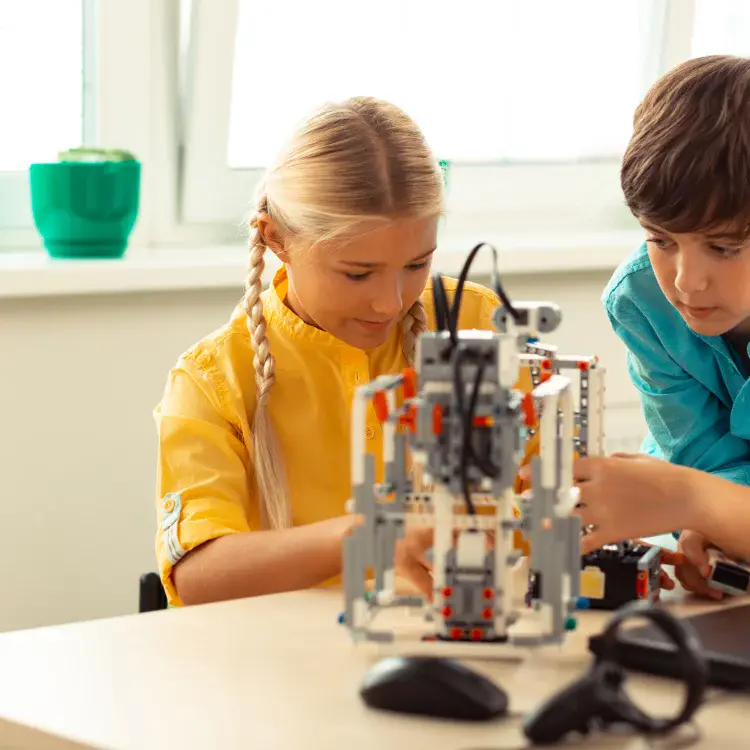
Kids coding together online is more than just learning to program – it’s about teamwork, problem-solving, and communication. Collaborative coding platforms for kids make this possible by offering tools like shared workspaces, real-time editing, and chat features. Whether your child is a beginner or an experienced coder, these platforms help them build technical skills while working with peers.
Here’s a quick overview of top coding platforms for kids for collaborative coding:
- CodaKid: Offers project-based learning with courses on Python, JavaScript, AI, and game development. Includes virtual camps and group sessions for teamwork.
- Replit: A browser-based coding environment with real-time collaboration, chat, and support for multiple programming languages.
- Google Colab: Great for Python projects, especially in data science and machine learning, with shared notebooks and free GPU access.
- Blockly: Drag-and-drop coding for beginners to learn programming concepts visually.
- Kodable: Game-based coding for young kids, focusing on problem-solving and group activities.
Quick Comparison of Coding Platforms for Kids
| Platform | Audience | Collaboration Tools | Price | Best For |
|---|---|---|---|---|
| CodaKid | Ages 8–16 | Group projects, virtual camps | $29–$249/month | Game dev, AI, structured learning |
| Replit | Teens and up | Real-time editing, chat | Free/premium | Full-featured coding environments |
| Google Colab | Python enthusiasts | Shared notebooks, comments | Free | Data science, machine learning |
| Blockly | Beginners | Visual programming | Free | Early coding concepts |
| Kodable | Ages 5–10 | Game-based group activities | Free/school plans | Young kids learning basics |
When choosing the right coding platforms for kids, consider your child’s age, interests, and learning style. Platforms like CodaKid and Replit provide advanced tools for older kids, while Blockly and Kodable are perfect for younger learners. Look for features like real-time collaboration, safety settings, and structured learning paths to ensure a productive and secure experience.
Table of Contents
How to Get Your Child Interested in Coding
Why Kids Should Code Together
Collaborative coding offers kids so much more than just learning programming syntax. It turns what could be a solitary activity into a lively, social experience – one that mirrors the way real-world software development works. Along the way, kids pick up essential skills like problem-solving, teamwork, and even a sense of career readiness.
Building Problem-Solving and Teamwork Skills
When one child encounters a tricky bug, their teammate might notice the missing semicolon or suggest a fresh approach to the logic. This kind of team-based problem-solving helps kids break down complex challenges while teaching them to appreciate different perspectives.
Working in pairs or small groups also builds patience and persistence. Instead of feeling defeated when their code doesn’t work, kids learn to support each other through those frustrating moments. One child might shine at debugging, while another thrives on generating creative solutions. Together, they can achieve things they wouldn’t be able to accomplish alone.
These collaborative experiences also teach kids how to divide tasks effectively, set shared goals, and hold each other accountable. These are the same life skills they’ll need for school projects and, eventually, professional teamwork.
Learning from Other Kids
Every child brings a unique coding style and creative mindset to group projects. One might focus on writing detailed comments to explain their code, while another prefers crafting sleek, concise functions. By working together, kids gain exposure to these different approaches, building a more well-rounded understanding of programming.
Collaboration also encourages kids to give and receive feedback constructively. Reviewing each other’s code teaches them to articulate what works well and suggest improvements in a respectful way. This peer review process not only sharpens their programming skills but also makes them better communicators.
Preparing for Future Careers
The teamwork and peer learning that come from collaborative coding also prepare kids for the challenges of future careers. In today’s workplace, especially in tech, professionals need to work effectively in teams. Software development is rarely a solo effort – most projects require collaboration across teams.
Kids who code together also develop digital communication skills that are crucial for remote work. They learn to use shared coding platforms, explain technical ideas clearly, and coordinate with teammates, even if they’re in different locations or time zones.
The skills kids gain from collaborative coding – like teamwork, problem-solving, and digital communication – are valuable no matter what career path they choose. Whether they become engineers, entrepreneurs, artists, or teachers, knowing how to work well with others using digital tools will serve them for a lifetime.
Plus, seeing their group projects succeed gives kids the confidence to tackle new challenges. They learn that even the toughest problems can be solved systematically with the right team, a mindset that will help them in school, work, and beyond.
CodaKid: A Complete Platform for Kids for Collaborative Coding

CodaKid is an online coding academy tailored for kids and teens, offering a dynamic way to learn coding while collaborating with others. Using real programming languages and professional tools, it equips young learners with practical coding skills that feel authentic and applicable.
What sets CodaKid apart is its blend of game-based courses and group projects. Kids don’t just learn how to code – they learn how to work together on exciting projects like Minecraft modding, Roblox game creation, and even AI applications.
Main Features of CodaKid
At its core, CodaKid’s platform emphasizes project-based learning, reflecting how software development happens in the real world. With over 85 courses, the academy covers key programming languages like Python, JavaScript, and Java, alongside modern topics such as artificial intelligence and web development.
The curriculum is designed to grow with the learner, offering progressively challenging projects while allowing kids to explore areas they’re passionate about. Whether they’re interested in creating Minecraft mods or experimenting with AI, CodaKid provides the tools and guidance to bring their ideas to life.
One standout feature is the live help desk support, which ensures kids can quickly get help when they hit a roadblock. Additionally, CodaKid awards certificates for completed courses, giving young coders tangible proof of their accomplishments. These elements contribute to a collaborative and rewarding learning experience.
How Kids Work Together on CodaKid
Collaboration is a central focus at CodaKid. The platform encourages teamwork through virtual camps and group sessions, where kids can work alongside peers on shared coding projects.
Virtual camps are immersive, one-week programs featuring two-hour daily sessions. These intensive camps allow kids to dive deep into collaborative coding, guided by expert instructors who help them build technical skills while fostering teamwork and communication.
In group sessions, students team up in pairs or small groups to tackle projects like building multiplayer games or designing interactive websites. By using professional-grade tools, CodaKid gives kids hands-on experience with the collaborative workflows common in software development.
CodaKid Plans and Pricing
CodaKid offers flexible plans to cater to different learning styles and needs:
| Plan | Price | Key Features | Best For |
|---|---|---|---|
| Self-Paced Courses | $29/month | Access to 85+ courses, video tutorials, help desk support, and certificates | Independent learners seeking flexibility |
| 1:1 Private Lessons | $249/month | Weekly sessions with a dedicated instructor, tailored curriculum, progress reports | Kids needing personalized attention and mentoring |
| Virtual Camps | Varies | One-week intensive group programs with two-hour daily sessions | Students thriving in collaborative, focused settings |
The self-paced courses, priced at $29 per month, grant unlimited access to CodaKid’s extensive course library. While ideal for independent learners, these courses also include community features and help desk support to foster connections with peers and instructors.
For $249 per month, the 1:1 Private Lessons offer a more tailored experience. With dedicated instructors, these sessions adapt to each child’s learning style and often include opportunities to join coding communities and group projects.
Virtual camps, with pricing based on program specifics, provide a collaborative and immersive environment for kids to work together on challenging coding projects. These camps are perfect for building both technical skills and teamwork in a short timeframe.
Other Coding Platforms for Kids to Code Together
There are several platforms where kids can collaborate on coding projects, each offering its own unique tools and features.
Replit
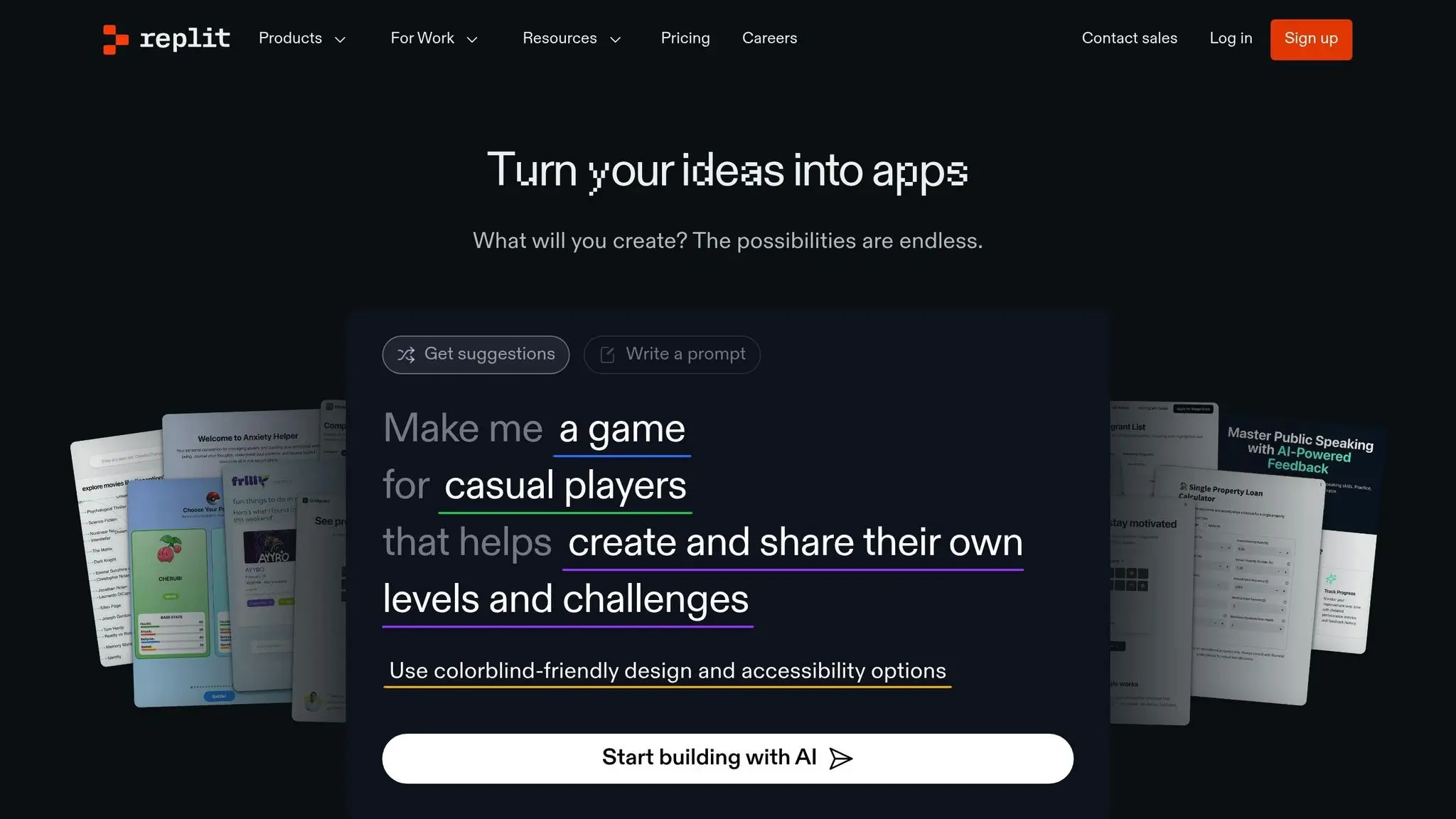
Replit is a browser-based integrated development environment (IDE) that supports real-time coding collaboration. Its Teams feature lets users create virtual coding classrooms, where they can share code and offer feedback instantly. Supporting multiple programming languages like Python, JavaScript, and HTML/CSS, Replit also includes in-app chat and version control, making it a versatile choice for group coding.
Google Colab
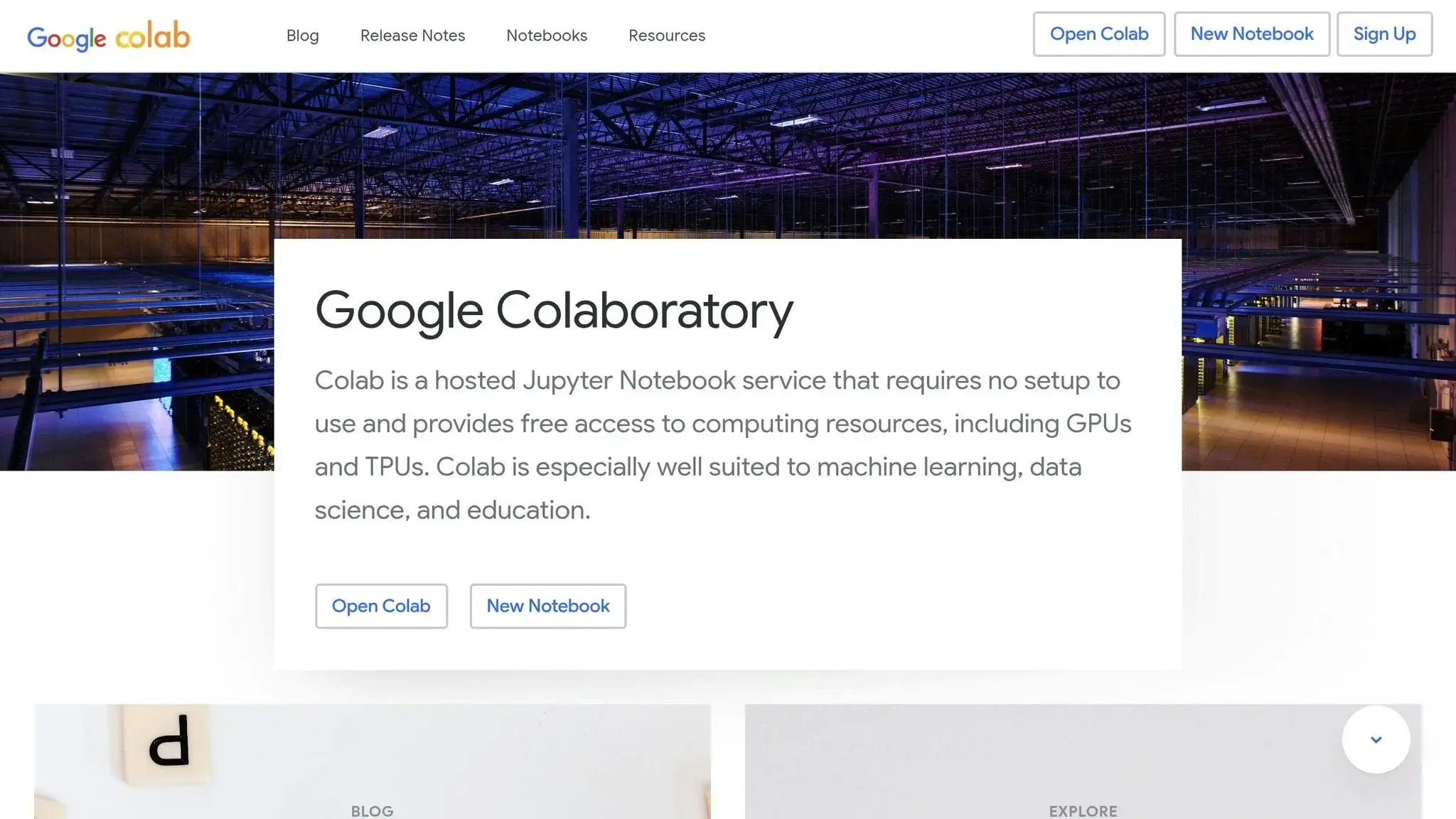
Google Colaboratory, or Google Colab, provides a shared workspace for Python programming. It uses Jupyter notebooks, which allow users to combine code, explanatory text, and visualizations in one document. Multiple users can work on the same notebook simultaneously, making it perfect for group projects. With free GPU access and automatic saving to Google Drive, it’s particularly appealing for collaborative projects in data science and machine learning.
Blockly
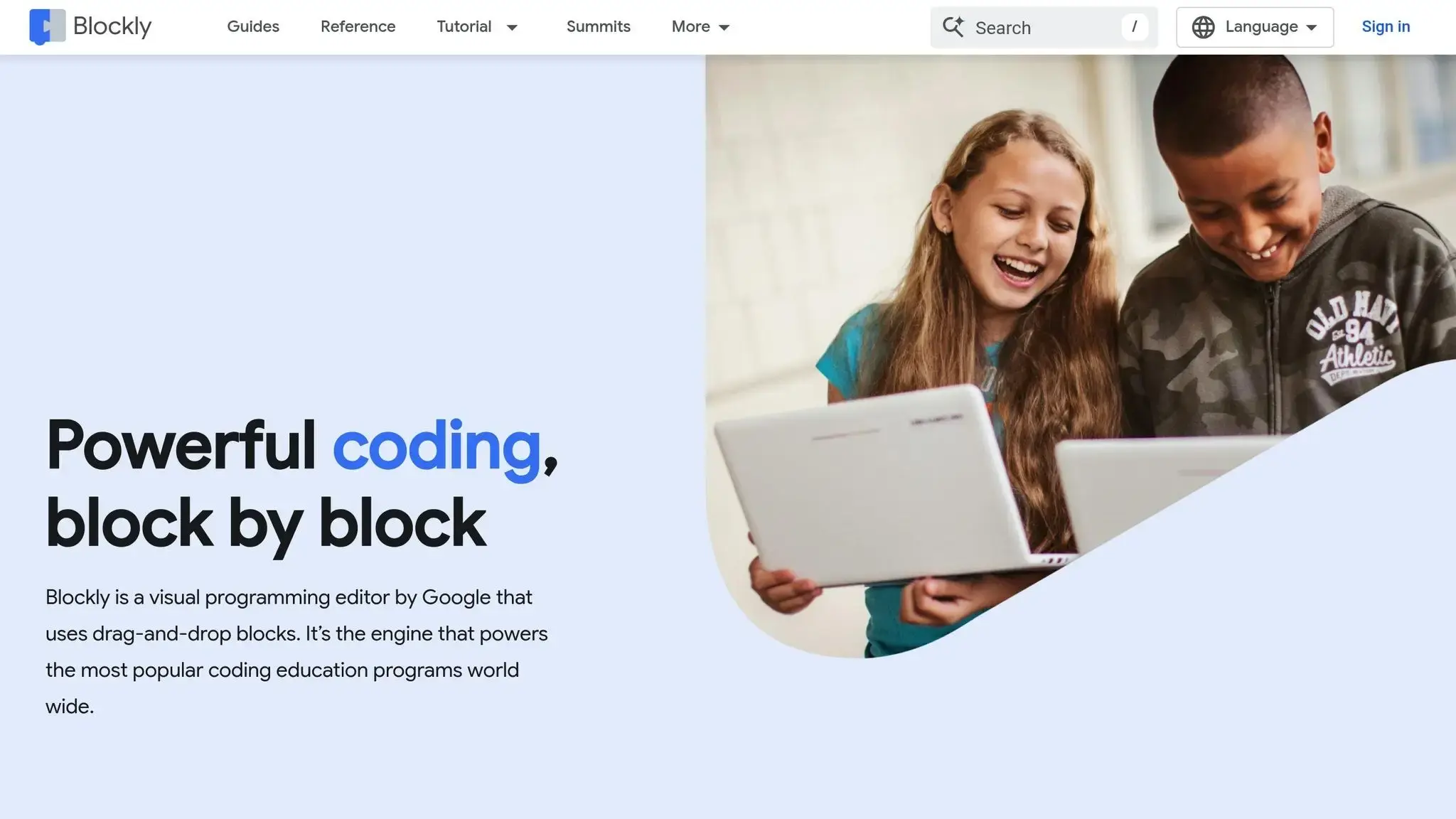
Blockly is a visual programming tool that simplifies coding by using a drag-and-drop interface. Instead of writing code, users connect colorful blocks that represent different functions and logic structures. This approach helps beginners understand programming concepts without worrying about syntax. While Blockly doesn’t focus on real-time collaboration, it’s widely used in educational programs that encourage shared learning experiences.
Kodable
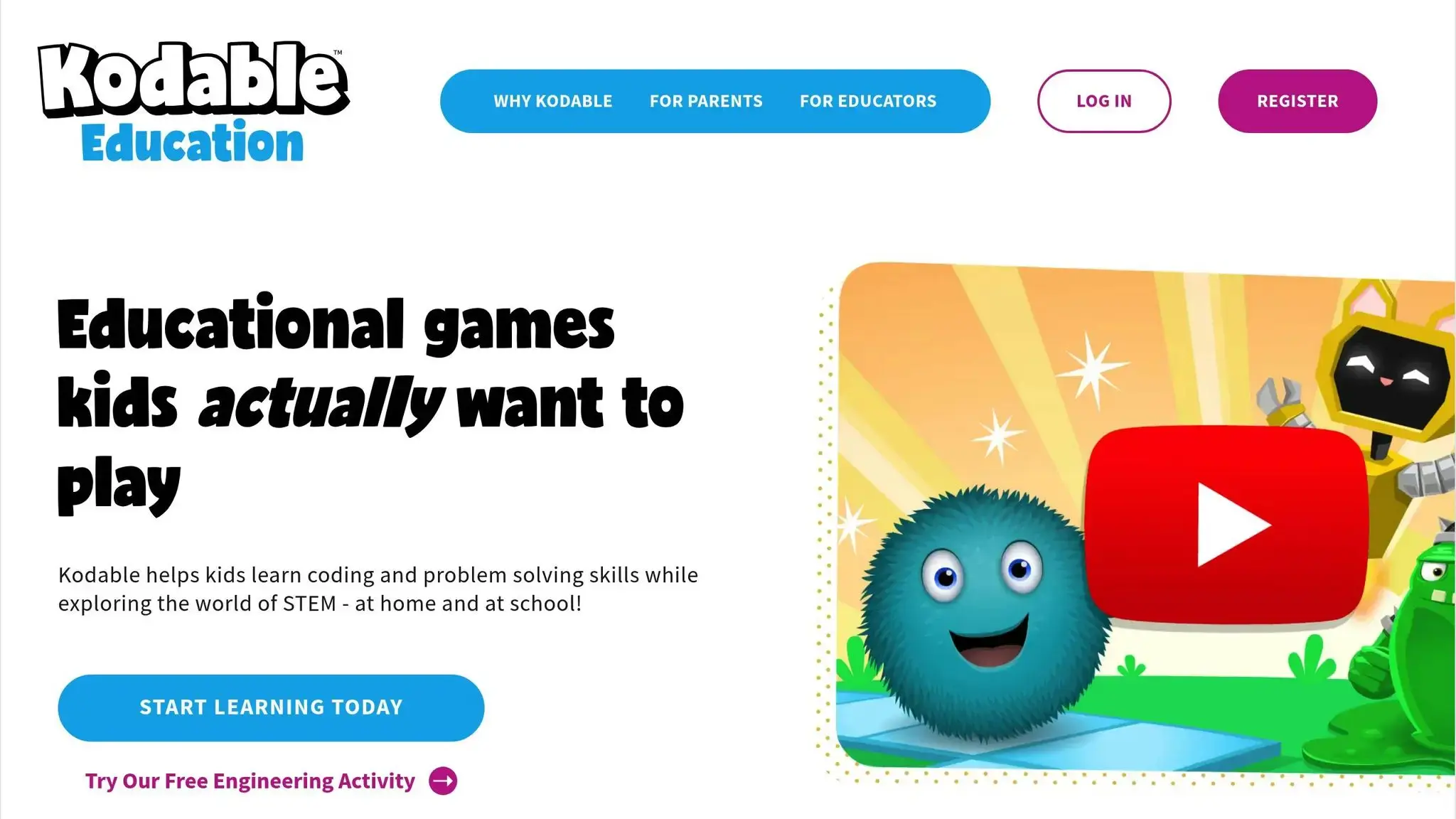
Kodable introduces coding basics to younger children through a game-based, drag-and-drop interface. Its curriculum emphasizes problem-solving and teamwork, with interactive group projects designed to engage early learners. Kodable’s playful approach makes it an excellent option for introducing young kids to coding in a fun and interactive way.
Coding Platforms for Kids: Comparison
Here’s a quick look at how these platforms compare in terms of audience, collaboration tools, pricing, and ideal use cases:
| Platform | Intended Audience | Collaboration Tools | Pricing Options | Best For |
|---|---|---|---|---|
| Replit | Older children and teens | Real-time editing, virtual classrooms, chat | Free tier with premium plans available | Full-featured coding environments |
| Google Colab | Python enthusiasts | Simultaneous notebook editing, commenting | Free with a Google account | Data science and machine learning projects |
| Blockly | Beginners and early learners | Visual programming in educational tools | Free and open-source | Learning basic programming concepts |
| Kodable | Younger learners | Game-based activities with classroom tools | Free tier with school subscription options | Interactive, game-like coding for young kids |
Each platform caters to different age groups and learning needs. Replit offers a professional-level coding experience, while Google Colab is ideal for Python-heavy projects. Blockly simplifies coding for beginners with its visual approach, and Kodable makes learning fun for younger kids through games. The best choice depends on your child’s age, interests, and the type of coding projects they want to dive into.
How to Pick the Right Coding Platform for Your Kid
Choosing the best platform for your child can feel like a daunting task. To make the process easier, focus on the unique features of each platform and how well they align with your child’s needs. Here are some key factors to consider when evaluating your options.
What to Look for When Choosing a Platform
Age Appropriateness: This is a critical starting point. For younger kids (ages 5–8), platforms with visual, game-like interfaces and drag-and-drop tools are ideal. These simplify coding concepts and prevent frustration with complex syntax. For children aged 9–12, basic text-based coding platforms work well, while teens (13+) often thrive in professional-level coding environments.
Programming Language Support: The languages a platform teaches can shape your child’s learning journey. If your child is curious about web development, find platforms that teach HTML, CSS, and JavaScript. For interests in data science or artificial intelligence, Python is a strong choice. Kids excited by game development might enjoy platforms that support languages like C# or Lua, which are used in popular gaming engines.
Collaborative Features: Collaboration tools vary from platform to platform. Look for features like real-time editing, commenting, and chat options, which are great for group projects. Some platforms even include virtual classroom environments, allowing parents or teachers to monitor progress and offer guidance.
Support Resources and Learning Structure: A well-structured platform can make learning coding much more approachable. The best platforms offer step-by-step tutorials, pre-built project templates, and clear pathways that guide kids from beginner to advanced levels. Pay attention to the learning formats available – some kids prefer video tutorials, while others might enjoy written guides or interactive challenges.
Safety and Moderation Tools: When kids are engaging online, safety is essential. Choose platforms with strong privacy settings, content moderation, and parental monitoring tools to ensure a secure learning environment.
By focusing on these aspects, you’ll be better equipped to find a platform that suits your child’s unique needs.
Finding the Best Fit for Your Child
Start by assessing your child’s skill level, interests, and your own technical setup and budget. A child who loves Minecraft might enjoy platforms that teach modding and game development, while a robotics enthusiast may prefer coding environments that link to physical projects. Consider how your child learns best – some thrive in gamified environments, while others prefer a more structured, academic approach.
Take advantage of trial periods or free tiers to test engagement before making a commitment. Many platforms offer free access to basic features, allowing your child to explore the interface and try a few projects. High engagement is a good indicator that you’ve found a strong match. Also, think about your technical setup – some platforms work well on tablets, while others need a full computer. And don’t forget to evaluate subscription costs. A $10/month platform that keeps your child excited about coding is a better investment than a $50/month one they rarely use.
Look for platforms that offer a clear progression path. Those that start with visual programming and gradually introduce text-based coding provide continuity and long-term growth. Options for both self-paced learning and live instruction can also add flexibility as your child’s needs evolve.
Finally, consider whether your child prefers working alone or with others. Kids who enjoy group activities may thrive on platforms with collaborative coding features, while independent learners might do better with solo-focused tools.
The ideal platform will strike a balance between your child’s current abilities and future growth, align with their interests and learning style, and offer features that make coding both engaging and enjoyable. Spend time exploring options together – your child’s excitement and comfort with a platform are often the best indicators of the right choice.
Conclusion (Coding Platforms for Kids)
Collaborative coding reshapes the way kids learn by merging programming with teamwork, communication, and creative thinking. When children code together, they don’t just learn about syntax and algorithms – they also gain critical life skills that will stay with them for years to come.
These collaborative environments boost problem-solving skills, strengthen communication, and teach resilience in the face of challenges. Considering that 85% of future jobs haven’t even been created yet and tech professionals earn between $88,000 and $192,000 annually, these experiences are equipping kids for a future that demands both technical know-how and the ability to work well with others. Among the platforms leading this charge, CodaKid stands out by integrating collaborative learning with professional-grade tools.
CodaKid’s approach is a great example of this evolving landscape. From its self-paced courses priced at $29 per month to personalized 1:1 lessons, the platform offers kids the chance to learn real programming languages while working together. Whether they’re building AI projects, designing Minecraft mods, or creating Roblox games, CodaKid’s project-based learning model naturally fosters collaboration.
What truly sets collaborative coding platforms apart is their ability to simulate real-world software development while keeping the experience engaging and age-appropriate.
The real challenge lies in finding the right fit for your child’s skills, learning preferences, and collaborative style. By embracing teamwork through coding, kids not only learn how to program but also develop the essential skills they’ll need to thrive in the future.
FAQs
How can coding platforms like CodaKid help my kid build teamwork and problem-solving skills?
Platforms like CodaKid give kids a chance to work together on coding projects in real time, helping them sharpen teamwork and problem-solving abilities. Whether it’s brainstorming ideas, debugging code, or tackling challenges as a group, these activities teach kids how to communicate clearly, think critically, and collaborate effectively to achieve shared goals.
Beyond technical skills, these experiences nurture creativity, build resilience, and boost confidence. By mimicking real-life teamwork situations, platforms like CodaKid help kids develop the cooperation and logical thinking they’ll need to tackle challenges in the future.
How do I choose the right coding platforms for my kid based on their age and interests?
When choosing a coding platform for your child, their age is a key consideration. For younger kids, typically between 5 and 7 years old, visual and block-based tools are often the best choice. These platforms make coding concepts fun and approachable. For children aged 8 and up, exploring platforms that teach text-based programming languages like Python or JavaScript can be a great next step.
Your child’s interests are equally important. If they’re into storytelling, game design, or puzzles, seek out platforms that align with those hobbies. This connection can keep them motivated and eager to learn. Look for features like interactive lessons, progress tracking, and content tailored to their age group to make their coding experience enjoyable and rewarding.
How does CodaKid create a safe and positive space for kids to learn coding together online?
CodaKid creates a secure and welcoming space for kids by enforcing strict privacy protocols and teaching responsible online habits. Young learners explore essential online safety topics, such as cyberbullying and privacy, equipping them with the tools to navigate the digital world thoughtfully.
The platform also prioritizes collaboration with parents, offering clear internet usage guidelines and fostering open communication. By emphasizing a positive and safe learning environment, CodaKid ensures kids can work together on coding projects without compromising their security or enjoyment.















