Managing homework deadlines can be overwhelming, but AI tools like Google Assistant, Amazon Alexa, and task management apps simplify the process. They send personalized reminders, track assignments, and even help students plan study schedules. For a hands-on approach, you can automate custom reminders using Python or Scratch, teaching kids programming skills while organizing tasks. These AI tools reduce missed deadlines, improve time management, and make homework less stressful. Start with simple setups like voice commands or basic apps, and adjust them as schedules change.
New to AI? Start with our beginner’s guide to AI for kids.
Table of Contents
Inside CodaKid: The AI & Coding Course Every Parent Should Know About
Setting Up AI Assistants for Homework Reminders
Smart speakers and voice assistants have become a staple in many American households, helping families manage their busy schedules. Both Google Assistant and Amazon Alexa offer efficient tools to keep track of homework and deadlines, making them a valuable resource for students and parents alike.
Using Google Assistant for Homework Notifications

Google Assistant makes it easy to set up recurring homework reminders with just a few voice commands. To begin, ensure your device is linked to your Google account and synced with your calendar.
For example, say: “Hey Google, remind me to work on my math homework every weekday at 4:00 PM.” This sets up a recurring alert. For specific assignments, you can say: “Hey Google, remind me that my science project is due Friday at 11:59 PM.” These personalized reminders help students stay on top of deadlines.
To customize your reminders, open the Google Assistant app and tap “Reminders.” Here, you can adjust notification times, add detailed notes about assignments, or link reminders directly to Google Calendar events.
One particularly handy feature is location-based reminders. For instance, students can say: “Hey Google, remind me to start my English essay when I get home.” This ensures the alert pops up as soon as they arrive, making it ideal for unpredictable schedules.
For families with multiple children, Google Assistant’s Voice Match feature is a game-changer. It recognizes individual voices, allowing each family member to create personalized reminders. Parents can also monitor all family reminders through the Google Home app, keeping everyone on the same page.
Next, let’s explore how Amazon Alexa can streamline homework reminders with its advanced tools.
Setting Up Amazon Alexa for Homework Reminders

Amazon Alexa offers powerful features for managing homework, including Alexa Routines and Skills. A simple command like “Alexa, remind me to do my history homework tomorrow at 6:00 PM” creates a one-time reminder, while recurring alerts can be set for ongoing tasks.
With Alexa Routines, you can build custom, multi-step reminders through the Alexa app. For instance, a routine called “Homework Time” could dim the lights, play focus-friendly music, and announce the day’s assignments – all triggered automatically at 4:00 PM on school days.
Parents will appreciate the Amazon Alexa app’s parental controls. They can review and approve reminders, set “Do Not Disturb” hours during family dinner or bedtime, and monitor what reminders their children are creating.
Alexa’s Drop In feature is another helpful tool for parents. You can check on your child’s homework progress without interrupting their focus. For example, say: “Alexa, drop in on [child’s room]” to start a quick conversation about their assignments.
Fine-tune these tools to create a balanced homework schedule that works for your family.
Best Practices for Homework Reminders with AI
To make the most of AI-powered homework reminders, it’s important to set them up in a way that complements your family’s routine. Thoughtful configuration can turn these tools into an essential part of managing schoolwork.
- Be specific with task names. Instead of saying: “Alexa, remind me about homework,” use detailed commands like: “Alexa, remind me to finish Chapter 12 math problems and study for Friday’s biology quiz.” This eliminates confusion and helps students focus on what needs to be done.
- Schedule reminders thoughtfully. Timing is key when balancing homework with after-school activities and family commitments. Set reminders for 15–30 minutes after kids get home to allow time for a snack or break. On busy days with sports or other activities, consider earlier reminders.
- Train voice recognition. For households with multiple children, spend 5–10 minutes training the assistant to recognize each family member’s voice. This ensures reminders are directed to the right person.
- Set multiple alerts for big deadlines. For major projects, schedule reminders at different intervals: one two weeks before the due date, another a week out, and final alerts 24 hours and 2 hours before submission.
- Sync with family calendars. Linking homework reminders to tools like Google Calendar or Amazon’s calendar features helps avoid scheduling conflicts with appointments or activities. This proactive approach keeps everyone on track.
- Respect quiet hours. Configure both assistants to avoid notifications during family dinner (typically 6:00–7:30 PM) and after 9:00 PM on school nights. On weekends, reminders can be more flexible but should still respect downtime.
Using AI-Powered Task Management Apps
Voice assistants are handy for quick reminders, but when it comes to staying on top of homework, AI-powered task management apps take things to the next level. These tools go beyond basic reminders, offering smarter automation and deeper organization by learning your habits and helping you manage assignments more efficiently.
AI Features in Task Management Apps
Task management apps build on the simplicity of voice reminders but add a layer of intelligence designed to streamline homework tracking. Many of these apps can:
- Automatically sort assignments by subject, making it easier to find what you need.
- Suggest the best study times based on your past habits and schedule.
- Break down larger projects into smaller, more manageable steps.
- Use smart scheduling to analyze task durations and family calendar conflicts, recommending realistic deadlines.
- Offer predictive text suggestions based on your input. For example, typing “math” might prompt ideas like “Chapter 15 problems” or “study for quiz.”
- Prioritize tasks by due dates and estimated completion times, so you know what to tackle first.
These features not only save time but also help ensure no assignment slips through the cracks.
Setting Up Homework Reminders with AI
Creating a homework list takes more than just writing down assignments – it’s about organizing them for clarity and efficiency. Start by grouping tasks by subject (e.g., Math, English, Science, Social Studies). This makes it easier to see what’s on your plate at a glance.
Use clear date formatting, like MM/DD/YYYY, to avoid confusion. For example, adding a task such as “Science test on 10/15/2025” ensures everyone understands the deadline.
Recurring tasks are another helpful feature. For instance, you can schedule weekly spelling practice every Tuesday at 7:00 PM or set reminders for monthly book reports on the last Friday of each month. Automating these recurring tasks allows the app to handle scheduling for you.
Time estimates can also make a big difference. Knowing that a math worksheet might take 20 minutes while a book report could take 2 hours helps you plan your day more effectively. Some apps even use these estimates to suggest the best start times, ensuring you stay on track without feeling rushed.
For larger projects, breaking them into subtasks is key. Take a book report, for example – divide it into steps like “Choose a book”, “Read chapters”, “Create an outline”, and “Write the draft.” This approach not only makes the project feel more manageable but also keeps you motivated as you check off each step.
Comparing App Features for Homework Management
Once your homework list is organized, it’s time to find the app that best suits your needs. Some apps come with advanced dashboards and customization options, while others focus on simplicity and ease of use. Key features to consider include:
- Device synchronization: Ensures tasks are updated across all your devices.
- Offline access: Lets you manage tasks even without an internet connection.
- Cost: Look for an app that fits your budget, especially if it’s for long-term use.
If you’re new to these tools, start with a simple app and gradually explore more advanced features. Even basic AI-powered apps can provide a big advantage over traditional paper planners or relying on memory alone.
Creating Custom Homework Reminders with AI Bots
For families looking to make homework reminders both practical and educational, building custom AI reminder bots is a fantastic hands-on project. Not only do these bots help manage tasks, but they also teach kids programming skills that can pave the way for future learning opportunities.
Building Reminder Bots with Python
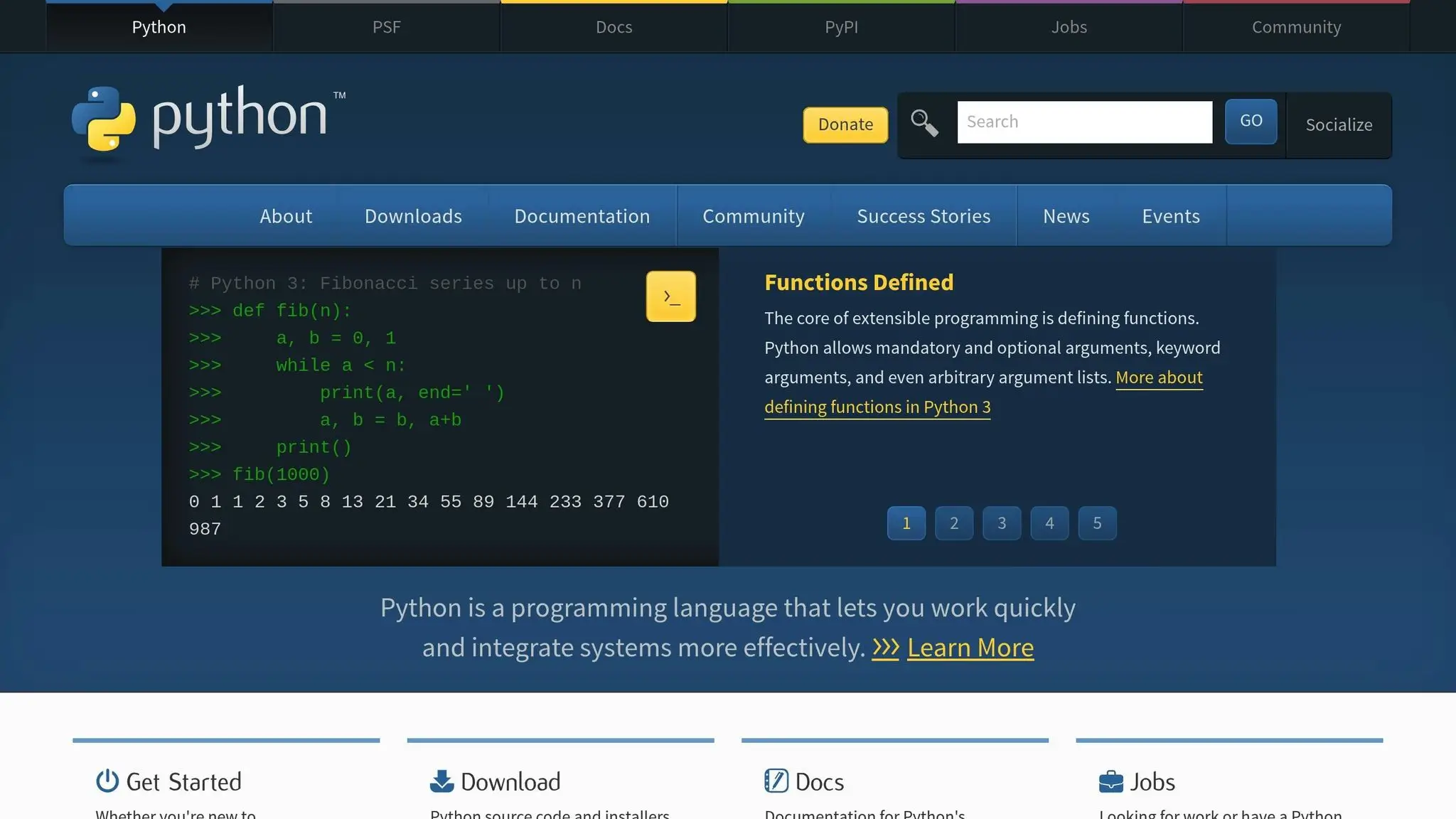
Python is a great choice for creating homework reminder bots, even for beginners. Libraries like schedule and plyer make it easy to build functional bots.
Start by installing these libraries with:
pip install schedule plyer

The schedule library handles timing and recurring reminders, while plyer enables pop-up desktop notifications on platforms like Windows, macOS, and Linux [7,9].
Here’s how it works: you define a function to trigger notifications, schedule reminders using schedule, and run the bot in a loop to keep it active. The datetime module is also helpful for formatting dates and times in the familiar MM/DD/YYYY format often used in the U.S..
For example, you could program a bot to send a daily reminder at 3:00 PM for after-school homework or set a weekly alert for Sunday evenings to check on upcoming project deadlines. Notifications might read something like: “Math homework due tomorrow at 8:00 AM” or “Review science project progress every Tuesday at 6:00 PM.” Once set up, the bot runs in the background, ensuring you never miss a task.
If text-based coding feels too advanced, there’s an alternative: Scratch.
Using Scratch for Visual Programming
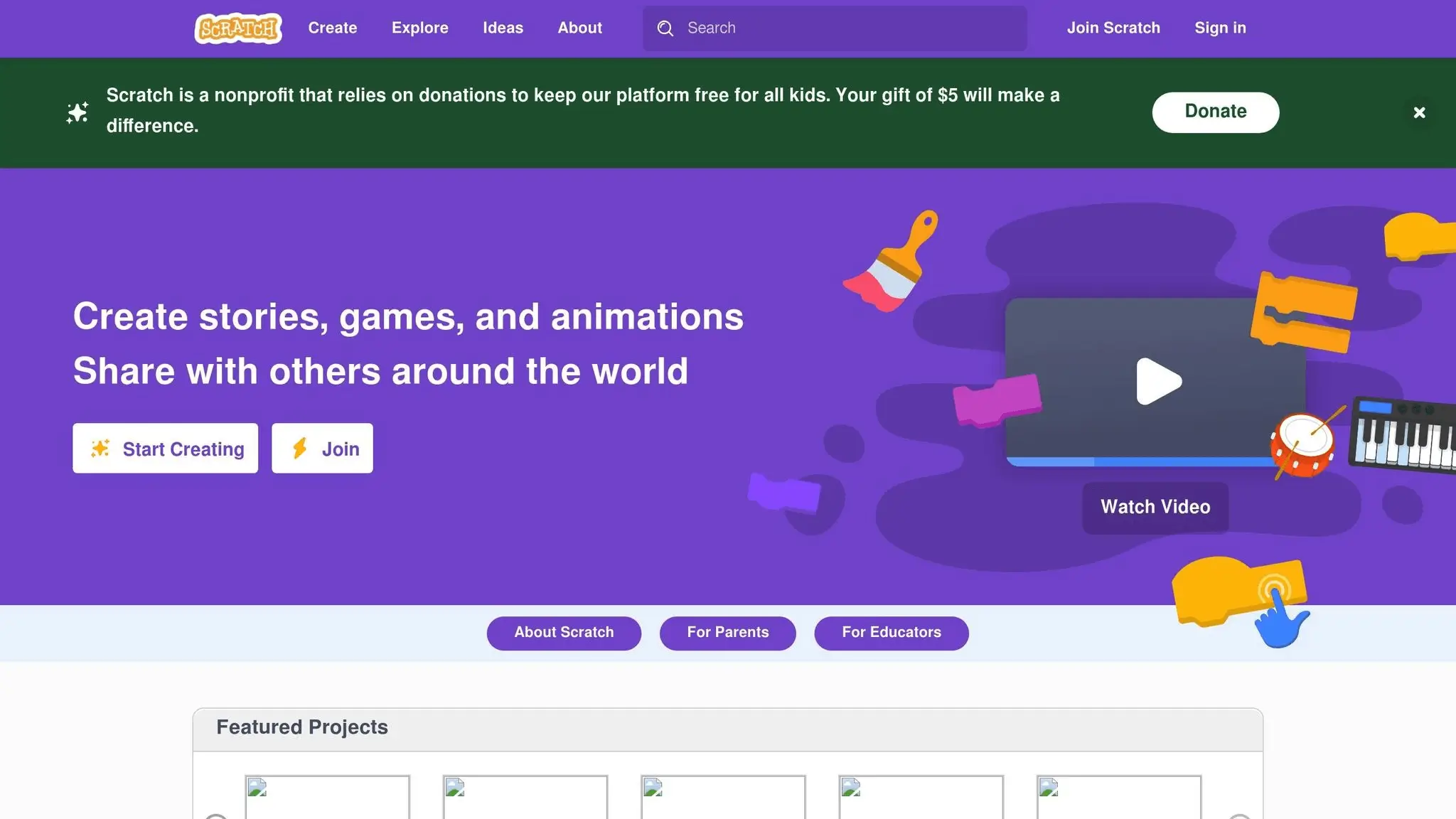
Scratch offers a beginner-friendly, visual way to explore programming concepts – perfect for younger learners. Its drag-and-drop interface allows kids to create simple automated reminders while learning the basics of coding.
For instance, kids can design a virtual homework planner where clicking on a specific day reveals tasks, or they can create a character that announces reminders at set times. Using Scratch, children learn key programming ideas like loops, conditionals, and variables in an engaging and approachable way.
While Scratch projects may not have all the features of a Python-based bot, they serve as a great introduction to programming and help build confidence for more advanced tools later on.
Learning Benefits of Coding AI Tools
Creating reminder bots in Python or Scratch isn’t just about building useful tools – it’s also about developing critical skills. Programming these bots encourages logical thinking, creativity, and problem-solving.
The process of testing and debugging teaches resilience and adaptability, skills that are valuable in many areas beyond coding.
For a structured learning path, platforms like CodaKid offer courses in Python and AI development. These programs guide students step-by-step, helping them progress from basic coding principles to more advanced projects. Starting with something as simple as a reminder bot can spark a passion for programming, inspiring kids to take on increasingly complex challenges as their skills grow.

Best Practices for Homework Reminders with AI
Using AI-powered reminders effectively can make a big difference in managing homework. The trick is to ensure these tools align with your family’s daily flow rather than disrupting it.
Making Reminder Notifications More Effective
Craft reminders that are clear and actionable. For example, instead of a vague “Do your math homework”, try something like “Complete math worksheet pages 15-17.” This leaves no room for confusion and helps students jump right into the task without extra guesswork.
Timing matters, too. Set after-school reminders for about 30–45 minutes after your child gets home. This gives them a chance to unwind while still keeping homework fresh in their minds.
Don’t overlook the tone and style of your notifications. Phrases like “Time to tackle that history project!” feel more encouraging than commands like “Do your homework now.” Adding emojis or using your child’s name can make reminders feel friendlier and less robotic.
Also, think about how your family prefers to receive notifications. If your evenings are usually calm, use soft chimes or vibrations instead of loud alerts. For visual learners, pop-up notifications with clear text are often more effective than audio-only reminders.
Lastly, make sure your reminders fit naturally into your daily schedule rather than interrupting it.
Balancing Reminders with Daily Life
Homework reminders should make life easier, not more stressful. Keep it simple with one well-timed notification and, if necessary, a gentle follow-up. Bombarding kids with too many alerts can lead to “reminder fatigue”, where they start ignoring all notifications.
Take your family’s extracurricular activities into account. For instance, if Tuesday nights are packed with soccer practice and dinner, set earlier reminders or shift study time to a less hectic day. Tools like Google Assistant or Alexa can handle different schedules for different days.
Don’t forget to adjust for weekends and holidays. During school breaks, consider turning off daily reminders to give everyone a breather. If there’s a big project due, you can keep those reminders active but reduce how often they pop up.
Adjusting Reminders for Changing Schedules
Once your reminder system is up and running, tweak it as schedules and academic demands evolve. Check in every few weeks to make sure it’s still working for your family.
Seasonal changes are a big factor. During exam periods, you might need more frequent reminders or earlier study sessions. On the flip side, when the workload is lighter, scaling back notifications can help avoid unnecessary interruptions.
Tailor reminders to specific subjects, too. Math might be best tackled right after school when focus is sharp, while creative writing could be saved for quieter evening hours. Pay attention to what works best for your child and adjust accordingly.
Major schedule shifts – like switching from in-person to remote learning or starting a new semester – call for a complete review of your reminder setup. What worked last semester might not fit the new routine, especially if homework loads or class times have changed.
Your system should also be flexible enough to handle unexpected changes. Whether it’s a family emergency, illness, or special occasion, you should be able to pause or modify reminders quickly without losing all your settings.
Regularly updating your reminder system and discussing its effectiveness with your child ensures these tools remain helpful. The goal is to keep them as a support system rather than a source of frustration.
Conclusion
AI-powered homework reminders are transforming how students stay organized and manage their time. Tools like Google Assistant, Amazon Alexa, AI-enhanced task management apps, and even custom coding projects make it easier for students to keep track of assignments and deadlines.
Beyond the convenience, these tools help kids develop critical life skills. By using AI to organize their tasks and set reminders, students learn how to prioritize their work, schedule study time, and balance school with personal activities. These are lessons that go far beyond just completing homework.
Encouraging kids to create their own reminder systems takes things a step further. This hands-on experience not only boosts their engagement but also builds digital skills and confidence. It’s a practical way to make technology feel accessible and relevant, which can even spark an interest in STEM fields.
Students who use AI planners and reminders often report fewer missed deadlines, less stress, and a stronger sense of control over their schedules. In fact, they frequently accomplish more throughout the day.
A 2023 Pew Research Center survey found that over 60% of U.S. households with children use smart assistants or AI-powered apps for educational support.
To get started, it’s best to keep things simple. Introduce one or two tools and let everyone ease into the system. The key is to ensure these tools fit naturally into your family’s routine rather than disrupting it.
Early exposure to AI tools not only helps students stay on top of their schoolwork but also builds digital literacy. These skills will be invaluable as they face future academic and career challenges, where managing time and navigating technology will be essential.
FAQs
How can I make sure AI homework reminders are helpful and not overwhelming for my child?
To keep AI homework reminders useful and not a source of stress for your child, begin by tailoring the notification settings to fit their daily routine. Focus on key moments, like sending reminders after school or shortly before assignments are due, to avoid overwhelming them with constant alerts.
Take time to regularly review the system with your child. This allows you to fine-tune the settings together, ensuring the reminders align with their needs and habits. Encourage your child to take charge of managing these notifications – this not only helps them stay organized but also fosters a sense of independence and responsibility. Finding the right balance is key to making these reminders a helpful tool rather than an added pressure.
What are the advantages of teaching kids to create AI-powered homework reminder bots using Python or Scratch?
Teaching kids how to create AI-powered homework reminder bots using Python or Scratch offers a great mix of learning and fun. Scratch is a fantastic starting point for younger learners, thanks to its visual, drag-and-drop interface. It helps kids explore coding concepts while boosting creativity, problem-solving, and computational thinking in an approachable way.
For those ready to dive a little deeper, Python is an excellent choice. It’s beginner-friendly yet powerful enough to build practical projects. Through Python, kids can develop logical thinking skills and gain a clearer understanding of how AI works.
Working on these bots does more than just teach coding. It sharpens critical thinking, improves time management, and encourages hands-on learning. Plus, it’s a fun way to prepare kids for a future shaped by technology.
How can AI-powered apps make homework tracking easier and more effective?
AI-powered task management apps do more than just send reminders. They come packed with intelligent features like task prioritization, automatic scheduling of deadlines, and adjustments for shifting plans. These tools are designed to keep students on top of their workload by breaking assignments into smaller, actionable steps and recommending the best times to tackle them.
On top of that, AI offers customized insights into productivity and learning patterns, helping students monitor their progress and refine their time management skills. With real-time updates and notifications, these apps make keeping track of homework simpler and more engaging for students.