Artificial Intelligence (AI) is reshaping education, and for homeschooling families, it offers tools to enhance learning at no cost. This article explores seven free or low-cost AI-powered activities tailored to homeschoolers:
- CodaKid: Offers a 14-day free trial with coding courses for ages 7–18, teaching real programming languages like Python and JavaScript.
- Khanmigo by Khan Academy: An AI tutor using GPT-4 to guide learners through problem-solving in various subjects for $4/month.
- Google AI Experiments: Free, interactive browser-based tools for STEM, music, and history activities suitable for all ages.
- Scratch: A block-based coding platform for ages 6–10, introducing kids to programming and AI concepts.
- DALL-E 3 and MidJourney: AI art generators for creating visuals; DALL-E offers free access, while MidJourney starts at $10/month.
- Minecraft Education Edition: Game-based learning with AI-focused lessons; costs $36/year per user.
- Quizlet AI Practice Test Generator: Free and premium options for personalized test preparation, improving retention and understanding.
These tools cover a range of subjects, from coding and art to problem-solving and test prep, making them ideal for preparing children for an AI-driven world.
Quick Comparison (Best Free AI Activities)
| Tool | Age Range | Key Features | Cost |
|---|---|---|---|
| CodaKid | 7–18 | Coding courses, real programming languages | Free 14-day trial |
| Khanmigo | All ages | AI tutor for math, coding, and more | $4/month |
| Google AI Experiments | All ages | Interactive STEM and creative tools | Free |
| Scratch | 6–10 | Beginner-friendly block coding | Free |
| DALL-E 3 | 13+ | AI-generated art from text prompts | Free (limited) |
| MidJourney | 13+ | Advanced AI art creation | $10/month+ |
| Minecraft Education | All ages | Game-based AI lessons | $36/year per user |
| Quizlet AI | 13+ | Test generator with flashcards | Free or $44.99/year |
These activities combine learning with fun, offering homeschoolers a range of resources to explore AI concepts and skills.
Table of Contents
The Easiest Way To Run Local AI (Free)
1. CodaKid Free AI and Coding Resources

What sets CodaKid apart is its use of real programming languages and professional tools instead of simplified, block-based systems. Students work with Python, JavaScript, Java, Lua, C#, HTML, CSS, and Arduino, tackling hands-on projects that result in functional games, mods, and applications. This practical learning approach equips kids with skills they can apply in real-world scenarios.
CodaKid’s quality is backed by recognition as a CODiE Finalist for Best Coding and Computational Thinking Solution and a Parents’ Choice Gold Award winner. Their trial provides a great opportunity to explore a curriculum that evolves with your child’s abilities.
Age Suitability
CodaKid’s courses cater to kids and teens ages 7–18, with AI-specific content designed for those 8 and older. The curriculum accommodates a wide range of skill levels, offering beginner-friendly lessons while challenging more advanced learners. Younger children can start with visual programming before progressing to text-based coding.
Engagement Level
The platform keeps students motivated through game-based learning, incorporating popular titles like Minecraft and Roblox. Kids can create custom Minecraft mods, design Roblox games, and build AI-powered projects to share with others.
Parents often praise the platform’s engaging approach. Christy Lynn, a homeschooling parent, shared:
“This has been a great addition to our home school curriculum! My son loves spending time in the program and even jumps back in after school when he’s finished his other work. The response to help requests is always immediate and they do a great job finding and explaining the issues he may be having.”
Educational Value
CodaKid emphasizes teaching professional-grade programming languages and tools to ensure students develop skills that are directly applicable to academic and career opportunities. The curriculum includes structured video lessons, project-based learning, and access to an unlimited help desk. By working on real projects – such as game mods, websites, and AI applications – students not only reinforce coding concepts but also build a portfolio of work.
Accessibility (Best Free AI Activities)
CodaKid’s 14-day trial and free introductory 1:1 lesson allow families to explore the platform’s full range of resources, including video tutorials, project files, and help desk support. For those seeking a tailored experience, students can work directly with instructors to find the best fit for their learning style.
Parents appreciate the platform’s flexibility and support. Ci Tro, another parent, shared:
“My 12 year old loved their Minecraft programming course. It kick-started his interest in computer science. A huge plus for busy parents is the outstanding and swift support from CodaKid. No frustrating long deadlock, but friendly, competent help to keep the kids going and exploring. Brilliant!”
With its user-friendly design and robust support system, CodaKid is an excellent option for homeschoolers, especially for parents without technical expertise.
2. Khanmigo by Khan Academy
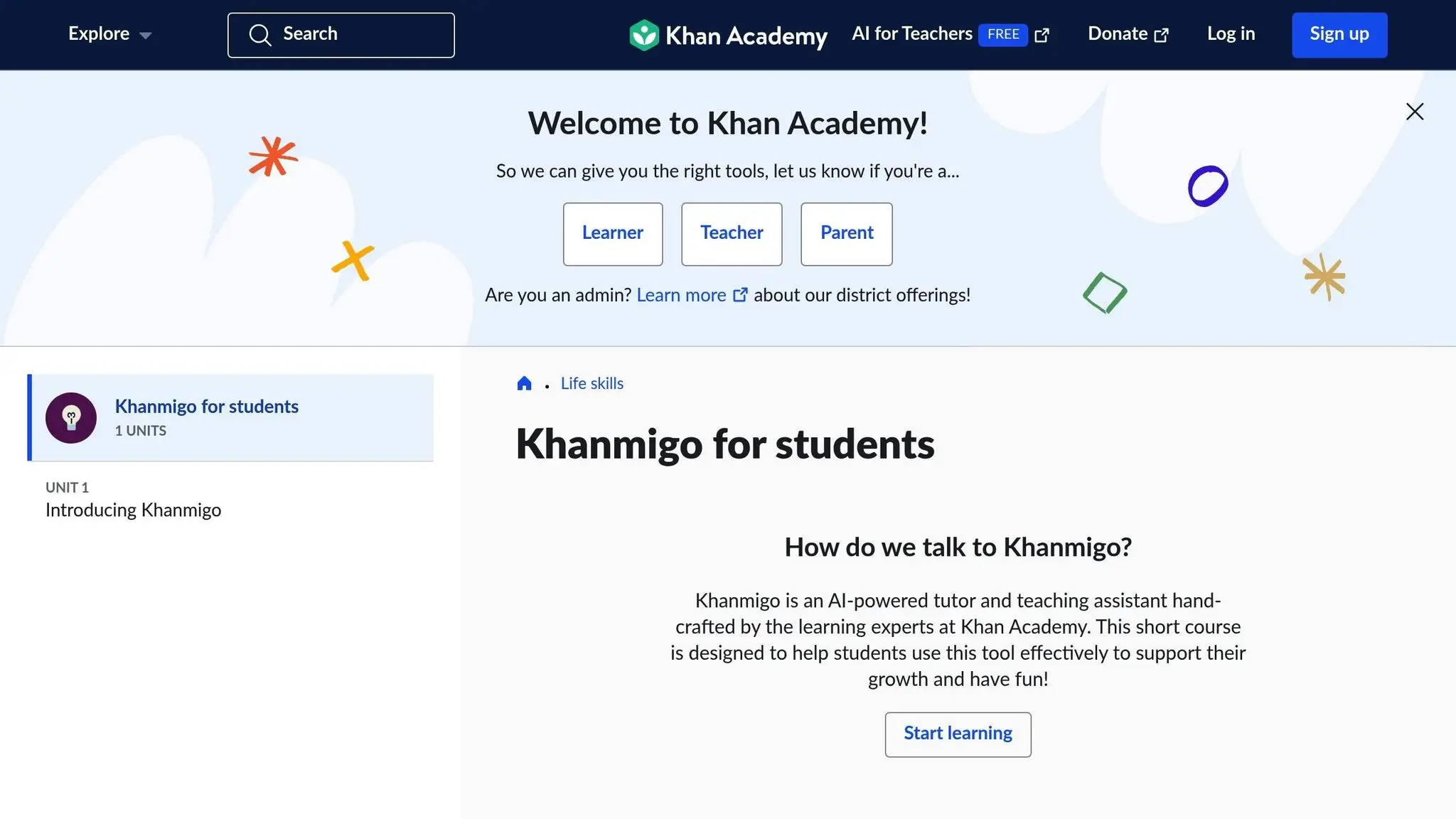
Khanmigo is Khan Academy’s AI tutor powered by GPT-4, designed to enhance learning by encouraging students to think critically and solve problems independently. Instead of simply handing out answers, it uses guided questions and hints to help students uncover solutions on their own.
Khanmigo provides tailored tutoring in a variety of subjects, including math, science, coding (JavaScript, HTML, Python, SQL), history, and humanities. Developer Dani Guardiola shared his enthusiasm for the platform:
“Khanmigo, the GPT-4-powered chatbot by @khanacademy, has been blowing my mind. It’s SO good! It will walk you through the solution and ask questions so you can work it out yourself rather than just get the answer.”
Age Suitability
Khanmigo is designed for learners ranging from elementary school to college, making it a great fit for homeschool families. For students under 18, a parent or guardian must register to provide access, and one account can accommodate up to 10 children. This flexibility makes it an excellent addition to diverse homeschooling programs.
Engagement Level
The platform keeps students interested with interactive features and instant feedback that encourage deeper learning. It also incorporates gamified elements like customizable avatars and collectible hats to make learning fun. Plus, with speech-to-text and text-to-speech capabilities, verbal interaction is possible – an excellent option for auditory learners.
Educational Value
What sets Khanmigo apart is its focus on guiding students through solving problems rather than just giving the answers. This approach helps build independent problem-solving skills. Katie, a homeschooling parent, shared her experience:
“It has completely revolutionized our homeschool. It is perfect for a family that asks ‘why’ constantly. It is so much more time-efficient than trying to piece together intelligent answers from many sources.”
The platform has also shown improvements in accuracy, particularly in advanced math, where error rates have dropped from 6–7% to around 3%.
Accessibility (Best Free AI Activities)
For homeschool families, Khanmigo is available at $4 per month or $44 annually, helping to offset the cost of GPT-4 technology while keeping Khan Academy’s main content free for everyone. Teachers, on the other hand, can use Khanmigo at no cost, thanks to a partnership with Microsoft.
3. Google AI Experiments
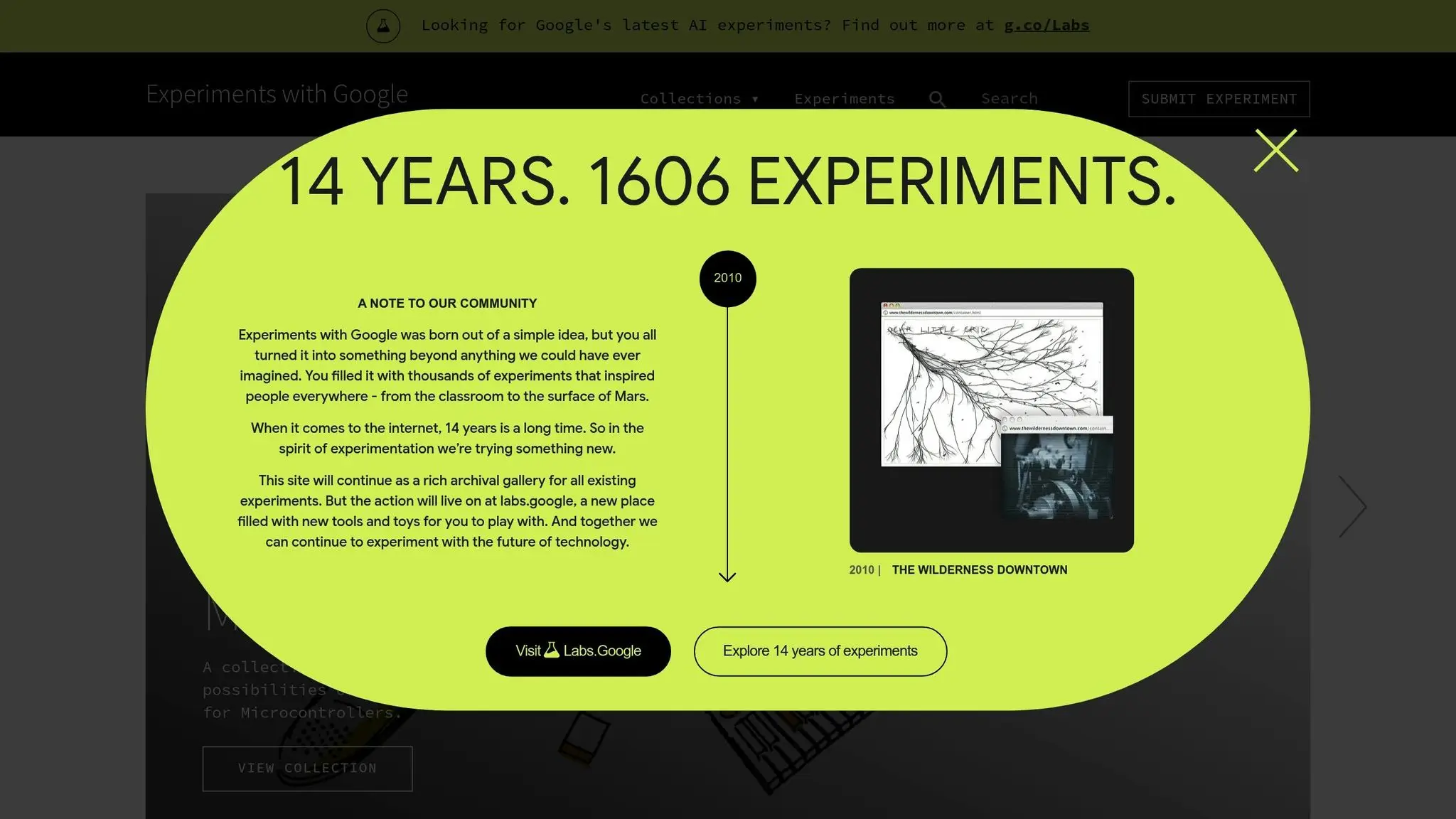
Google AI Experiments provides a collection of free, browser-based tools designed to introduce artificial intelligence in fun and interactive ways. From music creation to exploring space, the platform features 1,606 experiments developed over 14 years. These activities are suitable for learners of all ages, blending entertainment with education.
Age Suitability
The platform accommodates a broad age range, from elementary students to high schoolers. Younger kids can dive into playful tools like Quick, Draw!, where a neural network guesses their doodles, or Kids Stories AI, which creates personalized, interactive stories using photos of their toys. For older students, there are more advanced options like Teachable Machine, a tool that allows users to create machine learning models without any coding experience. Additionally, the Experiments for Learning collection offers resources tailored for teachers, parents, and students learning at home.
A study conducted in September 2025 with 60 students from Chicago revealed that those using Learn Your Way performed better than those using traditional digital readers, scoring 9% higher on immediate tests and 11% higher on retention assessments.
Engagement Level
These experiments keep students engaged with their interactive, game-like approach. For instance, Blob Opera lets users control four AI-powered voices to create music, while Access Mars offers a virtual exploration of the Martian surface. Another popular tool, Say What You See, helps students develop prompting skills and improve their ability to interpret images.
Educational Value
The tools span a wide range of subjects, reinforcing STEM skills, creativity, and an appreciation for history and culture:
- STEM Learning: Tools like Pattern Radio: Whale Songs analyze humpback whale recordings using AI, and Big Bang AR provides an immersive journey through the origins of the universe.
- Music and Creativity: Chrome Music Lab features tools like Song Maker and Assisted Melody, while GenType generates AI-created alphabets.
- History and Culture: Explore ancient Egyptian hieroglyphs with Fabricius, take interactive audio tours with Talking Tours, or delve into the British Museum’s collection through The Museum of the World.
The impact is clear: in the Learn Your Way study, all participating students reported feeling more confident during assessments, and 93% expressed interest in continuing to use the tool.
Accessibility (Best Free AI Activities)
Google AI Experiments are entirely free and work directly in web browsers, making them highly accessible for homeschool families. As Google Labs explains:
“Google Labs provides a range of tools and toys that anyone from eligible countries can sign up and try.”
Most experiments are optimized for use on desktop PCs or Macs with Chrome, though many also function on tablets. For privacy-conscious users, tools in the Creatability collection handle image recognition locally in the browser, ensuring that personal images remain private. These free experiments, alongside other AI resources, offer an excellent way to enrich any homeschool curriculum.
4. Scratch AI Coding Tools
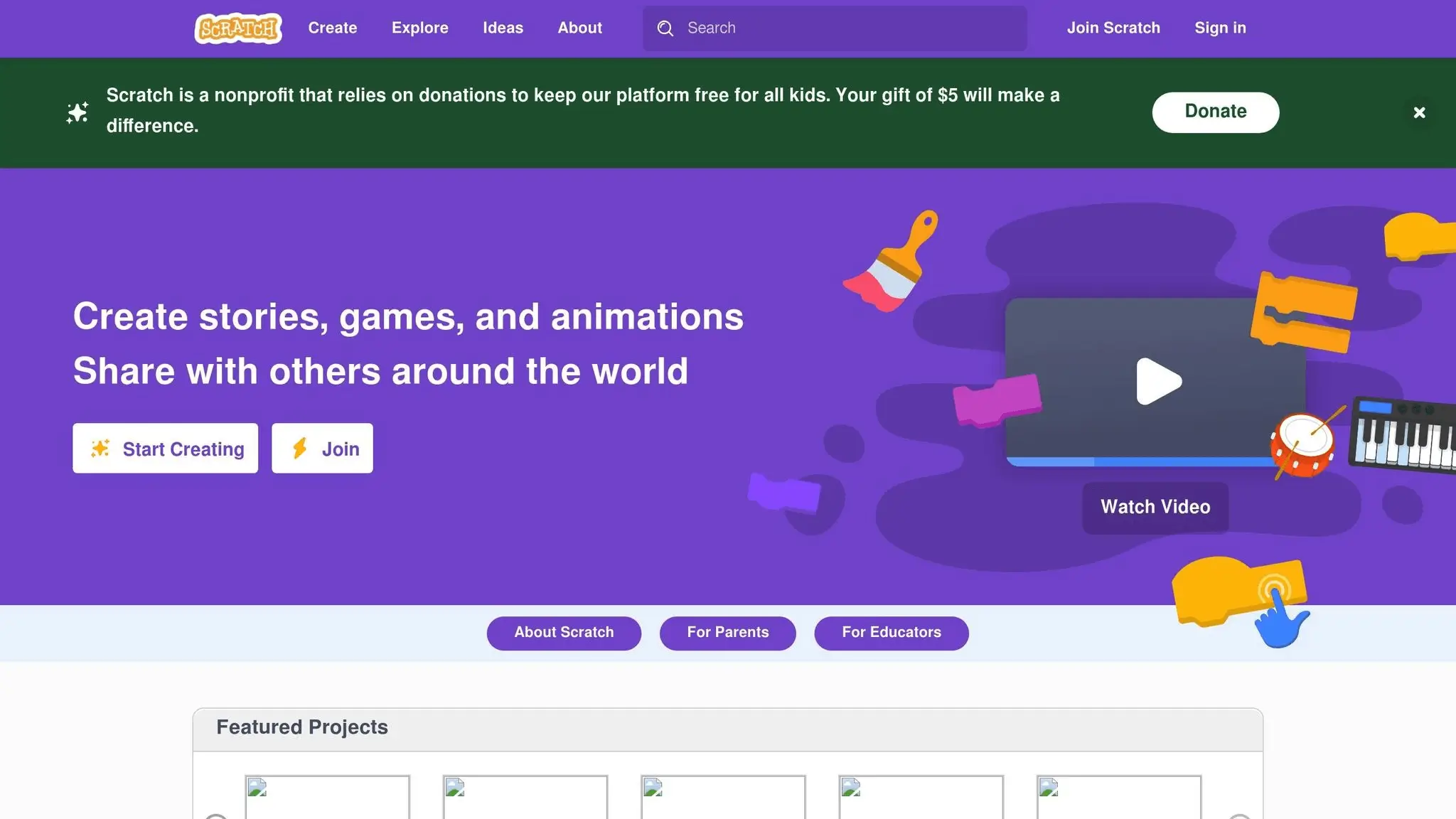
Scratch provides a fantastic entry point for young learners to dive into coding and AI concepts in an engaging, hands-on way. Developed by MIT Media Lab, this free, block-based programming platform eliminates the need for complex syntax, making it perfect for beginners.
Age Suitability
Designed with kids aged 6–10 in mind, Scratch focuses on teaching programming logic and basic AI principles without the frustration of syntax errors. Its visual, project-based setup allows children to learn at their own pace, making it a great fit for homeschooling. Students can explore freely, following their natural curiosity.
Engagement Level
Scratch’s AI tools empower kids to create interactive projects like games, educational tools, and stories that adapt to user input. The platform fosters creativity in a safe, playful environment where they can experiment with ideas. For instance, they might design a rock-paper-scissors game that responds to hand gestures, a virtual instrument that plays sounds based on object detection, or a quiz game that reacts to facial expressions.
Educational Value
Through AI extensions, Scratch introduces concepts like training data, predictions, input/output logic, and language processing. Tools such as Google’s Teachable Machine are seamlessly integrated. By working on projects like animated stories, voice-activated games, or interactive quiz bots, kids not only build STEM skills but also engage in creative, multidisciplinary learning.
Accessibility (Best Free AI Activities)
Scratch is free to use, works on tablets and computers, and requires no prior coding knowledge. Educators and parents can access a wealth of resources through the ScratchEd community for ongoing support. With its drag-and-drop interface, integrating AI extensions is simple and intuitive.
“Scratch is the most widely used beginner coding platform for children”.
Its user-friendly design and rich educational tools make Scratch a valuable addition to any homeschool program aiming to prepare kids for the future.
5. DALL-E and MidJourney AI Art Generators
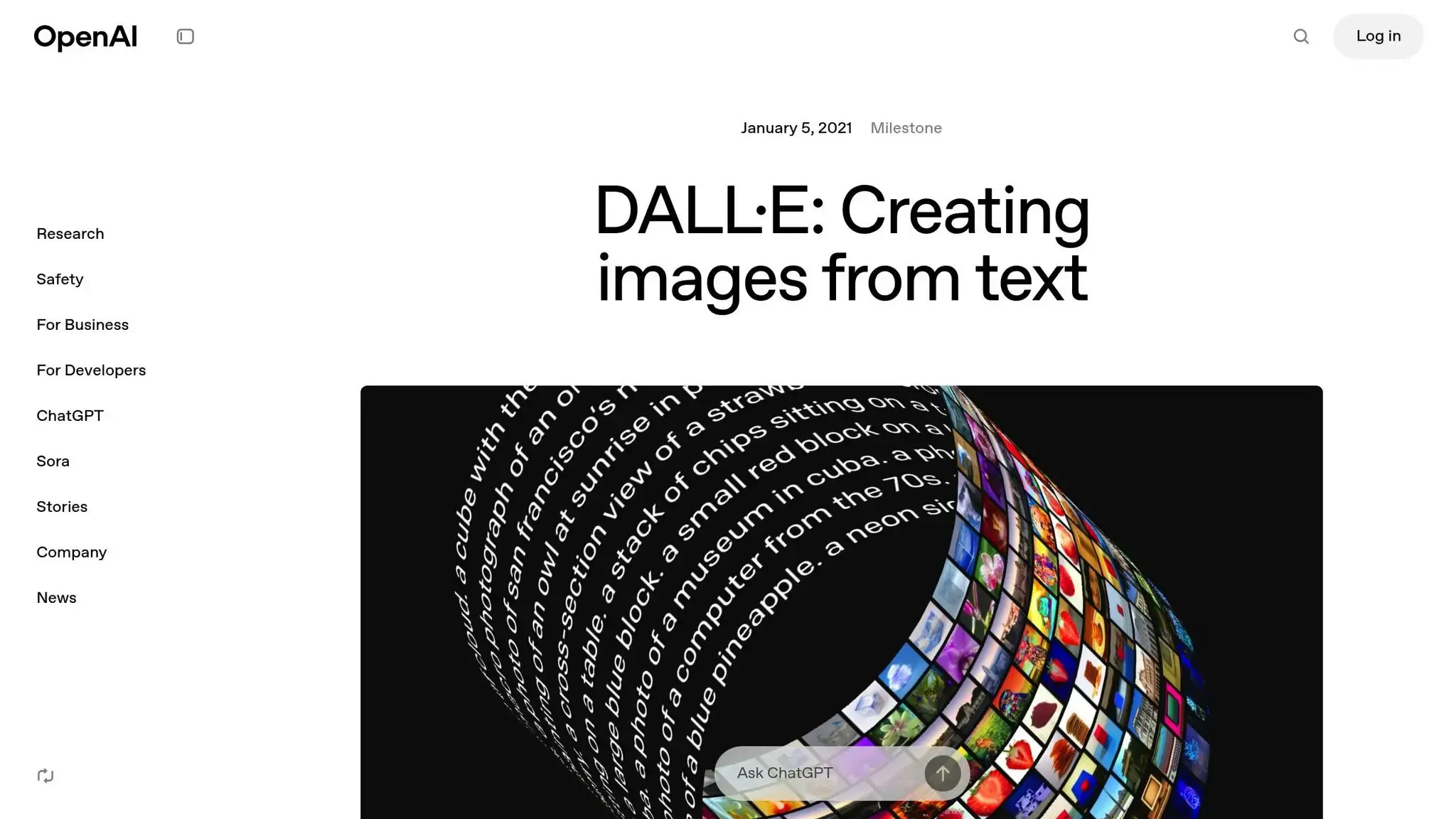
AI art generators open up exciting opportunities for homeschoolers to dive into visual storytelling, explore design ideas, and express their creativity – all by using simple text prompts. Both DALL-E 3 and MidJourney offer distinct features that can enrich educational experiences in unique ways.
Age Suitability
DALL-E 3 is a great starting point for younger learners. Its integration with ChatGPT provides a straightforward, conversational interface, allowing kids to describe what they want in plain English – no need for complicated commands or technical know-how. This simplicity makes it ideal for beginners exploring AI art for the first time.
On the other hand, MidJourney requires some familiarity with Discord, making it better suited for older students or those comfortable navigating slightly more technical platforms.
Engagement Level
The way these platforms engage users is another key difference. DALL-E 3’s conversational setup encourages real-time interaction. Students can tweak their image requests, add captions, or even create stories around their artwork, keeping the creative process dynamic and fun.
MidJourney stands out in its strong community focus. Its active online community fosters collaboration, with users sharing prompts, tips, and feedback. This sense of connection can be especially motivating for homeschoolers who thrive on peer interaction. It not only inspires creativity but also offers valuable learning opportunities through shared experiences.
Educational Value
Both tools bring distinct educational benefits to the table. DALL-E 3 excels at generating simple, clear visuals, making it perfect for creating infographics, diagrams, or educational posters.
MidJourney leans more toward creative exploration. It’s fantastic for producing concept art, fantasy scenes, and experimental designs, giving students a chance to delve into visual storytelling, character creation, and imaginative problem-solving.
Accessibility (Best Free AI Activities)
Accessibility is another area where these platforms differ significantly. DALL-E 3 leads with its free access through ChatGPT, allowing up to three images per day. Additional features are available with ChatGPT Plus for $20 per month, which increases daily image limits. Bing Image Creator also offers a limited free option, making DALL-E 3 a budget-friendly choice for many families.
MidJourney, however, doesn’t offer a free version or trial. Its Basic Plan starts at $10 per month (around 200 image generations), while the Standard Plan costs $30 per month and includes unlimited images in “Relax mode.” This pricing might be a hurdle for families working within tighter budgets.
| Feature | DALL-E 3 | MidJourney |
|---|---|---|
| Free Access | ✔ Up to 3 images daily via ChatGPT | ✘ No free version |
| Monthly Cost | Free or $20 (ChatGPT Plus) | $10–$120 (Basic to Mega plans) |
| Best For | Educational visuals, teaching tools | Concept art, creative exploration |
| Text in Images | Excellent integration | Often struggles with text rendering |
| Beginner Friendly | Very simple, conversational interface | Requires some prompt engineering |
“If you want the best and easiest-to-use AI image generator currently available, go with ChatGPT. While it doesn’t have as many customization options, you can still do a huge amount – and there’s no learning curve.”
- Harry Guinness, Zapier
For homeschooling families new to AI art, DALL-E 3’s free and easy-to-use features make it an accessible starting point. Meanwhile, MidJourney’s advanced artistic capabilities may appeal to older students or those ready for deeper creative challenges. Both tools empower students to visually express and communicate ideas, adding a creative layer to their educational journey.
6. Minecraft Education Edition
Minecraft Education Edition transforms the beloved game into a platform for learning, using its immersive gameplay to teach concepts like AI. This version is tailored for educational settings, offering structured lessons and activities that make complex topics more approachable.
Age Suitability
The AI Foundations program is designed to be accessible to learners of all ages, aiming to “spark curiosity for students of all ages”. For younger kids, it introduces basic AI concepts through visual storytelling and simple problem-solving. Meanwhile, older students can tackle deeper topics, such as AI ethics and its practical uses. The accompanying “AI Adventurers” video series is described as “fun for the whole family”, making it a versatile tool for both individual and group learning.
Engagement Level
Minecraft Education Edition uses game-based learning to create interactive experiences that keep students engaged. For instance, in the world “Reed Smart: AI Detective”, students explore issues like deepfakes and plagiarism. Another world, “Fantastic Fairgrounds”, dives into AI history, ethics, and even career paths. These scenarios encourage students to experiment, think critically, and solve problems, all within a safe and entertaining environment.
Educational Value
The AI Foundations program offers a well-rounded introduction to AI concepts and responsible usage. It includes hands-on lessons and themed worlds like:
- “AI for Earth”: Focuses on integrating computer science with AI.
- “Hour of Code: Generation AI”: Demonstrates how AI can be used to solve real-world problems.
- “CyberSafe AI: Dig Deeper”: Explores AI ethics, critical thinking, and data literacy.
These resources not only build a solid understanding of AI but also prepare students for future challenges in a tech-driven world. The “AI Adventurers” video series complements this curriculum by breaking down AI systems and showing practical applications, making it especially useful for homeschoolers seeking interactive and meaningful learning tools.
Accessibility (Best Free AI Activities)
While Minecraft Education Edition offers free lessons, worlds, and challenges once accessed, getting started does require an investment. Licenses cost $36 per user annually, with yearly costs ranging from about $168 for a single student to $756 for eight students. The setup process can be a bit tricky, as it involves creating an organization account through the Microsoft 365 Admin Center, setting up administrator credentials, and managing licenses.
There are more affordable options for access, such as charter school affiliations, which cost around $5 per user per year, or Outschool classes that include Minecraft Education Edition access in their fees.
| Access Method | Cost | Setup Complexity | Best For |
|---|---|---|---|
| Direct Purchase | $36/user/year + Microsoft 365 Business | High – requires business account setup | Independent homeschoolers |
| Charter School | ~$5/user/year | Low – managed by the school | Charter-affiliated families |
| Outschool Classes | Varies by class | Low – included in class fee | Guided instruction seekers |
7. Quizlet AI Practice Test Generator
Quizlet’s AI Practice Test Generator turns flashcards into personalized practice tests, making it a handy tool for homeschool families aiming to improve test preparation. It fits seamlessly alongside other AI tools in a homeschool curriculum, helping students get ready for exams.
Age Suitability
This tool works best for students aged 13 and older who can independently create and manage their accounts. For younger children, Quizlet has safety restrictions that prevent them from setting up their own accounts. In these cases, parents need to create the account using their email address and provide consent for their child. With parental assistance, younger learners can still use features like multiple-choice tests, but accessing written question formats requires additional parental confirmation through account settings.
Engagement Level and Educational Value
Quizlet’s AI Practice Test Generator offers a mix of question formats, immediate feedback, and timed settings to mimic real exam conditions. According to data, 94% of users report better grades, and 98% say their understanding has improved. These features help identify knowledge gaps and reinforce learning. By analyzing responses, the tool flags areas needing review, making it easier for students to focus on weak spots. A systematic review and meta-analysis also found that Quizlet positively impacts vocabulary achievement and retention, while slightly improving students’ attitudes toward learning. All of this makes Quizlet a practical addition to any AI-powered study toolkit.
Accessibility (Best Free AI Activities)
Quizlet is available on both web and mobile platforms, offering free access with limited features or a Plus subscription for more advanced options. The subscription costs $9.99 per month or $44.99 per year and unlocks unlimited practice tests, written questions, and other premium features. The app is highly rated, with 4.8 out of 5 stars from 282 reviews on the Apple App Store and 4.7 stars from 832,000 reviews on Google Play. Setting up an account is simple and only requires an email address.
| Access Level | Cost | Features | Best For |
|---|---|---|---|
| Free | $0 | Limited practice tests and basic study modes | Trying the platform |
| Quizlet Plus | $9.99/month or $44.99/year | Unlimited practice tests, written questions, and advanced features | Regular homeschool use |
Activity Comparison Table
Selecting the best free AI activities for your homeschool can feel overwhelming, but a clear comparison of options can make the process much simpler. Below is a table summarizing key details about various AI tools, including their features, age suitability, and any potential drawbacks. This quick reference aims to help you integrate these tools into your homeschool curriculum effectively.
Best Free AI Activities
| Name | Age Range | Key Features | Prerequisites | Potential Limitations |
|---|---|---|---|---|
| CodaKid Free AI and Coding Resources | 8–18 years | Self-paced courses using professional programming languages (Python, JavaScript), project-based learning, and certificates of completion | Basic digital literacy | Limited free content compared to paid plans; requires self-motivation |
| Khanmigo by Khan Academy | K–12 students | Personal AI tutor powered by GPT-4 offering step-by-step math problem solving, writing support, reading comprehension tests, and lesson planning | Khan Academy account | General AI limitations regarding accuracy and potential bias; requires fact-checking |
| Google AI Experiments | K–2 (for Quick Draw) and Middle–High School (for NotebookLM) | Interactive games such as Quick Draw and curated podcast summaries that promote critical thinking | Drawing capability (for some activities), curated sources for advanced features | Requires parent supervision for younger children; source vetting needed for NotebookLM |
| Scratch AI Coding Tools | Elementary school (before Grade 5) | Visual block coding that introduces foundational programming concepts with a beginner-friendly interface | Basic reading skills | Limited to block-based coding and may require transitioning to text-based languages later |
| DALL-E and MidJourney AI Art Generators | 13+ | AI-generated artwork from text prompts that encourages creative exploration and visual learning | Account creation, parental permission for users under 18 | AI models can include biases and inaccuracies; requires human oversight and ethical guidance |
| Minecraft Education Edition | Elementary to middle school | Game-based learning featuring collaborative projects and STEM integration | Minecraft Education license, compatible device, basic game navigation | Requires structured guidance to maintain educational focus |
| Quizlet AI Practice Test Generator | Not specified | Personalized practice tests with multiple question formats, immediate feedback, and progress tracking | Email for account creation, study materials | Parents may need to review and edit generated content for appropriateness and accuracy |
Summary
Across the board, most of the best free AI activities require internet access and basic digital skills. Age recommendations vary widely: for example, Google’s Quick Draw is ideal for younger learners, while tools like DALL-E and MidJourney are geared toward teenagers and older users due to their complexity and the need for ethical oversight.
Privacy and supervision are also important considerations. Generative AI tools, in particular, benefit from parental guidance to ensure that the content is both age-appropriate and accurate. Helping children understand the strengths and limitations of AI fosters critical thinking and responsible use of these technologies.
Free Options
While free options like CodaKid’s introductory resources and Khanmigo’s AI tutoring offer valuable learning opportunities, premium versions often unlock advanced features. For instance, CodaKid’s free tools provide a strong introduction to coding, while Khanmigo delivers personalized support without requiring a subscription.
Choosing the best free AI activities that align with your child’s age, interests, and developmental needs not only enhances learning but also builds essential skills for the future.
Conclusion
Adding these best free AI activities to your homeschool curriculum can help nurture critical thinking, problem-solving, and creativity – skills that are essential in today’s tech-focused world.
Ying Xu, Assistant Professor at Harvard Graduate School of Education, emphasizes this potential:
“There is the excitement that AI has the potential for personalized learning and to help students develop skills for this AI-driven society.”
The numbers back this up. Adaptive AI tools have been shown to improve test scores and engagement. In fact, the global education technology market, valued at $142.37 billion in 2023, is projected to grow to $598.82 billion by 2030.
These best free AI activities provide a personalized learning experience, tailoring lessons to each child’s pace and needs. This not only enhances academic performance but also fosters a deeper understanding of complex topics. Such a strong foundation can pave the way for future success, both academically and professionally.
Perhaps most importantly, these activities prepare kids for tomorrow’s job market. As LittleLit.ai explains:
“As artificial intelligence grows, so does the need for people who understand it. Kids learning AI for kids learning today can look forward to exciting careers in technology, science, and beyond.”
AI literacy is no longer optional – it’s a necessity. Starting with the best free AI activities is a practical way to introduce your children to AI concepts, helping them build the skills they’ll need to thrive in a tech-driven future. Be sure to guide their use of AI, encouraging them to fact-check content and understand the limitations of these tools. And don’t forget to balance AI-based learning with hands-on, non-digital activities to keep creativity and human connection alive. These best free AI activities can be a powerful addition to a modern and engaging homeschool program.
FAQs
What are some effective ways for homeschoolers to use AI tools like CodaKid in their daily learning?
Homeschooling can become more interactive and exciting by weaving AI tools like CodaKid into everyday lessons. CodaKid provides hands-on experiences in areas like coding, app creation, and AI-focused projects, helping students develop practical skills while keeping them engaged. These project-based activities inspire creativity and critical thinking, making complex AI concepts more approachable.
To get the most out of these tools, parents can set up regular sessions using CodaKid’s self-paced courses or virtual classes. This approach allows students to dive into subjects such as Python programming, AI development, and game design at their own speed, all while maintaining a consistent learning schedule. By integrating AI tools, homeschooling becomes a more dynamic and adaptable experience, customized to fit each student’s unique learning style.
What challenges might homeschoolers face when using AI tools, and how can they address them?
Homeschoolers might face a few hurdles when it comes to integrating AI tools into their learning routines. One common issue is the risk of becoming too dependent on these tools, which can interfere with building critical thinking and independent research skills. There are also valid concerns about data privacy and security, as well as the challenge of navigating AI technology when parents and students have limited knowledge of how it works.
To tackle these issues, AI should be seen as a supplement to traditional learning methods, not a substitute. Promote ethical and responsible use by setting clear boundaries and taking the time to learn the basics of AI technology. Parents and students can also explore professional resources or enroll in courses to boost their understanding and confidence in using AI tools effectively and safely.
How do tools like Google AI Experiments and Minecraft Education Edition help students build critical thinking and problem-solving skills?
AI-powered tools, such as Google AI Experiments and Minecraft Education Edition, provide students with interactive, hands-on learning opportunities that nurture their critical thinking and problem-solving skills. These platforms immerse students in activities that require them to analyze scenarios, think outside the box, and make informed decisions while tackling engaging projects or challenges.
Through tasks like building AI models, solving intricate puzzles, and working with data, these tools encourage deeper learning and help refine key cognitive abilities. Plus, they adjust to each student’s learning style, offering a more tailored and meaningful educational experience.