Table of Contents
Choosing a coding class for your child has become a more complicated decision than it was even a few years ago.
There are now hundreds of free websites, online academies, local coding centers, summer camps, and private tutoring programs to consider. Nearly all of them claim to prepare kids for the future, and an increasing number now advertise artificial intelligence classes.
The difficulty for parents is determining what these programs actually teach.
Some programs provide an excellent first introduction to computer science but are designed to be outgrown. Others provide a longer sequence that can take a student from block coding into Python, web development, game development, and AI. Some use live teachers, while others ask students to work independently and call for help when they get stuck.
AI has made these differences even more important. In our opinion, a modern coding program should still teach fundamentals such as variables, loops, conditionals, functions, and debugging. It should also show students how to use AI as a tool without becoming dependent on it.
I am David Dodge, founder and CEO of CodaKid. Before starting the academy, I worked in game development and contributed to projects for companies including Sony PlayStation and SEGA. Over the last decade, our team has helped thousands of families evaluate coding options and build longer-term learning paths for their children.
In this guide, I will take a close look at seven of the best-known coding and AI programs for kids. Since I founded one of the programs on the list, I will do my best to identify the strengths and downsides of every option, including CodaKid.
There is no one-size-fits-all solution. The best choice will depend on your child’s age, interests, experience, learning style, and long-term goals.
Quick Answer: Which Kids Coding and AI Program Is Best?
There is no single best coding and AI program for every child. Code.org is our top free starting point, Tynker is best for younger self-paced learners, CodaKid is best for a long-term coding and AI pathway, CodeWizardsHQ is best for a structured online small-group curriculum, Outschool is best for variety, Code Ninjas is best for an in-person coding community, and iD Tech is best for an immersive summer camp.
If your child is only beginning to explore coding, we generally recommend starting with a free option. If your child has already developed a strong interest and needs a program that can grow with him or her, curriculum depth, teacher access, project quality, and long-term progression become much more important.
Best Coding & AI Classes for Kids (2026): A Parent’s Guide
How We Evaluated These Programs
We compared each program using the factors that we believe matter most to families:
- age and experience level
- curriculum depth
- live instructor access
- project quality and creative freedom
- coding and AI instruction
- use of professional languages and tools
- long-term learning progression
- overall value for the type of student being served
Our assessments are based on publicly available curricula, program materials, and more than a decade of firsthand experience helping families choose coding programs. We also considered what happens after the introductory course, since many motivated students eventually need larger projects, text-based programming, more advanced tools, and individual feedback.
Editorial disclosure: I am the founder and CEO of CodaKid. I have included CodaKid because it is a major provider in this category and because its curriculum meets the criteria used in this guide. To help parents evaluate the comparison fairly, I have identified CodaKid’s primary downside and linked directly to every provider reviewed.
What Should You Look for in a Coding and AI Program?
Before comparing companies, there are a few questions that I recommend every parent ask.
Does the program match your child’s age and experience?
A seven-year-old who is learning how loops work should not be placed in the same type of program as a fifteen-year-old who wants to build a Python application.
For most younger students, visual block coding can be an excellent place to begin. It removes many of the spelling and syntax problems that make text-based programming frustrating for beginners. Once a student understands the fundamentals, however, he or she should have a path into text-based coding and more advanced projects.
Will your child build projects that match his or her interests?
In our eyes, making coding fun is still the number one rule.
Some students want to build a Roblox game. Others are interested in Minecraft, websites, mobile apps, robotics, or AI. If a program connects programming to something your child already enjoys, there is a much better chance that your child will stay motivated when the work becomes difficult.
We recommend looking for courses in which students build games, apps, websites, or other projects instead of spending all of their time completing disconnected exercises.
How much help will your child receive?
Some kids are excellent independent learners. They can watch a video, follow written directions, and troubleshoot problems on their own. Other students need a teacher who can ask questions, explain a difficult concept in a different way, or help solve a stubborn bug.
Parents should find out exactly what “teacher support” means. In some programs, an instructor teaches continuously. In others, students work on their own and raise their hands when they need help. Still others provide help through chat or occasional screen-share sessions.
Is there a clear path forward?
Many coding programs do a good job with the first ten or twenty hours of instruction. The larger question is what happens next.
If your child develops a real interest in computer science, can the program move into Python, JavaScript, web development, game development, AI, and larger portfolio projects? Or will you need to find another provider after the introductory material?
What does the program mean when it says it teaches AI?
An AI class might teach students how machine learning works, how to train an image-recognition model, how to write prompts, how to code with an AI assistant, or how to build an application that uses an AI model. These are very different experiences, and parents should not confuse a prompting class with a serious AI curriculum.
AI literacy is a starting point, not the finish line. Younger students should learn what AI can and cannot do, how to use it responsibly, and how to turn it into a tool for original projects. As students advance, the curriculum should add coding, APIs, data, interface design, debugging, and deployment. By high school, students in a top-notch program should be building AI-powered apps, full-stack software, websites, automations, and even early-stage startups.
I recommend asking what students will build, whether anyone outside the class will be able to use it, and how much of the work the student—not the AI—will understand and control. The standard should not be, “Can my child use AI?” It should be, “What can my child build with AI?”
Code.org / CodeAI: Best Free Coding and AI Program for Beginners
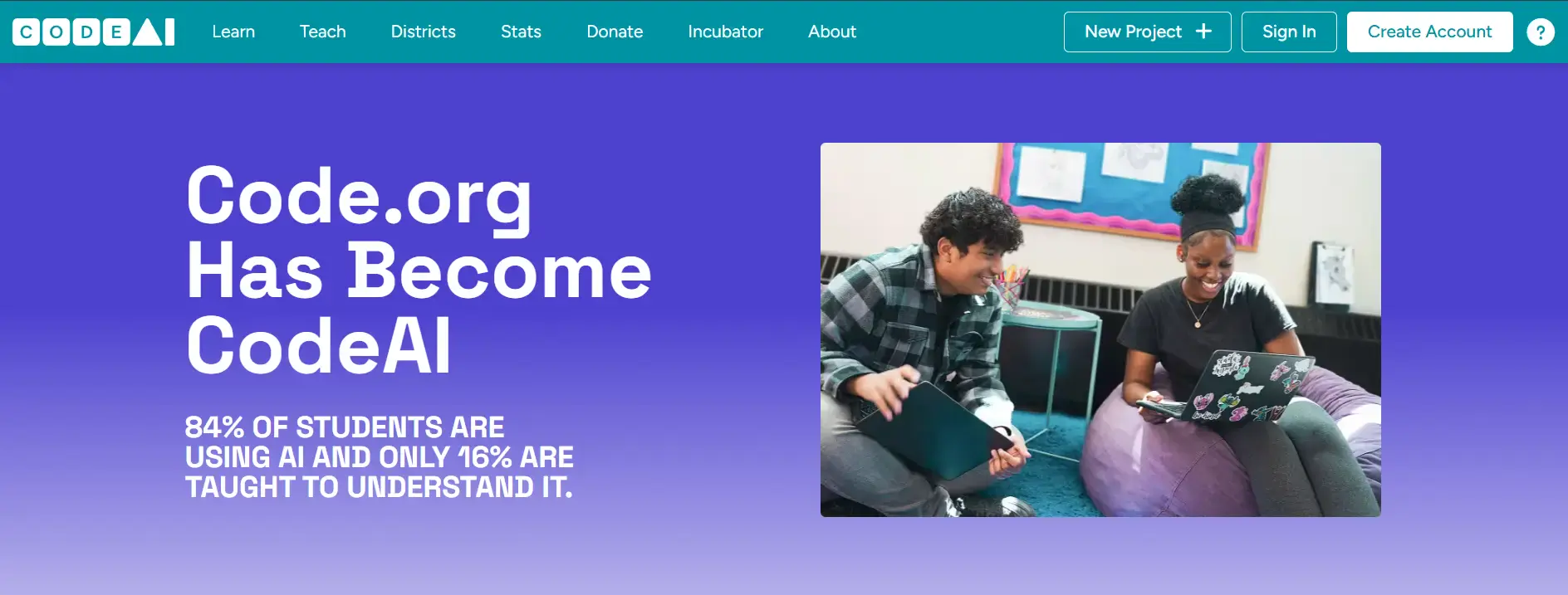
Code.org is one of the best places for children to receive a free introduction to computer science. If your child’s school offers coding, there is a good chance that it uses at least some Code.org lessons.
The platform was designed primarily for schools. Its lessons are carefully sequenced, easy for teachers to manage, and accessible to students with no previous experience. Code.org now offers material covering block coding, websites, apps, data, cybersecurity, and artificial intelligence. Its newer high school AI curriculum also gives students opportunities to write JavaScript and build web applications with AI.
The great strength of Code.org is that nearly any family can begin at no cost. Younger students can explore programming concepts through games and visual activities, while older students can move into more substantial computer science topics.
The downside is that Code.org is still a classroom platform designed to serve a very wide range of teachers and students. Children who become passionate about coding may eventually want more individual feedback, more freedom, and experience with specialized tools outside the Code.org environment.
Best for: Schools, beginners, and families that want to explore computer science before paying for a class.
Downside: Serious students may eventually need more specialized projects and individual instruction.
Tynker: Best for Younger Self-Paced Learners
Tynker is another well-known coding platform used by both schools and families. It offers a large library of self-paced lessons covering block coding, Python, JavaScript, Minecraft modding, game design, data science, and artificial intelligence.
One thing that Tynker does very well is make coding approachable for younger students. Its lessons are colorful, polished, and highly structured. Its partnerships with Minecraft and other popular brands can also provide extra motivation for kids who might find a traditional programming course boring.
Tynker is a good option for children who enjoy working independently and like to know exactly what to do next.
The downside is that many of the projects are heavily guided. Students may be solving challenges inside a world that has already been created for them rather than planning and building an original project from the ground up. This is not necessarily a problem for beginners, but it can become limiting as students gain experience.
Parents should also understand that a self-paced subscription is different from a live class. If your child frequently becomes stuck, loses focus, or needs accountability, the size of the course library may not matter as much as access to a good teacher.
Best for: Younger beginners who enjoy structured, self-paced, game-based learning.
Downside: Students may eventually want more creative freedom and live instruction.
CodaKid: Best Long-Term Coding and AI Pathway
CodaKid‘s goal is provide a longer-term pathway that begins with a child’s interests and gradually develops the skills to build real products. We do not view prompting or basic AI literacy as the end goal. We want students to become capable builders.
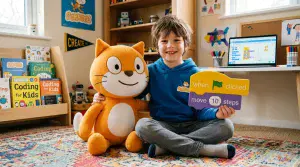
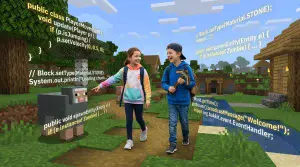
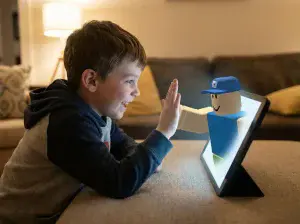
Students can begin with Scratch and other introductory courses before moving into Minecraft modding, Roblox development, Python, web development, Unity, Unreal Engine, JavaScript, and artificial intelligence. Over time, that foundation can lead to AI-powered apps, full-stack software, websites, games, automations, and startup projects. We use games and projects because we have found that students are more willing to work through difficult programming concepts when they care about what they are building.
Families can choose private online lessons or self-paced courses. Private students work with an instructor who can adjust the pace, ask questions, and provide help throughout the class. Self-paced students can work on their own schedule and receive support when they run into technical problems.
Our AI courses cover topics such as large language models, prompt engineering, generative media, AI ethics, and AI-assisted projects. We believe that students should learn to use AI, but we do not believe that prompting alone provides a computer science education. Students still need enough technical knowledge to understand a problem, test an answer, find errors, and improve the final product.
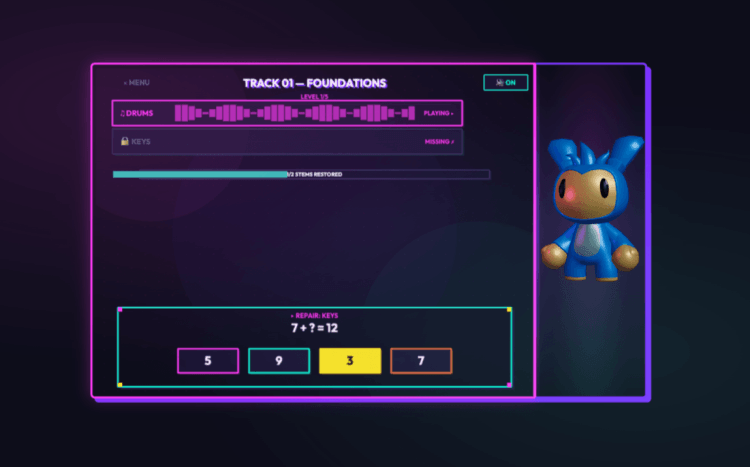
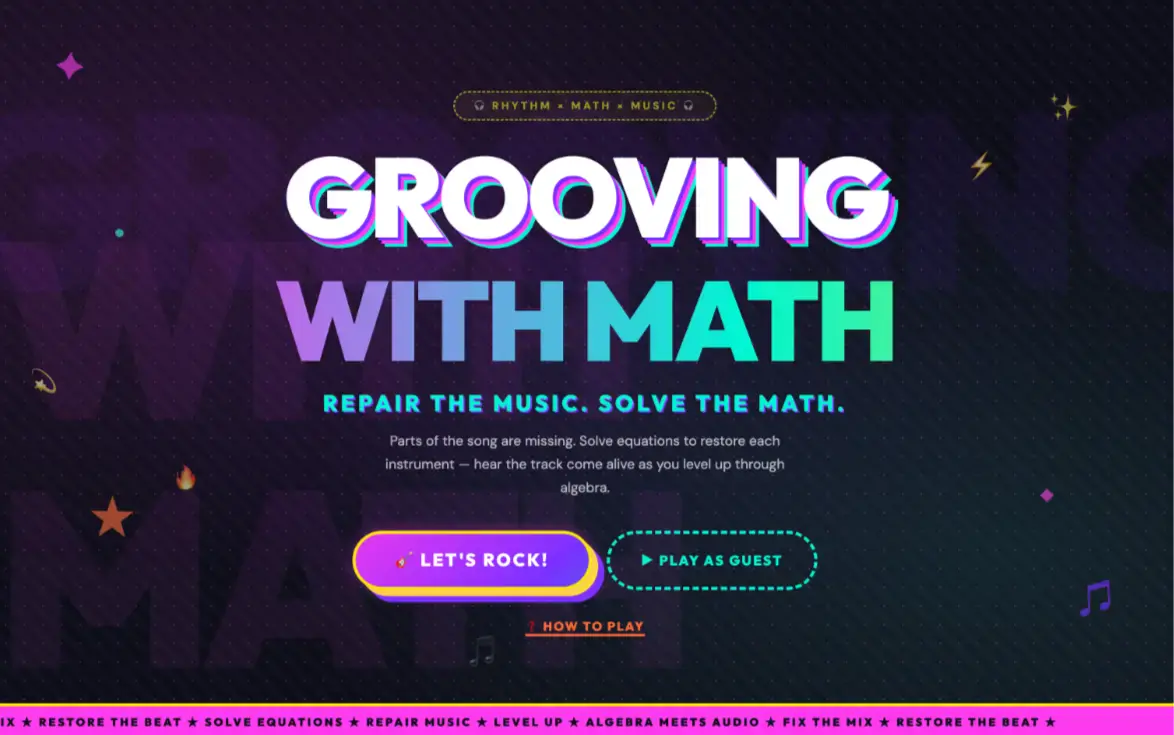
Driven by a passion for creativity, mathematics, and artificial intelligence, this 12-year-old student from Veritas Prep developed an original AI-powered educational game where players repair broken math problems. As each challenge is completed, the music is restored piece by piece, transforming math practice into an engaging, interactive experience that blends learning with creativity.
CodaKid is best suited to families that are looking for more than a short introduction. The downside is that private instruction is a premium service. If your child is only mildly curious about coding, we recommend starting with a free program such as Code.org or Scratch before making a larger investment.
A common CodaKid pathway begins with Scratch or another introductory course and then moves into a high-interest track such as Roblox development or Minecraft modding. As the student becomes more comfortable with programming, he or she can progress into Python, JavaScript, web development, game engines, or artificial intelligence. This allows children to begin with something familiar while gradually developing more transferable technical skills.
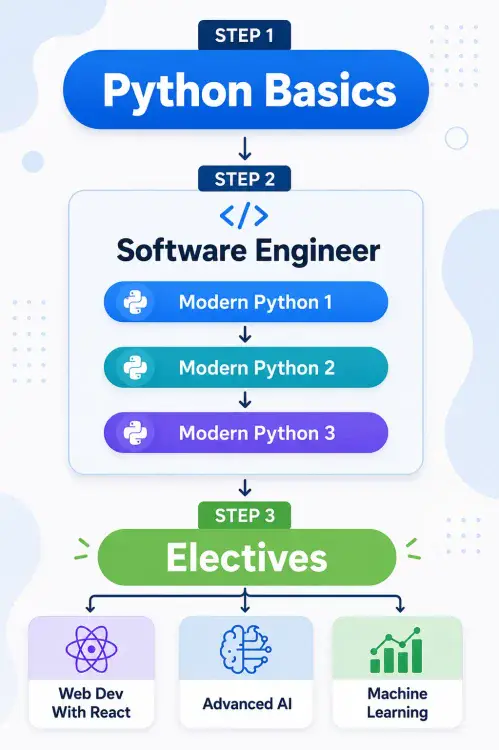
One important difference is that CodaKid families do not have to choose between a self-paced library and private instruction. Independent students can work through project-based courses on their own schedule, while students who need more feedback can work one-on-one with an instructor who adjusts the pace, asks questions, and helps troubleshoot bugs during class.
Best for: Families looking for private instruction or a long-term pathway through coding, game development, and AI.
Downside: Private lessons cost more than free platforms and self-paced subscriptions.
CodeWizardsHQ: Best Structured Small-Group Curriculum
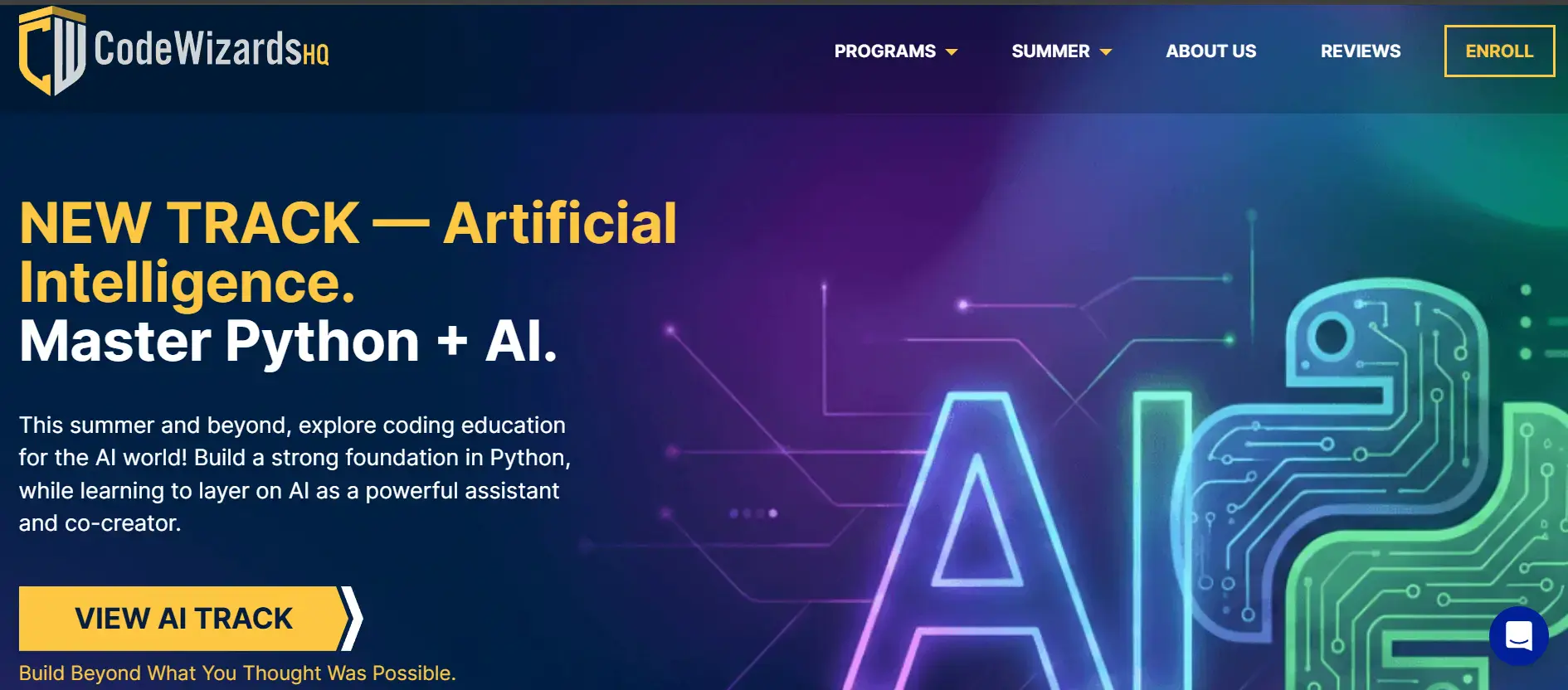
CodeWizardsHQ offers one of the most structured live online programs in the children’s coding market.
Its core curriculum is divided by age and moves sequentially through Scratch, Python, HTML, CSS, JavaScript, databases, APIs, and capstone projects. Live classes generally contain a small number of students, and families receive lesson recordings, progress information, homework help, and other support.
CodeWizardsHQ has also introduced a dedicated AI track for students ages 11 to 18. The track begins with Python fundamentals and progresses into machine learning, AI-powered web applications, and a capstone course.
We like that the curriculum has a clear order and that concepts introduced in early classes are reinforced later. This can be especially useful for families that do not want to assemble a computer science curriculum themselves.
The tradeoff is flexibility. Students spend much of their time inside the CodeWizardsHQ learning platform and follow a predefined sequence. A child who wants to focus specifically on Roblox Studio, Minecraft modding, Unity, or another specialized tool may prefer an academy that organizes its curriculum around those interests.
Best for: Families seeking a structured, teacher-led, small-group online curriculum.
Downside: The sequential program may be less flexible for children with a highly specific interest.
Outschool: Best for Variety and Niche Topics
Outschool is not a coding academy. It is an online marketplace where independent teachers and educational companies offer classes for children.
The selection is enormous. Parents can find classes in Scratch, Roblox, Minecraft, Python, JavaScript, web development, artificial intelligence, robotics, and nearly every other technology topic imaginable. Classes may meet once, run for several weeks, continue as an ongoing club, or provide one-on-one tutoring.
Outschool’s main advantage is flexibility. If your child develops an unusual or very specific interest, there is a good chance that you can find an instructor who teaches it. Parent reviews also make it possible to learn more about a teacher before enrolling.
The downside is that quality and curriculum vary from one instructor to another. One class may be exceptionally well organized, while another may provide little more than a supervised activity. Many courses are standalone experiences rather than part of a sequence that takes a student from beginner to advanced work.
We recommend reading reviews carefully, checking the teacher’s experience, and asking what students will complete by the end of the class. If you want a long-term program, find out whether the instructor offers a clear next course.
Best for: Families looking for flexibility, niche topics, or a particular teacher.
Downside: Quality and long-term progression vary by instructor.
Code Ninjas: Best In-Person Coding Community
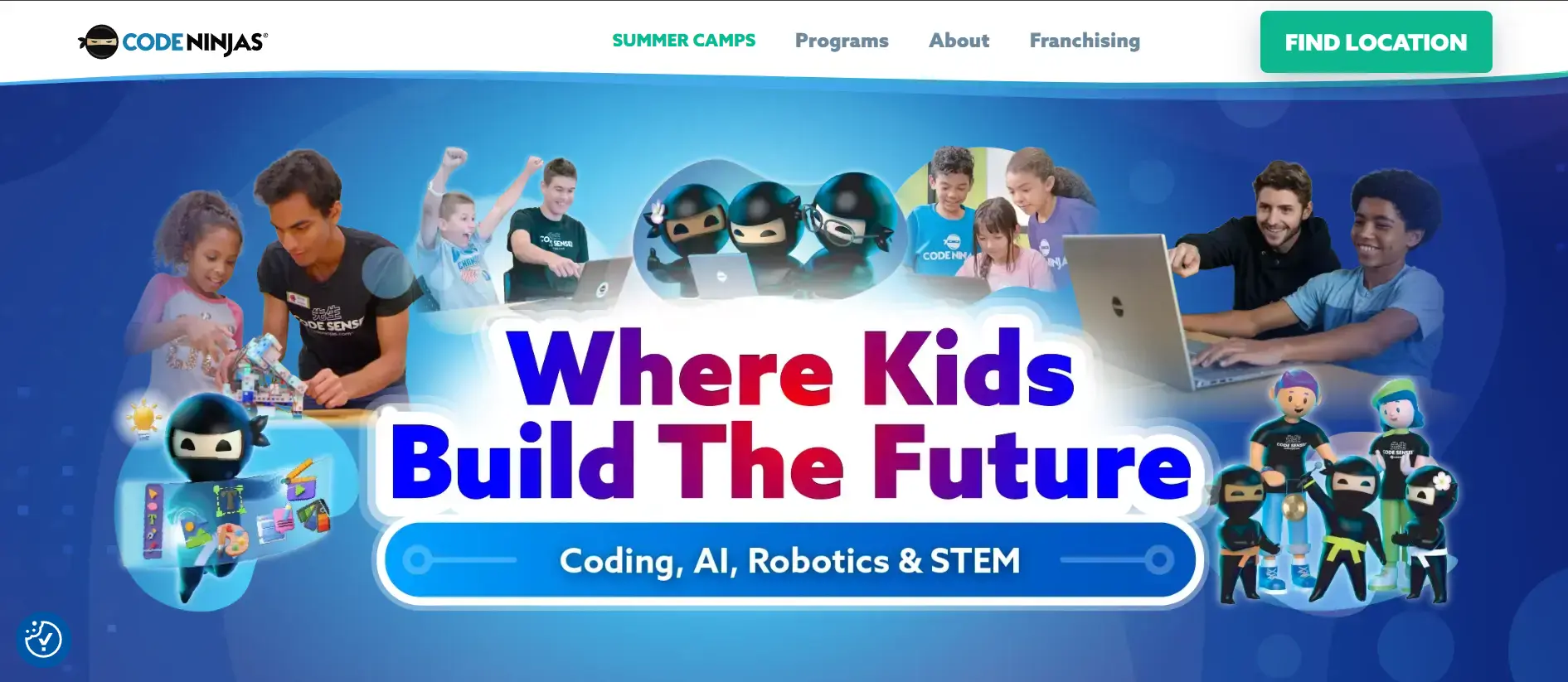
Code Ninjas is one of the largest in-person coding franchises for kids. Its centers, called dojos, use a martial arts-style belt system in which students earn new belts as they complete projects and develop their skills.
Many children enjoy the visible sense of progress. The in-person environment also gives students a chance to meet other kids who share their interest in coding and games. This can be a major benefit for a child who does not enjoy learning alone at home.
The instructional model is different from what some parents expect. Code Ninjas describes it as “self-paced, but not self-taught.” Students generally work through lessons at their own speed while instructors, called Code Senseis, circulate and provide help.
This approach can work well for independent students. In our opinion, children who need constant interaction, Socratic questioning, or a teacher who actively adjusts every lesson may do better with a more continuously instructor-led format.
Code Ninjas locations are independently operated, so the quality of the experience may vary. We recommend visiting your local dojo, meeting the staff, and observing how instructors interact with students before enrolling.
Best for: Families that want an in-person coding community and a flexible, self-paced program.
Downside: Instruction is primarily self-paced with teacher support, and the experience may vary by location.
iD Tech: Best Premium Summer Technology Camp
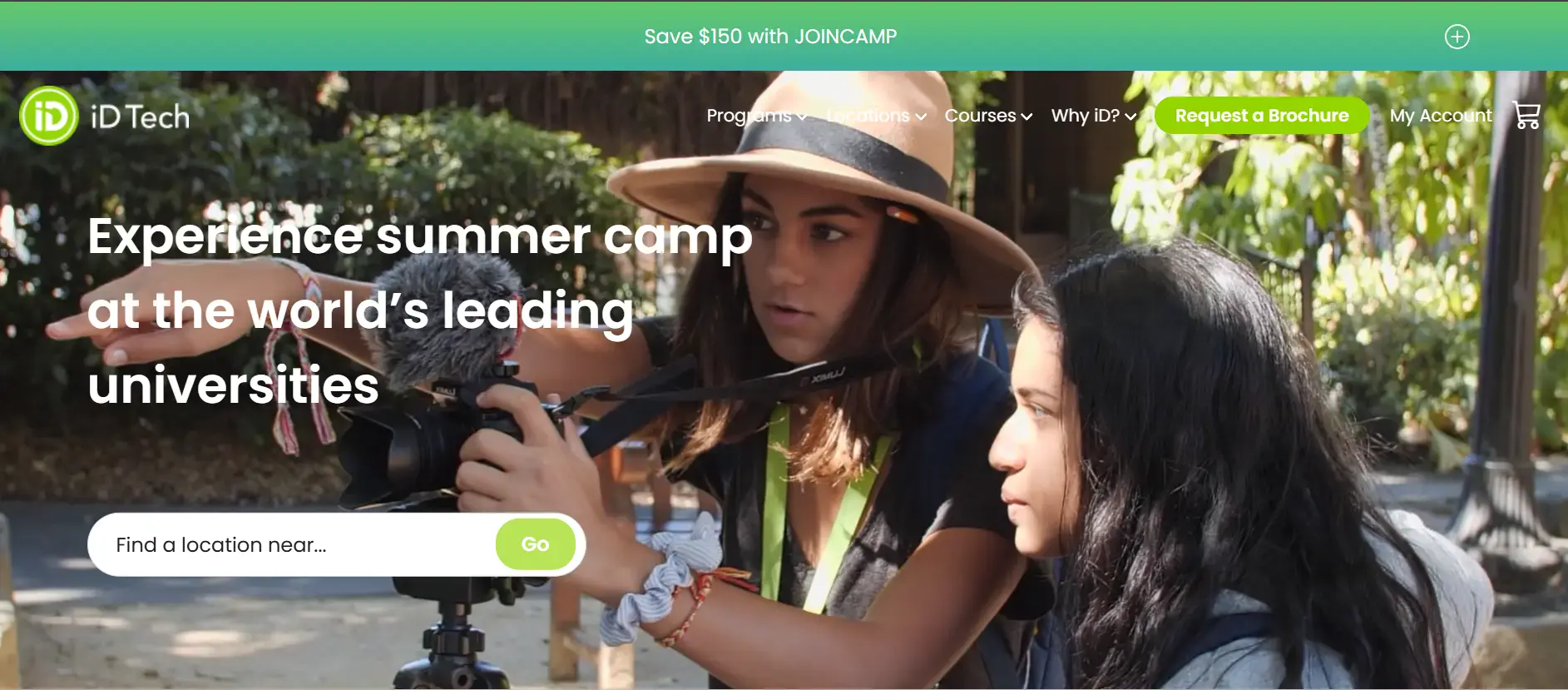
iD Tech has been one of the leading technology summer camp providers for more than twenty-five years. Its current programs cover coding, artificial intelligence, robotics, game development, and other technology topics for kids and teens.
Many camps are held on university campuses and run for one week. Students learn in small groups, complete a project, spend time with other technology-minded kids, and participate in traditional summer camp activities.
The immersive setting is iD Tech’s greatest strength. A student can spend an entire week focused on Python, AI, Roblox, Unity, robotics, or another interest without the distractions of a normal school schedule. For some children, meeting other kids who are excited about technology can be just as valuable as the course itself.
The primary downside is cost. iD Tech is one of the more expensive options in this guide. It is also a camp rather than a complete year-round curriculum. A one-week experience can create excitement and produce a strong project, but families will still need a plan for continued learning after the summer.
Best for: Families looking for a premium, immersive summer technology camp.
Downside: Higher cost and no built-in year-round learning sequence.
Coding and AI Programs Compared
| Program | Best for | Format | Live instruction | AI pathway | Main downside |
|---|---|---|---|---|---|
| Code.org | Free introduction | Classroom and self-paced | Usually school-led | Yes | Advanced students may need more depth and support |
| Tynker | Younger guided learners | Self-paced subscription | Limited | Introductory AI elective | Less live instruction and creative freedom |
| CodaKid | Long-term coding, game development, and AI pathway | Private lessons and self-paced courses | Private one-on-one option | Yes | Premium cost for private instruction |
| CodeWizardsHQ | Sequential small-group curriculum | Live online classes | Small-group classes | Yes | Less flexibility for specialized interests |
| Outschool | Variety and niche topics | Marketplace of classes and tutoring | Depends on class | Depends on instructor | Quality varies by instructor |
| Code Ninjas | In-person community and milestones | Self-paced in local centers | Instructor support | Varies by location | Locations vary; not continuously teacher-led |
| iD Tech | Immersive summer learning | Summer camps | Camp instructors | Yes, in selected camps | Higher cost and limited continuity |
Which Coding and AI Program Should You Choose?
If your child has never tried coding, I recommend beginning with a free resource such as Code.org or Scratch. This will give you a chance to see whether your child enjoys programming before you spend money on a larger program.
If your child is young, enjoys games, and works well independently, Tynker may be a good starting point.
If you want a live teacher and a sequential curriculum, compare CodeWizardsHQ’s small-group classes with CodaKid’s private pathways. The better option will depend on whether your child prefers learning with a group or working one-on-one.
If your child wants to explore a very specific topic or try a particular teacher, Outschool provides an impressive number of choices.
If in-person community is most important, visit a local Code Ninjas center. For an immersive summer experience, iD Tech is one of the strongest options available.
Whatever program you choose, I recommend looking beyond the course title. Ask to see the projects. Find out how much time students spend writing or modifying code. Ask what happens when a student becomes stuck, and make sure there is a logical next step after the first class.
Most importantly, make sure that an “AI class” teaches more than how to ask a chatbot for an answer.
Nearly every child will use AI. The students who gain the greatest benefit will be the ones who understand how to evaluate it, improve it, and use it to build original games, apps, websites, tools, and businesses.
Our goal should not be to create children who are dependent on technology. It should be to help them become capable young builders who know how to use technology well.
Frequently Asked Questions
What is the best coding class for a beginner?
For most beginners, we recommend starting with a free program such as Code.org or Scratch. Both allow children to explore basic programming concepts before a family commits to a paid class. Younger students will generally have the easiest start with visual block coding, while older beginners may be ready for a guided Python or JavaScript course.
What age should a child start coding?
Children can begin exploring coding concepts as early as age five or six through visual, age-appropriate activities. The better question is whether the course matches the child’s reading ability, typing skills, attention span, and interests. Most students should not be rushed into complex text-based programming before they are ready.
Should kids still learn coding if AI can write code?
Yes. AI can generate code, but students still need programming knowledge to describe a problem clearly, evaluate the output, find mistakes, test the program, and improve it. In our opinion, AI makes coding knowledge more valuable because students who understand the fundamentals can use AI as a powerful building tool instead of accepting every answer it produces.
Are live coding classes better than self-paced courses?
Live classes are usually a better fit for students who need accountability, frequent feedback, or help debugging. Self-paced courses can work extremely well for independent learners who enjoy solving problems on their own. Some families benefit from a program that offers both formats so they can change the level of support as their child’s needs evolve.
What should an AI class for kids actually teach?
A strong AI program should move students from understanding AI to building with it. Younger students may begin with prompt design, AI literacy, model limitations, responsible use, and guided creative projects. As they advance, they should learn coding, APIs, data, application design, debugging, and how to integrate AI models into working products. By high school, students who have completed a top-notch AI program should be capable of building and deploying AI-powered apps, full-stack software, websites, automations, and early-stage startups. The standard should not be, “Can this student use AI?” It should be, “What can this student build with AI?”
Which program is best for a child who wants a long-term learning path?
CodaKid is our choice for families seeking a long-term pathway that combines coding, game development, and AI with both self-paced and private learning options. CodeWizardsHQ is also a strong choice for students who prefer a predefined, small-group sequence. The better fit depends primarily on whether the child benefits more from one-on-one instruction, group instruction, or independent learning.
Free Coding & AI Roadmap for Parents
If you are unsure what your child should learn first, I created a free Coding & AI Roadmap for Parents.
The roadmap covers the sequence that I recommend from elementary school through high school, including block coding, text-based programming, game development, web development, artificial intelligence, and portfolio projects.
Download the free Coding & AI Roadmap for Parents
Last reviewed: July 2026. Programs, curricula, prices, and availability change frequently. Please confirm current details with each provider before enrolling.