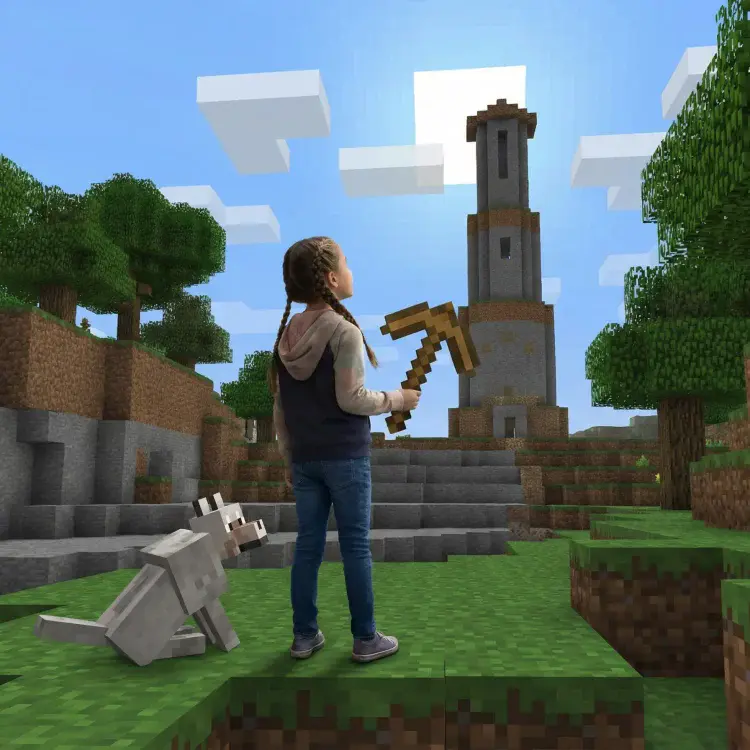
Getting kids into coding is easier when projects match their age and skill level. From visual block coding for younger children to advanced AI projects for teens, coding activities can help kids build problem-solving and logical thinking skills while having fun. Here’s a breakdown of age-appropriate coding projects for kids:
- Ages 5–7: Start with drag-and-drop tools like Scratch to create animations and simple stories.
- Ages 6–8: Try unplugged coding games to teach sequencing and logic without screens.
- Ages 7–9: Explore binary code by creating secret messages using 0s and 1s.
- Ages 8–10: Use Python’s Turtle library to draw shapes and patterns.
- Ages 8–11: Develop simple games with Scratch or Roblox Studio.
- Ages 9–12: Build basic websites with HTML and CSS.
- Ages 10–13: Create 3D Roblox games using Lua scripting.
- Ages 11–13: Design mobile apps with beginner-friendly tools.
- Ages 12–14: Dive into Minecraft modding with Java.
- Ages 13–16: Experiment with AI by creating chatbots or image recognition tools.
These coding projects for kids grow with your child’s abilities, helping them gain confidence and learn coding concepts step by step. Platforms like Scratch, Roblox Studio, and Python Turtle make it easy to get started, while courses like CodaKid offer structured lessons for deeper learning.
Table of Contents
Best Coding Curriculum for Kids & Teens (2026 Roadmap): Roblox, Minecraft, Python, AI
Age Groups and Coding Skills Development
Understanding the unique learning needs of different age groups helps parents and educators choose the right coding approaches. Each age group has its own capabilities and attention spans, which influence how they grasp programming concepts and tools. Below is a breakdown of how coding skills can develop across various age ranges.
Ages 5 – 10
Ages 5–7: Foundation Building with Visual Learning
At this stage, children are honing their fine motor skills and thrive on interactive, hands-on activities. Drag-and-drop interfaces are perfect for introducing foundational coding concepts like sequencing, loops, and conditionals. Platforms like Scratch, Thunkable, and Code.org make coding fun and approachable by integrating storytelling, creativity, and problem-solving into the learning process. These tools provide an engaging start to their coding journey.
Ages 8–10: Bridging Visual and Text-Based Concepts
By this age, kids can handle more complex reasoning and are ready to begin transitioning from block-based tools to basic text coding. They might experiment with languages like Lua for creating Roblox games or Python for simple drawing programs. This is also a great time to introduce web development basics using HTML and CSS. Coding projects for kids become more intricate, allowing kids to combine creativity with logic as they build their skills.
Ages 11 – 16
Ages 11–13: Embracing Text-Based Programming
Middle schoolers are ready to dive into text-based programming, thanks to their growing ability to think abstractly. They start mastering syntax, debugging techniques, and planning larger cording projects for kids. This is an ideal time to explore game development, mobile app creation, and web development that combines design with basic back-end functionality. With improved typing skills, they can manage longer and more focused coding sessions.
Ages 14–16: Advanced Concepts and Specialization
High school students are prepared to tackle advanced programming challenges and focus on areas of personal interest. They can work on projects involving artificial intelligence, advanced game development, and full-stack web applications. These often include solving real-world problems. At this stage, students use professional tools and frameworks, participate in open-source projects, compete in coding challenges, and build portfolios to showcase their skills for college applications or future job opportunities.
Coding Projects for Kids
The coding projects for kids outlined in the next section build on these developmental stages, offering tailored activities to support each age group’s coding journey.
1. Scratch Animation Stories (Ages 5–7)
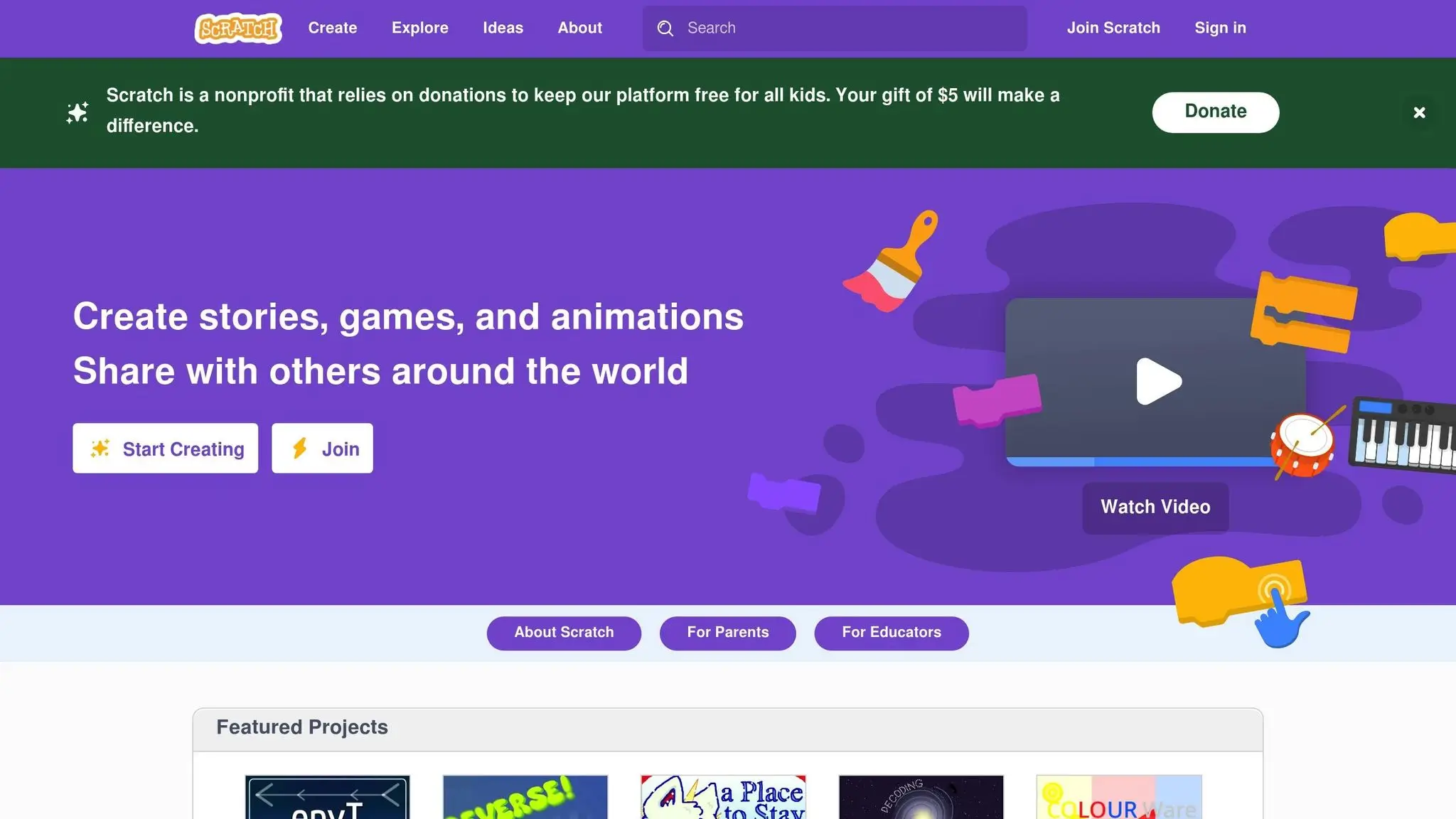
Scratch animation stories are a fun and interactive way to introduce young children to coding. By combining storytelling with basic programming concepts, these coding projects for kids make learning to code an exciting and creative experience. They’re a perfect starting point for building early coding skills through imaginative play.
Age Group Suitability
Scratch is tailored for kids as young as 5 or 6, making it a great fit for elementary students in grades 1 through 3. Its intuitive, drag-and-drop interface eliminates the need to type complex code, which is perfect for young learners. At this age, children are naturally drawn to storytelling and creative expression, so crafting animations feels more like play than formal education.
The platform’s visual design aligns with how young kids process information, allowing them to focus on the flow of their stories while grasping cause-and-effect relationships. This makes Scratch not only accessible but also a great way to introduce essential coding principles in a way that feels natural.
Skills Developed
Through Scratch animation projects, kids build foundational coding skills. They practice sequencing, explore conditionals, and learn basic debugging – all while having fun. These are key programming concepts that form the building blocks for future learning.
On top of coding, children also develop digital art skills. They create characters, design backgrounds, and build storylines. They think about how their characters will move, what sounds to include, and how to structure their narrative. Scratch also introduces computational ideas like loops, events, and variables in a way that’s easy for young minds to grasp without overwhelming them with technical terms.
Tools and Platforms Used
Scratch uses a block-based coding system that feels like snapping together digital puzzle pieces. The platform includes pre-designed sprites and backgrounds, but it also lets kids create their own artwork using built-in drawing tools. This design minimizes syntax errors, reducing frustration and keeping the focus on creativity. It’s a platform where kids can bring their stories to life while learning the basics of programming.
Engagement and Fun Factor
The beauty of Scratch is how quickly kids see the results of their work. Whether it’s making characters dance or creating a short story about the solar system, the platform turns coding into an interactive adventure. Its user-friendly interface encourages independent learning, all while keeping things fun.
“My son is 6 and he absolutely enjoys it”, says Priya Nair, a parent.
Watching their characters move, hearing sounds play, and seeing their stories unfold keeps kids engaged and excited. Scratch masterfully combines storytelling, problem-solving, and hands-on learning, creating an environment where children naturally develop programming skills while unleashing their creativity.
2. Unplugged Coding Games (Ages 6–8)
Unplugged coding games offer a fantastic way for kids to explore coding concepts without the need for screens. These hands-on activities let children experience how step-by-step instructions lead to actual outcomes, making coding feel real and approachable. By combining physical actions with problem-solving, these games help bridge the gap between abstract ideas and practical understanding.
Age Group Suitability
For kids aged 6 to 8, this is the perfect time to introduce unplugged coding. At this age, they’re starting to develop logical thinking and can handle multi-step tasks. These activities use a hands-on approach to turn abstract coding concepts into something they can see, touch, and interact with.
Skills Developed
Unplugged games teach kids essential skills like sequencing, problem-solving, and understanding cause-and-effect. They also practice giving clear, step-by-step instructions – skills that form the foundation for more advanced programming down the road.
Tools and Materials
The best part? You don’t need fancy gadgets. These games often use everyday items you already have at home, in the classroom, or outside, making them easy to set up and play.
Engagement and Fun Factor
What makes unplugged coding games so effective is how they engage kids through play. Whether it’s role-playing or completing a physical challenge, these activities give instant feedback and encourage teamwork. The result? Learning that’s not just effective but also incredibly fun and memorable.
3. Binary Code Secret Messages (Ages 7–9)
Binary code secret messages let kids step into the role of digital detectives, introducing them to the language computers rely on: 0s and 1s. Through this project, children discover that all computer information boils down to combinations of just two digits. They’ll learn to translate letters and words into binary code, then challenge friends and family to crack their secret messages.
This activity is perfect for sparking curiosity. Kids can encode their names, send secret notes to friends, or even create treasure hunt clues. It’s a hands-on way to make an abstract concept like computer language feel fun and approachable.
Age Group Suitability
Ages 7 to 9 are ideal for exploring binary code. At this stage, kids have a solid grasp of basic reading and writing, along with the patience to tackle systematic tasks. They’re naturally curious about how things work and love the thrill of creating secret codes that even adults might struggle to understand.
This age group also enjoys recognizing patterns and can handle the step-by-step nature of converting letters into binary. The project builds on their understanding of the alphabet while gently introducing them to the digital world in a way that feels just right for their age.
Skills Developed
Working with binary code helps kids sharpen several important skills. Research suggests that learning to code can boost logical thinking and problem-solving abilities by 70%. The process of translating messages into binary enhances pattern recognition and attention to detail – after all, one wrong digit can completely change the message.
The activity also introduces mathematical thinking through the base-2 number system and lays the groundwork for basic computer science concepts. On top of that, kids practice communication skills as they explain their coded messages and naturally build persistence and patience while working through longer words or phrases.
Tools and Materials
You don’t need much to get started with binary code secret messages, which makes this project perfect for home or classroom settings. Here’s what you’ll need:
- Paper and pencils for writing out binary translations.
- Binary alphabet charts, which can be found online or created together.
- Optional: Colored markers or crayons to make the codes more visually engaging.
For a digital twist, a simple computer or tablet can be used to explore online binary translators or tackle more complex messages. However, the real learning happens with hands-on pen-and-paper activities.
Some families like to make binary code wheels using paper plates and brass fasteners, turning the decoding process into a fun, interactive tool. Others make flashcards with letters on one side and their binary equivalents on the other for quick practice or games. These simple tools make the activity even more engaging.
Engagement and Fun Factor
The spy-like element of binary code is an instant hit with kids. They love the idea that they’re using the same system behind smartphones, computers, and video games. The activity becomes even more exciting when kids create family code books, send binary-coded birthday cards, or leave secret notes for siblings to decipher.
For added fun, kids can encode song lyrics, book titles, or even grocery lists. The activity becomes collaborative when they pair up – one child encodes a message while the other decodes it. This teamwork adds a social dimension that keeps kids motivated and entertained.
The satisfaction of successfully decoding a message gives kids a sense of accomplishment, and the endless possibilities for creating new messages ensure the activity stays fresh and engaging over time.
4. Python Drawing Adventures (Ages 8–10)
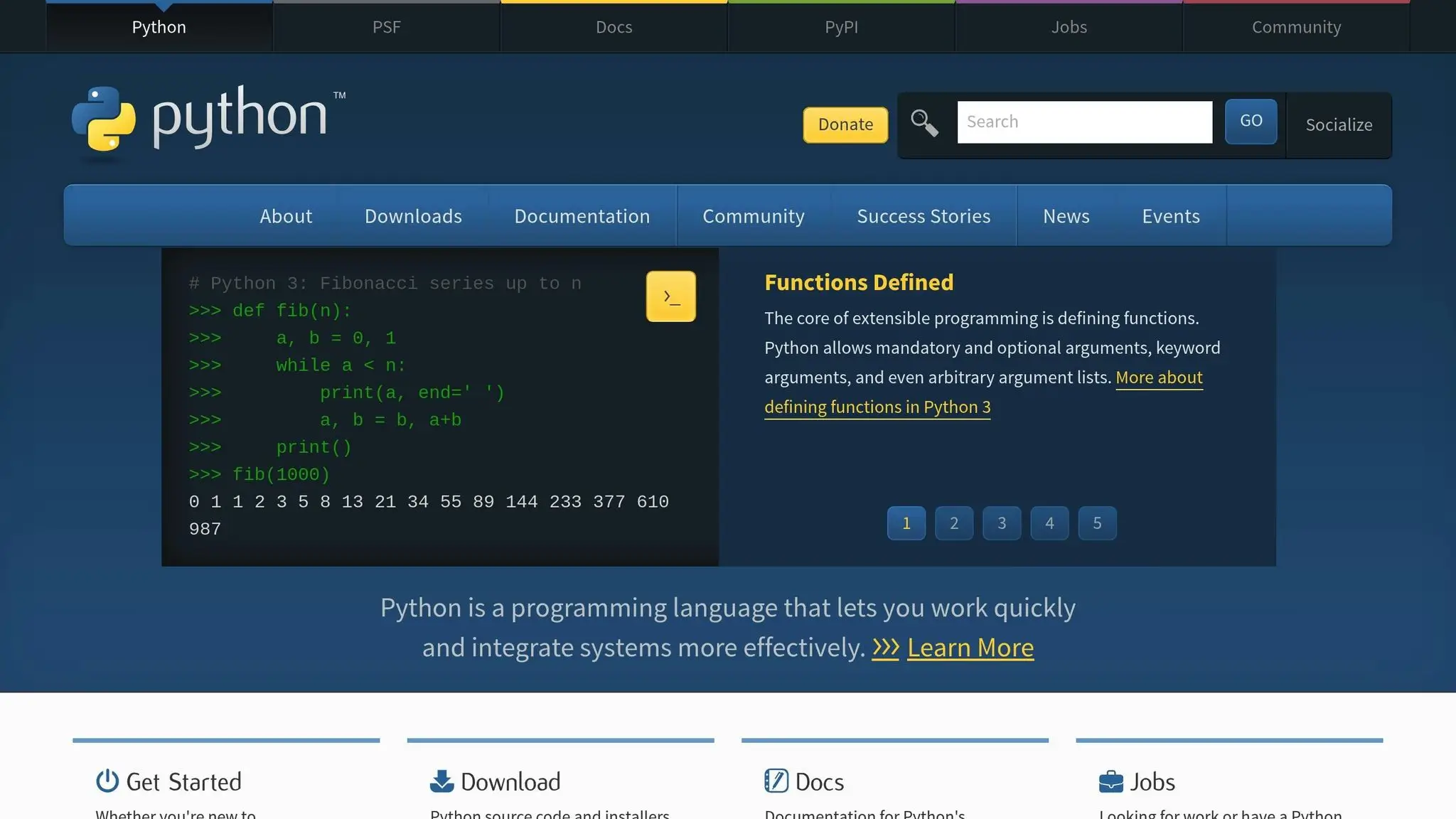
Python drawing adventures introduce kids to the world of programming through Turtle graphics, where they use simple commands to create shapes and patterns. By guiding a virtual turtle, kids can craft everything from basic circles to complex geometric designs. It’s a playful way to blend art with programming logic.
Watching their code come to life as lines, spirals, and shapes is a thrill for kids. They can create colorful spirals, intricate flowers, or even simple cartoon-like figures. The instant visual feedback keeps them engaged while they learn programming essentials like loops, variables, and functions – all while having fun. It’s a hands-on introduction to coding that lays the groundwork for deeper programming skills.
Age Group Suitability
These coding projects are perfect for kids aged 8 to 10. At this age, most children have developed the typing skills needed for text-based coding and can follow multi-step instructions with ease. Their curiosity about colors and shapes, combined with growing logical reasoning abilities, makes this activity both accessible and highly rewarding.
Skills Developed
Python drawing adventures combine creativity with foundational programming skills. Kids learn sequential thinking by breaking designs into step-by-step instructions and explore basic math concepts like angles and coordinate systems. They also develop problem-solving skills through debugging and gain persistence as they refine their creations.
Tools and Platforms Used
The primary tool for these coding projects for kids is Python’s Turtle graphics library, which is included in standard Python installations. For coding, environments like IDLE are simple and effective, while browser-based platforms such as Repl.it or Trinket provide beginner-friendly, installation-free options.
CodaKid’s Python courses offer structured lessons that teach drawing concepts alongside essential coding skills. These courses use real Python code tailored for young learners, helping them transition from block-based coding to text-based programming. Even simple tools like graph paper can be useful for planning designs and understanding coordinate systems before diving into code.
Engagement and Fun Factor
There’s something magical about seeing your code turn into art. Python drawing projects tap into kids’ creativity, offering the joy of building something entirely their own. Whether it’s a favorite animal, a fun pattern, or a character they love, the ability to personalize their creations keeps them motivated. Collaborative challenges – like recreating a friend’s design or working together on a project – add an extra layer of excitement to the experience, making it both engaging and memorable.
5. Simple Game Development (Ages 8–11)
After building a foundation in coding, kids aged 8–11 can dive into simple game development, turning their creative ideas into interactive, playable games. Whether it’s a fast-paced racing game, a tycoon simulation, or an exciting adventure, young developers get to experience the thrill of bringing their concepts to life. Watching their characters move, storylines unfold, and friends enjoy the games they’ve created is a uniquely rewarding experience.
At this stage, game development focuses on using visual programming tools and drag-and-drop interfaces, which simplify complex coding concepts. Kids can design game mechanics, create interactive features, and tackle programming challenges without worrying about intricate syntax. They learn to make characters respond to player input, build engaging levels, and add sound effects that enhance their games. This approach is perfect for kids in this age group, offering just the right mix of challenge and accessibility.
Age Group Suitability
The 8–11 age range is ideal for game development. At this stage, kids have the logical reasoning and fine motor skills needed to design interactive games. Their growing attention spans allow them to tackle coding projects for kids that span multiple sessions, and their natural love for games gives them a unique perspective when creating their own. They can draw from their gaming experiences to make thoughtful design choices, blending creativity with logic.
Skills Developed
Game development at this level boosts a variety of skills. Kids sharpen their logical thinking as they break down complex game behaviors into step-by-step instructions. Creative problem-solving thrives as they figure out how to bring imaginative ideas to life within the limits of their tools. Along the way, they get hands-on experience with coding concepts like loops, conditionals, and variables.
Planning and managing coding projects for kids also become second nature as they learn to set goals, map out their designs, and refine their work. Debugging, in particular, helps them develop persistence and analytical thinking – skills that extend far beyond coding and into everyday problem-solving.
Tools and Platforms Used
Platforms like Scratch, Roblox Studio, and Code.org make game development accessible and fun. Scratch, a favorite among beginners, features a block-based coding system that allows kids to create everything from simple animations to full-fledged games. Roblox Studio takes things up a notch, letting kids design 3D games using Lua scripting. They can build anything from racing games to tycoon simulators or even spooky adventures to share with others.
For those ready to explore more advanced tools, CodaKid offers structured courses starting at $29 per month. These programs guide kids from block-based coding to real programming languages, teaching industry-standard practices through fun, self-paced lessons. These tools not only build on earlier skills but also prepare young developers for more complex coding projects for kids down the road.
Engagement and Fun Factor
Few things are as exciting as creating a game that others want to play. Kids feel a huge sense of accomplishment when friends enjoy the games they’ve made. Animating characters and objects taps into their storytelling instincts, while the interactive nature of games provides instant feedback, keeping them focused and motivated. Publishing a Roblox game or showcasing a Scratch project gives them a tangible way to share their creations with the world.
“Learning to code offers several benefits for kids, including problem-solving skills, creativity, and logical thinking. Online coding programs make it accessible, engaging, and convenient for children to start building these skills early on.”
Collaborative coding projects for kids add even more excitement. Working together allows kids to combine their ideas and strengths, turning coding into a shared creative journey. This teamwork not only makes the process more enjoyable but also teaches valuable lessons in collaboration and communication. Game development becomes more than just learning to code – it’s about creating something meaningful and fun with others.
6. HTML Web Page Creator (Ages 9–12)
Creating HTML web pages gives kids aged 9–12 the chance to design their very own online space. Whether it’s a personal portfolio or a fan site dedicated to their favorite hobby, they get to bring their ideas to life in a web browser. Along the way, they explore website structure, logic, and creativity by experimenting with colors, layouts, and content.
This project introduces kids to the core building blocks of the internet. They learn how text, images, and links come together to form the websites they use daily. It’s a perfect stepping stone from visual programming to real coding, offering their first hands-on experience with the code that powers the web. This foundation opens doors to more advanced coding projects for kids tailored to their growing skills.
Age Group Suitability
The 9–12 age range is a sweet spot for diving into HTML web development. At this stage, kids have the reading and typing skills needed to work with text-based code. Their natural curiosity about how websites function makes it the perfect time to explore the code behind their favorite sites. For instance, when they type <h1>My Website</h1>, they instantly see a bold heading appear on their page, connecting their input to the output in a tangible way.
Courses in web development are often designed for middle schoolers aged 10 to 14. Some platforms even offer website design lessons for children as young as 8 to 10, focusing on creating structured and user-friendly designs.
Skills Developed
Building HTML web pages helps kids develop both technical and creative skills. They use HTML for structure, CSS for styling, and basic JavaScript to add interactive features. Along the way, they learn to organize information, design navigation systems, and plan layouts that are easy to use. These skills go hand-in-hand with problem-solving and logical thinking. In fact, research shows that coding can improve a child’s logical thinking and problem-solving abilities by up to 70%.
Debugging their code – figuring out why an image doesn’t load or why a link is broken – teaches persistence and sharpens analytical skills. At the same time, experimenting with colors, fonts, and layouts helps them develop an eye for design.
Tools and Platforms Used
Just like earlier coding projects for kids that start with drag-and-drop tools, kids begin working on web pages with simple text editors and web browsers. This allows them to see their HTML code come to life instantly. The primary tools they use include:
- HTML for the structure of their site
- CSS for styling and visual design
- JavaScript for adding interactivity
Many platforms offer kid-friendly coding environments where young learners can write and preview their work side-by-side. For example, CodaKid provides courses that guide students from basic HTML to creating fully functional websites, all while teaching them industry-standard practices through fun, self-paced lessons.
Engagement and Fun Factor
Few things are as rewarding for kids as watching their code transform into a working web page. This sense of accomplishment keeps them motivated to learn more. They can create sites about their pets, favorite movies, or even school projects, making the experience personal and exciting.
The interactive nature of web development turns learning into a creative journey. As they see their ideas take shape, their interest in technology and the digital world grows deeper.
“Learning to code offers several benefits for kids, including problem-solving skills, creativity, and logical thinking. Online coding programs make it accessible, engaging, and convenient for children to start building these skills early on.”
– CodaKid
Collaborating on coding projects for kids adds another layer of excitement. Whether it’s a class website, a family photo gallery, or a fan page, working together teaches kids teamwork, communication, and planning – all while having fun.
7. Roblox Game Development (Ages 10–13)
Roblox game development gives kids the chance to go from simply playing games to actually creating them. With Roblox Studio and the Lua programming language, young creators can design 3D worlds and program exciting game mechanics – all within a platform they already know and love. They can build obstacle courses, racing games, role-playing adventures, or simulation experiences, receiving instant feedback from players. It’s an amazing way to combine creativity with technical know-how, all tailored to Roblox’s unique environment.
Age Group Suitability
The 10–13 age range is perfect for diving into Roblox game development. At this stage, kids usually have the logical thinking skills needed to grasp Lua’s text-based coding, while their imaginations are still bursting with creative game ideas. This combination makes it an ideal age to explore 3D design and coding in a way that’s both challenging and fun.
Skills Developed
When kids create games in Roblox, they learn the basics of object-oriented programming through Lua, a beginner-friendly coding language. They explore concepts like variables, functions, loops, and conditionals, all while seeing their code come to life in real-time. Working in a 3D space also sharpens their spatial reasoning as they position objects and script character movements. Beyond coding, they develop project management skills by designing game features, testing them, and refining the user experience based on how players interact with their creations.
Tools and Platforms Used
Roblox Studio is the go-to tool for this journey. It offers a complete suite for 3D modeling, scripting, and testing. Kids write their Lua code using the built-in script editor and can enhance their projects with free models, sounds, and textures from the platform’s asset library. Programs like CodaKid provide structured courses to help young developers create their first games, teaching them industry-level practices in a way that’s approachable and engaging. These tools encourage experimentation and continuous improvement, making the learning process both dynamic and rewarding.
Engagement and Fun Factor
One of the most exciting aspects of Roblox game development is the instant feedback kids get when their games are published. Seeing players enjoy their creations – and receiving ratings and comments – validates their hard work and design choices. Community features like forums and game jams add another layer of motivation, inspiring kids to take on more ambitious projects and push their skills even further. It’s not just about learning; it’s about having fun while doing it.
8. Mobile App Creation (Ages 11–13)
Mobile app creation gives kids the chance to transform their ideas into fully functional applications for smartphones and tablets. At this stage, they can dive into designing interactive interfaces, mapping out user experiences, and even incorporating device features like cameras, motion sensors, and GPS. Whether it’s a calculator, a photo editing app, or a location-based game, this process blends creativity with technical know-how in a way that’s both challenging and exciting.
Age Group Suitability
At this age, kids are ready to take their coding knowledge to the next level by creating real-world applications. They’re capable of designing practical interfaces and planning user flows from start to finish. Their problem-solving skills are sharp enough to debug code and think outside the box when issues arise. Plus, their imaginations are still running wild, allowing them to dream up app ideas that are refreshingly original. This combination of logic and creativity makes mobile app development an ideal activity for them.
Skills Developed
Building mobile apps strengthens a wide range of skills. Kids hone their computational thinking by breaking down app functionality into smaller, manageable coding tasks. They also get hands-on practice with programming basics, often using languages like Python or block-based tools, to create interactive interfaces that respond to touch, swipes, and device movements.
The real magic happens when kids integrate smartphone features into their apps. For example, they might use the camera for a photo app, motion sensors for a game, or GPS for location-based tools. These projects encourage critical thinking as kids evaluate different ways to use these features effectively, making decisions that enhance their app’s functionality and appeal.
Tools and Platforms Used
For beginners, mobile app development often starts with visual programming tools featuring drag-and-drop interfaces. As they gain confidence, kids can transition to text-based coding. Python frameworks are particularly popular because they’re easy to learn but still powerful enough to create impressive, functional apps.
Programs like CodaKid provide step-by-step guidance for young developers, helping them move from brainstorming an idea to launching a finished app. These courses use real programming languages and industry-standard tools, giving kids a taste of what professional app development is like while keeping the process fun and engaging.
Engagement and Fun Factor
What makes mobile app creation stand out is its real-world impact. Like game design or building websites, app development offers instant feedback, but it goes a step further by creating something kids can use in their everyday lives. Apps solve real problems or provide entertainment, making the process feel purposeful and rewarding.
Seeing their apps installed and working on a device is a huge motivator. Whether it’s a simple game, a productivity tool, or a creative app that combines multiple features, kids feel a strong sense of pride and ownership. This drives them to keep refining their projects, tackle more complex challenges, and continue growing their coding skills.
9. Minecraft Modding (Ages 12–14)
Minecraft modding takes kids beyond just playing the game – they get to become creators by designing custom features using Java. It’s a fantastic way to blend gaming with real-world programming, giving teens a chance to tweak one of the most popular games ever while learning a professional coding language. From crafting new weapons and creatures to inventing unique game mechanics, modding combines imaginative design with essential coding skills. It’s a natural progression that builds on earlier coding experiences while introducing more advanced programming concepts.
Age Group Suitability
Kids between 12 and 14 are at the perfect stage for Minecraft modding. They’ve developed the logical thinking and patience needed to tackle Java’s syntax and object-oriented programming. Plus, their familiarity with Minecraft makes this challenge both exciting and approachable. At this age, they’re also more equipped to handle debugging, turning coding mistakes into valuable learning moments.
Skills Developed
Minecraft modding teaches kids the fundamentals of Java programming, including variables, loops, conditionals, and functions. Beyond coding basics, it strengthens problem-solving and debugging skills as kids see their work come to life in the game. Modding also builds systems thinking, as they learn how their code interacts with Minecraft’s mechanics, helping them understand the bigger picture of how software works.
Tools and Platforms Used
Java is the backbone of Minecraft modding, giving kids hands-on experience with a professional-grade programming language. Platforms like CodaKid offer structured courses that guide students through the process of creating mods using Java.
“CodaKid students learn professional languages such as Python, JavaScript, and Java while using the same tools used at companies like Google, Facebook, and Intel”.
These courses provide step-by-step instructions, making it easier for kids to transition from basic coding concepts to creating fully functional mods.
Engagement and Fun Factor
Blending gaming with coding creates a highly engaging and rewarding experience. Seeing their mods instantly come to life in Minecraft not only boosts kids’ confidence but also motivates them to tackle more complex challenges.
Parents often highlight how transformative this experience can be. One parent shared how Minecraft programming sparked their child’s passion for computer science, while another noticed a big leap in their child’s technical abilities.
On top of that, kids can showcase their completed mods, building a portfolio that not only reflects their creativity but also their growing technical skills. It’s a fun and productive way to fuel their interest in coding.
10. AI Mini-Projects (Ages 13–16)
AI mini-projects take teenagers beyond basic coding, introducing them to the world of intelligent systems. These projects often include creating chatbots, image recognition tools, and smart applications capable of understanding and responding to human language. They build on earlier coding experiences, offering a hands-on way to explore how AI is applied in everyday life.
Age Group Suitability
Teens aged 13 to 16 are at the perfect stage to dive into AI programming. By this age, they’ve typically developed the abstract thinking skills needed to grasp concepts like machine learning algorithms and data processing. Their natural curiosity about technology, combined with growing technical abilities, makes them eager to explore how AI powers the apps and devices they use daily. Plus, they’re mature enough to handle the patience and problem-solving required to debug AI models and refine their work.
Skills Developed
Through AI mini-projects, teens gain proficiency in advanced Python programming while being introduced to specialized topics like natural language processing, computer vision, and machine learning. They also work with data structures and algorithms, enabling their code to “learn” and make predictions. These projects sharpen critical thinking as students analyze AI outputs and consider ethical concerns. On top of that, coding challenges boost logical thinking and problem-solving skills, setting a strong foundation for future learning.
Tools and Platforms Used
Python serves as the main programming language for these projects. Platforms like CodaKid offer structured courses that guide students through advanced AI concepts. From foundational machine learning principles to building applications that use large language models and APIs, CodaKid’s curriculum equips teens with tools and knowledge to navigate the evolving world of technology.
Engagement and Fun Factor
AI projects provide a thrilling glimpse into the future of coding. Teens get to work with cutting-edge technologies similar to those powering their favorite apps and games. Imagine building a chatbot that holds meaningful conversations or an image classifier that identifies objects – it’s the kind of work that’s both impressive and shareable. The possibilities are vast, from creating AI-powered study tools to designing smart home automation systems. With CodaKid’s self-paced courses priced at $29/month, teens can explore AI development on their own schedule while building a portfolio that highlights their growing technical expertise.
Coding Tools and Platforms by Age
When it comes to teaching kids how to code, using tools tailored to their age group makes all the difference. The right platform not only keeps them engaged but also helps them build skills step by step. From colorful block-based coding for the youngest learners to advanced programming environments for teens, there’s something for everyone.
Ages 5–8:
For the youngest coders, visual programming tools like Scratch are perfect. These platforms use drag-and-drop blocks to teach foundational coding concepts in a fun and interactive way. Offline activities, like coding-themed games, cards, and puzzles, also help kids develop logical thinking and sequencing skills without needing a screen.
Ages 8–11:
At this stage, kids are ready to dip their toes into text-based coding. Beginner-friendly tools make it easier to explore languages like Python, often paired with interfaces that offer instant visual feedback. Simple game development platforms and HTML editors give them the thrill of seeing their code come to life, whether it’s a basic game or a colorful webpage.
Ages 11–14:
Pre-teens can handle more advanced tools like Roblox Studio, where they can create their own games, or Minecraft modding, which introduces Java programming. Mobile app development platforms also start to make an appearance, giving kids a chance to build apps they can actually use.
Ages 13–16:
Teens are ready to step into professional-grade environments. They can work with advanced Python tools, experiment with JavaScript frameworks, and even explore AI development platforms. At this level, they’ll likely start using integrated development environments (IDEs) and version control systems, mirroring the tools used in the tech industry. This prepares them for real-world coding challenges.
Align Coding Tools wtih Developmental Stage
By aligning coding tools with a child’s developmental stage, they can smoothly transition from creating simple animations to tackling complex projects like AI or app development.
For structured learning, CodaKid offers project-based courses tailored to all age groups. Kids can learn professional coding languages like Python, JavaScript, and Java through self-paced lessons and personalized support. The platform includes a rich course library, expert video tutorials, and reliable one-on-one assistance. Parents can try a 14-day free trial or book a free private session to find the best fit for their child.
“This has been a great addition to our home school curriculum! My son loves spending time in the program and even jumps back in after school when he’s finished his other work. The response to help requests is always immediate and they do a great job finding and explaining the issues he may be having.” – Christy Lynn, Parent
Tips for Parents and Educators
Picking the right coding project for your child doesn’t have to be complicated. Start by aligning projects with their interests. For instance, if they love video games, they might enjoy creating Roblox games or modding Minecraft. If they’re curious about how websites and apps are built, introduce them to HTML projects or mobile app development. When kids work on something they’re passionate about, they stay engaged and learn more effectively. Many coding platforms help simplify the process by organizing courses based on age, grade, and skill level, making it easier to find the right fit.
Take advantage of free trial sessions. Many coding platforms offer trial classes or assessments where experienced instructors evaluate your child’s readiness and interests. These sessions can provide valuable insights into their learning style and help direct you to the most suitable programs, saving time and avoiding unnecessary frustration.
Smaller, Manageable Steps
Break bigger projects into smaller, manageable steps. This approach helps build their confidence as they see progress with each completed task – whether it’s a working animation, a debugged piece of code, or a new function. These small wins pave the way for tackling more complex challenges down the road.
Use tools like progress dashboards to keep track of achievements. Look for platforms that offer dashboards or regular updates on your child’s development. Celebrating milestones together, even small ones, reinforces their growth and keeps their motivation high.
Celebrate Accomplishments
Celebrate accomplishments in meaningful ways. Recognition doesn’t have to be extravagant. Sometimes, simply sharing a finished game with family or adding a certificate to their learning portfolio can be incredibly rewarding. Many platforms now offer official certifications and badges, like STEM.org-accredited credentials for areas such as Python programming or web development. These small moments of success inspire kids to aim higher.
Ensure access to responsive support. Choose programs that provide expert guidance, whether through approachable teachers or knowledgeable instructors. Quick assistance can prevent small challenges from becoming overwhelming obstacles, keeping the learning experience positive and productive.
Make Coding Relatable
Make coding relatable by connecting it to real-world applications. Show your child how their skills translate into everyday life. For example, if they build a website, explain how businesses rely on similar tools. If they create a game, discuss the gaming industry and potential career paths. These connections make the learning process feel relevant and exciting, reinforcing the importance of their efforts.
The goal isn’t to hurry through projects but to help your child build confidence and skills step by step. By selecting projects that match their interests, setting achievable goals, and celebrating progress, you’re nurturing a lifelong love for coding and problem-solving.
For a project-based learning experience tailored to your child’s needs, consider exploring resources from CodaKid, which align perfectly with the types of projects mentioned above.
Conclusion
Introducing kids to coding through age-appropriate projects sets them up for a lifetime of success. It nurtures critical thinking, sparks creativity, and sharpens analytical skills – abilities that carry over into every subject they study.
What makes these projects so special is how they evolve alongside your child. Starting with simple Scratch animations at age 5 and advancing to complex AI programming in their teens, this gradual progression builds confidence at every step. Along the way, coding enhances skills in math, writing, and STEM subjects, while also equipping kids to face the technological challenges of the future.
In a world where coding is fast becoming a fundamental skill, these projects give kids a head start. By working with professional tools and languages like Python, JavaScript, and Java, they gain hands-on experience similar to what’s used at leading tech companies. This early exposure not only opens doors to careers in software development, web design, data science, and artificial intelligence but also provides a competitive edge for college admissions, internships, and future job opportunities.
Beyond technical skills, coding fosters personal growth. Tackling increasingly complex projects builds confidence and resilience, empowering kids to take on bigger challenges. Whether they create a game, design a website, or animate a story, each project reinforces their ability to bring ideas to life. These experiences shape them into future innovators and leaders.
CodaKid offers the perfect environment for this journey. With a curriculum centered on engaging, project-based learning, kids have access to professional tools, expert guidance, and flexible options like self-paced courses and personalized instruction. It’s a platform designed to grow with your child’s abilities, ensuring they stay motivated and excited about coding.
FAQs
How can parents choose the right coding project for their child’s age and abilities?
When choosing a coding project for your child, think about their age, skill level, and what excites them. For younger kids, visual programming platforms or creating simple games can be a great starting point. Older children or teens might be ready to tackle more complex challenges, like developing apps or diving into Python or JavaScript.
Also, consider how they learn best. Some kids excel when they can experiment and explore on their own, while others might benefit more from structured, step-by-step guidance. Picking a project that aligns with their abilities and interests can make the experience both enjoyable and rewarding.
What are the benefits of teaching kids to code early, and how can it shape their future learning?
Teaching kids to code from a young age equips them with essential skills such as problem-solving, logical reasoning, and creativity. Beyond that, it lays the groundwork for understanding technology and programming – knowledge that can be incredibly useful in school and later on in STEM-related careers.
Starting early helps kids develop confidence in handling challenges while familiarizing them with tools and programming languages often used in tech industries. These abilities can pave the way for future opportunities and set them up for success in an increasingly tech-focused world.
How can parents help their kids learn coding at home?
Parents play a crucial role in their kids’ coding journey by creating a supportive and encouraging environment at home. Set aside regular time for coding practice, ensure they have access to essential tools like a computer and internet, and spark their curiosity by working on fun, age-appropriate projects together.
Consider introducing your child to interactive coding platforms designed specifically for kids and teens. These platforms offer hands-on activities like game development and beginner-friendly AI projects, making learning both engaging and practical. Don’t forget to celebrate their milestones and accomplishments – it’s a great way to keep them motivated and excited about coding!