
Learning to code is now one of the most important skills for kids and teens. With technology shaping the future, the top computer programming classes offer young learners the chance to develop logical thinking, problem-solving, and creativity. Here’s a quick overview of the best platforms available in 2026:
- CodaKid: Teaches Python, JavaScript, Java, and Lua with self-paced courses ($29/month) or private lessons ($249/month). Perfect for ages 8–18.
- Code.org: Free, browser-based lessons for ages 4–18. Starts with block coding and introduces JavaScript and Python.
- Scratch: Visual, drag-and-drop programming for ages 8–16. Ideal for beginners to create animations, games, and stories.
- Roblox Studio with Lua: Game development platform for ages 10+. Teaches Lua scripting through hands-on projects.
- Minecraft Modding with Java: For ages 10+. Learn Java by creating mods and custom features in Minecraft.
- Tynker: Block-based and text-based coding for ages 5–18. Offers self-paced tutorials and workshops ($20–$50/month).
Each platform caters to different age groups, interests, and learning styles, from beginner-friendly options like Scratch to advanced courses like CodaKid. Whether you’re looking for free resources or structured programs, there’s a platform to match your child’s needs.
Table of Contents
Coding for Kids | CodaKid Online Coding School
1. CodaKid: Complete Coding and AI Academy

CodaKid is an online coding academy that teaches kids and teens how to use professional programming languages. Founded by Lauren Nguyen and David Dodge, the platform uses game-based lessons to make learning fun and approachable, turning complex ideas into engaging projects.
Programming Languages Taught
CodaKid focuses on teaching programming languages that professionals use every day. Students can learn Python for artificial intelligence, JavaScript for web development, Java for Minecraft modding, and Lua for creating Roblox games. What sets CodaKid apart is its use of actual development tools and frameworks, helping students gain skills they can directly apply to real-world projects.
Age Suitability
CodaKid is designed for kids and teens, ranging from elementary school to high school. The courses cater to different skill levels, starting younger learners with visual, game-based projects while offering older students more advanced topics, like artificial intelligence.
The curriculum is flexible, allowing students to learn at their own pace. Whether they’re beginners or already have some coding experience, there’s a course to match their needs. This progression ensures students are ready to tackle challenging projects as they grow their skills.
Learning Format
CodaKid provides several learning options to suit different preferences:
- Self-Paced Courses: For $29/month, students get unlimited access to over 85 courses, complete with on-demand help.
- Private 1:1 Lessons: Personalized weekly sessions are available for $249/month.
- Summer Virtual Camps: These week-long programs run for two hours daily, focusing on specific projects.
Key Benefits (Top Computer Programming Classes)
CodaKid’s project-based approach allows students to create functional games and websites, giving them hands-on experience that sharpens both technical abilities and creativity. By working on real-world-style projects, kids not only learn coding but also develop problem-solving skills.
Students also receive completion certificates, which can strengthen academic portfolios. Plus, a live help desk is available to guide them through tough concepts, ensuring they’re never stuck for long.
2. Code.org: Browser-Based Coding for Beginners
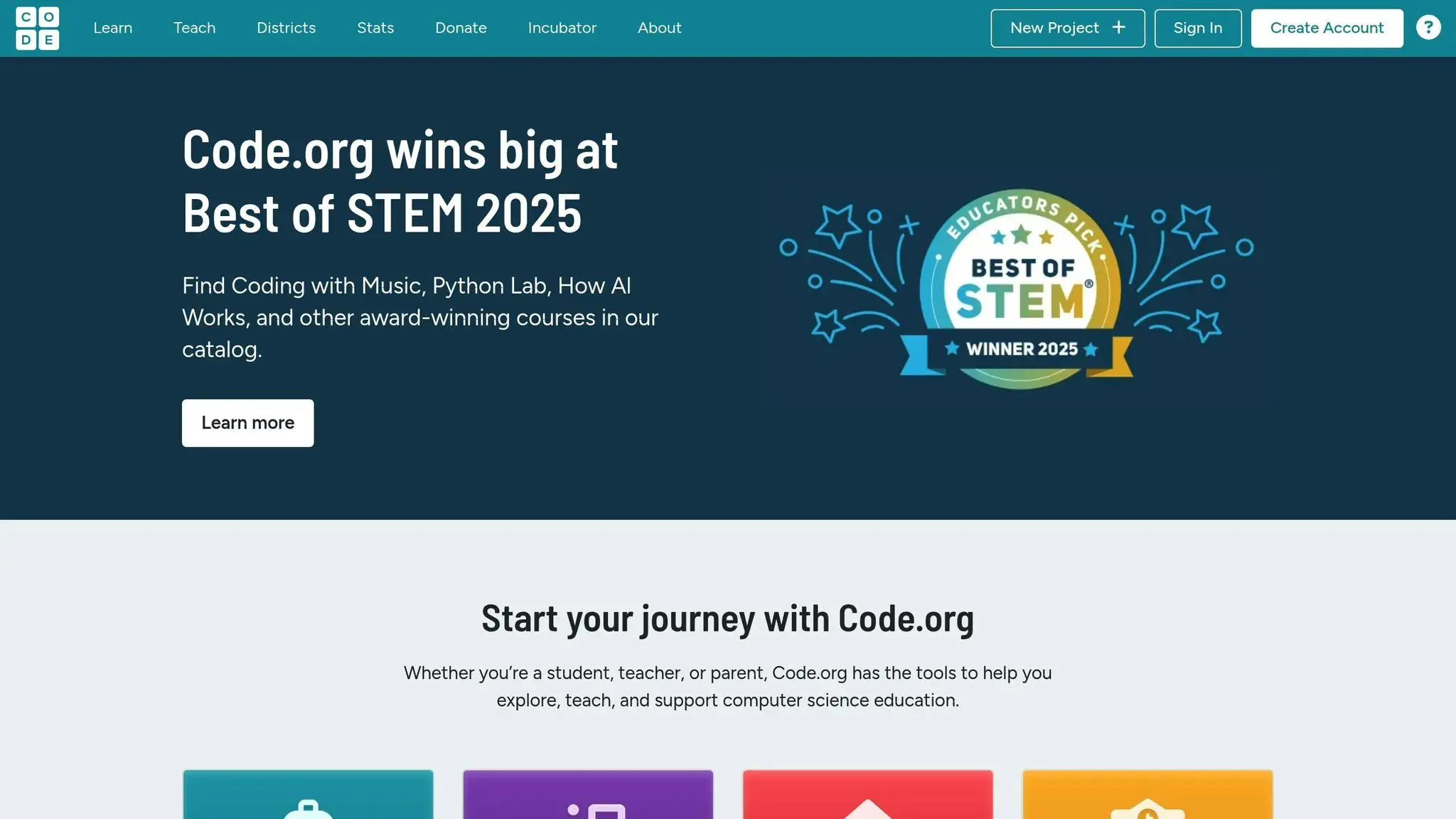
Code.org is a nonprofit organization dedicated to expanding access to computer science education. Its free, browser-based coding lessons are designed to be easily accessible, requiring no downloads, which makes it a practical option for schools and families across the U.S.
Programming Languages Taught
Code.org starts students off with block-based coding, similar to Scratch, before gradually introducing text-based programming. Early lessons use drag-and-drop blocks to teach foundational concepts like loops, conditionals, and functions. As students advance, they transition to JavaScript through guided exercises. The platform also offers specialized tracks, such as App Lab, where students create mobile apps using JavaScript, and Game Lab, which focuses on designing interactive games. These tracks help bridge the gap between beginner-friendly block coding and professional-level programming, giving students a clear path to more advanced challenges.
Age Suitability
Code.org caters to learners from kindergarten through 12th grade, with content tailored to different age groups. For younger students, the Hour of Code activities provide fun and engaging introductions to coding, while the Computer Science Fundamentals curriculum is perfect for elementary schoolers. Middle and high school students can tackle more advanced courses like Computer Science Discoveries and Computer Science Principles, which increase in complexity as they progress.
Learning Format
The platform is designed for both classroom and home use, offering self-paced online courses that are easy to follow. Teachers can create classroom accounts to assign lessons, track student progress, and monitor completion rates. Code.org also provides extensive teacher training and support materials. The lessons are structured sequentially, featuring tutorials, hands-on exercises, and creative projects that grow in complexity over time. Immediate feedback is provided as students test their code, ensuring they stay on track. Best of all, all resources are completely free.
Key Benefits (Top Computer Programming Classes)
Code.org’s browser-based approach eliminates technical barriers, allowing students to dive into coding right away. Its intuitive design supports the development of essential coding skills while aligning with educational standards. Teachers benefit from tools that simplify lesson planning and student monitoring, along with access to training resources. Through its challenges and projects, students enhance their logical thinking, problem-solving, and computational skills, including pattern recognition, abstraction, and algorithm design. The platform also emphasizes lessons on digital citizenship, covering topics like online safety and data privacy to prepare students for responsible internet use.
3. Scratch: Visual Programming for Creative Projects
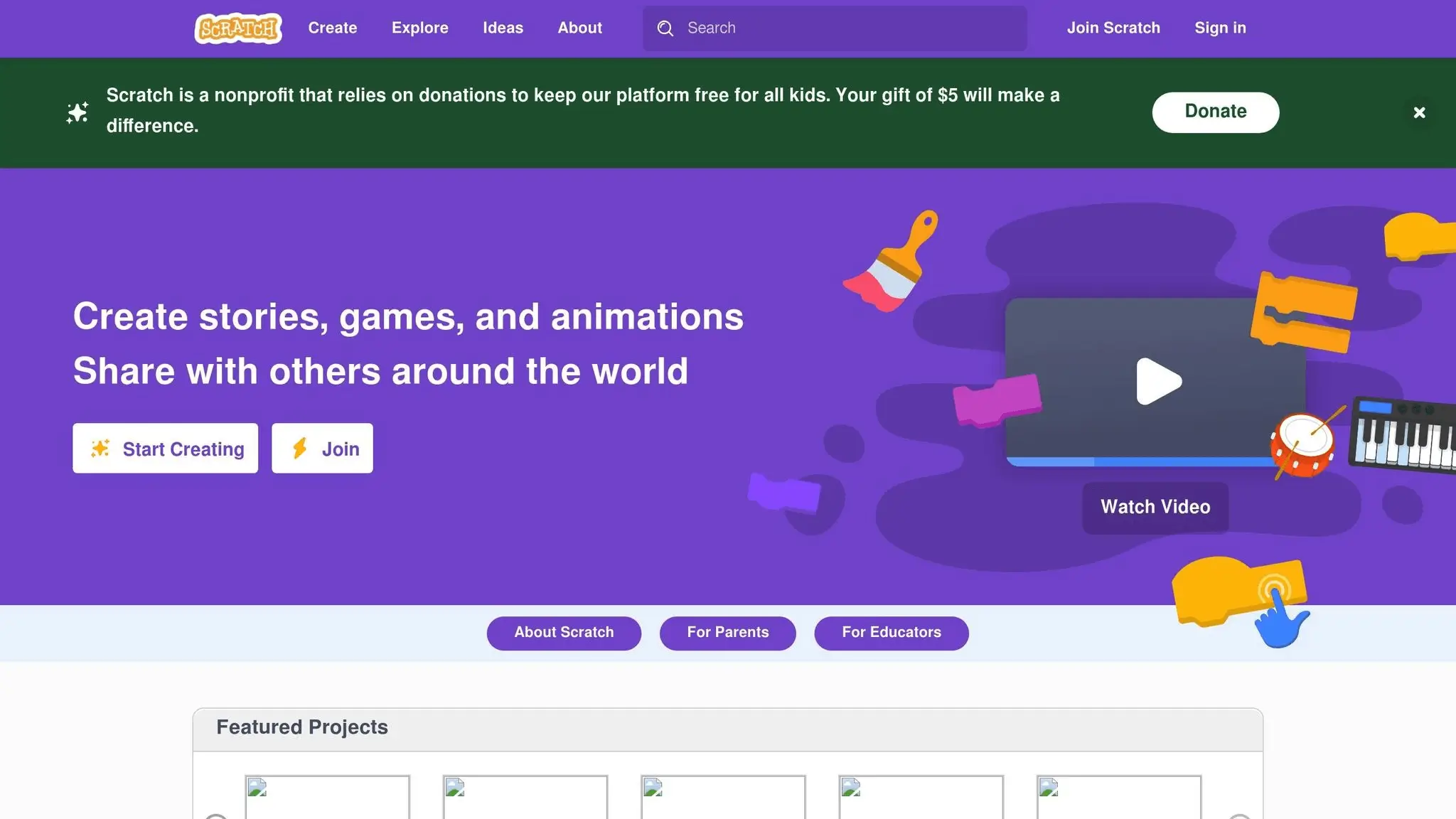
Scratch offers a fun and approachable way to dive into programming, especially for beginners. Developed by MIT, this visual programming language replaces traditional text-based code with colorful, drag-and-drop blocks. Think of it as building with digital LEGO pieces – users snap blocks together to create programs, making coding more intuitive and less intimidating.
Programming Concepts Covered
Scratch introduces essential coding concepts through its block-based system. Users can experiment with blocks for motion, visuals, sound, and control, learning the basics like variables, loops, functions, and conditionals. This eliminates the need to memorize complex syntax or worry about typing errors, allowing learners to focus on logic and problem-solving.
For those ready to go further, Scratch also supports custom blocks and data manipulation, offering a deeper dive into programming. These skills make transitioning to text-based coding much smoother.
Age Range
Scratch is designed for kids aged 8 to 16, though younger children can also succeed with some guidance. Its visual format works particularly well for elementary and middle school students, helping them develop logical thinking skills. Many schools start introducing Scratch in 3rd or 4th grade, once students have the reading skills needed to follow block labels and instructions.
Older students often use Scratch as a stepping stone to more advanced coding or as a quick way to prototype ideas. High schoolers might use it to test game mechanics or create interactive stories before moving to text-based programming. This flexibility makes Scratch an effective tool for learners of various ages and skill levels.
How It Works
Scratch is a self-paced, online platform that’s completely free to use. Beginners can start with built-in tutorials that walk them through creating animations, games, or interactive stories. Teachers and educators often use Scratch to structure lessons, while homeschooling parents can access a wealth of lesson plans and project ideas from the Scratch website.
One of the standout features is the Scratch community, where users can share their creations, remix projects, and provide feedback to one another. This global interaction transforms coding into a collaborative experience, fostering creativity and teamwork. For educators, classroom accounts make it easy to manage student projects and track progress.
Why Scratch Stands Out
Scratch is more than just a coding platform – it’s a space where creativity and problem-solving come together. Students learn to break down complex problems into smaller steps while designing games, animations, and stories. The immediate visual feedback keeps them engaged and encourages experimentation.
The platform also encourages artistic expression. Users can upload their own artwork, record sounds, and create unique characters, making the learning process both personal and enjoyable. This creative freedom often leads to longer engagement and a deeper understanding of programming concepts.
As students work on their projects, they naturally develop problem-solving skills by debugging and trying out different solutions. The visual layout helps them quickly identify errors and understand how changes affect their code.
Additionally, Scratch introduces learners to basic digital citizenship. Through its community guidelines and moderation, students learn how to interact respectfully online, provide constructive feedback, and credit others when remixing projects. These lessons are as valuable as the coding skills themselves, preparing students for a collaborative digital world.
4. Roblox Studio with Lua: Game Development for Young Creators
Roblox Studio with Lua offers young gamers an exciting opportunity to step into the world of game creation while learning practical coding skills. With an impressive 380 million monthly users and 85.3 million daily users as of 2025, Roblox has become a powerhouse platform where kids can turn their love for gaming into a hands-on coding journey. This interactive environment encourages learners to tackle real coding challenges while having fun.
Programming Languages Taught
Students dive into Lua, the scripting language officially used for Roblox game development. Lua stands out because it’s easy for beginners to grasp, featuring only 21 reserved words.
Through Roblox Studio, students cover essential coding concepts like variables, data types, conditionals, loops, functions, and event handling. Starting with the basics, they gradually move on to designing more complex game logic. The project-based approach ensures that learners can immediately see the results of their efforts, as they build and share their creations with friends and the wider Roblox community.
Age Suitability
Roblox Studio with Lua is designed to meet learners where they are, tailoring challenges to different age groups. It’s generally recommended for kids aged 11–12 and up, though some programs accept students as young as 8 if they have prior coding experience. Younger learners, typically sixth grade or below, are often encouraged to start with beginner-friendly platforms like Scratch or introductory Roblox classes before tackling Lua. For students who’ve already worked with Python, transitioning to Lua can feel more intuitive thanks to their familiarity with text-based coding. With over 32 million users under 13 and 52 million users over 13, Roblox’s popularity spans a wide age range.
Learning Format
Programs using Roblox Studio with Lua follow a structured, project-based learning format. Students create multiple games, gaining immediate feedback as they code. This hands-on approach fosters critical thinking and sparks creativity. Many classes blend self-paced learning with guided instruction, striking a balance between flexibility and in-depth understanding. The gamified learning environment makes the experience engaging, turning coding lessons into a fun and rewarding adventure.
Key Benefits (Top Computer Programming Classes)
Learning Roblox Studio with Lua teaches more than just coding. It helps students develop patience, perseverance, and problem-solving skills, especially when debugging their code. By shifting from passive players to active creators, kids build confidence while gaining practical programming experience that can open doors to future tech opportunities. Because Lua is free and open-source, it provides an accessible way to learn coding principles that align with industry standards. Regular practice, whether daily or weekly, ensures steady progress and reinforces their skills over time.
5. Minecraft Modding with Java: Coding for Gamers
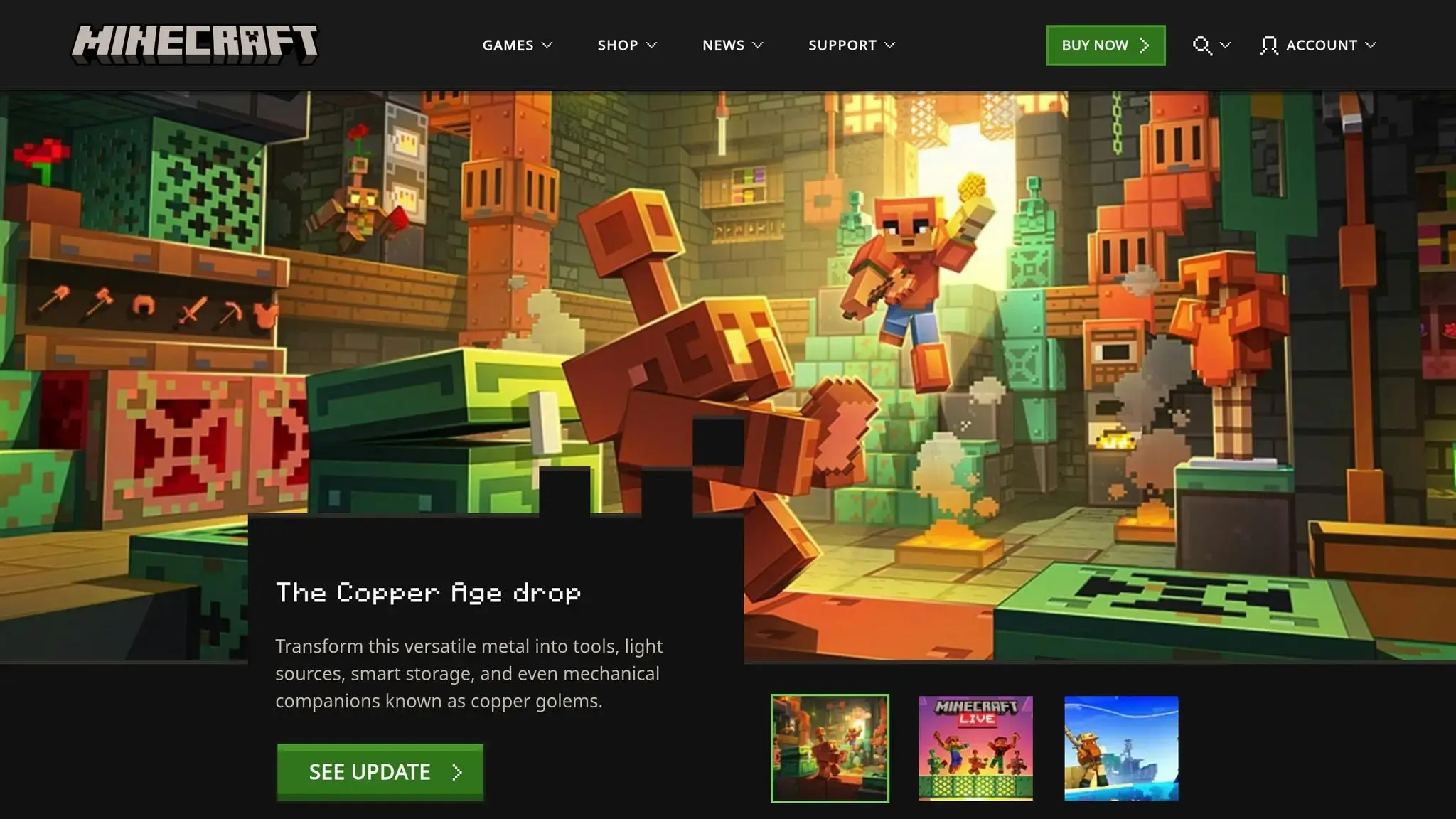
Minecraft modding with Java transforms a beloved game into a fun and interactive coding platform, offering kids the chance to learn real programming skills while creating custom game modifications. This unique approach combines creativity with technical learning, giving students a hands-on introduction to Java’s real-world applications.
Programming Languages Taught
By diving into Minecraft modding, kids get to grips with core Java concepts like object-oriented programming, classes, methods, variables, and data structures. They also practice essential programming basics, such as loops, conditionals, and functions, all within Minecraft’s modding frameworks.
This hands-on approach allows students to manipulate game mechanics, design new items and blocks, create custom creatures, and build interactive gameplay features. By seeing their work come to life in Minecraft, abstract programming ideas become easier to understand and apply.
Age Suitability
Minecraft modding courses cater to a range of ages, typically starting at 10 years old. These courses are especially suited for kids who already have some coding experience. For example, kids familiar with visual programming tools like Scratch often find the transition to text-based coding, like Java, smoother. Beginner-friendly classes introduce Java through simple modding projects, while older or more advanced students (usually ages 13–17) can tackle complex challenges, such as advanced game mechanics or multiplayer mods.
Learning Format
Most Minecraft modding classes blend self-paced learning with structured guidance. Students begin with simple projects, like tweaking block properties, and gradually progress to creating entirely new game features. Courses often include video tutorials, step-by-step exercises, and access to community forums where learners can share ideas and showcase their mods.
Project-based learning is a key feature of these courses. Students build a portfolio of mods as they progress, showcasing their growing skills. Many programs also offer pre-configured development setups, removing the hassle of technical installations and letting students focus entirely on coding.
Key Benefits (Top Computer Programming Classes)
Minecraft modding bridges the gap between abstract coding concepts and real-world application. By working on interactive projects, students gain practical Java programming experience alongside skills in debugging, problem-solving, and creative design. They also get hands-on exposure to industry-standard tools and workflows, which can serve as a foundation for future coding or software development pursuits.
The collaborative nature of these courses encourages teamwork, a critical skill for tech-related careers. Plus, the immediate feedback of seeing their code come to life in the game keeps students motivated and engaged while they learn. This blend of creativity and technical skill-building makes Minecraft modding an exciting entry point into the world of programming.
6. Tynker: Learn to Code with Interactive Projects
Tynker is a coding platform designed to make programming approachable and fun for young learners. It begins with a visual, block-based interface that introduces the basics of coding, such as variables and loops, before gradually transitioning students to text-based programming. This step-by-step approach allows learners to move from creating simple animations to tackling more advanced coding challenges, building their skills along the way.
Programming Languages Taught
The journey starts with block-based coding, which simplifies concepts like conditionals and loops into easy-to-understand visual blocks. As students gain confidence, Tynker introduces them to text-based programming languages like JavaScript and Python. This structured progression ensures that learners are equipped to handle more complex coding tasks while developing skills that are valuable for real-world applications.
Age Suitability
Tynker is tailored to different age groups:
- Ages 5–8: Simple drag-and-drop tools for creating animations and games.
- Ages 9–13: More challenging projects that gradually build coding proficiency.
- Ages 14–18: Text-based coding challenges designed to enhance problem-solving and critical thinking skills.
Learning Format
Tynker combines self-paced tutorials with engaging, gamified elements to keep students motivated. Its interactive tutorials blend video lessons with hands-on coding exercises. Students can explore coding challenges, use project templates, and even share their creations in a community showcase. To further enhance the experience, the platform offers live virtual workshops and seasonal coding camps, providing opportunities for guided, instructor-led learning. Badges and points are also awarded to encourage progress and celebrate achievements.
Key Benefits (Top Computer Programming Classes)
Tynker emphasizes project-based learning to help students develop computational thinking and problem-solving abilities. It fosters creativity by encouraging learners to design their own digital projects and promotes responsible online behavior through lessons in digital citizenship. Additionally, students can document and save their work, offering a portfolio that could be useful for academic purposes down the road.
Class Comparison Table (Top Computer Programming Classes)
This table breaks down essential features of the top computer programming classes, helping you choose the best fit for your child’s age, interests, and learning style.
| Platform | Age Range | Programming Languages | Learning Format | Monthly Pricing |
|---|---|---|---|---|
| CodaKid | 8-18 years | Python, JavaScript, Java, Lua, HTML/CSS, AI/Machine Learning | Self-paced courses ($29), Private 1:1 lessons ($249), Virtual camps (varies) | $29 – $249 |
| Code.org | 4-18 years | Block-based coding, JavaScript, Python | Self-paced tutorials, classroom resources | Free |
| Scratch | 8-16 years | Visual block-based programming | Self-paced projects, community sharing | Free |
| Roblox Studio | 10+ years | Lua scripting | Self-paced tutorials, community resources | Free |
| Minecraft Modding | 8+ years | Java, block-based coding | Self-paced tutorials, community mods | Varies by platform |
| Tynker | 5-18 years | Block-based coding, JavaScript, Python | Self-paced tutorials, virtual workshops, and camps | $20 – $50 |
Choosing the Right Platform for Your Child (Top Computer Programming Classes)
If you’re looking for free options, Code.org, Scratch, and Roblox Studio are excellent starting points. These platforms provide a risk-free way to see if your child enjoys programming without any financial commitment. For parents wanting a more structured approach, Tynker offers a balance of affordability ($20-$50 monthly) and features like progress tracking and certificates. Meanwhile, CodaKid caters to those seeking premium, personalized instruction, with private lessons starting at $249 per month.
Self-driven kids might thrive with platforms like Scratch or Code.org, which allow them to explore at their own pace. On the other hand, children who benefit from guided learning or direct interaction may find CodaKid’s private lessons or Tynker’s virtual workshops more effective, even if they come at a higher price point.
Age is another important factor. Younger children often do well with visual, block-based systems like Scratch or Tynker, while teenagers may gain more from platforms that teach real-world programming languages like Python or JavaScript. These languages not only challenge them but also open doors to more advanced coding opportunities.
Conclusion (Top Computer Programming Classes)
Choosing the right programming class for your child depends on their age, interests, and how they learn best. For younger kids, ages 5–8, visual platforms like Scratch or Tynker provide a fun and engaging way to start coding. On the other hand, teens ready for more advanced challenges can dive into languages like Python or JavaScript through courses like those offered by CodaKid.
Budget is another key consideration. Free platforms such as Code.org and Scratch offer an accessible entry point, while families looking for more structured learning experiences with added features might find value in premium options like CodaKid.
The benefits of coding go far beyond just learning to program. Studies show that it helps kids develop problem-solving skills, creativity, and logical thinking. It even fosters resilience – an essential trait in today’s fast-changing world. With the World Economic Forum predicting that 65% of today’s primary school students will eventually work in jobs that don’t yet exist, many of which will be tech-driven, coding is becoming an increasingly important skill.
Beyond academics, some platforms also teach digital citizenship, helping kids understand online etiquette, safeguard their identities, and recognize cyber threats – all while building their technical expertise.
For self-driven learners, platforms like Scratch or Code.org are great choices. Meanwhile, children who thrive with structured guidance may benefit from CodaKid’s well-organized curriculum. And coding isn’t just about technical know-how – it also enhances communication, focus, and teamwork, all of which are crucial in our digital age.
As technology continues to shape the future, programming education not only prepares kids for potential careers in tech but also equips them with the digital literacy skills they’ll need no matter what path they choose.
FAQs (Top Computer Programming Classes)
What are the main advantages of teaching kids programming with CodaKid, and how does it help them succeed in future careers?
Teaching kids programming with CodaKid offers so much more than just an introduction to coding. It nurtures critical thinking, problem-solving abilities, and creativity – skills that are invaluable in today’s tech-focused world. As kids tackle coding challenges, they also develop resilience and learn to adapt, giving them the confidence to face complex, real-life problems head-on.
On top of that, programming helps kids build digital literacy while paving the way for future opportunities in STEM fields like software development, artificial intelligence, or game design. These skills not only prepare them for potential careers but also empower them to better understand and navigate the digital world we live in.
How does CodaKid make its programming courses fun, engaging, and suitable for kids and teens of different ages and learning styles?
CodaKid designs programming courses specifically for kids and teens aged 6 to 16, crafting lessons that match their age and skill levels. The curriculum is thoughtfully structured to grow in complexity, helping students gain confidence as they progress.
What sets CodaKid apart is its use of interactive, game-driven projects combined with real programming languages like Python, JavaScript, and Java. This project-based approach sparks creativity and encourages hands-on problem-solving. Plus, with live lessons and small group sessions, students get personalized support, ensuring different learning styles are met and motivation stays high.
How can parents choose the top computer programming classes to match their child’s interests and learning style?
When choosing the top computer programming classes for your child, it’s important to find one with an age-appropriate curriculum that matches their interests. Whether they’re curious about game development, AI, or even learning about internet safety, aligning the program with what excites them can make a big difference. For beginners, visual programming languages like Scratch can be a great starting point, while older kids or those with more experience might enjoy diving into Python or Java.
Also, think about the format and flexibility of the class. Decide if an online or in-person setup works better for your child, and ensure the program fits their learning pace and keeps them engaged. Classes that emphasize creativity and problem-solving are especially valuable, as they not only keep kids motivated but also help them develop skills they’ll use for years to come.















