AI-powered tools are changing how kids engage with digital art. These platforms help children turn ideas into visuals, learn basic AI concepts, and build tech skills. Below are seven tools that balance fun, education, and safety for young users:
- LittleLit AI: Converts stories into illustrations, blending storytelling with visual art.
- Bing Image Creator: Generates images from text, teaching prompt crafting.
- Craiyon: Offers nine image variations from text prompts, great for experimenting with styles.
- Scribble Diffusion: Transforms sketches into polished digital art.
- KidGeni: Focuses on avatars and kid-friendly illustrations.
- StarryAI: Creates detailed art from text prompts, suitable for older kids.
- CodaKid: Combines coding and AI art, teaching programming through project-based lessons.
These tools cater to different age groups, skill levels, and devices while emphasizing safety and privacy. Parents can guide their children’s exploration with free trials and secure platforms.
Quick Comparison (AI Tools for Kids)
| Tool | Age Range | Features | Pricing | Device Compatibility | Safety Features |
|---|---|---|---|---|---|
| LittleLit AI | 6–12 | Story illustrations, text-to-art | Free + Premium | Browser, tablets | Child-safe filters |
| Bing Image Creator | 13+ | Photorealistic art from text | Free | Browser, mobile app | Requires supervision |
| Craiyon | 8+ | Multiple art styles | Free + $5/mo | Browser | No account needed |
| Scribble Diffusion | 5+ | Sketch-to-art conversion | Free | Browser, touch devices | No data collection |
| KidGeni | 7–14 | Illustrations, avatars | Free + $9.99/mo | Browser, iOS, Android | COPPA-compliant |
| StarryAI | 10+ | Abstract and realistic images | Free + $11.99/mo | Browser, mobile | Content moderation |
| CodaKid | 9+ | AI coding projects | $29–$249/mo | Browser | Live support, privacy |
These tools not only make art creation accessible but also introduce kids to AI concepts in a secure, engaging way.
Table of Contents
The Easiest Way To Run Local AI (Free)
1. LittleLit AI
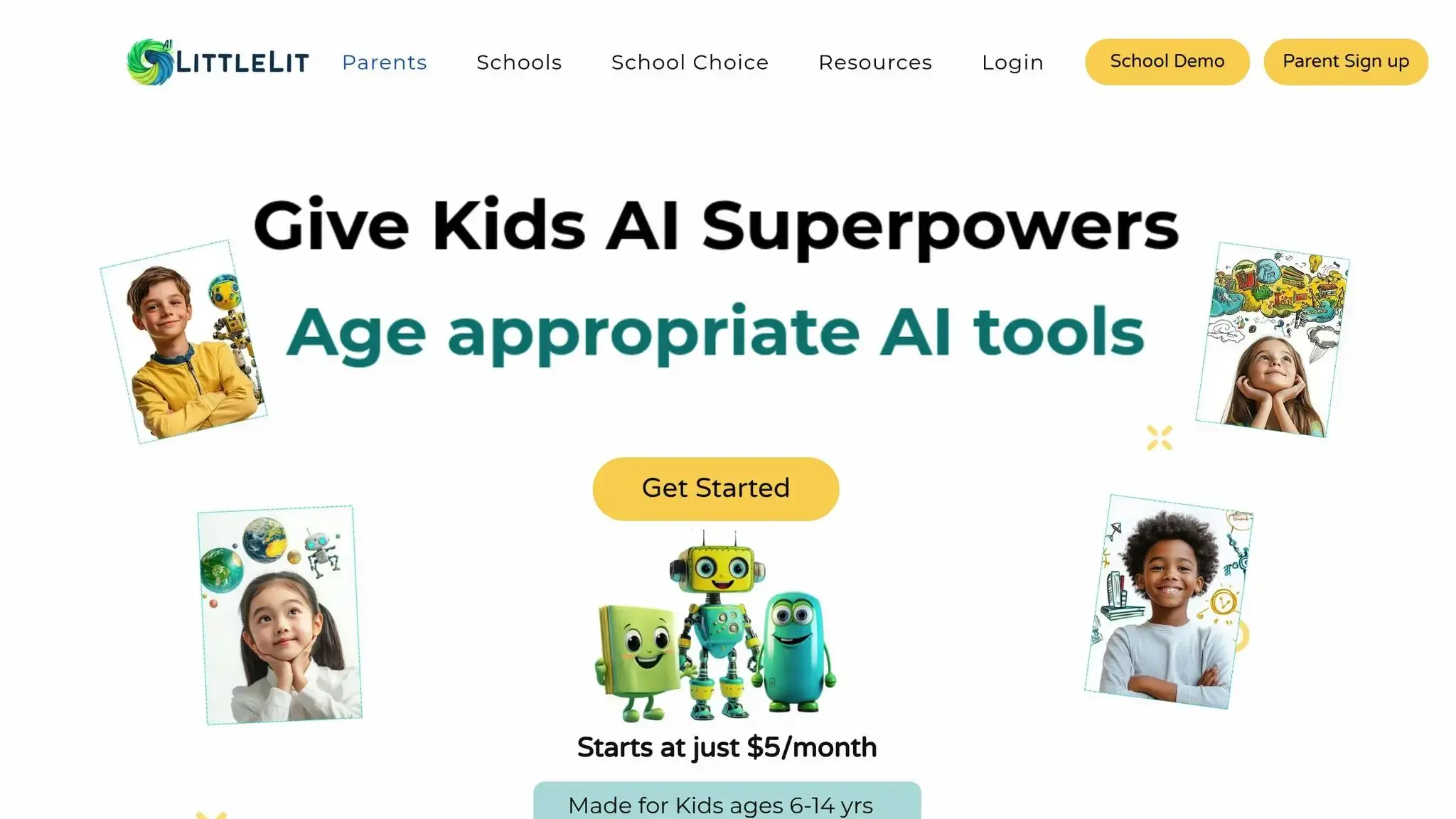
LittleLit AI transforms written stories into stunning digital artwork, offering an engaging and imaginative experience for younger users. Let’s explore its standout features, educational perks, and ease of use.
Creative Features
With its text-to-image conversion tool, LittleLit AI brings descriptive stories to life by turning words into visual art. This feature allows users to see their written ideas transformed into unique illustrations.
Educational Value
The platform combines the art of storytelling with digital creativity, encouraging kids to express themselves in new and inventive ways while honing their narrative and artistic skills.
Accessibility
As a web-based platform, LittleLit AI works seamlessly on a variety of devices, including tablets, laptops, and desktops. This flexibility ensures it’s easy to access from almost anywhere, making it a convenient tool for users.
2. Bing Image Creator
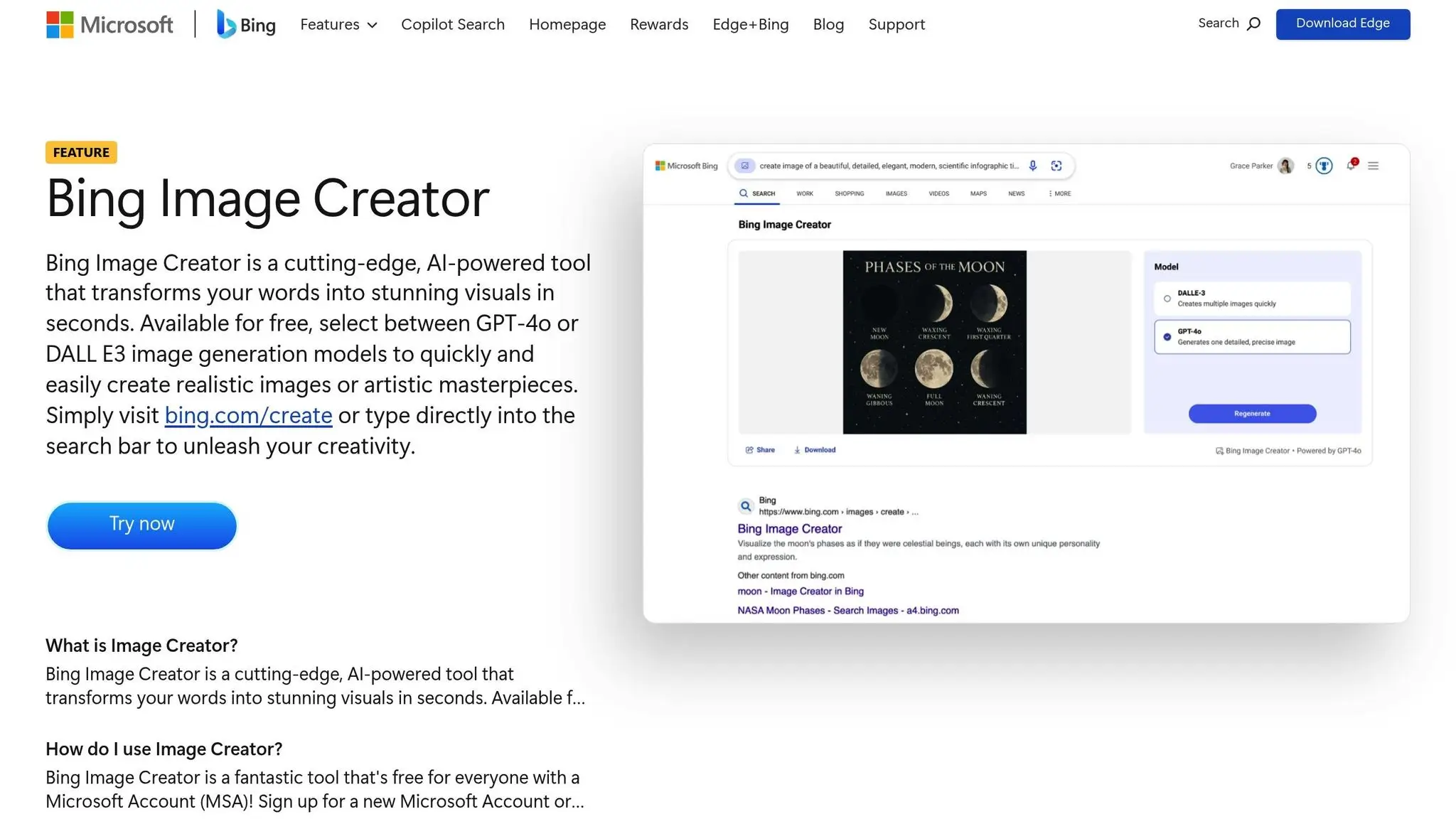
Bing Image Creator is an AI-powered tool from Microsoft that generates digital art based on user-provided input. Whether you’re looking to create unique visuals or experiment with artistic ideas, this tool offers a simple way to bring your concepts to life. For more details on its features, how to use it, and age recommendations, check out Microsoft’s official documentation. Up next, we’ll delve into how Craiyon transforms text prompts into creative visuals.
3. Craiyon (DALL·E Mini)
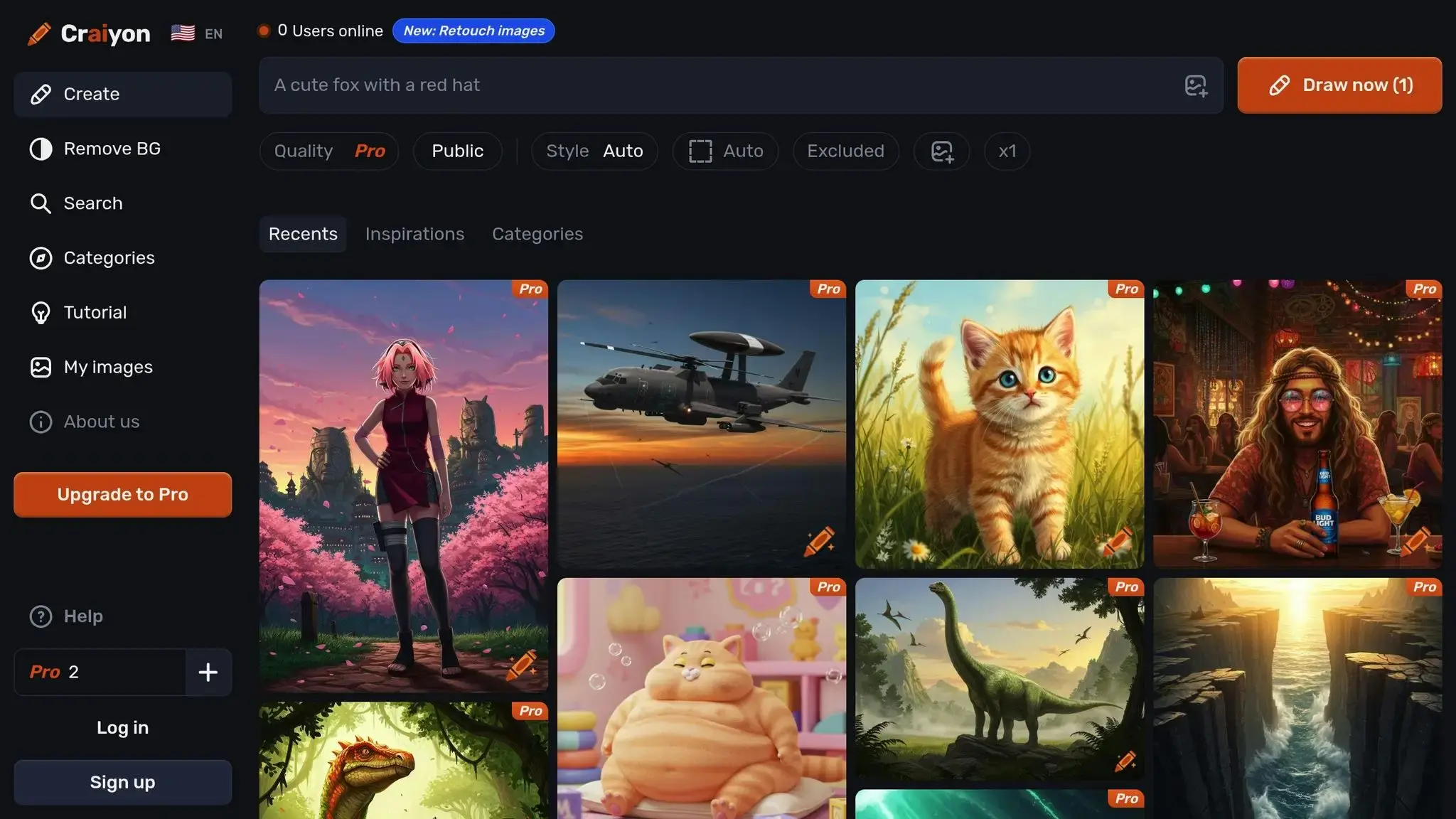
Craiyon, previously known as DALL·E Mini, is a free online tool that transforms text prompts into digital artwork. Type something like “a purple dragon eating ice cream”, and you’ll get nine different artistic interpretations.
Features to Explore
Craiyon lets you play around with prompts to achieve various artistic styles. Want something cartoonish, realistic, or painted in watercolor? Just add those labels to your prompt, and the tool adjusts accordingly. With nine unique images generated for each idea, it gives you plenty of creative options to bring your vision to life.
Easy to Use
No accounts, no downloads – just open your browser on any device, type your prompt, and you’re ready to go. It’s as simple as that.
Looking for more creative tools? Check out Scribble Diffusion, which turns your sketches into polished digital art.
4. Scribble Diffusion
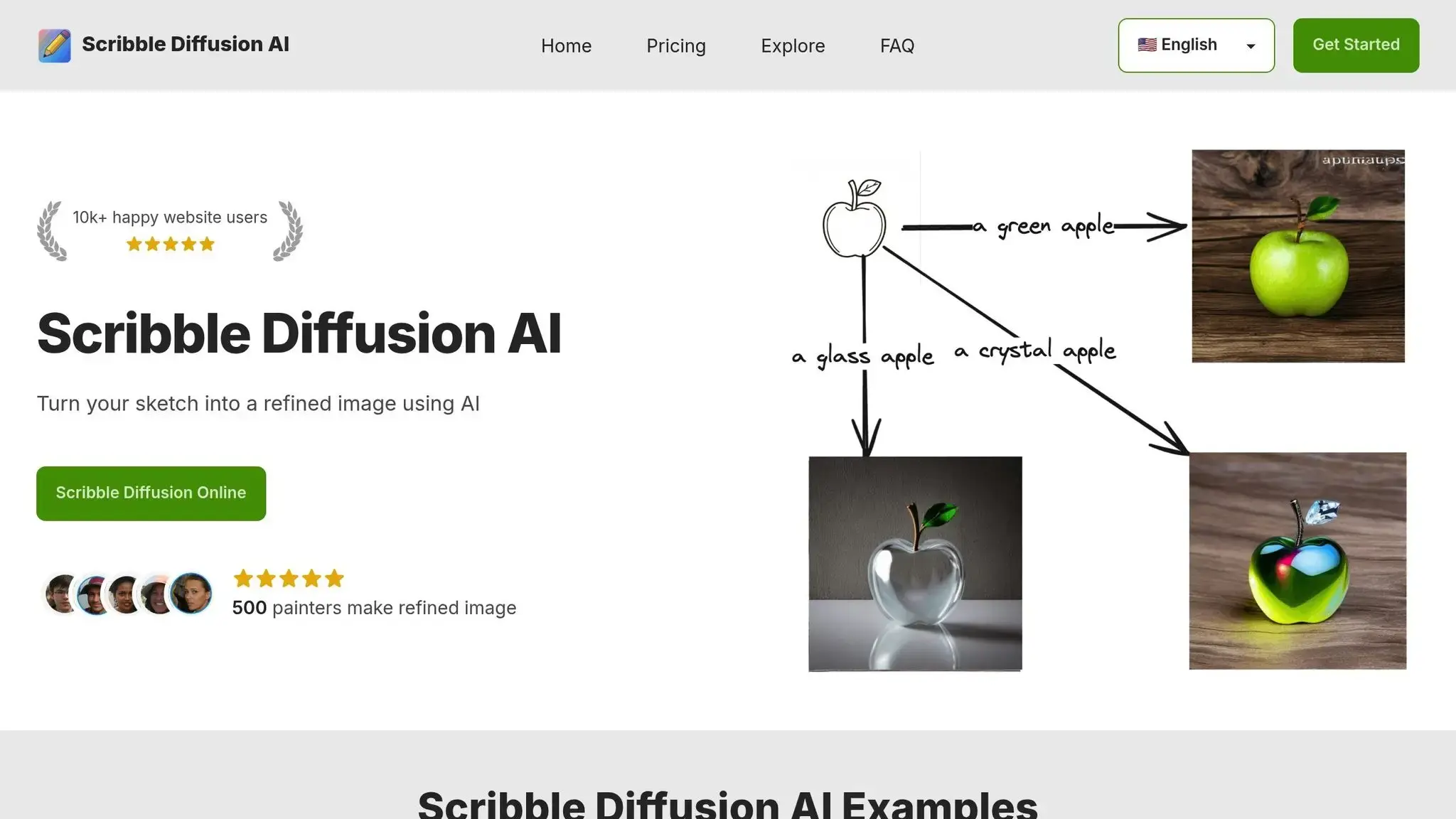
Scribble Diffusion takes kids’ simple sketches and turns them into refined digital artwork. This tool is still evolving, with new features being added, making it an exciting platform to explore. Dive in and see how it transforms rough drawings into polished digital creations.
Ready for more creative fun? Check out KidGeni next!
5. KidGeni
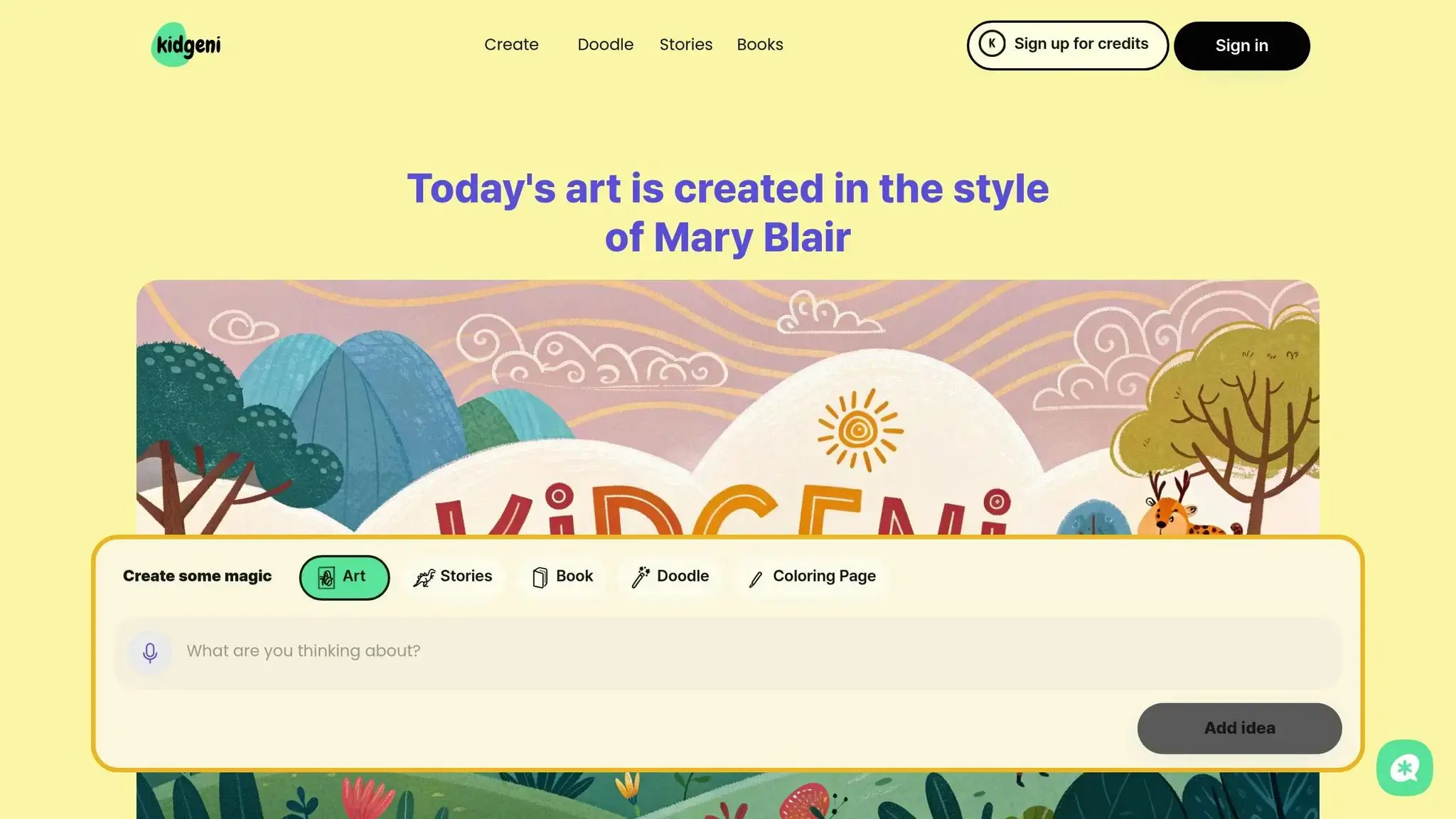
KidGeni is designed to inspire and nurture creativity in budding digital artists. While information about the platform is currently limited, you can head over to KidGeni’s website to stay informed about the latest updates. It’s a great resource for families and educators looking to support young creators.
If you’re ready to explore tools with more advanced features, the next stop is StarryAI, which takes AI art creation to the next level.
6. StarryAI
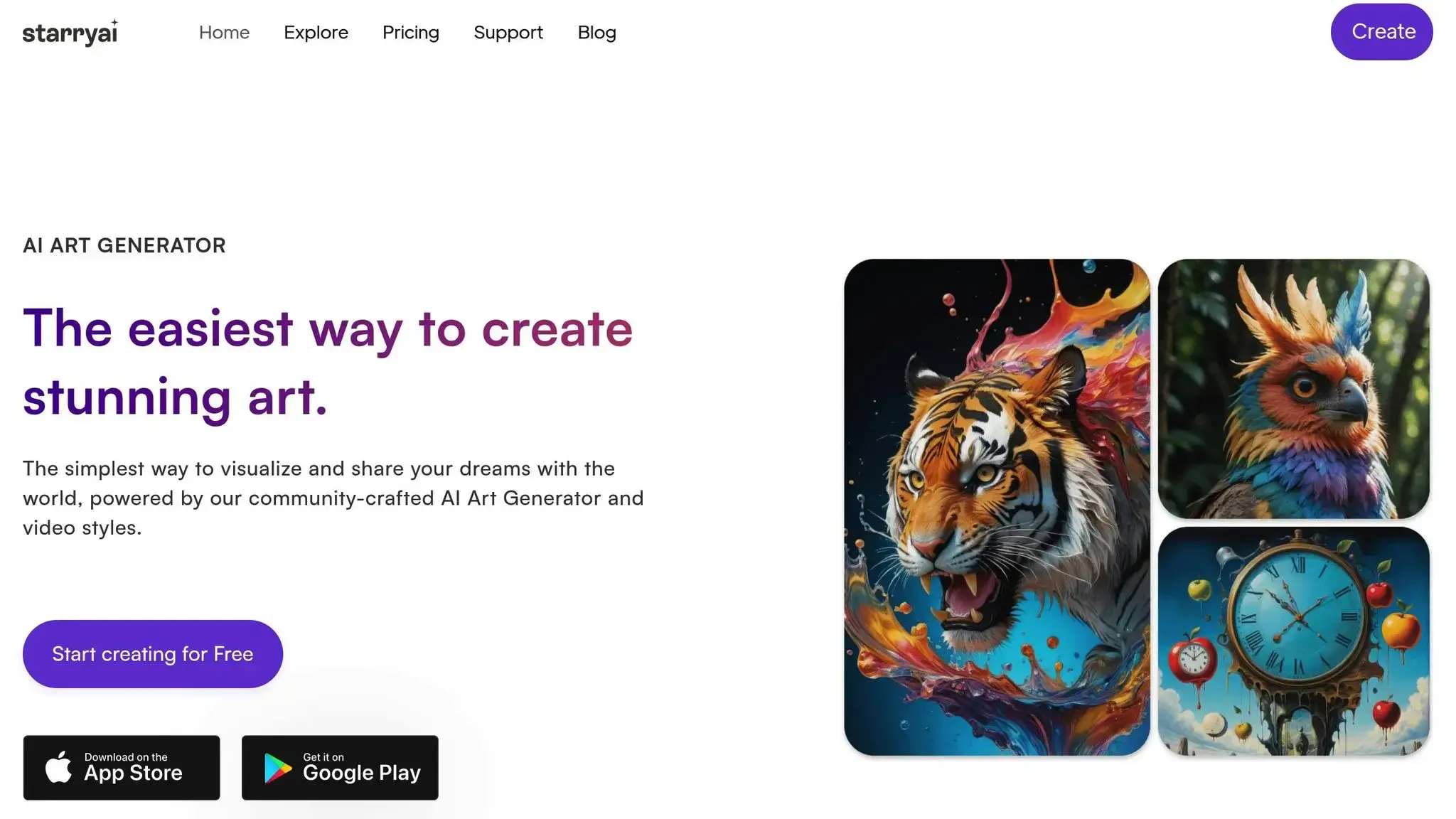
StarryAI is an AI-powered tool that transforms text prompts into stunning digital artwork. Its mobile-friendly interface makes it easy for kids to dive in and explore how words can shape visual creations, sparking curiosity about the relationship between language and visual art. With both free options and premium upgrades available, StarryAI provides an easy and approachable way to merge creativity with technology. Up next, we’ll dive into a detailed comparison of these tools.
7. CodaKid

Rounding out our list is CodaKid, a platform that combines coding education with the exciting world of AI art creation. CodaKid helps kids learn to build AI-powered tools using real programming languages, enabling them to create their own interactive art and games.
Recommended Age Range
CodaKid is designed for kids aged 9 and up, with courses tailored to suit both beginners and more advanced learners.
Creative Features
Using Python and JavaScript, kids can code their own interactive art pieces and game designs. This hands-on approach gives them a deeper understanding of how AI works while sparking their creativity. It’s a perfect way to merge artistic expression with essential tech skills.
Educational Value
CodaKid doesn’t just teach kids how to use AI art tools – it takes things a step further by explaining the coding concepts that make these tools work. The curriculum is highly rated, with a 4.9-star average from over 350 reviews.
“This has been a great addition to our home school curriculum! My son loves spending time in the program and even jumps back in after school when he’s finished his other work. The response to help requests is always immediate and they do a great job finding and explaining the issues he may be having.” – Christy Lynn, parent
Accessibility
CodaKid offers flexible options to suit different needs. Self-paced courses start at $29 per month, giving students unlimited access to over 85 courses. For a more personalized experience, private one-on-one lessons are available for $249 per month. New users can take advantage of a 14-day free trial or a free first session, and live support ensures help is always just a click away. All courses are project-based, making the learning experience engaging and practical.
Tool Comparison Chart (AI Tools for Kids)
Review the key features below to find the best tool for your child’s digital art journey.
| Tool | Age Range | Art Capabilities | Educational Value | Pricing (USD) | Privacy & Safety | Device Compatibility |
|---|---|---|---|---|---|---|
| LittleLit AI | 6–12 years | Story illustrations and character creation | Introduces basic AI concepts through storytelling | Free with premium options | Child-safe content filters | Web browser, tablets |
| Bing Image Creator | 13+ years | Photorealistic images and digital art | Teaches users how to craft effective AI prompts for image generation | Free with a Microsoft account | Requires adult supervision | Web browser, mobile app |
| Craiyon (DALL·E Mini) | 8+ years | Simple illustrations and cartoon-style art | Encourages basic prompt engineering skills | Free with ads; $5/month premium | No account required for basic use | Web browser, mobile-friendly |
| Scribble Diffusion | 5+ years | Transforms simple drawings into digital art | Combines traditional drawing with AI enhancements | Free | No personal data collection | Web browser, touch devices |
| KidGeni | 7–14 years | Kid-friendly illustrations and avatar creation | Supports creative storytelling and visual expression | Free tier; $9.99/month premium | COPPA-compliant with parental controls | Web browser, iOS, Android |
| StarryAI | 10+ years | Generates both abstract and realistic images | Builds advanced prompt crafting skills | Free credits; $11.99/month for unlimited use | Account required with content moderation | iOS, Android, web browser |
| CodaKid | 9+ years | Interactive digital projects through coding | Focuses on programming fundamentals, AI concepts, and game design | $29/month for self-paced courses; $249/month for private lessons | Offers live educational support | Web browser; compatible with all devices |
Other Aspects:
While the table highlights the main features, there are a few other aspects to keep in mind:
- Privacy matters. Each platform has its own privacy policy, so it’s worth reviewing them to ensure your child’s online safety. For example, tools like KidGeni comply with COPPA standards, offering parental controls for added security.
- Educational depth varies. Some tools, like Scribble Diffusion, focus on creative play, while others, such as CodaKid, dive deeper into programming and game design, offering a more comprehensive learning experience. CodaKid, for instance, includes over 85 self-paced courses, making it a solid choice for kids interested in coding and design.
- Budget considerations. Pricing ranges from free options (sometimes with ads or watermarks) to subscription-based models. For example, CodaKid’s $29 monthly fee grants access to a broad curriculum, while other tools like KidGeni offer a more affordable premium tier at $9.99/month.
- Device compatibility. Always check if the tool works on your preferred device, whether it’s a tablet, smartphone, or web browser.
- Content safety is key. Platforms with built-in moderation or child-safe filters provide peace of mind for parents, ensuring a safe and age-appropriate creative environment.
Final Thoughts (AI Tools for Kids)
AI art tools open up exciting opportunities for kids to dive into digital creativity – whether they’re crafting animations, designing interactive stories, or illustrating their own ideas. These platforms, like LittleLit AI for story illustrations or CodaKid for game coding, not only bring their imaginations to life but also help them develop problem-solving, critical thinking, and tech skills. Watching their ideas take shape into real projects boosts their confidence while introducing them to essential skills for the modern world.
But the benefits go beyond just creativity. These tools lay the groundwork for digital literacy and introduce kids to the basics of AI, preparing them for a future where technology plays an ever-growing role. By learning to interact with AI early on, kids gain an edge in both academics and future career paths – a valuable advantage in today’s tech-driven landscape.
Parents can play a big role in this journey by encouraging their child’s creativity with age-appropriate tools. Free trials, like CodaKid’s 14-day option for self-paced courses, are a great way to explore their interests without committing upfront. Show interest in what they’re creating, carve out time for them to experiment, and celebrate their progress to keep the excitement alive.
With tools designed for different ages, skill levels, and budgets, there’s something for every young creator to explore their talents and build valuable tech skills along the way.
FAQs (AI Tools for Kids)
How can parents keep their children safe and protect their privacy when using AI art tools?
Ensuring your child’s safety and privacy when using AI art tools starts with a careful review of the platform’s privacy policies. This helps you understand how data is collected and used. Choose platforms that offer kid-friendly features and implement strong safety protocols.
Additionally, consider enabling parental controls or using monitoring tools to keep an eye on your child’s activity. It’s also crucial to have open conversations with your child about online safety, emphasizing why they should avoid sharing personal information. These steps can create a secure and enjoyable environment for your child to explore their creativity.
What educational skills can kids gain from using AI tools beyond creating art?
AI tools provide children with much more than just a creative outlet for making art. They serve as a gateway to building problem-solving abilities, sparking imagination, and encouraging logical reasoning. These tools also introduce kids to basic programming concepts and computational thinking – key skills for thriving in future STEM fields.
Engaging with AI allows kids to explore how technology functions while picking up practical skills like coding and digital design. This hands-on learning not only fuels their curiosity but also equips them for the tech-focused careers of the future.
Do these AI art tools offer free trials for kids and parents to try before committing?
Yes, CodaKid offers free trials for both their self-paced courses and private 1:1 lessons. This gives kids and parents the chance to try out the platform and explore its features before committing. It’s an excellent opportunity to determine if the teaching approach and resources align with your needs!