Learning to code has never been more accessible for kids, thanks to free coding camps that teach programming skills without the cost. These programs offer courses in beginner-friendly tools like Scratch and advanced languages like Python and Java. Here are the top 5 free coding camps in 2026:
- CodaKid: Offers a 14-day free trial with courses in Python, JavaScript, Minecraft modding, and more. Ideal for ages 6–18.
- Code.org: Year-round programs for K–12 students with tools like Scratch, JavaScript, and Python. Great for schools and independent learners.
- Scratch/ScratchJr: Perfect for younger kids (ages 5–16) to create animations and games using drag-and-drop coding.
- Khan Academy: Self-paced courses in JavaScript, HTML/CSS, and SQL for learners 10+.
- Coder Kids: Beginner-friendly Scratch lessons featuring fun projects like “Pokemon in Space.”
These top 5 free coding camps combine flexible formats with project-based learning, helping kids build coding skills while creating games, apps, and more. Whether your child is a complete beginner or ready for advanced challenges, there’s an option for every age and interest.
Table of Contents
How free summer coding camps are empowering young students
What to Look for in the Top 5 Free Coding Camps
The top 5 free coding camps might all share the same price tag – zero dollars – but they certainly don’t all offer the same experience. The quality, structure, and outcomes can vary widely, so knowing what to look for will help you pick the right program for your child’s needs and learning style. Here are the key factors to consider when evaluating coding camps.
Curriculum Quality and Structure should top your list. The best programs follow a clear learning path, starting with basic concepts and gradually increasing in complexity. Instead of random coding exercises, look for camps that offer hands-on projects like creating games or animations. For younger kids, camps should focus on visual programming languages like Scratch, while older students benefit from learning text-based languages such as Python or JavaScript.
Age-Appropriate Content is essential for keeping kids engaged. Camps for 6-8 year olds often use drag-and-drop interfaces and storytelling elements to make coding fun and accessible. Programs for 9-12 year olds can introduce more advanced logic and problem-solving challenges. Teen-focused camps should go a step further, offering exposure to professional programming languages and tools used in the tech industry.
Instructor Support and Guidance
Instructor Support and Guidance can make a huge difference. Camps that provide live sessions, mentorship, or active forums stand out from those that simply offer self-guided tutorials. Some even have office hours where kids can ask questions or get help with tricky concepts. Peer-to-peer learning environments are another great feature, allowing students to collaborate and troubleshoot together.
Accessibility and Technical Requirements are practical details that can’t be overlooked. Check if the camp requires specific software, high-speed internet, or certain devices. The best free camps work on various platforms – Windows, Mac, or Chromebook – and often run entirely in web browsers, making them accessible even for families with older computers or limited resources.
Skill Development Beyond Coding
Skill Development Beyond Coding is another hallmark of a strong program. Look for camps that teach broader skills like computational thinking, problem-solving, and responsible technology use alongside coding. These skills are valuable far beyond programming and help kids build confidence in using technology.
Flexibility and Time Commitment should fit your family’s schedule. Some camps offer structured, scheduled sessions, while others are self-paced. Think about whether your child thrives with deadlines or prefers to explore topics at their own pace before deciding.
Portfolio and Project Opportunities
Portfolio and Project Opportunities are a great way for kids to showcase what they’ve learned. Camps that encourage students to build shareable projects – like games or apps – provide tangible proof of their progress and keep their motivation high.
Community and Peer Interaction can make online learning feel less isolating. Some camps include discussion forums, group projects, or even showcase events where kids can share their work. These social elements not only make learning more enjoyable but also let kids see what their peers are creating.
Clear Learning Outcomes
Clear Learning Outcomes are crucial for tracking progress. Look for programs that clearly state what skills kids will gain and how they’ll measure success. Whether it’s through completion certificates, skill badges, or portfolio requirements, these outcomes help you gauge whether the camp is meeting your child’s needs.
Don’t forget to check eligibility requirements. Some camps have age limits, geographic restrictions, or specific application deadlines. Others operate on a first-come, first-served basis or require basic computer skills. Knowing these details upfront can save you from unexpected hurdles.
Finally, consistency is key. Kids who stick with a program and engage regularly tend to get the most out of it. Choose a camp that aligns with your child’s interests and learning style, and encourage them to commit fully to the experience.
With these criteria in mind, let’s dive into the top 5 free coding camps for kids in 2026.
1. CodaKid Free Coding Camps

CodaKid is an online academy offering a 14-day free trial that grants full access to its extensive curriculum. This trial includes over 85 self-paced courses covering topics like Python programming, artificial intelligence, Minecraft modding, and Roblox game development. To help families decide if the platform suits their needs, CodaKid even provides a free one-on-one tutoring session. Below, we explore the programming languages and technologies taught in these camps.
Programming Languages and Technologies Taught
CodaKid’s courses are structured to guide learners from visual programming to more advanced text-based languages. The curriculum features real-world programming tools and languages used by professionals in the tech industry.
For younger students, courses in JavaScript and Scratch introduce essential coding concepts through fun projects like game creation and interactive storytelling. As learners progress, Python programming becomes a gateway to more advanced topics, including artificial intelligence.
The platform’s focus on game development is particularly appealing. Minecraft modding courses teach Java by helping students create custom game modifications, while Roblox development courses use Lua scripting to build multiplayer games. Additionally, older students can dive into 3D game development and web development, gaining experience with professional tools and workflows.
Age and Eligibility Requirements
CodaKid’s courses are designed for kids as young as six, with most content tailored for ages seven and up. More specialized camps, such as the Future Innovators AI Design Camp or courses on Minecraft and Roblox, are best suited for children aged eight and older due to their increased complexity.
Interestingly, the platform also attracts adult learners who benefit from its self-paced video courses. Beginners are welcome, as no prior coding experience is required for introductory classes, making it easy for anyone to start their coding journey.
Format
CodaKid offers a self-paced learning model, giving families the flexibility to fit lessons into their schedules. During the 14-day free trial, students can explore video-based courses at their own speed, making it a great option for busy households or kids who enjoy independent learning.
For those who prefer more structured interaction, CodaKid provides virtual summer camps. These one-week programs feature daily two-hour sessions focusing on topics like AI development, Roblox creation, or Minecraft modding. While these camps generally require payment, free spots may occasionally be available through promotions or partnerships. Both formats emphasize hands-on learning, keeping young coders engaged.
Features and Benefits
CodaKid stands out by allowing students to use industry-standard tools to create tangible projects, such as games, apps, and interactive stories they can share with friends and family. This project-based approach not only keeps learning fun but also helps students build a portfolio of work.
During the free trial, a dedicated help desk is available to resolve technical issues, ensuring that students stay on track. Certificates of completion are awarded for finished courses, giving parents a clear way to monitor progress. Additionally, the structured curriculum allows learners to systematically build their skills, moving from basic concepts to more advanced programming techniques with confidence.
2. Code.org Free Coding Camps
Code.org is a standout platform offering free coding programs year-round for K–12 students. Its mission is to make computer science education accessible to everyone, with a special focus on reaching groups underrepresented in the tech industry.
Programming Languages and Technologies Taught
Code.org starts with block-based coding and gradually transitions students to text-based programming. Its popular Hour of Code introduces foundational computer science concepts through engaging activities themed around Minecraft, Frozen, and Star Wars.
For younger learners, tools like Sprite Lab provide a block-based environment for creating animations and simple games, while Music Lab lets students code and remix music, even incorporating AI to generate beats. As students progress, they move to text-based tools. Game Lab uses JavaScript for animations and games, while Web Lab focuses on HTML and CSS for building websites. App Lab introduces app development, and Python Lab allows students to write and run Python code.
High school students ready for advanced challenges can dive into the Computer Science A curriculum, which covers software engineering and object-oriented programming with Java. Code.org also offers specialized AI-focused curricula, such as AI for Oceans, Exploring Generative AI, and Artificial Intelligence Foundations, to introduce students to artificial intelligence concepts.
These tools and courses are thoughtfully designed to match different learning stages, as detailed in the eligibility overview below.
Age and Eligibility Requirements
Code.org is designed for students from kindergarten through 12th grade, with activities tailored to their developmental stages. Younger students (ages 5–12) typically start with visual programming and drag-and-drop tools. Middle schoolers (ages 10–13) build on that foundation, gradually transitioning to text-based coding. High school students (ages 13–18) have access to professional-level tools and more advanced computer science concepts. The best part? No prior coding experience is needed to get started.
Format
Code.org’s flexible, self-paced format allows students to learn at their own speed. It offers structured classroom curricula for teachers, along with independent learning options for students. The platform provides detailed lesson plans and support materials, making it easy for educators to integrate coding into their classrooms while ensuring students get hands-on, project-based learning experiences.
Features and Benefits
Code.org’s project-based approach encourages students to create games, websites, apps, and interactive stories – giving them practical skills they can showcase. Teachers benefit from extensive support materials, which make it easier to incorporate these lessons into their classrooms while focusing on real-world applications.
“My students learned that they don’t have to just be consumers when it comes to technological advances that they are experiencing on almost a daily basis. They can actually be creators!” – Betia Bentley, CS Discoveries Teacher
“Can I just say I LOVE Code.org? It’s my first year teaching AP CS Principles (actually 1st year it is offered at our school) – and both the kids and I are having a blast.” – Jennifer Douglass, CS Principles Teacher
Code.org’s dedication to making coding education inclusive ensures that students from all backgrounds have the opportunity to learn and thrive in computer science.
3. Scratch and ScratchJr Free Coding Camps
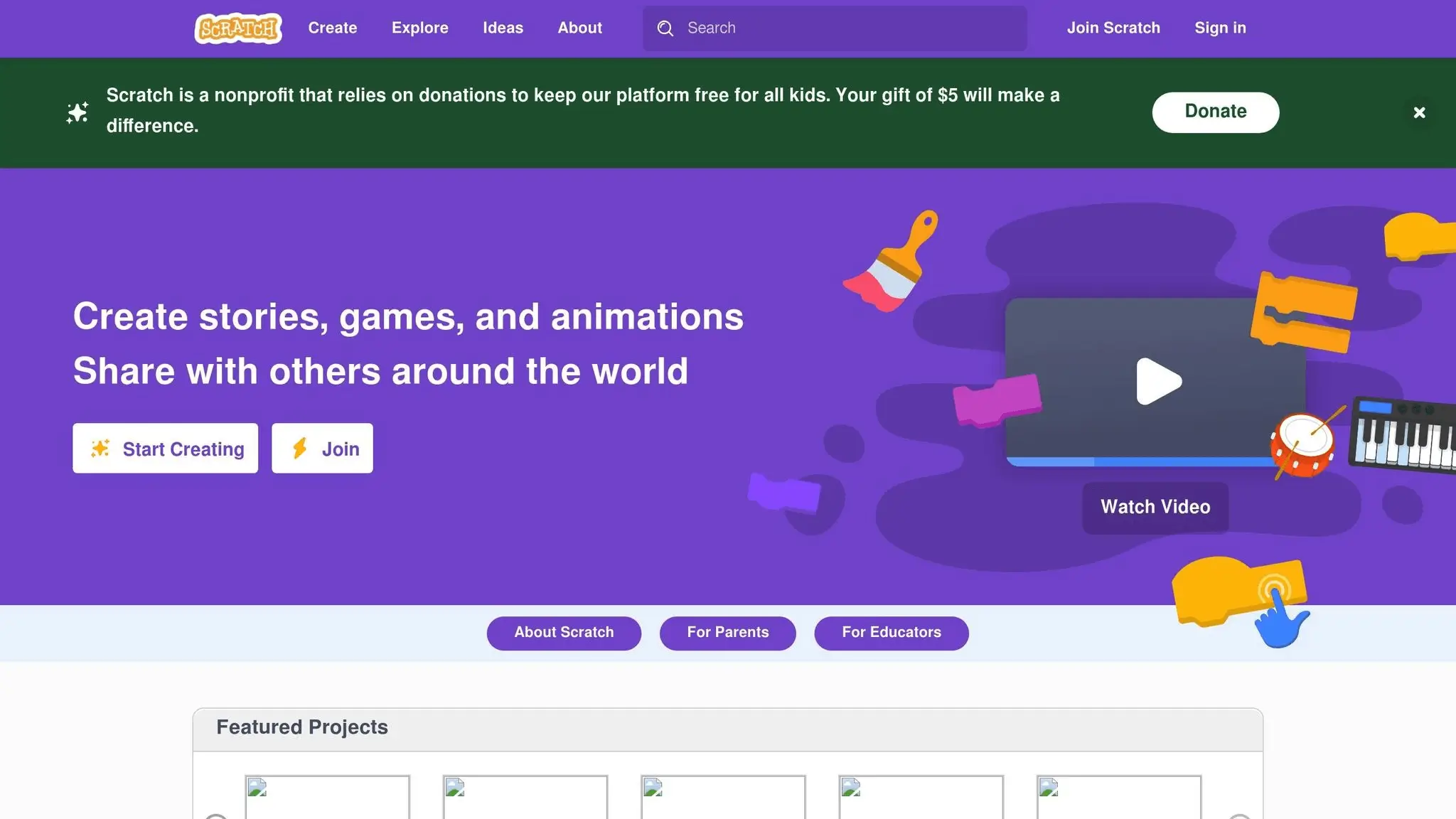
Scratch and ScratchJr have made coding an exciting and approachable activity for young learners, thanks to their user-friendly designs. Developed by MIT‘s Lifelong Kindergarten Group, these platforms replace traditional text-based programming with colorful, visual coding blocks, making them perfect for beginners.
Programming Languages and Technologies Taught
Scratch introduces kids to coding through a drag-and-drop interface. By snapping blocks together, they can create animations, games, and interactive stories while learning key programming concepts like loops, conditionals, variables, and event handling.
ScratchJr takes it a step further for younger children, simplifying these ideas with larger blocks and visual icons. It focuses on foundational skills like sequencing, repetition, and cause-and-effect relationships, laying the groundwork for understanding programming logic.
Both platforms teach computational thinking – helping kids break down problems, identify patterns, and design step-by-step solutions. These skills are valuable for any programming language they might tackle in the future.
Age and Eligibility Requirements
ScratchJr is designed for children aged 5 to 7, using images and symbols to make it accessible even to those who can’t yet read.
Scratch caters to kids aged 8 to 16, though younger children often dive in successfully with a little guidance. The platform grows with the learner – beginners can quickly create simple projects, while more experienced users can develop complex games with multiple levels and intricate character interactions.
No prior coding experience is needed for either platform. Both are designed to show immediate results, keeping kids motivated and engaged. This age-specific approach allows for flexible and self-paced learning.
Format
Both Scratch and ScratchJr are self-paced, making them ideal for independent exploration at home or guided activities in a classroom. Scratch can be accessed through any web browser, while ScratchJr is available as a tablet app.
Built-in tutorials guide kids through their first projects step-by-step, helping them build confidence with the basics. Once they’re comfortable, they can experiment freely, exploring new features and creating unique projects at their own pace.
Additionally, many schools and community groups run Scratch coding camps and workshops. These programs blend the platforms’ self-paced learning with instructor-led sessions and opportunities for peer collaboration.
Features and Benefits
Every session with Scratch or ScratchJr results in a tangible project, which keeps kids engaged and builds their confidence in coding.
One standout feature of Scratch is its online community. Kids can share their creations with millions of other young programmers, receive feedback, and even remix others’ projects. This global network of creators inspires kids to keep pushing their skills further.
Beyond coding, these platforms encourage creative problem-solving. Kids design characters, craft storylines, and plan multi-level games, honing skills like project management and storytelling along the way.
For educators, Scratch and ScratchJr come with a wealth of resources, including lesson plans, project ideas, and assessment tools. Teachers can create class accounts to track progress and encourage group projects, making these platforms an excellent fit for STEM programs.
Perhaps the best part? Both platforms are completely free, breaking down financial barriers and ensuring that families from all backgrounds can participate. This accessibility is helping to open the door to computer science for a new generation of learners.
4. Khan Academy Free Coding Camps
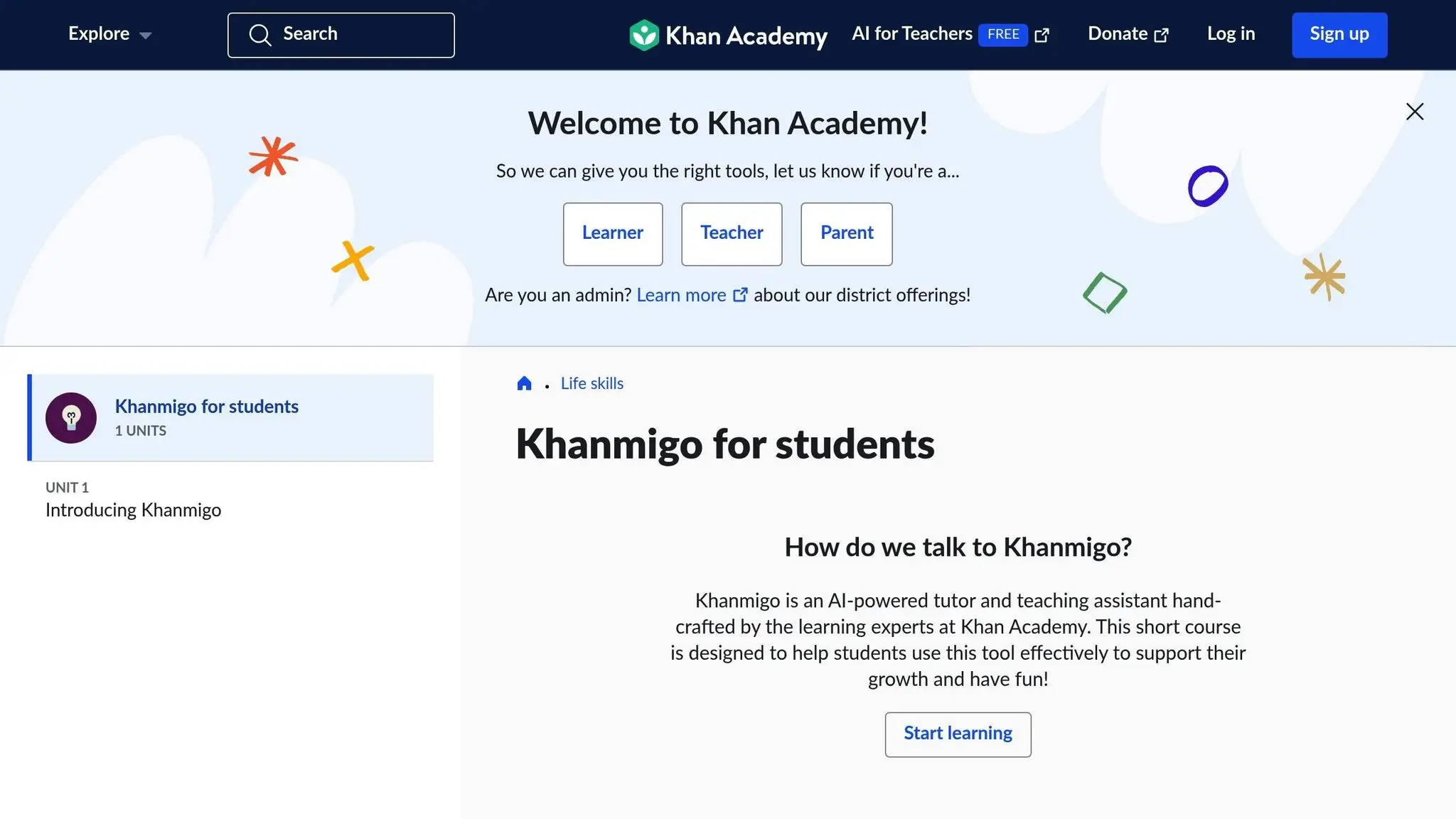
Khan Academy provides free coding courses designed to introduce programming basics to learners of all ages. Below, we’ll explore the programming languages offered, eligibility details, course format, and what makes this program stand out.
Programming Languages and Technologies Taught
Khan Academy focuses on teaching JavaScript through creative projects like drawing, animation, and games. By using the ProcessingJS library, the platform simplifies graphics and animation, while also incorporating jQuery to add interactivity to webpages.
In addition to JavaScript, the curriculum includes HTML and CSS, offering a solid foundation in webpage structure and design. For those interested in data management, Khan Academy provides courses on SQL, teaching how to query and handle databases effectively. The program also introduces Python, using it to explore computer science concepts through projects like building recommendation engines, simulating disease spread, and designing game levels.
Age and Eligibility Requirements
These courses are open to learners of all ages. While they’re particularly well-suited for kids aged 10 and up who can follow multi-step instructions, younger children with strong reading skills can also participate. There are no strict age limits, making the courses accessible to anyone eager to learn.
Format
Khan Academy’s courses are completely self-paced and accessible through any web browser. They combine short, engaging instructional videos with hands-on coding challenges, allowing students to immediately apply what they’ve learned. Progress is automatically tracked, so learners can pick up right where they left off.
Features and Benefits
One standout feature of Khan Academy’s coding courses is that they’re entirely free and free of ads, ensuring a focused learning experience. The platform emphasizes project-based learning, encouraging students to create animations, games, and websites that showcase practical coding skills. Each lesson includes brief video tutorials and interactive exercises with real-time feedback.
The same clear explanations and step-by-step approach that have made Khan Academy’s math and science programs popular are also central to their coding curriculum, offering learners plenty of opportunities to practice and build confidence in their skills.
5. Coder Kids Free Coding Camps
Coder Kids offers a fantastic starting point for young learners dipping their toes into coding. Their free, on-demand “Introduction to Scratch Coding” class is designed to make learning fun and accessible, especially for beginners.
Programming Languages and Technologies Taught
This course introduces students to Scratch, a beginner-friendly programming platform. Learners will set up a Scratch account, explore its interface, and work on an engaging project called “Pokemon in Space.” By completing this project, students gain hands-on experience and a solid grasp of Scratch basics.
Age and Eligibility Requirements
The class welcomes beginners of all ages, making it perfect for anyone new to coding. Additionally, Coder Kids offers scholarships for their other programs, ensuring financial hurdles don’t stand in the way of learning.
Format
The course is entirely online and available on-demand, so students can learn at their own pace. All that’s required is a computer and an internet connection.
Features and Benefits
The “Pokemon in Space” project gives students a chance to apply what they’ve learned in a creative way. Since its launch in May 2022, this free class has helped many families introduce coding to their kids in a fun and approachable manner.
Camp Comparison Table
Choosing the right camp can feel overwhelming, but a comparison table makes it easier to weigh your options. Below is a summary of what each camp offers, based on the criteria we’ve discussed.
| Camp | Age Range | Programming Languages | Format | Highlights | Requirements |
|---|---|---|---|---|---|
| CodaKid | 6–18 years | Python, JavaScript, Java, Scratch, HTML/CSS | Self-paced online courses | Focuses on project-based learning with professional tools, live support, and certificates | Computer with internet access |
| Code.org | K–12 (5–18 years) | Scratch, JavaScript, Python, HTML/CSS | Self-paced online with classroom integration | Aligned with education standards, offering teacher resources and open access | None – completely open access |
| Scratch/ScratchJr | ScratchJr: 5–7 years, Scratch: 8+ years | Scratch visual programming | Self-paced online platform | Drag-and-drop interface that encourages storytelling and creativity | Computer or tablet with internet |
| Khan Academy | 13+ years (recommended) | HTML/CSS, JavaScript, SQL | Self-paced online courses | Interactive tutorials, exercises, and progress tracking | Free Khan Academy account |
| Coder Kids | All ages (beginners) | Scratch | On-demand online class | Structured, project-based introduction for learners of all ages | Computer with internet access |
Each camp caters to different age groups, skill levels, and learning goals. For example, CodaKid serves a broad age range while introducing professional tools, making it ideal for kids interested in real-world coding applications. Code.org is perfect for schools and educators, thanks to its classroom integration and open access. ScratchJr gives younger learners a fun, visual way to explore coding without worrying about syntax. Meanwhile, Khan Academy is a great fit for older students ready to dive into web development. Lastly, Coder Kids provides a beginner-friendly, project-based approach that’s accessible to all ages.
While most camps offer self-paced learning, the differences lie in the depth of content and progression. This breakdown helps you identify the camp that aligns best with your child’s interests and needs.
How to Enroll and What to Expect
Getting started with free coding camps is easier than you might think. While each platform has its own process, there are a few steps you can follow to make enrollment smooth and stress-free.
Device and Internet Requirements
First, check if your computer and internet connection meet the camp’s technical needs. Most programs run best on a modern computer paired with a stable internet connection. A quick check here can save a lot of frustration later.
You’ll need to create a free account for most platforms, often verified through email. For example, CodaKid lets parents set up accounts that include profiles for multiple children. Similarly, platforms like Code.org and Khan Academy offer simple registration processes that allow users to save progress and access additional features. Once that’s done, you’re ready to set up your learning space.
Adapting to Different Learning Formats
Free coding camps often use self-paced, project-based lessons. To get the most out of them, carve out dedicated, distraction-free time for learning. For project-based platforms, focused sessions are essential, while more exploratory formats work well in a relaxed setting.
Enhancing Your Child’s Learning Experience
A supportive environment at home can make all the difference. Set up a quiet, well-lit workspace with a comfortable chair and desk. Encourage your child to jot down ideas or solutions to help reinforce what they’ve learned. And don’t forget to celebrate their milestones – it’s a great way to keep them motivated.
Accessing Help and Support
If technical issues arise, knowing where to find help is crucial. Familiarize yourself with the platform’s support options, whether it’s real-time assistance, FAQs, or community forums.
Setting Realistic Expectations
Though these camps offer flexible schedules, creating a consistent routine can improve the learning experience. Adjust session lengths and frequency to match your child’s attention span, keeping sessions engaging but not overwhelming. Remember, progress varies from one learner to another, so balancing structured practice with time for exploration is key.
Conclusion (Top 5 Free Coding Camps)
Free coding camps give kids in the U.S. the chance to dive into programming without any cost. These programs offer a range of courses – from beginner-friendly Scratch to advanced Python and AI – that prepare kids to tackle the tech challenges of tomorrow. The options outlined here show that free coding camps can deliver the knowledge and skills needed to thrive in a technology-driven world.
Depending on your child’s learning style, they might excel with CodaKid’s hands-on projects, Code.org’s interactive lessons, or Khan Academy’s self-paced approach. There’s something for everyone, no matter their interests or pace of learning.
The numbers tell a compelling story. Computer science jobs are growing at twice the national average, and early exposure to coding can boost interest in STEM careers by as much as 30%. A 2023 Gallup/Google study revealed that while 90% of U.S. parents want their kids to learn computer science, only 47% of schools offer it. Coding camps play a vital role in bridging this gap, especially for underrepresented groups, by sparking early interest and providing essential skills.
Take the time to explore these options with your child, keeping their age, interests, and learning preferences in mind. Whether they dream of creating games, designing websites, or delving into artificial intelligence, these free programs lay the groundwork for a strong tech future.
Start today by investing in your child’s coding journey. These platforms not only build technical skills but also boost confidence, setting them up for success in school and beyond.
FAQs (Top 5 Free Coding Camps)
What should I look for when selecting a free coding camp for my child?
When picking a free coding camp for your child, it’s important to focus on a few essential factors to make sure it’s a good match. Start by checking if the curriculum is suitable for your child’s age and matches their current skill level and interests. Whether it’s Python, Scratch, or Java, look for programs that teach coding languages or tools your child is genuinely curious about.
Also, take a close look at the quality of instruction. Camps with smaller class sizes and knowledgeable instructors often provide a more engaging and supportive learning environment. Lastly, think about accessibility – does the camp offer flexible scheduling or online options? And most importantly, make sure it includes fun, hands-on activities to keep your child motivated and excited about learning.
How do the top 5 free coding camps help kids develop skills beyond programming?
The top 5 free coding camps offer much more than just programming lessons – they’re a gateway for kids to develop important life skills like problem-solving, teamwork, and time management. Through hands-on, project-based learning, kids get the chance to think creatively, sharpen their logic, and grow their confidence, all while improving their digital literacy.
By tackling real-world challenges with coding, children not only strengthen their technical skills but also build critical thinking and communication abilities. These camps focus on shaping a well-rounded skill set that helps kids thrive both in school and in their personal lives.
What equipment or resources do kids need to join these top 5 free coding camps?
To join these top 5 free coding camps, kids generally need a stable internet connection, a computer or tablet, and a basic understanding of how to use digital devices. Certain camps might also ask for specific software or tools, but these are usually free and simple to set up. Make sure to review the camp’s instructions for any extra requirements.