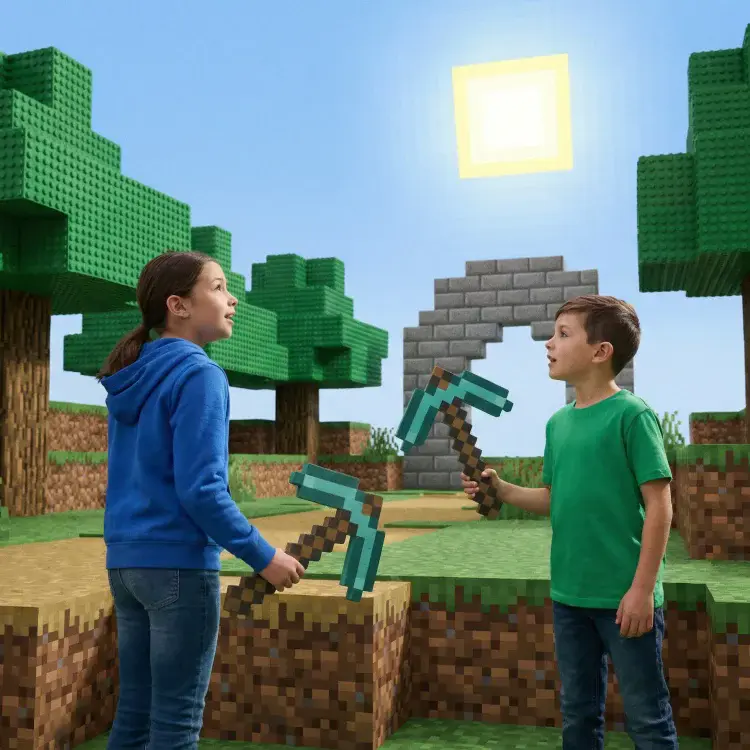
Game design is a fun and practical way for homeschoolers to learn coding, problem-solving, and tech skills. Tools like CodaKid, Scratch, and Minecraft: Education Edition make learning engaging by combining programming with creativity. Here’s a quick overview of the best tools for homeschool game design:
- CodaKid: Offers courses in Python, JavaScript, and game engines like Unity. Starts at $29/month.
- Scratch: Free and beginner-friendly, ideal for kids 5–14.
- Minecraft: Education Edition: A $5/year tool for kids 8+ to learn coding in a familiar game world.
- CodeCombat: Teaches text-based coding through RPG-style challenges. Free tier available.
- Zenva Schools: Advanced courses in Python, JavaScript, and C#. Costs $20/month per student.
- LightBot: A $2.99 puzzle game introducing basic coding logic for ages 4–8.
- GameMaker Education: Free tool for teens to explore game development with GML and visual scripting.
- Khan Academy: Free platform for learning JavaScript and game visualizations.
These tools cover a range of ages, skill levels, and budgets, ensuring every homeschooler can find the right fit. Below is a comparison table for a clearer view.
Quick Comparison
| Tool | Age Range | Programming Type | Cost | Best For |
|---|---|---|---|---|
| CodaKid | 6+ | Text-based, professional | $29/month | Structured, advanced learning |
| Scratch | 5–14 | Block-based | Free | Beginners |
| Minecraft: Education | 8+ | Block-based, Python | $5/year | Interactive coding for kids |
| CodeCombat | 9+ | Text-based | Free tier | Gamified coding for intermediates |
| Zenva Schools | 10+ | Text-based, professional | $20/month | Advanced students |
| LightBot | 4–8 | Logic puzzles | $2.99 (one-time) | Young children |
| GameMaker Education | 12+ | GML, visual scripting | Free | Teens interested in game design |
| Khan Academy | 8+ | Text-based | Free | Beginners learning coding basics |
These tools help homeschoolers progress from simple coding to creating full-fledged games, making learning both productive and enjoyable.
Table of Contents
Best Coding Curriculum for Kids & Teens (2026 Roadmap): Roblox, Minecraft, Python, AI
1. CodaKid

CodaKid is an online platform dedicated to teaching coding and AI through real programming languages and professional tools. Designed for homeschool students with a passion for game design, CodaKid turns abstract coding concepts into playable projects that students can proudly share with friends and family. Here’s a closer look at its age recommendations, tools, pricing, and what it offers.
Recommended Age/Grade Levels
CodaKid tailors its courses to different age groups, making coding accessible for a wide range of learners:
- JavaScript and Scratch courses: Starting at age 6
- Minecraft and Roblox courses: Starting at age 8
- AI courses: Starting at age 9
- Python courses: Starting at age 10
- Unity, Unreal Engine, and Web Development courses: Starting at age 12
Programming Languages/Tools Supported
CodaKid supports a variety of programming languages and tools, including Python, JavaScript, Java, HTML/CSS, Unity, and Unreal Engine. With over 85 courses available, students can dive into topics such as AI development, web development, Minecraft modding, and Roblox game creation, offering a wide spectrum of game design opportunities.
Pricing (in U.S. Dollars)
| Plan Type | Monthly Cost | Key Features |
|---|---|---|
| Self-Paced Courses | $29 | Access to 85+ courses, video tutorials, help desk support, certificates |
| Private 1:1 Lessons | $249 | Weekly personalized sessions, same instructor, progress reports, flexible rescheduling |
| Virtual Camps | Varies | One-week intensive camps, 2 hours daily, group learning with expert instructors |
Key Benefits and Drawbacks
CodaKid has earned a strong reputation, boasting a 4.9 out of 5 rating from over 350 reviews. Its curriculum fits seamlessly into homeschooling programs, as one parent highlighted:
“This has been a great addition to our home school curriculum! My son loves spending time in the program and even jumps back in after school when he’s finished his other work.” – Christy Lynn, parent
However, there are a few challenges to consider. The private 1:1 lessons come with a higher price tag, and self-paced courses require a good deal of self-discipline, which might be tricky for younger learners without parental guidance. Additionally, virtual camps are scheduled on specific dates, which may not fit every homeschooler’s calendar.
2. Scratch
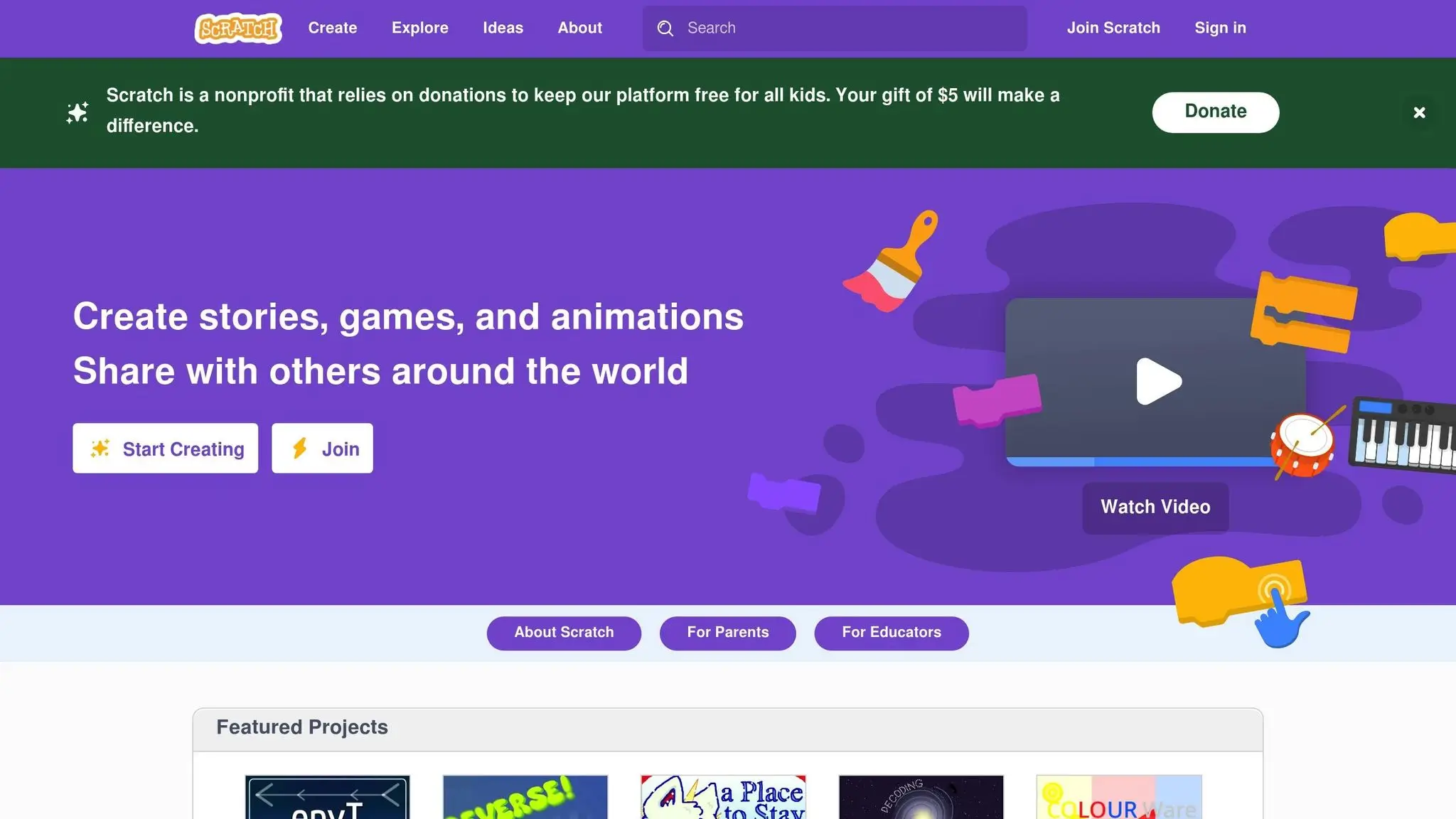
Scratch is a block-based programming platform designed to help young learners create interactive projects through a simple drag-and-drop interface. It’s especially suited for beginners, offering an engaging way to explore coding concepts without the need for complex syntax or typing skills.
Recommended Age/Grade Levels
Scratch works best for children aged 5–14, particularly those in grades 1–3 (ages 6–10). The intuitive drag-and-drop system allows younger kids to dive into coding without the frustration of typing or advanced technical knowledge.
Programming Languages/Tools Supported
Scratch introduces foundational coding concepts through its visual block-based system. With Scratch, kids can create animations, games, stories, and digital art while learning programming essentials like loops, conditionals, variables, and event handling.
For students interested in exploring more, Scratch even touches on basic artificial intelligence concepts, making it a great starting point for understanding how AI works. These skills provide a solid base for transitioning to more advanced tools and languages in the future. Scratch’s free accessibility also ensures that families can explore coding without worrying about upfront costs.
Pricing (in U.S. Dollars)
The platform itself is entirely free, making it an excellent option for budget-conscious homeschool families. However, structured courses that use Scratch as a teaching tool are available for a fee. These courses often include features like guided lessons, progress tracking, and instructor support, which can be helpful for families seeking a more organized approach.
Key Benefits and Drawbacks
Scratch’s visual, interactive nature makes coding approachable and fun for young learners. It encourages creativity and problem-solving, transforming coding into an enjoyable activity rather than a daunting task. Kids can see their ideas come to life instantly, whether they’re building a simple game, an animated story, or an interactive art piece. This immediate feedback keeps them motivated and eager to learn more.
That said, Scratch does have its limits. While it’s perfect for introducing basic programming logic, students ready for more advanced projects will eventually need to move on to text-based programming languages. Additionally, for complex projects, the block-based system can become unwieldy, making Scratch better suited as an introductory tool rather than a long-term solution for serious programming.
Finally, because Scratch is free, it doesn’t include a built-in curriculum or progress tracking. This can pose challenges for homeschool parents trying to structure lessons or evaluate progress without supplementing with external resources or paid courses.
3. Minecraft: Education Edition
Minecraft: Education Edition brings the fun of game-based learning into the world of homeschooling. It’s a fantastic way to spark creativity while providing a versatile platform that caters to a broad spectrum of learners.
Recommended Age/Grade Levels
This edition of Minecraft is ideal for kids aged 8 and up, making it a great fit for students from elementary through high school. Platforms like CodaKid offer Minecraft courses specifically designed for kids and teens in this age group. These courses dive into game development and creative skills, with many parents praising them for igniting a passion for computer science. Through hands-on Java coding for Minecraft mods, students can gain valuable tech skills while having fun.
4. CodeCombat
CodeCombat turns learning to code into an engaging role-playing adventure. In this platform, students write code to guide characters through various challenges, making it an exciting choice for homeschoolers who have an interest in game design.
The game uses level-based challenges to teach core programming concepts. It also helps students move smoothly from visual coding to text-based programming, bridging an important gap in their learning journey.
Recommended Audience
This platform is best suited for intermediate coders who are ready to step beyond drag-and-drop tools. It’s designed to help students with some coding experience sharpen their skills in text-based programming.
Programming Approach
CodeCombat focuses on text-based coding, moving away from block-based methods. This approach helps learners get comfortable with formal programming while providing a solid starting point for advanced game development.
Key Benefits and Considerations
Benefits:
- Offers a seamless shift from beginner-friendly activities to text-based coding.
- The self-paced structure makes it a perfect fit for flexible homeschool schedules.
Considerations:
- It’s tailored for students with prior coding experience, so it might not be the best option for absolute beginners.
5. Zenva Schools
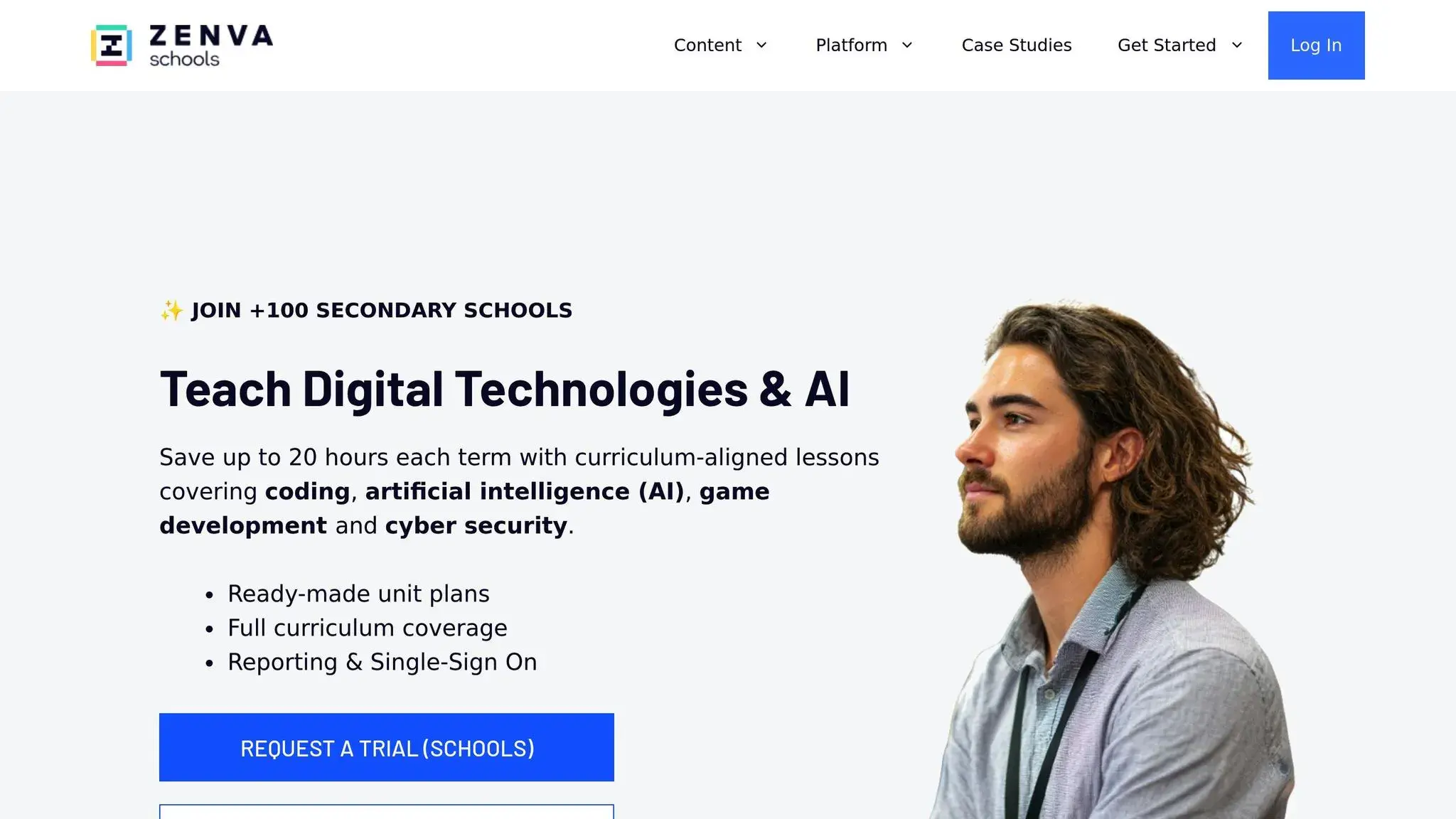
Zenva Schools is an online learning platform that provides courses in game development and digital creation, specifically designed with homeschoolers in mind. While the platform doesn’t specify age or grade levels, its adaptable structure makes it a great companion to the other tools featured in this list.
6. LightBot
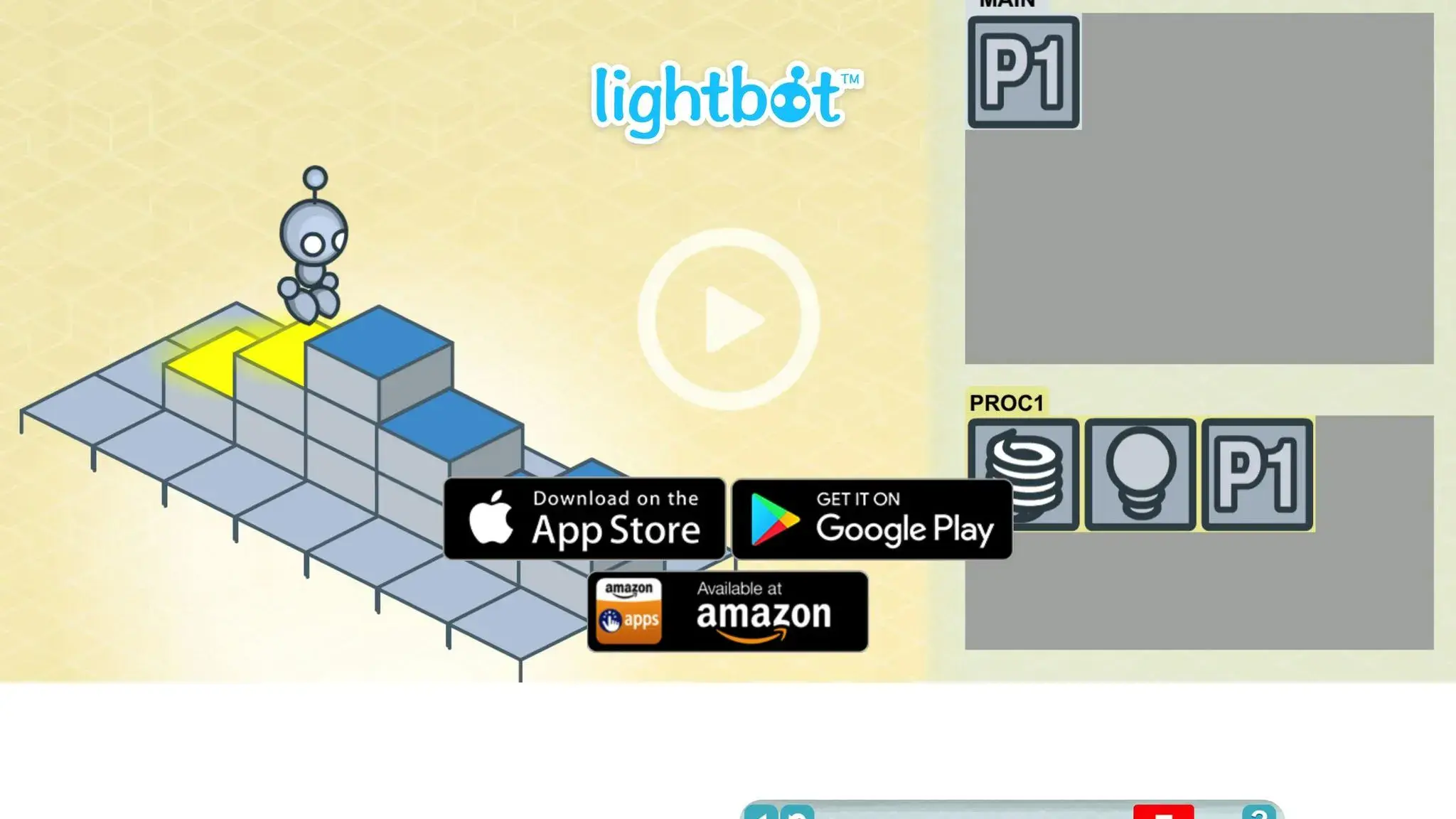
LightBot introduces students to the world of programming through fun, puzzle-based challenges. Using a simple drag-and-drop interface, learners guide a robot, honing skills like sequential logic and basic coding concepts along the way.
Much like other interactive tools, LightBot keeps students engaged by turning learning into a game, making complex ideas feel approachable and enjoyable.
7. GameMaker Education
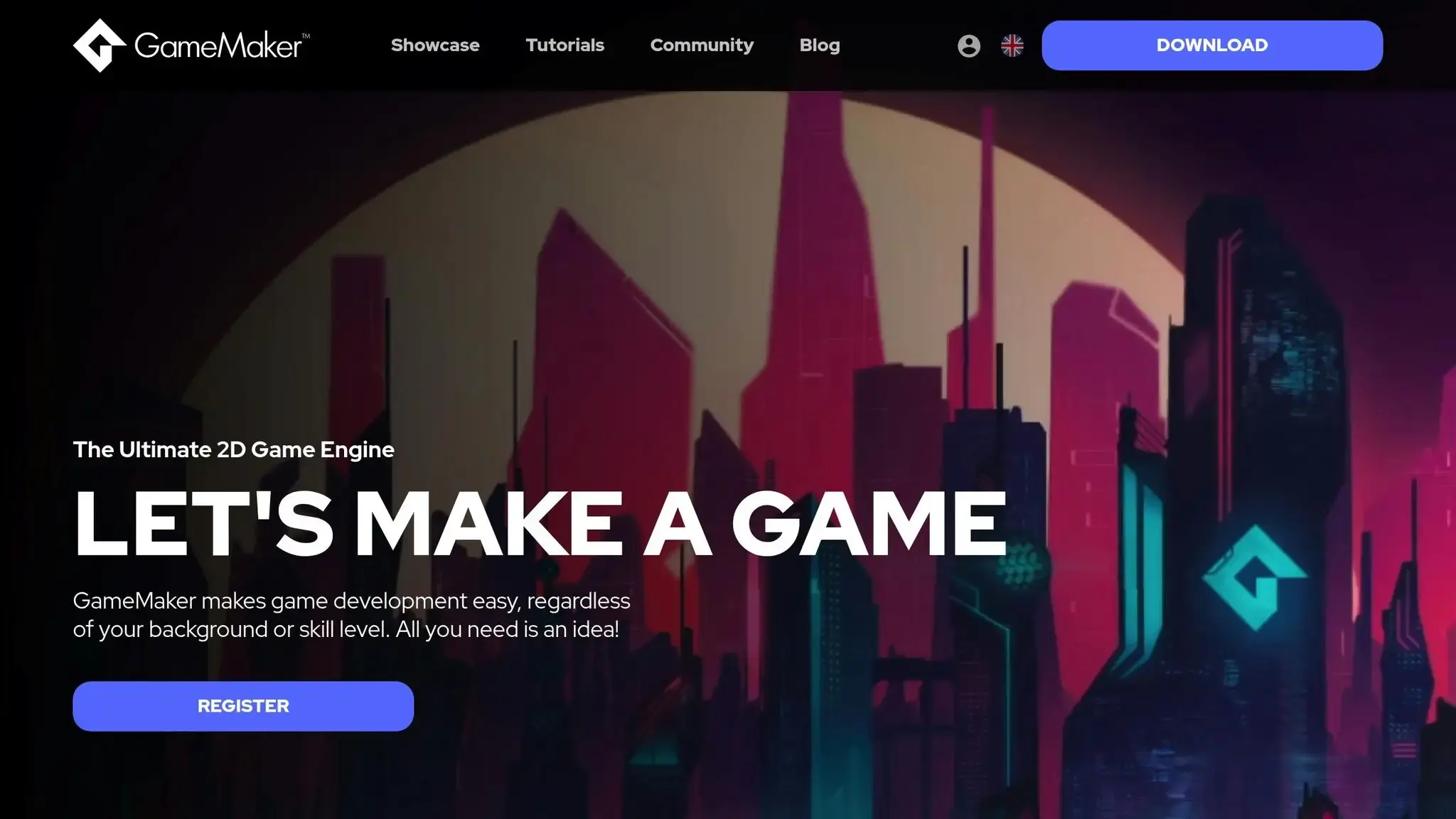
GameMaker Education offers homeschoolers an entry point into the world of game design. While its features and tools may seem limited at first glance, diving deeper into the platform can reveal more possibilities for creativity and learning.
It’s important for users to evaluate whether GameMaker Education fits their educational objectives. Keep in mind that, like any new tool, it may take some time to get comfortable and fully understand its capabilities.
8. Khan Academy – Programming Games & Visualizations
Khan Academy is an excellent starting point for students venturing into coding. Often mentioned alongside tools like Scratch, Blockly, and MIT App Inventor, it offers a beginner-friendly experience that fits well into a homeschool curriculum.
Recommended Age/Grade Levels
While there aren’t strict age or grade recommendations, this platform is ideal for those just beginning their coding journey.
Tool Comparison Chart (Homeschool Game Design)
The chart below lays out essential details for each tool, including age range, supported programming languages, cost, strengths, and limitations. This breakdown can help you make an informed decision based on your child’s specific needs and interests.
| Tool | Age Range | Programming Languages | Monthly Cost | Key Strengths | Main Limitations |
|---|---|---|---|---|---|
| CodaKid | 6+ years | Scratch, JavaScript, Python, Java, Lua, Unity, Unreal Engine | $29 | Access to professional tools and a structured path from visual to text-based coding | Requires self-motivation for self-paced courses |
| Scratch | 8–16 years | Visual block-based programming | Free | Completely free, large community, beginner-friendly | Limited to block-based coding |
| Minecraft: Education Edition | 6+ years | Block-based coding, Python | $5 per user/year | Familiar gaming environment with cross-curricular integration | Requires prior Minecraft knowledge |
| CodeCombat | 9+ years | Python, JavaScript, HTML/CSS | Free tier available | Game-based learning with immediate visual feedback | Limited free content; can become repetitive |
| Zenva Schools | 10+ years | Python, JavaScript, C#, HTML/CSS | $20 per student/month | Uses industry-standard tools with a comprehensive curriculum | Higher cost for multiple students; advanced content |
| LightBot | 4–8 years | Logic-based puzzles (no coding) | $2.99 one-time | Introduces fundamental programming concepts without syntax | No real coding languages; limited long-term use |
| GameMaker Education | 12+ years | GML (GameMaker Language), Visual scripting | Free for education | A professional game development environment | Steep learning curve and a complex interface |
| Khan Academy – Programming Games & Visualizations | 8+ years | JavaScript, HTML/CSS, SQL | Free | Self-paced learning with excellent tutorials | Limited focus on game development; basic projects |
While the table provides a quick overview, let’s explore some key takeaways about pricing, age suitability, and learning progression.
Pricing Insights
The cost of these tools varies significantly. Free platforms like Scratch and Khan Academy are excellent starting points, offering strong foundational learning without requiring a financial commitment. CodeCombat also has a free tier, though its advanced features are locked behind a paywall. On the other hand, tools like CodaKid ($29/month) and Zenva Schools ($20 per student/month) offer more extensive curricula and professional-grade tools, which can be worth the investment for families looking for a deeper, structured learning experience.
Age Suitability
Age recommendations show how these tools cater to different stages of learning. For younger kids (ages 4–8), LightBot introduces programming basics through fun, logic-based puzzles. Tools like Scratch and Minecraft: Education Edition are ideal for slightly older children, offering visual, beginner-friendly coding environments. Meanwhile, platforms like GameMaker Education and Zenva Schools target teens ready to explore advanced topics and professional tools, including game development and industry-standard programming languages.
Learning Progression
The transition from visual to text-based coding is a critical step for long-term development. Tools like Scratch focus solely on block-based programming, making them a great entry point but limiting for advanced learners. Platforms like CodaKid bridge this gap by teaching professional languages such as Python, JavaScript, and Java while introducing industry tools like Unity and Unreal Engine. As CodaKid notes, “CodaKid students learn professional languages such as Python, JavaScript, and Java while using the same tools used at companies like Google, Facebook, and Intel”. This progression ensures students are prepared for real-world programming challenges.
Budget-Friendly Approach
For families on a budget, starting with free tools like Scratch, Khan Academy, or CodeCombat’s basic tier is a smart way to gauge a child’s interest in programming. As skills and enthusiasm grow, transitioning to platforms like CodaKid or Zenva Schools can provide the advanced learning opportunities needed to take their skills to the next level.
Conclusion (Homeschool Game Design)
Teaching game design in a homeschooling environment provides a fantastic way to build both technical skills and creative problem-solving abilities. The tools we’ve explored offer a range of starting points, from beginner-friendly platforms like Scratch and LightBot to more advanced programming languages like Python, JavaScript, and Java. This variety ensures that every student can find a starting point that matches their skill level and interests. These platforms work together to create a learning experience that grows with the student, allowing them to move at their own pace. With these resources, homeschoolers can confidently progress from simple projects to creating professional-level games.
FAQs (Homeschool Game Design)
What are the benefits of using game design tools for homeschooling?
Incorporating game design tools into homeschooling can be a game-changer for learning. These tools encourage kids to sharpen their problem-solving abilities by tackling challenges and coming up with imaginative solutions. They also help nurture logical thinking, as students learn to organize and structure their ideas in a clear, methodical way.
On top of that, game design taps into students’ creativity, giving them the freedom to craft characters, build worlds, and create compelling storylines. It’s an exciting, hands-on approach to learning coding, design, and tech skills, all while boosting confidence in a setting that allows them to work at their own pace.
What’s the best way for parents to choose a game design tool that fits their child’s age and skills?
When picking a game design tool for your child, it’s essential to factor in their age, interests, and skill level. For younger kids, homeschool game design platforms with visual programming and easy drag-and-drop features tend to work best. On the other hand, older or more experienced children might thrive with tools that incorporate actual coding languages and advanced, professional-level features.
It’s also worth considering how they like to learn. Do they enjoy exploring at their own pace, following structured lessons, or diving into hands-on projects? Choosing a tool that matches their learning style can keep them engaged and excited as they build their game design skills.
What resources are available to help parents include game design in their homeschool curriculum?
Parents looking to enrich their homeschool curriculum with game design can check out CodaKid, a platform offering interactive courses that teach kids coding and game design in a way that’s both fun and educational. CodaKid’s flexible options include self-paced lessons, private one-on-one sessions, and virtual camps, making it easy to integrate into any homeschooling routine.
Through CodaKid, kids get hands-on experience with real programming languages and professional tools, allowing them to develop practical skills while designing their own games. It’s an exciting opportunity to introduce coding and game development in a creative and engaging way.