
In 2026, coding skills are more important than ever for kids, offering a mix of career preparation and critical thinking development. With so many online coding platforms available, choosing the best one can be challenging. Here’s a quick breakdown of six top coding platforms for kids and teens:
- CodaKid: Teaches real programming languages like Python and Java through project-based lessons. Great for ages 7–15. Starts at $29/month.
- Scratch: A free, visual programming tool ideal for beginners aged 8–16. Simplifies coding with drag-and-drop blocks.
- Tynker: Combines block-based and text-based coding for ages 5–18. Subscription plans start at $7.50/month.
- CodeCombat: Uses a game format to teach Python and JavaScript. Free basic access; full access is $9.99/month.
- Replit: A professional-grade coding tool for older kids and teens. Free starter plan; premium plans start at $20/month.
- Khan Academy – Computer Science: Free lessons for ages 9+ focusing on core computer science concepts.
Each platform has unique strengths, from beginner-friendly tools to advanced programming environments. Below is a comparison to help you decide.
Quick Comparison (Best Online Coding Platforms)
| Platform | Age Range | Programming Style | Cost | Best For |
|---|---|---|---|---|
| CodaKid | 7–15 | Text-based (Python, Java) | $29/month | Kids ready for real coding |
| Scratch | 8–16 | Visual (block-based) | Free | Beginners, creative projects |
| Tynker | 5–18 | Block & text-based | $7.50+/month | Gradual skill progression |
| CodeCombat | 9–16 | Text-based (Python, JS) | $9.99/month | Game-loving learners |
| Replit | 13+ | Text-based (varied) | Free/$20+ monthly | Teens exploring advanced coding |
| Khan Academy | 9+ | Text-based (CS focus) | Free | Structured, academic learning |
Choose based on your child’s age, interests, and learning goals. Platforms like Scratch and Tynker are perfect for younger kids, while older teens may prefer Replit or Khan Academy for deeper coding exploration.
Table of Contents
Coding for Kids | CodaKid Online Coding School
1. CodaKid
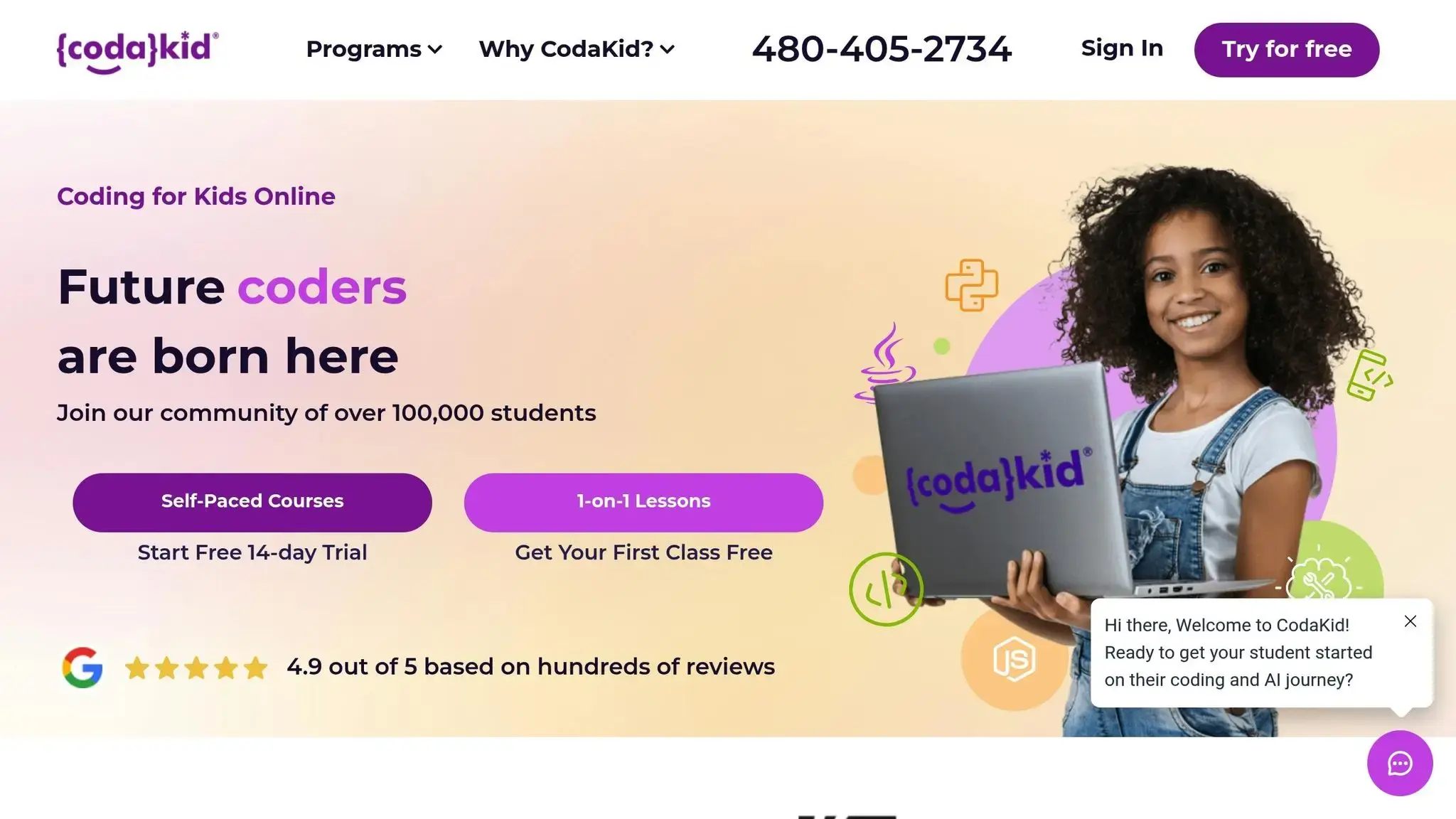
CodaKid is an online coding academy that bridges the gap between basic coding concepts and real-world programming practices. By teaching widely-used programming languages through game-based learning, it transforms complex coding topics into enjoyable and accessible lessons for young learners. Using professional tools and languages, CodaKid introduces students to development environments that professionals work with, all wrapped in a project-based curriculum that keeps learning engaging and practical.
Age Range
CodaKid tailors its courses for kids aged 7 to 15, with some options available for children as young as 6. To help parents choose the right course, the platform offers specific age guidelines:
- JavaScript and Scratch Courses: Ages 6+
- Minecraft and Roblox Courses: Ages 8+
- AI Courses: Ages 9+
- Python Courses: Ages 10+
- Unity, Unreal Engine, and Web Development: Ages 12+
“I’ve tried several online 1-on-1 coding classes for my son (starting at age 7, he’s now 9) and CodaKid is outstanding in the quality of its instructors and ease of operation; he’s doing Java coding for Minecraft mods and LOVES it. Highly recommended.” – Terrence Masson, parent
Programming Languages
CodaKid offers courses in real programming languages like Python, JavaScript, Java, HTML, and CSS, among others. This hands-on approach equips students with skills that are directly transferable to professional programming scenarios. Whether creating Minecraft mods with Java or designing games in Roblox, kids get to work on exciting projects while exploring advanced topics like AI and web development.
Learning Approach
CodaKid’s learning approach is designed to cater to different learning styles and paces. For beginners, the platform offers introductory courses (labeled “INTRO” or “BEG”) that start with simple concepts and gradually progress to more challenging projects. Video-based lessons allow students to pause, rewind, and adjust playback speed, ensuring they can learn at their own pace. For those seeking additional support, private tutoring sessions use the Socratic Mastery Method to build problem-solving and critical thinking skills. Students also have access to daily online support, including chat and screen-sharing options for troubleshooting.
“Our 7-year-old grandson has been working with his tutor for over a year and it’s exciting to watch him learn and grow.” – Jo Warn, grandparent
Cost
CodaKid offers flexible pricing to suit different needs and budgets:
- Self-Paced Courses: $29/month for unlimited access to over 85 project-based courses, covering topics like AI, Python, Minecraft, and web development.
- Private 1:1 Lessons: $249/month for personalized weekly sessions, a customized curriculum, and progress tracking.
- Virtual Camps: One-week intensive programs during summer, focused on areas like AI and game development.
The self-paced option is perfect for families looking for comprehensive course access, while private lessons provide the personalized attention some students thrive on. Virtual camps offer a focused, immersive learning experience for kids during school breaks.
2. Scratch
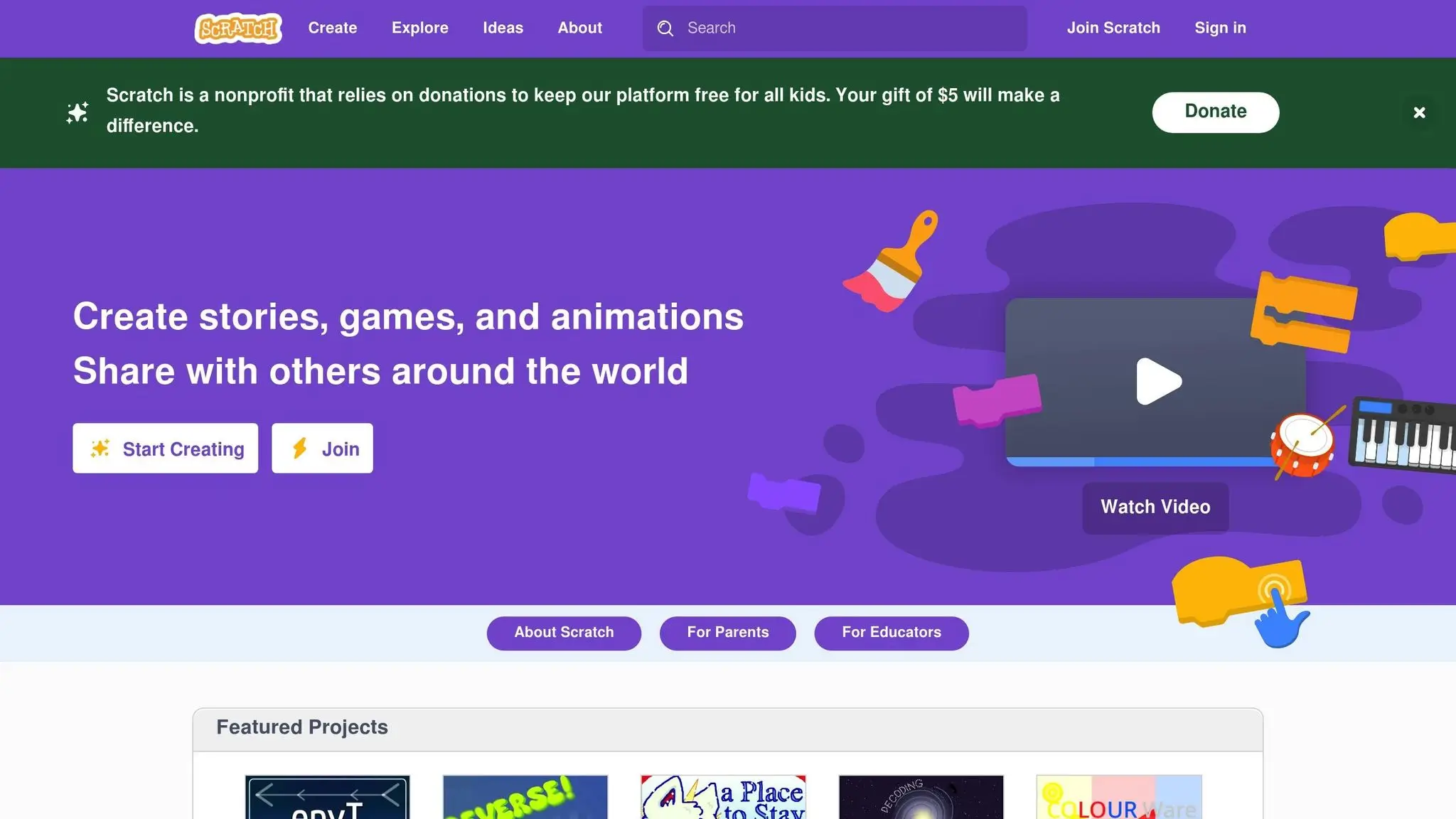
When it comes to finding a coding platform that’s simple yet engaging for kids, Scratch stands out. Developed by MIT, Scratch is a visual programming language where kids can arrange colorful blocks to represent commands. This setup makes it perfect for young learners who want to dive into creating interactive stories, games, and animations – without the stress of learning complex syntax.
Age Range
Scratch is designed for kids aged 8 to 16, though children as young as 5 can explore its basic features with a little help from parents. Its visual setup removes the need for typing or reading intricate code, making it a great fit for kids still building their reading and typing skills. Most educators suggest starting around age 8, as children at this stage can better grasp logical thinking and cause-and-effect relationships. For younger kids, aged 5 to 7, there’s ScratchJr, a simplified version with larger blocks and picture-based commands. This tiered structure ensures that Scratch can grow with kids, making it a flexible option for beginners.
Programming Languages
Scratch uses its own visual programming language, focusing on fundamental programming concepts. While kids aren’t writing in languages like Python or JavaScript, they’re still learning core principles that apply across all programming.
The platform introduces concepts like loops, conditionals, variables, and functions through its block-based system. Kids can create and program sprites (characters), design backgrounds, and set up interactions between different elements in their projects. This hands-on approach builds a strong foundation for future coding.
Learning Approach
Scratch takes a project-based learning approach, allowing kids to see immediate results as they code. Its drag-and-drop interface makes it easy to test and tweak projects in real time, keeping the experience fun and interactive.
One of Scratch’s standout features is the ability to remix projects from its large online community. Kids can learn by exploring and modifying other users’ creations, gradually advancing from simple animations to more complex games and stories. This collaborative environment not only exposes them to diverse programming techniques but also boosts their confidence as they see their skills develop.
To make the learning process even smoother, Scratch includes built-in tutorials and step-by-step guides. These resources walk kids through creating their first projects, like animating a cat sprite or building a basic game with scoring systems.
Cost
Scratch is completely free, which is a big plus for families exploring coding without committing to a financial investment. Projects are saved in the cloud, and since the platform runs in web browsers, there’s no need to download or install software. Kids can access their work from any computer with internet access.
However, while Scratch is free, it doesn’t include a formal curriculum or progress tracking. Parents might need to step in with guidance or use additional resources to provide structure. Even so, Scratch remains an excellent tool for introducing kids to coding and sparking their interest in programming.
3. Tynker
Tynker combines visual and text-based coding, offering a seamless transition from block-based programming to more advanced text-based languages. It’s a great option for parents aiming to help their kids build solid programming skills over time. Let’s dive into how it caters to different age groups and skill levels.
Age Range
Tynker is designed for kids aged 5 to 18, with a tiered system that evolves as they grow. For younger children (Pre-K to 2nd grade), it starts with picture-based coding. As they progress to 3rd through 5th grade, they move on to block programming. By middle and high school, students are introduced to text-based languages and even web development.
This gradual progression means parents won’t need to switch platforms as their kids grow older. For instance, a 7-year-old can start with simple animation projects and eventually tackle advanced computer science topics in high school. Tynker’s flexible structure ensures kids can learn at their own pace, making it ideal for children with varying levels of readiness.
Programming Languages
One of Tynker’s standout features is its range of programming languages. Beginners start with visual blocks and gradually transition to widely-used languages like JavaScript, Python, HTML/CSS, and Java. This approach introduces kids to industry-relevant skills while providing a supportive learning environment.
For instance, Python lessons cover data structures, algorithms, and practical applications like data science and artificial intelligence. Web development courses teach HTML and CSS by guiding students through building their own websites. JavaScript focuses on creating interactive web elements and games, while Java prepares advanced learners for AP Computer Science courses.
Learning Approach
Tynker keeps learning fun and engaging with a gamified curriculum. Students earn achievement badges and track their progress, blending self-paced learning with project-based assignments. This means kids can work independently while creating tangible projects they can share with family and friends.
The platform offers over 70 guided courses, covering everything from basic sequencing to machine learning. Students can design mobile apps, build websites, program drones, and even create games for popular platforms. This variety ensures there’s something for every interest – whether your child loves art, storytelling, or solving technical challenges.
For those who prefer direct guidance, Tynker also offers live online classes with certified instructors. These sessions provide immediate feedback and a chance to collaborate with peers, complementing the self-paced courses.
Cost
Tynker uses a subscription model with several options to fit different needs. The basic plan costs $7.50 per month (billed annually) and includes beginner courses and essential features. The premium plan, at $16.58 per month (billed annually), unlocks advanced courses, live classes, and priority support. Families can opt for a plan that covers up to four students for $25 per month (billed annually). For classrooms, licenses start at $399 per year for up to 30 students and include teacher dashboards and progress tracking.
This pricing structure offers flexibility for families and educators, making it easy to choose a plan that aligns with their goals – whether it’s basic coding skills or advanced programming education.
4. CodeCombat
CodeCombat turns learning to code into an adventure by combining programming challenges with a fantasy-themed game. Instead of following standard lessons, kids write code to guide characters through various levels, tackling obstacles and earning rewards along the way. This interactive format makes coding approachable and enjoyable, even for those who might find it daunting at first.
Age Range
CodeCombat is designed for kids and teens aged 9 to 16, covering grades 4 through 12. Its game-based structure appeals to a wide range of learners – young kids are drawn to the colorful storylines and visuals, while older students can dive into more complex programming tasks. For instance, a 9-year-old might start with simple commands, while high schoolers can experiment with algorithms and data structures. Notably, in 2019, CodeCombat received endorsement from the College Board as a curriculum and professional development provider for AP Computer Science Principles (AP CSP). This adaptability ensures that students at different levels can learn industry-relevant skills.
Programming Languages
The platform teaches coding through popular languages like JavaScript, Python, HTML, and CoffeeScript. Python lessons focus on foundational concepts such as loops, conditionals, and functions, while JavaScript and HTML lessons emphasize interactive web development and content structuring. By tackling real-world coding tasks, students can immediately see how their skills apply outside the game.
Learning Approach
CodeCombat offers an 11-unit curriculum that includes six computer science units, three game development units, and two web development units. Students write code to advance through levels, demonstrating their growing expertise. The platform also incorporates multiplayer challenges alongside single-player adventures, encouraging both independent problem-solving and teamwork. Features like character customization, equipment upgrades, and achievement systems keep learners motivated while exposing them to authentic coding environments. This dynamic approach makes learning both practical and engaging.
Cost
CodeCombat uses a freemium model, allowing families to test it out before committing. The first unit, Computer Science 1, is free for all students and teachers. For full access, individual subscriptions are priced at $9.99 per month or a one-time payment of $99 for lifetime access. Classroom licenses start at $70 per year for a teacher or $50 per student annually. As The Smarter Learning Guide puts it:
“Ultimately, for only $9.99 a month, it does seem to offer good value compared to other paid coding courses out there”.
5. Replit
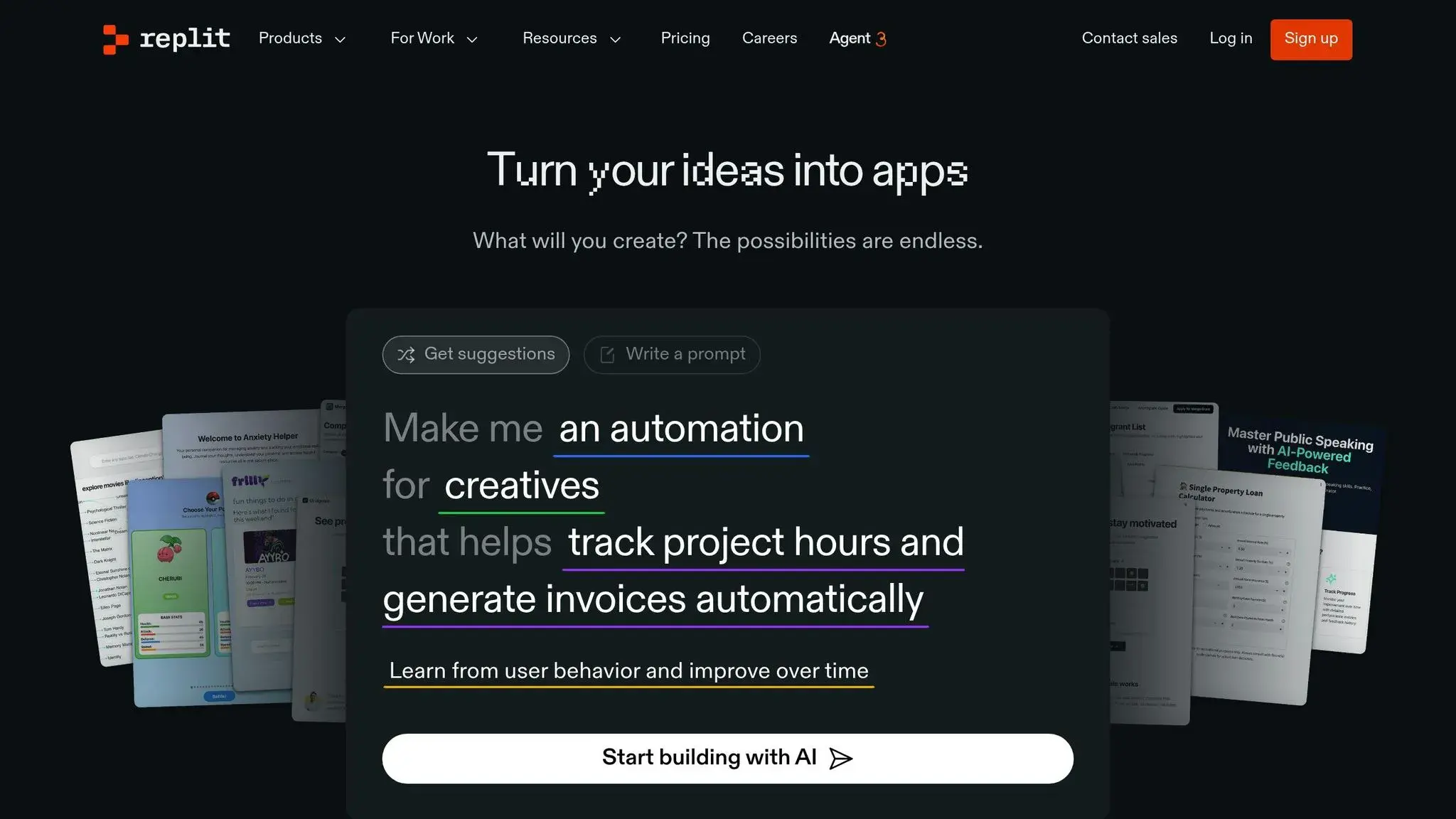
Replit is a browser-based IDE (Integrated Development Environment) that brings professional coding tools straight to your fingertips – no downloads or setup required. This makes it an ideal platform for young coders eager to dive into programming without worrying about technical hurdles. It mirrors the tools used by professional developers, providing an authentic coding experience.
One of Replit’s standout features is its collaborative environment. Students can work together on projects, join coding challenges, and explore publicly shared projects within the community. This interactive aspect not only keeps learners engaged but also exposes them to diverse coding styles and problem-solving techniques. By combining creativity with practical coding tasks, Replit offers an engaging and hands-on experience for budding developers.
Age Range
Replit is best suited for older kids and teens who are ready to transition from block-based coding to text-based programming. Middle school and high school students with a solid grasp of basic coding concepts will find this platform an excellent step toward advanced computer science studies and potential careers in tech.
Programming Languages
Replit supports a wide array of programming languages, including Python, JavaScript, HTML, CSS, Java, and C++, among others. This variety enables students to explore different areas of programming, whether their interests lie in web development, game design, or data science. Beginners can use built-in templates and guides to get started, while more experienced users have the freedom to tackle complex projects.
Learning Approach
The platform emphasizes learning through real-world projects. Students gain valuable skills by building applications and solving coding challenges. Beginners benefit from guided templates, while advanced users can freely experiment and create. The community aspect further enriches the experience, allowing learners to browse thousands of public projects, modify interesting code to learn from it, and share their own work.
Cost
Replit offers a free Starter plan, which includes basic platform access, limited AI tools, 10 development apps, and 1,200 minutes of development time each month – perfect for students trying out coding without any upfront cost.
For those who want more, the Replit Core plan is available at $20 per month when billed annually or $25 monthly. This premium option provides unlimited public and private apps, full access to AI coding assistants, and $25 in monthly credits for advanced features. With a user rating of 4.4 out of 5 stars on Capterra (based on 141 reviews), Replit has proven to be a favorite among young and experienced coders alike.
6. Khan Academy – Computer Science
Khan Academy takes a different approach compared to game-focused platforms, prioritizing core computer science skills through hands-on projects. Their computer science curriculum features interactive, engaging lessons tailored for kids, where they can create their own webpages and games.
Age Range
This program is best suited for children aged 9 and up. As educator Katey Gordon explains, “Computer programming is perfect as it falls under computer science your child can learn to make Webpages, games etc.” The lessons simplify complex concepts into fun, manageable activities, making it an excellent starting point for kids to build a strong foundation in the digital world.
Advantages and Disadvantages (Best Online Coding Platforms)
Choosing the best online coding platforms for your child means balancing their learning style, goals, and your budget. Each platform offers unique benefits and challenges, so understanding them can guide your decision.
| Platform | Advantages | Disadvantages | Best For |
|---|---|---|---|
| CodaKid | Uses professional tools like Python, JavaScript, and Java; offers a structured curriculum and live help desk support; allows flexible, self-paced learning for $29/month | Requires self-discipline for self-paced courses; private 1:1 lessons cost significantly more at $249/month | Kids ready to dive into real programming languages; suitable for older kids and teens |
| Scratch | Free to use, features visual block-based coding, has a large and active community, and is perfect for beginners | Limited to visual programming, making it harder to transition to text-based coding later | Young beginners (typically ages 6–12) who thrive with visual, hands-on learning |
| Tynker | Game-based lessons with a clear path from block coding to text-based programming; offers a comprehensive curriculum | Requires a subscription for full access; the interface and options can feel overwhelming | Kids who enjoy games and need a structured learning path |
| CodeCombat | Uses an engaging RPG format to teach Python and JavaScript with fun, motivating mechanics | Free content is limited; focuses mainly on Python and JavaScript | Game-loving kids (around ages 9+) who learn best through play |
| Replit | Provides a real-world coding environment with collaboration tools and support for multiple programming languages | Has a steep learning curve and demands more technical knowledge | Older teens ready to explore professional development tools |
| Khan Academy – Computer Science | Free, builds a solid foundation in computer science, and includes interactive, hands-on exercises | Less interactive and more academic, which might not appeal to all learners | Self-driven learners (typically ages 9+) who prefer traditional, structured education styles |
Key Considerations (Best Online Coding Platforms)
Cost: Platforms like Scratch and Khan Academy are completely free, but they may lack the structured support that some kids need. CodaKid, on the other hand, offers professional-level instruction at $29/month, striking a balance between free resources and pricier one-on-one tutoring options.
Learning Approach: Platforms like CodeCombat and Tynker excel at keeping kids engaged with game-based learning but may not dive deeply into advanced programming concepts. In contrast, Khan Academy focuses on computer science fundamentals but can feel more academic and less interactive.
Support: The level of technical support varies widely. CodaKid provides real-time help through a live help desk, while free platforms like Scratch often rely on community forums, which can mean slower response times.
Programming Style: Platforms like CodaKid and Replit introduce real programming languages, giving students a head start on advanced skills. Meanwhile, visual coding environments like Scratch are great for beginners but may require an adjustment period when transitioning to text-based coding.
Conclusion (Best Online Coding Platforms)
Finding the best online coding platforms for your child hinges on their age, learning style, and goals. For younger kids aged 6 to 12 who thrive with visual and interactive learning, Scratch is a fantastic starting point – and it’s free. Platforms like Tynker and CodeCombat blend engaging, game-based lessons with a structured learning path, making them great for this age group as well.
If your child is showing a deeper interest in coding and is ready to dive into professional programming languages like Python, JavaScript, or Java, CodaKid is a standout choice. It offers a thorough curriculum paired with live support, helping kids tackle more advanced concepts with confidence.
For teens ready to take on more challenging material, the best online coding platforms like Replit provide a professional-grade coding environment, while Khan Academy caters to those who prefer a more academic, self-paced approach. These tools are ideal for older learners who want to go beyond the basics and explore real-world programming.
It’s also important to match the platform to your child’s current abilities and interests. A 7-year-old who loves creating animations will likely excel with Scratch’s visual blocks, while a 14-year-old eager to build apps or games will quickly outgrow beginner tools and benefit from text-based programming.
Lastly, consider how coding aligns with your child’s future aspirations. With technology becoming a cornerstone of almost every industry, the best online coding platforms like CodaKid – which include courses on programming languages and AI – can help prepare kids for a tech-driven job market. Investing in coding education now can open doors to lucrative opportunities in the years to come.
Teaching kids to code today equips them with the tools to thrive in tomorrow’s digital landscape.
FAQs
How can I find the best online coding platforms for my child’s age and learning style?
Choosing the best online coding platforms for your child involves thinking about their age, interests, and how they like to learn. For younger kids, typically between 5 and 7 years old, courses with visual, drag-and-drop tools like ScratchJr are a great choice. These tools make coding approachable and fun. For older kids and teens, look for courses that focus on interactive, project-based learning using programming languages like Python or Java. These programs help develop problem-solving and critical thinking skills.
It’s also important to check how the course is designed. Does it include hands-on activities, creative projects, or opportunities for your child to explore their imagination? Think about their goals too – are they just curious about coding, or are they considering a future in technology? The right course will align with their interests and keep them engaged and excited to continue learning.
What’s the difference between block-based and text-based coding, and how does it affect my child’s learning?
Block-based coding relies on visual blocks that kids can drag and drop to create programs. This method is especially beginner-friendly, allowing younger children or those new to coding to grasp key concepts like logic and sequencing without getting bogged down by complicated syntax. It’s an excellent way to spark early interest and build confidence in programming.
Text-based coding, however, requires learners to write code using specific syntax. It’s better suited for older kids or those with more experience. While it can be more demanding initially, it offers greater flexibility and prepares learners for advanced tasks, such as building apps or working with programming languages like Python or Java.
Each approach serves a distinct purpose: block-based coding is ideal for starting out, while text-based coding provides the tools needed for tackling more advanced, real-world projects.
What skills should my child learn before moving from beginner-friendly platforms like Scratch to more advanced ones like CodaKid?
Before moving from beginner-friendly tools like Scratch to more advanced programs such as CodaKid, it’s important for your child to have a firm grasp of core programming concepts. These include understanding variables, loops, conditionals, and basic problem-solving strategies. Being comfortable with simple debugging and logical thinking will also make it easier to handle more challenging topics.
It’s also helpful to introduce them to algorithms and basic data structures. This foundation can boost their confidence when they start learning advanced programming languages like Python or Java. With these skills, they’ll be better prepared to take on deeper coding challenges and create projects that match their interests and future aspirations.















