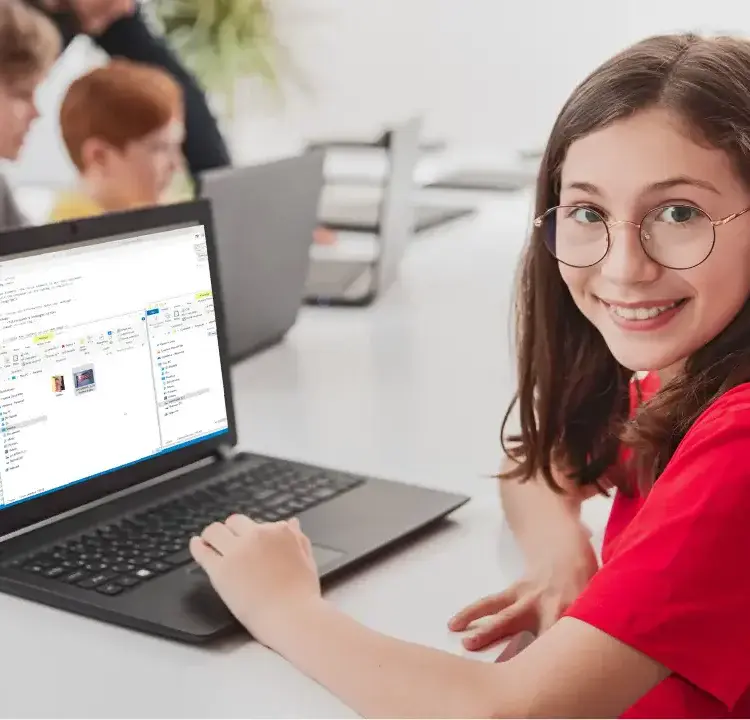
The web is good for learning, but it can be risky for kids. This means kid-safe search engines are a must. They keep out bad stuff, guard privacy, and push learning content. By 2026, kids as young as six will use the web for school and play, so these tools help them look around safely and grow good web habits.
Table of Contents
Quick Reference
Here are the top 7 kid-safe search engines you should know:
- Kiddle: A fun look with strong keep-out filters and clear results set for kids of many ages.
- KidzSearch: Mixes safe surf with learning tools like logic tricks and games.
- Safe Search Kids: Uses Google’s Safe Search and extra filters to stop bad stuff and share web safety tips.
- KidRex: Easy and safe, aims at searches for school with no side stuff like pictures or videos.
- GoGooligans: Uses Google Safe Search and gives over 17,200 tips for school and projects.
- Wacky Safe: AI-run search tool with strong filters and a learning focus.
- Kidtopia: Made by teachers, it puts safe and school-helpful stuff first.
These search engines not only keep kids safe but also back up learning and wise use of the net. Be it school work or just to know more, they’re good ways to make sure young ones use the web well without hitting bad stuff.
Quick Compare of Search Engines:
| Search Tool | Age Group | Main Points |
|---|---|---|
| Kiddle | 6–12 | Fun look, safe finds, right for age, simple to use. |
| KidzSearch | 6–13 | Play, watch, learn stuff, talk search, and Google safe. |
| Safe Search Kids | 6–12 | Google safe, keeps secrets, tips on staying safe online. |
| KidRex | 6–10 | Plain, text-only, no clips or pics to distract, tough filters. |
| GoGooligans | 6–13 | Help with homework, safe clips/pics search, easy for all to use. |
| Wacky Safe | 6–12 | Smart filters, big screen mode, and you can set your own safety rules. |
| Kidtopia | 6–10 | Stuff picked by teachers, Google with more safety. |
These search engines are good for making a safe, fun, and smart web time for kids.
Worried about your child and too much technology? | Motivational Video for Parents
What Makes Search Engines Good for Kids
Kid-friendly search engines aim to give a safe and fun web time while boosting good web habits. Here’s a quick look at what helps these places work well for young ones.
Filtering and Protection
Strong content filtering is key for any trusty kid search engine. These filters keep out bad sites, wrong images, and grown-up stuff as kids use the web. The filters keep working all the time, catching even newly made bad stuff. Many use both auto systems and people to check that search results stay safe and right.
Privacy protection is also very big. These search engines keep kids’ personal info safe by not tracking their search history or saving data on how they use the web. They also stop ads from grabbing personal info and keep other companies from getting to any user info.
Focus and Design
Educational focus helps kids find stuff that helps them learn. These places show results from known school sources, giving help like homework aid, science projects, and other learning tools. This method makes it easy for kids to find good and useful info for school or fun.
Simple, visual design is made for young ones still getting better at reading. Kid-friendly search engines show big buttons, bright colors, and easy designs. They also let kids click on images instead of writing hard search words. The clear and simple design helps avoid mix-ups or upset.
Age-Appropriate and Parental Control
Age-appropriate results match the content to kids’ reading levels and feelings. Instead of flooding kids with hard or high-level stuff, these search engines show info that’s simple for them. They also leave out stuff that might teach but be too strong or not right for young ones.
Parental controls let grown-ups help guide their kids’ web use without being too strict. Parents can set time limits, look at search histories, and change filters for their child’s age and growth. Some places even show what kids are looking up, making way for talks on web safety and smart browsing.
How well it works matters too. Fast performance keeps kids into it by giving quick and tidy search results. These engines are built to run well on tablets and phones, as many kids use the web on these.
For families getting into tech learning, these safe search engines give more than security – they’re a first step towards growing tech skills. Learning to use these can start an interest in coding, making websites, and other tech areas. Programs like CodaKid, which teaches coding and AI making, can build on this start.
All in, these features make a safe and fun place where kids can look, learn, and grow on the web.
1. Kiddle
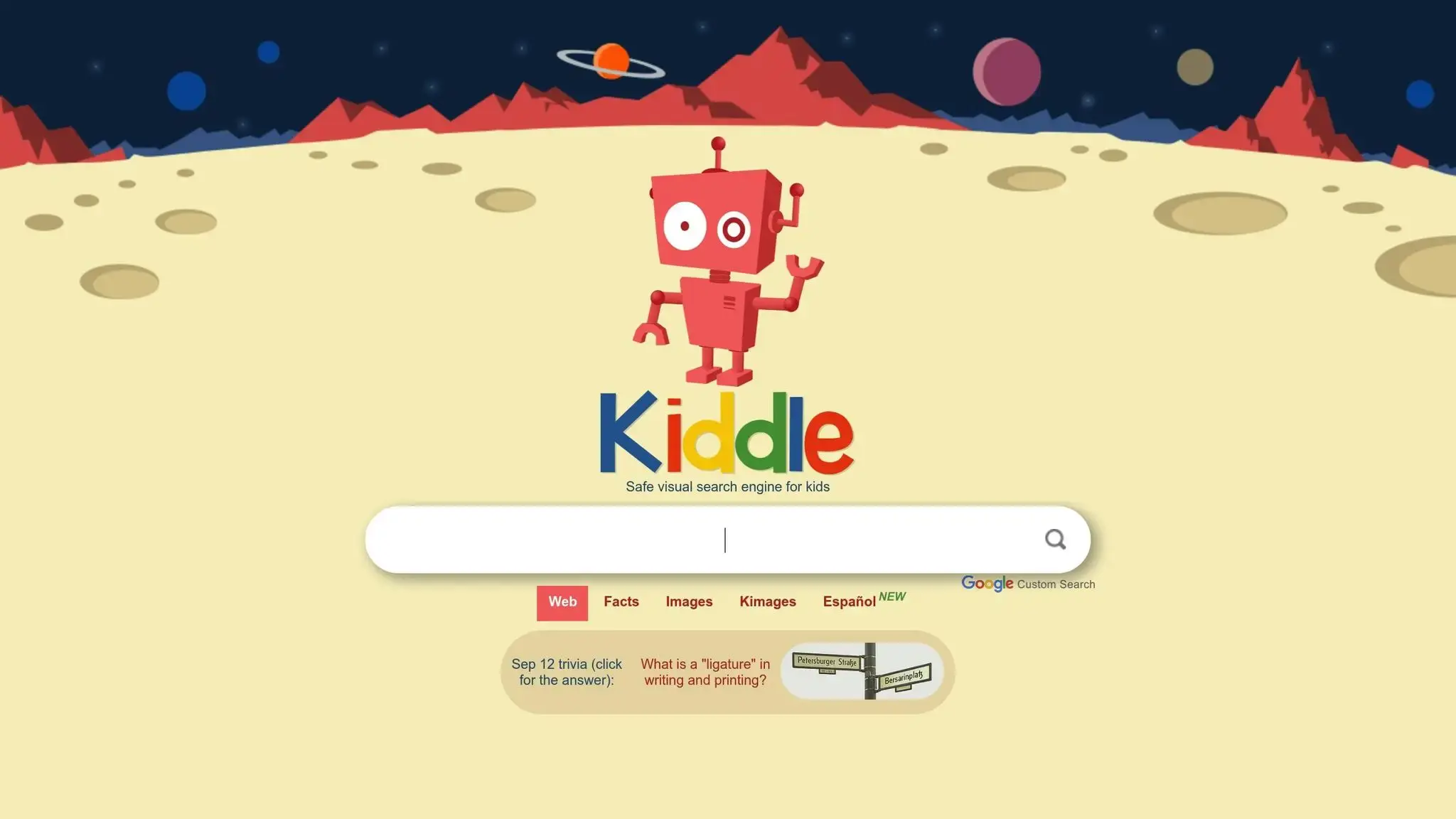
Kids love Kiddle! It looks like space with its fun design. When kids open the page, they see a cool robot and a strange world behind it. This makes searching on the web fun and filled with joy.
Keeping Kids Safe with Content Checks
Safety is key for Kiddle, using strong checks on what kids can see. When kids look up stuff, the site shows only safe things that are good for their age. The top 1-3 results are just for kids, and the rest are easy to read. If a kid types in a bad word, they find a page that says, “Oops, try again!” This keeps them safe and teaches good web ways.
A Place to Learn
Kiddle is not just safe – it helps with learning too. In places like Australia, schools use it for homework help. One nanny told how much she likes it:
“I work as a nanny with children in the grammar/primary school age range, and this website is fantastic for homework and just ‘general fact finding’. Schools in my area in Australia also use Kiddle. Much safer than other similar sites we’ve tried, and the kids like the page format as it’s easy to navigate.”
- Jjules, Nanny
This mix of safety and learning value makes Kiddle a good choice for both parents and teachers.
Search Engine Made for Young Searchers
Kiddle’s design works well for young ones, with big text and clear pictures that help kids pick and learn from info. As EdTechReview points out:
“Kiddle is unique because it is highly visual, making it easier for kids to navigate the search results.”
- EdTechReview
The site changes its words based on how old the user is. Young kids see easy words, and big kids see longer, clearer talks. This smart setup makes sure all kids, no matter how well they read, can use Kiddle with ease.
Easy for Every Kid
Kiddle’s simple and clear look helps kids who can’t see well or use screen readers. Big pictures help guide them, and the “Reader” tool makes the text easier for kids who find reading hard. Diane Brauner liked these parts, saying:
“Kiddle is currently my top kid-friendly search engine, due to the simple, uncluttered design, user-friendliness and the large thumbnails.”
- Diane Brauner
Plus, Kiddle runs smooth on many devices – laptops, Android phones, iPhones, and iPads – so kids can use it anywhere. These first tech steps can spark a love in kids to dive into deeper tech skills, like coding or AI, on sites like CodaKid.
2. KidzSearch
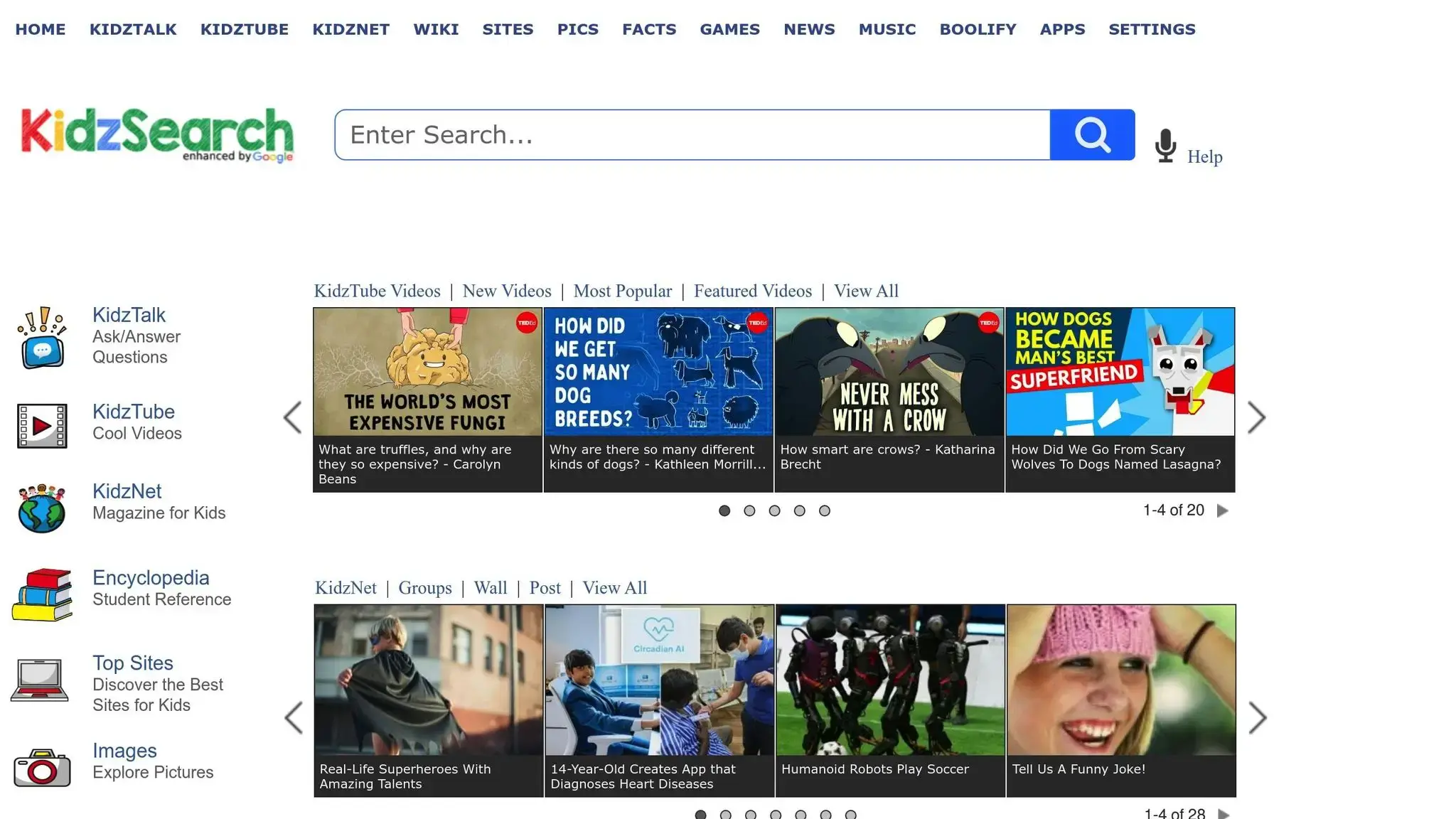
KidzSearch makes it safer for kids to look up stuff online. It mixes search tools with games and videos. This blend offers a full place that keeps kids safe while they are active. It’s clear why many schools in the U.S. like it so much for their choice of search engine, for both general and private lessons.
One big reason KidzSearch is loved by parents and teachers is that it stops bad content before it gets to kids. The platform’s focus on safety gets high marks on Google Play. Users there like how safe it makes browsing.
KidzSearch also adds fun learning tools that teach kids how to do better online searches. For instance, Boolify helps kids learn Boolean logic, like AND, OR, NOT. This makes their searches work better. It also guesses what kids might be looking for, which helps them with schoolwork and projects. Thanks to these tools, KidzSearch got into Common Sense Media’s top list of 25 learning sites for its good teachings.
It’s easy for kids to use KidzSearch. NerdzFactory Company points out this part, saying:
KidzSearch features a user-friendly interface designed with children in mind. The layout is easy to navigate, making it accessible even for young users who are just starting to explore the internet.
When you search, big, bright pictures show up, making it fun and easy for kids. The site also has a way to search with pictures, which is great for kids who learn by seeing. It has a “Top Sites” area too, where kids can find cool, safe websites in a fun way, making learning something new exciting.
KidzSearch works on all devices – PCs, laptops, tablets, and phones, and you can get it as an add-on for your browser. This means kids can use it easily, no matter the device they have.
For kids who want to know more about how these tools work, places like CodaKid teach beginners how to code and about AI, helping them get into tech.
3. Safe Search Kids
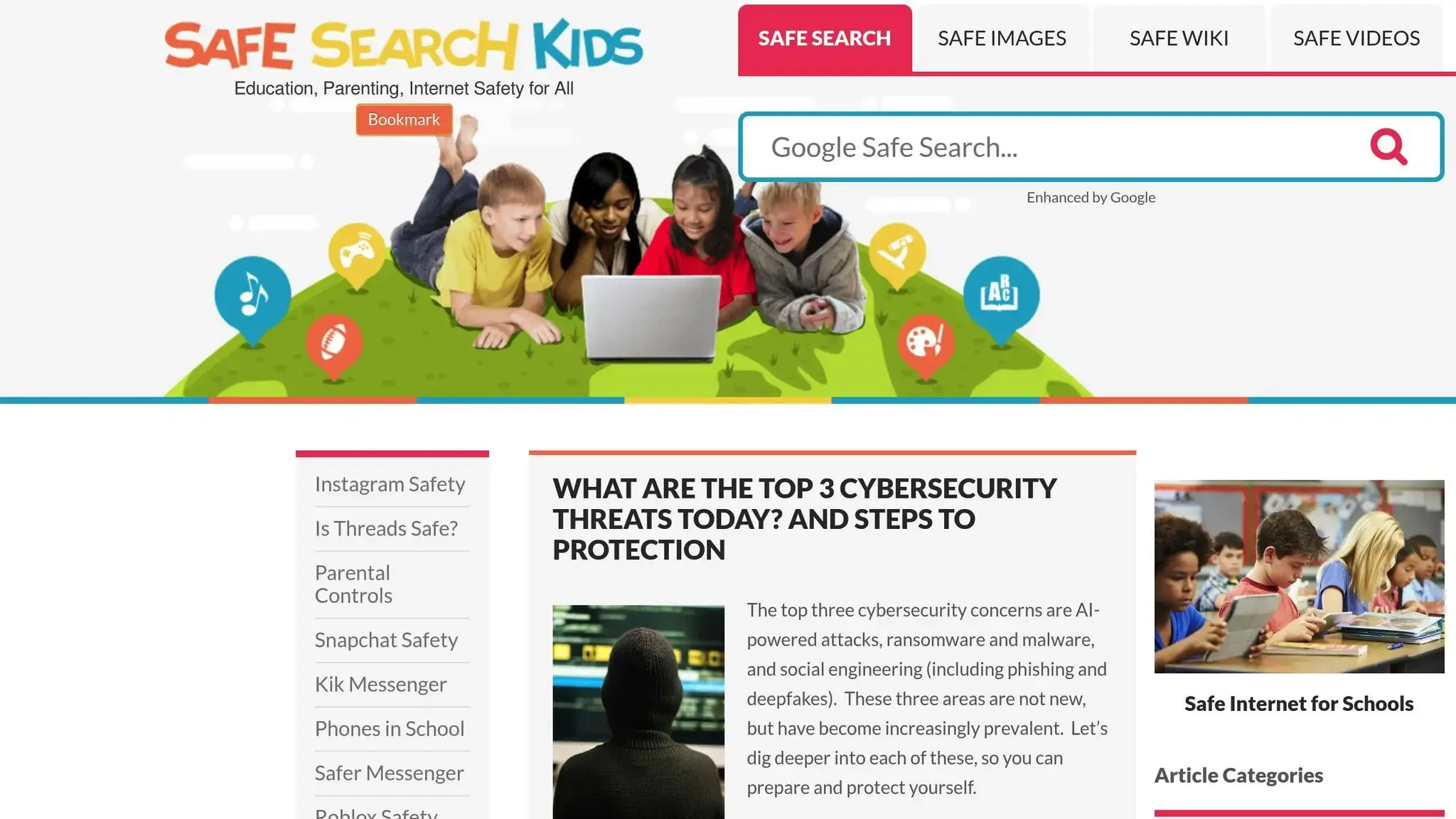
Safe Search Kids helps keep young users away from bad web stuff, cutting down on seeing harsh, raw, and wrong sites.
Keeping Content Good for Kids
This search engine uses new ways to stop bad stuff. What comes out? Search stuff that is good and right for kids, staying away from harsh or raw stuff.
Easy and Good for Kids
Safe Search Kids has a clean, easy look, making it simple for kids to look around and learn without too many things in the way. Its clear look helps keep safe and lone web trips.
For kids who want to know how search tools work, places like CodaKid have fun lessons on coding, web making, and search ways. It’s a cool path to get into the tech of the tools they use!
4. KidRex
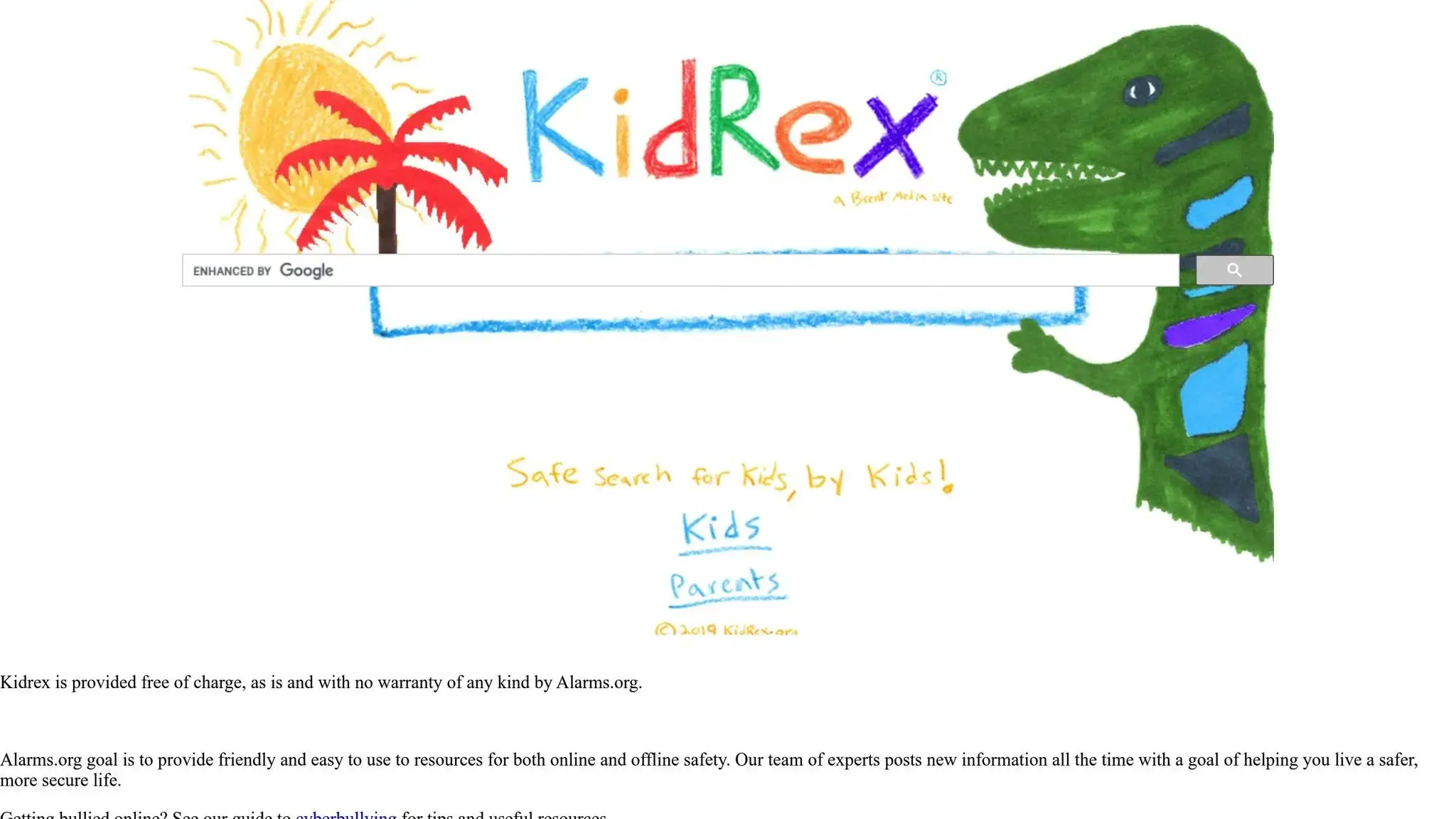
KidRex is an easy search engine made for young kids. It gives a safe, simple way to look at the internet.
Keeping It Safe
KidRex makes sure kids are safe by using strong filters to stop adult stuff, violent things, and other bad content. This helps kids use the internet in a safe way.
Unlike most search engines, KidRex does not have ways to search for images, news, or videos right away. They did this on purpose to help kids focus on text stuff for school, so they don’t see things they shouldn’t.
A Tool for Learning
KidRex doesn’t have games or things to click on, but it is very good for school work. It works well for class work, book reports, and homework because it gives kids a safe place to find what they need.
KidRex also has a design that is easy for kids.
Easy Search Engine for Kids to Use
The way it looks is simple and clear, putting search results in a list that’s easy to read. This simple way helps kids find what they need fast, without being confused by too many menus or choices. For kids just starting to use the internet, this makes them feel sure and lets them learn on their own.
KidRex’s focus on safety and being easy to use makes it a great choice for school and getting used to the internet. For kids who want to learn more about how search engines work, places like CodaKid offer fun lessons in making websites and coding, helping them learn more about the tech that runs these tools.
5. GoGooligans

GoGooligans, also known as SafeSearchforKids.com and SafeSearch.mobi, joins Google SafeSearch with COOP tech to make a safe and useful search place.
Keeping Searches Safe
Using Google’s SafeSearch tech, GoGooligans stops bad content but lets kids find stuff for school work and their own fun. Its strong safety steps make it a good pick for moms, dads, and teachers.
Full of Learning Tools
GoGooligans has over 17,200 learning search tips, aiming at safe places for homework and class tasks. It lets kids look at games, videos, and pictures too.
Easy and Nice for Kids
With a clear and easy design, GoGooligans keeps kids on track and grows good search ways.
Open to All Kids
Knowing how key it is to have all kids included, GoGooligans has a pop-up Accessible Keyboard for those with less ease. This caring part makes sure all kids can use the site by themselves, at home or school. It helps every kid feel sure to try tech and learn key things.
For kids keen to know more about how search tools work, CodaKid opens the door to web making and coding.
6. Wacky Safe
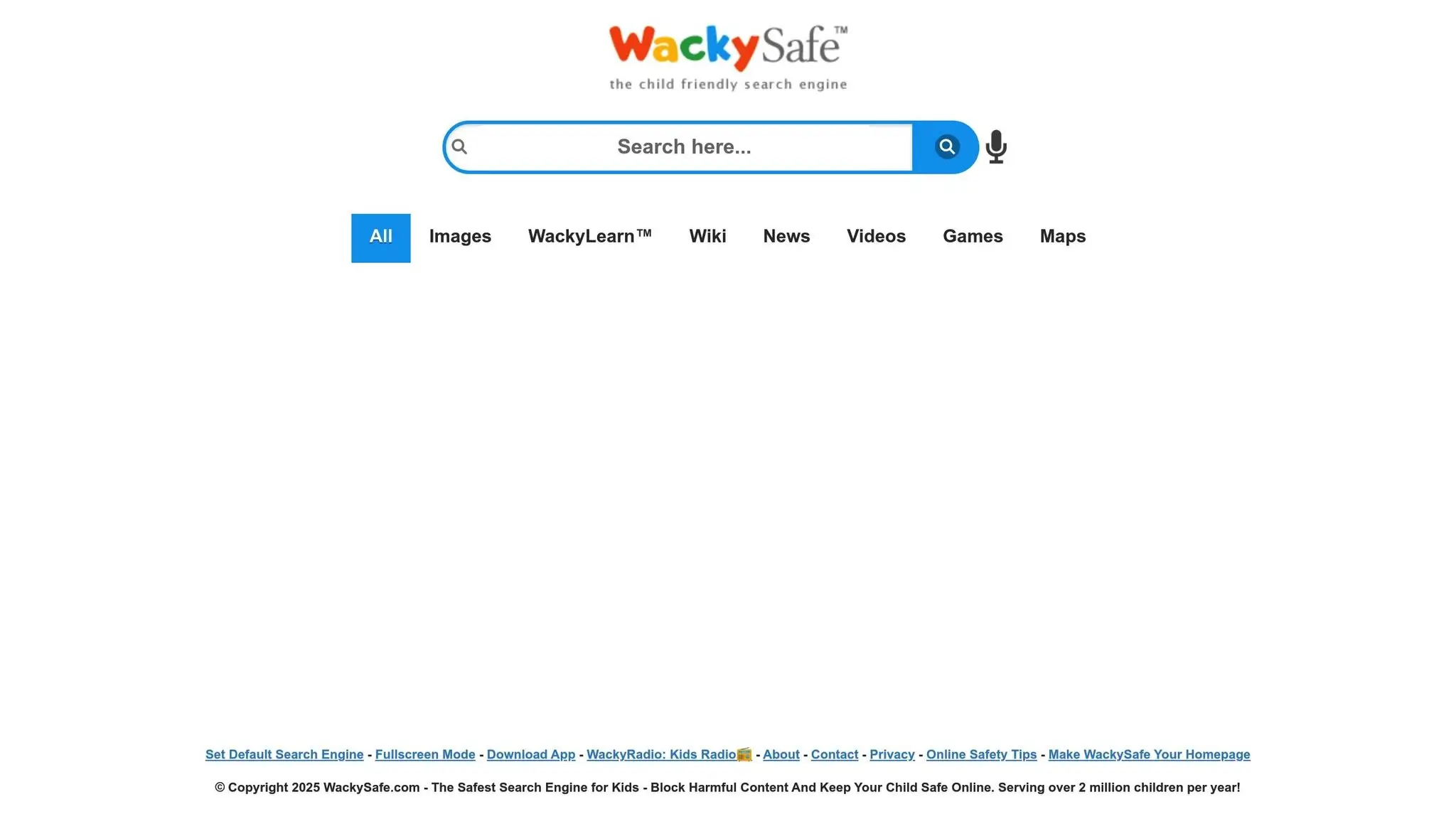
Wacky Safe, run by Microsoft, is a top search tool for over 2 million kids every year in the US. It’s well-loved for its care with safety and learning, making it a top pick for families. The website is made to offer a safe online space where kids can look around the web without fear.
Keeping Content Safe
Wacky Safe uses top tech to filter content, keeping young ones safe online. This tech stops bad content, risky websites, and other not-good stuff all on its own, making sure kids are safe from dangers.
“The WackySafe Mobile Browser is a powerful web content filtering browser to provide your kids a safer internet surfing environment. It automatically blocks porn, adult content, and other dangerous sites.” – WackySafe.com
Moms and dads like how they can change the web set up to fit what their family needs. This lets them feel calm, sure that their kids can use the web in a safe way. Wacky Safe isn’t just about being safe – it also puts learning first.
Help to Learn Stuff
Wacky Safe does more than stop bad stuff – it points out sites that help with learning and school tasks. Teachers and parents see that this search tool puts learning first in what it shows, helping kids get better at school.
“Wacky Safe is an AI-driven search engine for kids that prioritizes safe browsing while offering a wide range of educational content. Its use of artificial intelligence helps ensure that the search results are relevant and safe for young users.” – splashlearn.com
This aim makes sure that kids can reach good tools that help with their need to know more and their school tasks.
Easy to Use for Kids
Made for kids from 6 to 12 years old, Wacky Safe has a bright, easy-to-use look that makes it simple for kids to get around. The Fullscreen Mode keeps other stuff out, letting kids pay more mind to what they are doing.
With a score of 3.7/5, Wacky Safe is liked for its neat design and home page you can change. But, it’s not as well known as other places. Its easy look helps kids look around sure and by themselves.
For kids who like tech, CodaKid gives classes on web making and AI work, helping them get more into the tech tools they use all the time.
7. Kidtopia
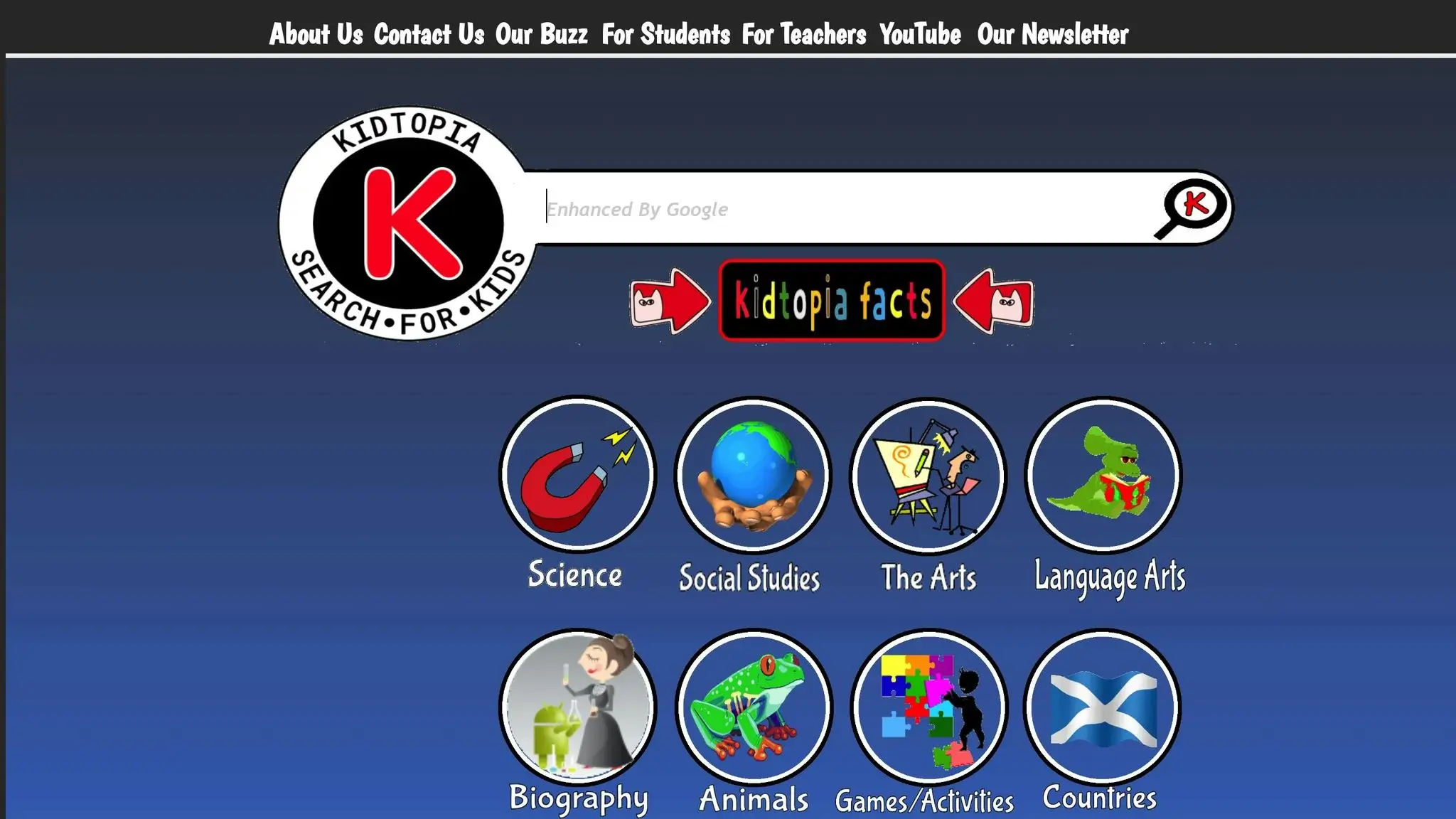
Kidtopia is a safe search site made for young kids. It uses Google’s own search setup, and is put together with care by librarians, teachers, and groups who know about teaching. They make sure it’s a safe and smart place for kids to look for things.
Keeping Searches Safe
Kidtopia uses Google’s strong search skills with extra filters. This makes sure that only stuff okay for kids shows up when they search. These added safe steps help keep kids from seeing things they shouldn’t. It’s a place where moms, dads, and teachers can let kids go on the web without worry.
A Focus on Learning
Since teachers and librarians run Kidtopia, it focuses on things that help with school. When kids look up stuff, they find things that help them learn. This makes Kidtopia useful at school or at home.
Search Engine Designed for Young Users
Kidtopia’s look is simple and easy to use, so young kids can search on their own. The clear, easy style means even little ones can look up info and find stuff just right for them.
Kidtopia works well and is easy for kids to use. For those who want to know more about how search sites and web tech work, CodaKid has classes on web making and AI. This lets kids learn more about how things like Kidtopia work.
Look at Search Engines for Kids
Here is a short list to help you pick a good search tool for kids. It tells you which one is best for each age and what each search tool can do.
| Search Engine | Age Group | Key Strengths |
|---|---|---|
| Kiddle | 6–12 years | Made for kids, it has big images, bright colors, and simple text. Uses Google Safe Search with more filters. |
| KidzSearch | 6–13 years | Has games, videos, and a safe encyclopedia. You can get it as an app with voice search and uses Google SafeSearch to keep out bad stuff. |
| Safe Search Kids | 6–12 years | Uses Google Safe Search for more safety. Teaches about being safe online and good net use. Has tabs for safe pictures, videos, and Wikipedia searches. |
Each site gives good ways for safe and fun learning online. For little kids, easy is best – Kiddle is right for young ones with cool pictures and tight control. Then, KidzSearch fits older kids more, with fun games and an app they can use on the go.
All three use Google Safe Search to keep bad stuff out. Yet, Safe Search Kids does more by giving tips on how to use the internet well and act right when online.
On computers or phones, these tools help young ones use the net without risk. To learn more about tech stuff like making websites and AI, go see CodaKid‘s classes.
How to Help Kids Look Up Things Safely
Helping kids look up things safe from harm takes more than the right tool to find things. It’s about giving them ways to pick the good from the bad and leave what is not okay.
Keywords
Start with the start: keywords. Show kids to use neat, clear words like “polar bear eats” rather than asking a whole thing. Tell them how these find the right pages on the web. You can show them how to turn a big ask into few words. For instance, if they look up big fires in a mountain, teach them how “How do big fires in mountains start and why do they burst?” can be just “mountain fire start” or “why mountains fire”.
Let kids think up keyword lists for their work. For instance, if they look into wild things, words like “where”, “place”, “heavy”, and “long” are good first steps. You can hang these lists where they study to help them spell right and keep the search on point.
Quote Marks
Once they know the simple keywords, show them ways to make their search better. Teach them to use quote marks for the full set of words. For instance, when they check if someone said something, or want exact info, quotes will shorten the search.
Tell them how putting “OR” between words makes the search wider. Say, looking up “dogs OR puppies” gets them both – good when looking at linked stuff. Show them how to cut out stuff they don’t want with a minus sign (-). If they are into the beast jaguar but keep seeing cars, looking “jaguar beast -car” will drop the car pages.
These ways help keep their searches safe and also make them more smart online. For homes wanting to grow their kids’ tech know-how, places like CodaKid have classes on making websites, AI, and other tech bits that work well with strong finding skills.
Ending Words
Safe search tools are key in keeping kids safe online. Engines like Kiddle, with its bright look, and KidRex, known for being easy to use, give choices that parents and teachers can set to meet each kid’s needs. The web has lots of chances for learning and fun, but making sure kids use it safely is key. These engines help by blocking bad content, helping kids feel sure of their web skills.
Picking the right tool often depends on how the child likes to learn. Finding the best one for them can be a big help.
These tools are great, but using them with smart search habits makes them even better. Teaching kids to use simple words, think of good questions, and check facts sets them up for learning all their life. For families who want to teach more about digital stuff, sites like CodaKid have classes on web building and AI, which are great with safe searching.
Think about adding one or two of these engines to your child’s device for a safe and good web use. It’s a simple step that can help a lot in their online world.
FAQs
What should moms and dads look for in a safe search site for kids?
When choosing a search site for kids, it’s key for moms and dads to aim at ones built to keep out bad stuff and block sites not good for kids. You need things like parental controls and content filters to help control what kids see online. A lot of search sites have SafeSearch built in, adding more safety to make sure kids only see stuff that’s okay for their age and helps them learn.
These tools not only keep kids safe from bad content but also let moms and dads set firm limits, making a more safe and tight online space for their kids.
How do search engines for kids make learning cool and keep kids safe?
Search tools for kids make learning fun by blending lessons with cool things like games, tests, and clips. They craft these to catch kids’ eyes and light up their minds as they grow needed skills.
Safety is key on these sites. They have tough filters and watch over all stuff to stop bad things. This lets kids look around and learn in a safe place without harmful things. By mixing learning with fun, these tools hold kids’ focus and make them want to find out more.
Can kids get better at using computers with kid-safe search engines?
Kid-safe search sites are big in helping kids learn key computer skills. They give a safe, right-for-age place where kids can learn to check online info, search with care, and get the basics of being good digital citizens. These tools are made to help kids find true sources and build smart web habits.
Moreover, these search sites offer a safe space where kids can look around the web with sureness. This early start aids them in moving through the digital world safe, and sets them up for smart and careful talks online.















