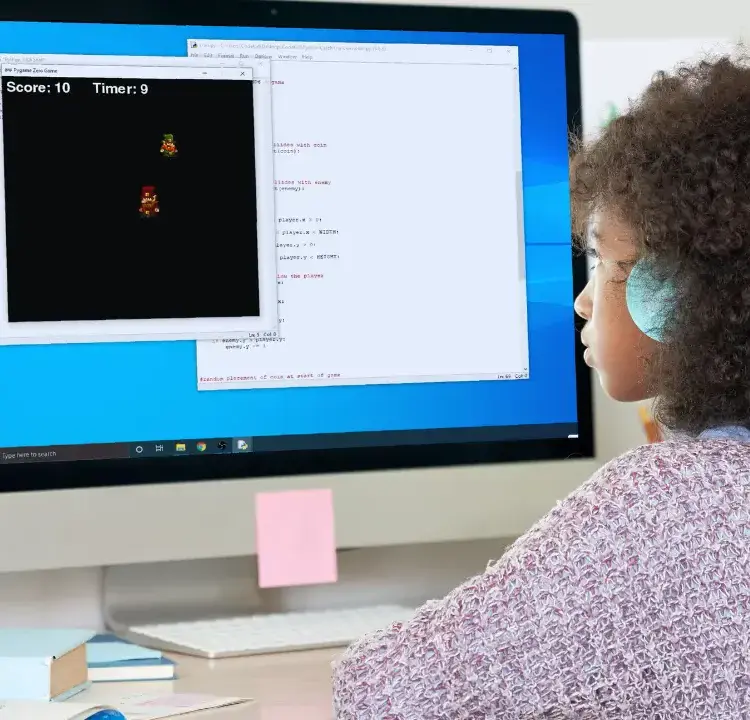
When it comes to teaching coding to homeschoolers, choosing the right coding platforms can feel overwhelming. This guide compares four popular options – Scratch, Python, Roblox, and CodaKid – each catering to different ages, skill levels, and goals. Here’s a quick breakdown:
- Scratch: Best for younger kids (6-10) and beginners. Its drag-and-drop interface makes coding fun and easy but lacks depth for advanced learners.
- Python: Ideal for students (10+) ready to dive into text-based coding. Offers practical skills but has a steeper learning curve.
- Roblox: Perfect for kids (8-16) who love gaming. Teaches coding through game creation but focuses heavily on Lua, which might limit broader programming exposure.
- CodaKid: Designed for ages 7-18, it provides a structured curriculum with real programming languages like Python and JavaScript. While more expensive, it prepares students for advanced coding and career skills.
Quick Comparison:
| Platform | Best For | Strengths | Weaknesses |
|---|---|---|---|
| Scratch | Ages 6-10, beginners | Easy to use, fun for kids | Limited for advanced learners |
| Python | Ages 10+, text coding | Professional skills, versatile | Steeper learning curve |
| Roblox | Ages 8-16, gamers | Game-focused learning | Narrow language focus |
| CodaKid | Ages 7-18, aspiring coders | Real-world coding tools, expert support | Higher cost |
Each coding platform has its own strengths and challenges. The best choice depends on your child’s interests, age, and learning goals. Start with Scratch for beginners, transition to Python for text-based coding, explore Roblox for game enthusiasts, or invest in CodaKid for a more structured, professional approach.
Table of Contents
CodaKid Minecraft Mod Creation: The Adventure Begins Intro
1. Scratch
Scratch is a fantastic starting point for homeschoolers looking to introduce their kids to the world of coding in a fun and approachable way. Developed by the MIT Media Lab, this free, block-based visual programming language uses a drag-and-drop system. Its colorful design transforms coding into a digital building activity, making it less intimidating than traditional programming.
Programming Languages
Instead of relying on text-based coding, Scratch uses a visual system where students connect vibrant blocks to create programs. This method eliminates many of the common frustrations beginners face, like syntax errors, while providing a clear and engaging introduction to coding concepts. It’s a hands-on way to ease into more complex programming languages down the line.
Curriculum Coverage
Scratch introduces key computational thinking concepts like loops, conditionals, sequencing, and variables through engaging, project-based learning. Beyond coding, it reinforces math skills by incorporating patterns, sequences, and algorithms into creative projects. It also sharpens language skills by encouraging attention to detail during coding tasks. With its ability to blend coding into other subjects, parents can craft lessons that make learning interactive and multidisciplinary.
Instructional Format
Scratch’s self-paced learning model aligns perfectly with homeschooling philosophies, encouraging creativity and exploration over rigid lesson plans. Kids can design games, animations, and interactive stories. Its popularity speaks volumes: as of February 15, 2023, over 123 million projects had been shared by more than 103 million users. This thriving community offers endless inspiration and support for young learners.
Relevance to Tech Careers
While Scratch is beginner-friendly, it lays the groundwork for important skills like logical thinking and problem-solving – both essential for future roles in software development, game design, and artificial intelligence. By working on Scratch projects, students develop systematic reasoning, providing a strong base for tackling more advanced platforms and technologies. It’s a stepping stone for those considering careers in tech, whether in programming, game creation, or cutting-edge fields like AI.
2. Python
Python offers a smooth transition from block-based coding to text-based programming, making it an approachable choice for beginners. Its straightforward, English-like syntax allows learners to focus on problem-solving without getting bogged down by complex symbols.
Programming Languages
Python is designed with simplicity and readability in mind. Its use of indentation to define code blocks, instead of relying on explicit keywords like “begin” and “end” (as seen in Pascal), makes it intuitive for new programmers. This thoughtful design bridges the gap between introductory coding and more advanced programming concepts.
“Programming is hard, but we should strive to make it no harder than it needs to be.” – Zelle John M., Department of Mathematics, Computer Science, and Physics, Wartburg College
Python’s versatility extends across platforms, running seamlessly on Windows, macOS, and Linux. Its ability to support multiple programming paradigms – like procedural, object-oriented, and functional programming – gives students the flexibility to explore various approaches as they grow their skills.
Curriculum Coverage
Python’s adaptability makes it a valuable tool for integrating coding into different academic subjects. Students can use it to analyze data for science projects, simulate mathematical models, or create interactive stories that blend programming with creative writing. Beyond that, Python introduces learners to advanced topics like artificial intelligence, machine learning, and automation, equipping them with practical skills to tackle real-world challenges. We’ll dive into how Python is taught online in the next section.
Instructional Format
Python is well-suited to a variety of teaching methods. Self-paced online platforms, such as Codecademy’s Learn Python 3, provide interactive environments where students can code directly in their browsers and receive instant feedback. Parents often praise guided projects for their ability to keep students engaged. These projects frequently culminate in exciting final tasks, like building video games complete with animations, sound effects, and keyboard controls, ensuring students remain motivated throughout the learning process.
Relevance to Tech Careers
Python plays a significant role in the tech industry today. Approximately 40% of recruiters prioritize Python skills, and its demand is expected to grow substantially by 2030. In 2023, Python was mentioned in 78% of job postings, a figure that adjusted to 57% in 2024. Python developers in the United States currently earn an average annual salary of $116,028.
“Python is the most popular language for AI and ML.” – Jean Francois Puget, IBM’s machine learning department
Python’s practical applications are evident in the operations of major companies. For instance, Skyscanner uses Python’s machine learning capabilities to analyze thousands of flight routes, considering over 30 criteria to predict demand. Similarly, Uber employs Python in its Michelangelo PyML platform to manage both online and offline predictions, streamlining daily operations. With the software development workforce expected to grow by 22% between 2019 and 2029, Python provides homeschoolers with a solid foundation to explore careers in areas like web development, data analysis, AI research, and automation.
3. Roblox
Roblox gives homeschoolers a unique opportunity to dive into game development through its Roblox Studio. Similar to platforms like Scratch and Python, Roblox takes a game-based learning approach that appeals to a range of learning styles. With over 64 million monthly active users and around 40 million games available as of 2020, it allows students to learn coding by designing games that others can play and enjoy.
Programming Languages
Roblox runs on Luau, an easy-to-learn version of Lua, tailored for game development. By removing complex syntax elements like semicolons, Luau makes it simpler for beginners to understand coding concepts. Students can quickly create interactive game features, control mechanics, and develop dynamic content.
Curriculum Coverage
The Roblox curriculum goes beyond just teaching programming. It includes lessons on game design, 3D modeling, character animation, and multiplayer functionality. Students also learn vital skills like game testing, debugging, and engaging with the gaming community. The project-based modules allow learners to see the immediate impact of their work, scaling from simple projects to more advanced multiplayer games. This hands-on approach strengthens abilities in math, design, and communication.
Instructional Format
Roblox supports different learning preferences with a variety of resources. The platform offers guided tutorials, lesson plans, and structured courses that are often self-paced and available 24/7. For those seeking a more interactive experience, some programs provide live online classes in small groups, offering personalized instruction. This project-driven format not only makes learning engaging but also helps students acquire skills relevant to today’s tech industry.
Relevance to Tech Careers
Developing games on Roblox equips students with coding and design skills that can unlock exciting career paths. Each month, over two million developers use Roblox Studio to create immersive multiplayer experiences, with more than half of the platform’s users actively involved in content creation. The financial rewards can be impressive: top Roblox developers can earn up to $1 million every two months, and the average salary for a Roblox gameplay programmer ranges between $44,000 and $100,000 per year.
As Theo, a Roblox Game Developer, puts it:
“In my opinion roblox is a hidden goldmine for developers, studios and companys.”
The platform offers more than just technical skills. It builds a foundation in programming, game design, and project management, all of which are highly valuable in tech careers like software engineering and game development. With Roblox increasingly incorporating technologies like virtual and augmented reality, students also gain exposure to cutting-edge tools that prepare them for future innovations. This combination of skills and experience makes Roblox an excellent stepping stone for anyone interested in technology and game development.
4. CodaKid
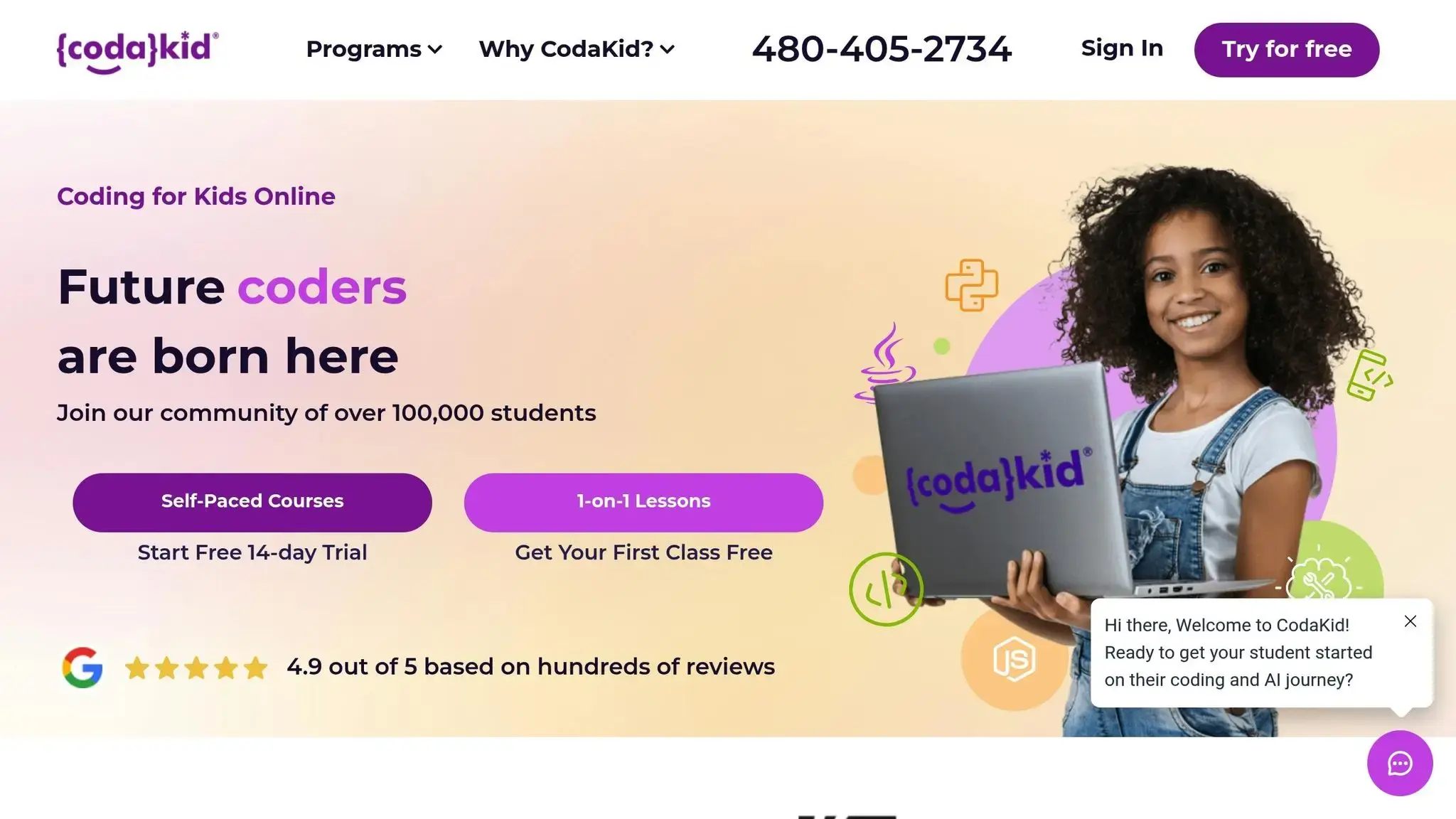
CodaKid takes coding education up a notch for homeschoolers, offering a more professional and structured learning experience compared to platforms like Scratch and Roblox. Designed for kids and teens aged 7–18, this online coding and AI academy goes beyond basic block-based coding by teaching real programming languages and using tools that professionals rely on in the tech industry. With self-paced courses, one-on-one lessons, and year-round virtual camps, CodaKid provides flexible options to suit different learning styles.
Programming Languages
CodaKid introduces students to a variety of programming languages used in real-world tech environments. These include Python, JavaScript, Java, Lua, C#, HTML, CSS, and Arduino. For younger learners just starting out, Scratch is also available, offering a smooth transition from visual block coding to more advanced tools.
Curriculum Highlights
The curriculum is packed with hands-on learning opportunities in areas like game development, AI programming, web development, and hardware programming. Students can dive into projects like creating custom Minecraft mods or building their own Roblox games, all while mastering key programming concepts such as loops, variables, conditionals, methods, and arrays. Beyond coding, these projects help develop critical thinking, problem-solving skills, and math proficiency. With over 500 hours of project-based content, the goal is to empower students to become independent programmers capable of creating original projects from scratch, rather than just following step-by-step instructions.
Learning Formats
CodaKid offers three learning formats to meet the needs of homeschooling families:
- Self-Paced Courses: For $29 per month, students gain unlimited access to more than 85 courses. These include video tutorials and help desk support for independent learning.
- One-on-One Lessons: At $249 per month, students receive weekly sessions with the same instructor, a personalized curriculum, and progress reports. Sibling specials allow families to add more learners at no extra cost.
- Virtual Camps: These year-round camps focus on specialized topics like AI development and advanced game creation.
All instructors are graduates of top U.S. universities and undergo thorough background checks. Students also benefit from live chat and screen-sharing support with engineers for troubleshooting. Additionally, a 14-day free trial is available for self-paced courses, giving families a chance to explore the platform risk-free.
Preparing for Tech Careers
CodaKid bridges the gap between learning and career readiness by focusing on professional programming languages and industry-standard tools. Students work on projects that mirror real-world software development, from planning and building to testing and debugging. This approach not only teaches technical skills but also fosters a problem-solving mindset essential for tech careers.
Graduates leave with multi-language experience, a solid understanding of development processes, and polished portfolios showcasing their work. Whether aiming for roles in software engineering, game development, AI, or robotics, CodaKid equips students with the skills and confidence to take the next step in their tech journey.
Platform Strengths and Weaknesses
Each coding platform brings its own set of perks and challenges for homeschooling families. By understanding these trade-offs, parents can choose the best fit based on their child’s age, experience, and learning objectives. Here’s a closer look at how these platforms stack up.
Scratch
Scratch shines as a beginner-friendly option thanks to its drag-and-drop interface. This visual setup eliminates syntax errors, helping kids focus on logic and problem-solving. However, as students progress, Scratch’s simplicity can feel limiting. It’s not designed for tackling complex or real-world programming tasks, which may leave more advanced learners wanting more.
Python
Python stands out for its versatility and practical applications, making it ideal for students interested in real-world coding challenges. As a text-based language, it offers an authentic coding experience that aligns with professional development. That said, its steeper learning curve can be daunting for beginners, requiring patience and determination to master.
Roblox
Roblox blends the fun of gaming with Lua programming, making it a natural draw for kids who already enjoy playing games. Through game creation, students pick up practical coding skills. However, the platform’s strong gaming focus can overshadow foundational programming concepts, and Lua’s limited scope might make it harder to transition to other coding languages.
CodaKid
CodaKid offers a balance between beginner accessibility and professional-level learning. By incorporating real programming languages into game-based projects, it provides a robust curriculum that appeals to a wide age range. With a 4.9/5 rating from over 350 reviews, the platform has proven popular among users. Parents report that even kids as young as six enjoy coding with CodaKid. While the program’s higher cost reflects its quality and depth, it might be a stretch for some homeschooling budgets.
“Codakid is not the most inexpensive coding course for kids out there […]. However, they do give access to a wide variety of in depth coding courses that make use of popular video game titles (Roblox and Minecraft in particular) to teach kids a surprising variety of coding languages in an engaging and fun way.” – Smarter Learning Guide
| Platform | Strengths | Weaknesses | Best For |
|---|---|---|---|
| Scratch | Easy drag-and-drop interface, beginner-friendly | Limited to basic concepts, lacks real-world applications | Ages 6-10, complete beginners |
| Python | Versatile, real-world relevance, professional skills | Steep learning curve, requires comfort with text-based coding | Ages 10+, ready for traditional programming |
| Roblox | Combines gaming with coding, creative projects | Narrow focus on Lua, may miss core programming concepts | Ages 8-16, game enthusiasts |
| CodaKid | Professional tools, engaging curriculum, expert guidance | Higher cost, requires structured commitment | Ages 7-18, aspiring coders |
Conclusion
Selecting the best coding platforms for your homeschooler depends on several factors: their age, interests, and preferred learning style. For younger learners, Scratch is an excellent choice. It introduces programming concepts in a fun, visual way, without the complexity of syntax. If your child is ready for text-based coding, Python offers a great stepping stone, equipping them with practical skills that can pave the way for future career opportunities. And for kids who love gaming, Roblox mixes play with the basics of coding, making learning both fun and interactive.
For a more structured and comprehensive experience, CodaKid stands out. Its courses cover a range of topics, from artificial intelligence to Minecraft modding, catering to different levels of expertise. What’s more, it uses real programming languages like Python and JavaScript, giving students hands-on experience that’s relevant to real-world coding careers. The game-based projects keep learners motivated while teaching them valuable skills.
Research supports the benefits of coding education: 89% of parents believe computer science is crucial for developing both technical and interpersonal skills. Additionally, kids who learn to code show a 12% boost in critical thinking and a 15% improvement in logical reasoning compared to their peers.
When deciding on coding platforms, let your child take the lead in exploring their interests. Celebrate their milestones – whether it’s solving their first bug or completing a game they’ve built from scratch. This approach not only makes learning more enjoyable but also helps them stay engaged.
Homeschooling gives you the freedom to align lessons with your child’s aspirations, whether they dream of becoming a game developer, a web designer, or an AI expert. By choosing a platform that matches their current abilities and encourages growth through hands-on projects, you can help them build skills that last a lifetime.
FAQs
How can I choose the best coding platform for my child’s age and interests?
Choosing the best coding platform for your child involves considering their age, skill level, and interests. For younger kids, typically between 6 and 9 years old, platforms that use block-based coding are ideal. These tools simplify coding concepts, making it easier and more enjoyable for beginners to grasp the basics.
For kids aged 10 and older who are ready for a deeper dive, platforms that teach real programming languages like Python or JavaScript can be a great fit. These options provide more advanced challenges and help build skills that are closer to what professionals use.
Your child’s interests also play a big role. Whether they’re drawn to game design, artificial intelligence, or web development, there’s a platform out there to match their passion. For instance, platforms like CodaKid offer a mix of self-paced courses and virtual lessons tailored to various skill levels and interests. The key is to find a platform that strikes the right balance between being engaging and appropriately challenging, ensuring your child stays motivated and continues to learn effectively.
What are the career advantages of teaching kids coding through platforms like Scratch, Python, Roblox, or CodaKid?
Introducing children to coding through platforms like Scratch, Python, Roblox, or CodaKid can open up a world of career opportunities by helping them develop programming skills early on. Learning to code encourages critical thinking, problem-solving, and creativity – skills that are highly valued in fields like software development, game design, artificial intelligence, and beyond.
Among these coding platforms, CodaKid stands out by offering courses in areas such as AI, web development, and game design. What sets it apart? Students get to work with real programming languages and professional tools, giving them practical, hands-on experience. This kind of early exposure not only builds confidence but also lays the groundwork for advanced opportunities in the tech world. Plus, starting young can lead to better career prospects and higher salaries – especially in the United States, where the demand for skilled programmers shows no signs of slowing down.
What resources or support are available to help homeschoolers succeed with coding platforms?
Homeschoolers tapping into coding platforms gain access to a variety of tools and resources tailored to enhance their learning experience. These coding platforms often include features like progress tracking, self-paced courses, and structured curricula, making it easier for parents to guide their kids through the learning process. Many even offer parental controls, allowing parents to monitor and manage their child’s activities effectively.
On top of that, options like virtual camps and one-on-one lessons provide students with personalized support. Take CodaKid, for example – it offers game-based programming courses that use professional-grade tools to teach coding, AI, and game design. This ensures that homeschoolers can dive into coding with resources designed to mirror real-world applications.















