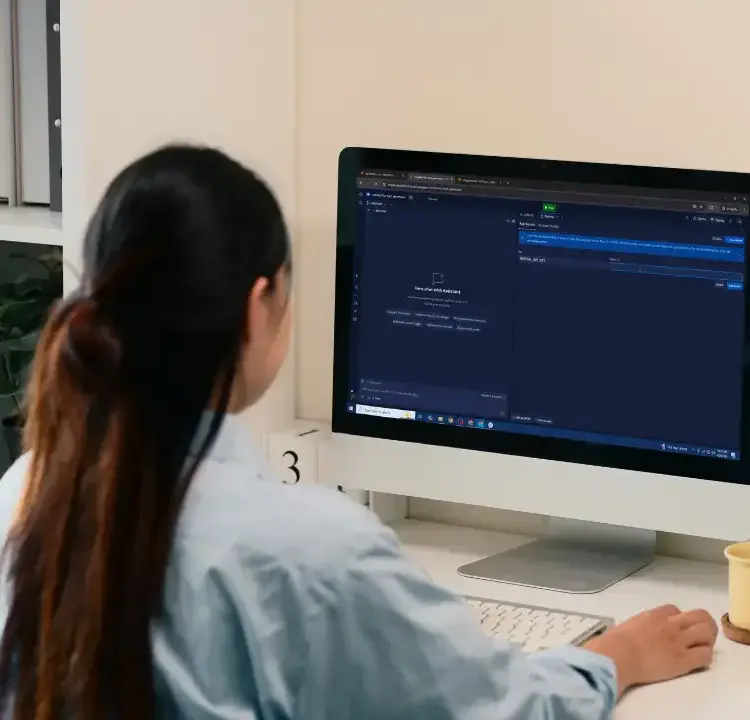
JavaScript is a programming language that powers interactive websites, games, and animations. It’s a great tool for kids to learn problem-solving, logical thinking, and creativity while building fun, interactive projects. This guide breaks down how kids can start learning JavaScript, what they can create, and the tools they’ll need.
Key Highlights:
- Why Learn JavaScript?
Kids as young as 8 can start coding, sharpening their problem-solving skills and building resilience. JavaScript enables them to create games, animations, and interactive websites. - What Kids Can Build:
Simple games (e.g., Rock, Paper, Scissors), interactive web pages, animations, and even mobile apps. - How to Start:
All you need is a computer with a browser. Tools like Code.org, Replit, and CodeCombat provide beginner-friendly platforms. - Basic Concepts:
Kids can start with variables, functions, loops, and conditionals, then move on to interactive elements like event listeners. - Hands-On Projects:
Build simple games, animations, or interactive web pages to make coding engaging and practical. - Resources:
Platforms like CodaKid, Grasshopper, and Code.org offer structured lessons tailored for young learners.
With the right tools and support, kids can dive into coding and create projects they’re proud of. This guide outlines everything you need to get started.
Table of Contents
JavaScript for Kids: Simple Commands
Setting Up a JavaScript for Kids Learning Environment
Creating an engaging and approachable setup is key to introducing kids to JavaScript. The good news? Getting started doesn’t require pricey software or complicated installations. With just a home computer and some free tools, parents and educators can create a safe and fun coding environment.
Using a Web Browser for Coding
JavaScript is built to run directly in any web browser, meaning kids can jump right in without needing to download extra software. Whether it’s Chrome, Firefox, Safari, or Edge, the basic tools to begin coding are already there.
Platforms like CodePen and Replit take this a step further by offering browser-based coding environments. These tools provide real-time previews and automatically save projects, so kids can immediately see their code come to life. Plus, since everything is stored online, projects are accessible from any device connected to the internet.
Once kids are comfortable with browser-based coding, you can explore beginner-friendly platforms designed to make learning even easier.
Online Coding Platforms for Beginners
There are plenty of platforms tailored specifically for young learners, offering a mix of fun and structure. Code.org’s Game Lab, for example, blends block-based coding with typed JavaScript. This makes it easy for kids to transition from visual programming to writing actual code. It’s especially great for creating animations and games, keeping learning exciting and interactive.
For older kids ready to tackle more advanced concepts, platforms like Glitch provide a hands-on workspace that mimics real-world coding projects. Younger children, on the other hand, can start with tools like Tynker, which progress from simple icon-based coding to block-based methods, eventually introducing JavaScript.
Another standout is CodeCombat, which gamifies the learning experience. Kids solve challenges and complete quests while picking up programming skills along the way. These platforms often include safety features, moderated communities, and step-by-step guides, ensuring a supportive learning environment. Many even offer free versions packed with beginner-friendly content.
No matter which platform you choose, the setup is straightforward and accessible.
Basic Requirements for Getting Started
The beauty of learning JavaScript is its simplicity when it comes to hardware and software. All you need is an internet-connected device with a keyboard. A physical keyboard is highly recommended, as typing is an essential skill for coding in JavaScript.
Some platforms, like CodeGuppy, run entirely in the browser. This eliminates the need for downloads or installations, making it easy for kids to code from anywhere. Projects are saved online, so they’re accessible across multiple devices.
“Coding is the most important second language for everyone to learn.” – Tim Cook, Apple CEO
Most experts suggest that kids aged 8–10 are at a great age to start learning JavaScript. However, younger children – as early as 6 – can begin exploring basic concepts using visual tools before transitioning to JavaScript on platforms like Code.org’s Game Lab. The essentials? A comfortable typing setup and a reliable internet connection to unlock the wealth of free learning resources available online.
Basic JavaScript Concepts for Beginners
Once your coding setup is good to go, it’s time to dive into the basics of JavaScript. These building blocks are easier to grasp than they might seem and can help kids create fun, interactive projects like simple games or animations.
Variables and Data Types
Variables are the backbone of any JavaScript program, and explaining them in simple terms can make them much less intimidating. Imagine a variable as a labeled container – just like a toy box that holds LEGOs or action figures.
Kids can use variables to store different types of information. For instance, they might create a variable called playerName to store a name or score to track points in a game.
JavaScript offers three ways to declare variables: var, let, and const. However, beginners should focus on let for values that might change and const for values that stay the same. Once they’ve got a handle on variables, they can explore how functions, loops, and conditionals bring their programs to life.
Functions, Loops, and Conditionals
These concepts are like the essential tools in a programmer’s toolkit.
- Functions: Think of functions as recipes – they’re blocks of code designed to perform specific tasks, and you can reuse them whenever needed. For example, a function might calculate a player’s score or display a game message.
- Loops: Loops take care of repetitive tasks. Let’s say a kid wants to draw 10 stars on a screen. Instead of writing the same code 10 times, they can use a loop to repeat the task – just like giving one instruction for 10 jumping jacks.
- Conditionals: These are decision-makers in a program. They work like “if-then” statements. For example, if a player’s score hits 100, the program could display “You Win!” Conditionals make programs smart and interactive.
Once these concepts click, kids can move on to making their projects interactive with event listeners.
Interactive Events in JavaScript
Event listeners are what make websites and apps feel alive by responding to user actions. Whether it’s a button click, a mouse movement, or a key press, JavaScript can “listen” for these actions and react.
For example, when a user clicks a button, JavaScript might change the background color, play a sound, or trigger an animation. Popular events include:
- Click events: Triggered when buttons or images are clicked.
- Hover events: Activated when the mouse moves over an element.
- Keyboard events: Respond to key presses.
These features turn static web pages into engaging, dynamic experiences.
Hands-On Activities and Mini-Projects
With the basics of JavaScript in place, kids can dive into hands-on activities that let them apply their skills and create projects they can proudly share with friends and family. These activities not only reinforce learning but also make coding an exciting and rewarding experience.
Creating a Simple Interactive Web Page
Building an interactive web page is a great way for kids to see their code come to life. Start with a basic HTML structure using essential tags like <html>, <head>, and <body>. Once the foundation is ready, they can add a simple button that triggers a fun action, like displaying a message when clicked. Here’s an example:
<button onclick="alert('Hello, World!')">Click Me!</button>
This small interaction can spark curiosity. From here, kids can explore more event-driven interactions, like responding to mouse movements, key presses, or form changes. For instance, they could create a box that changes color when hovered over:
document.getElementById("box").onmouseover = function() {
  this.style.backgroundColor = "lightblue";
};
These simple features can evolve into mini-projects, such as buttons that reveal hidden messages, color pickers that switch page themes, or basic quizzes that provide instant feedback. These small wins keep kids motivated while teaching them how JavaScript can make web pages dynamic and engaging.
Building a Basic Game
Creating a game is a fun and practical way to deepen programming skills. A simple clicker game is an excellent starting point because it introduces essential JavaScript concepts without overwhelming complexity.
“JavaScript games are fun, easy to build, and a great way for kids to learn coding.” – CodeWizardsHQ
To get started, set up a workspace on a platform like Replit. Build a basic HTML structure with a heading, a score display, and a clickable button. Use CSS to make the game visually appealing, then implement JavaScript to handle the game logic. For example, the score can increase with each button click, and a win message can appear when the player reaches a target score (e.g., 20 points). Once the game ends, the button can be disabled to prevent further clicks.
Kids can add their own flair by incorporating sound effects, changing background colors as the score increases, or adding a countdown timer for an extra challenge. They can even design custom graphics for the game, turning it into a truly personalized creation.
For those ready to explore more advanced projects, tools like Phaser.js offer a gateway to 2D game development. This open-source library simplifies tasks like graphics rendering and collision detection, allowing kids to focus on building game logic and unleashing their creativity.
Making Simple Animations
Animations are another exciting way for kids to experiment with JavaScript. By gradually changing an element’s style properties, they can create the illusion of movement or transformation.
Start with a container (set to relative positioning) and an animation element (set to absolute positioning). This setup allows precise control over how and where elements move. A simple example is a bouncing ball animation, where the “top” CSS property of the ball changes over time:
animate({
  duration: 2000,
  timing: makeEaseOut(bounce),
  draw(progress) {
    ball.style.top = to * progress + 'px';
  }
});
Kids can also create animations where objects move across the screen, like a dragon flying from left to right. Using functions like setInterval() or requestAnimationFrame(), the dragon’s position can update continuously. When it reaches the edge of the screen, the position resets, creating an endless loop.
Text animations are another fun option. By gradually revealing characters with JavaScript’s slice() method, kids can simulate a typing effect that adds a creative touch to their projects.
For smoother and more efficient animations, requestAnimationFrame() is the go-to method. It not only enhances performance but also introduces young programmers to the techniques behind professional-grade web animations, showing them how their projects can look polished and modern.
Tools and Resources for Learning JavaScript
When it comes to learning JavaScript, having the right tools can make a world of difference. The best resources combine structured lessons with hands-on, project-based learning to keep things engaging and practical. Below, we’ll take a closer look at CodaKid’s approach and other resources that can help your child dive into JavaScript.
CodaKid Platform Overview
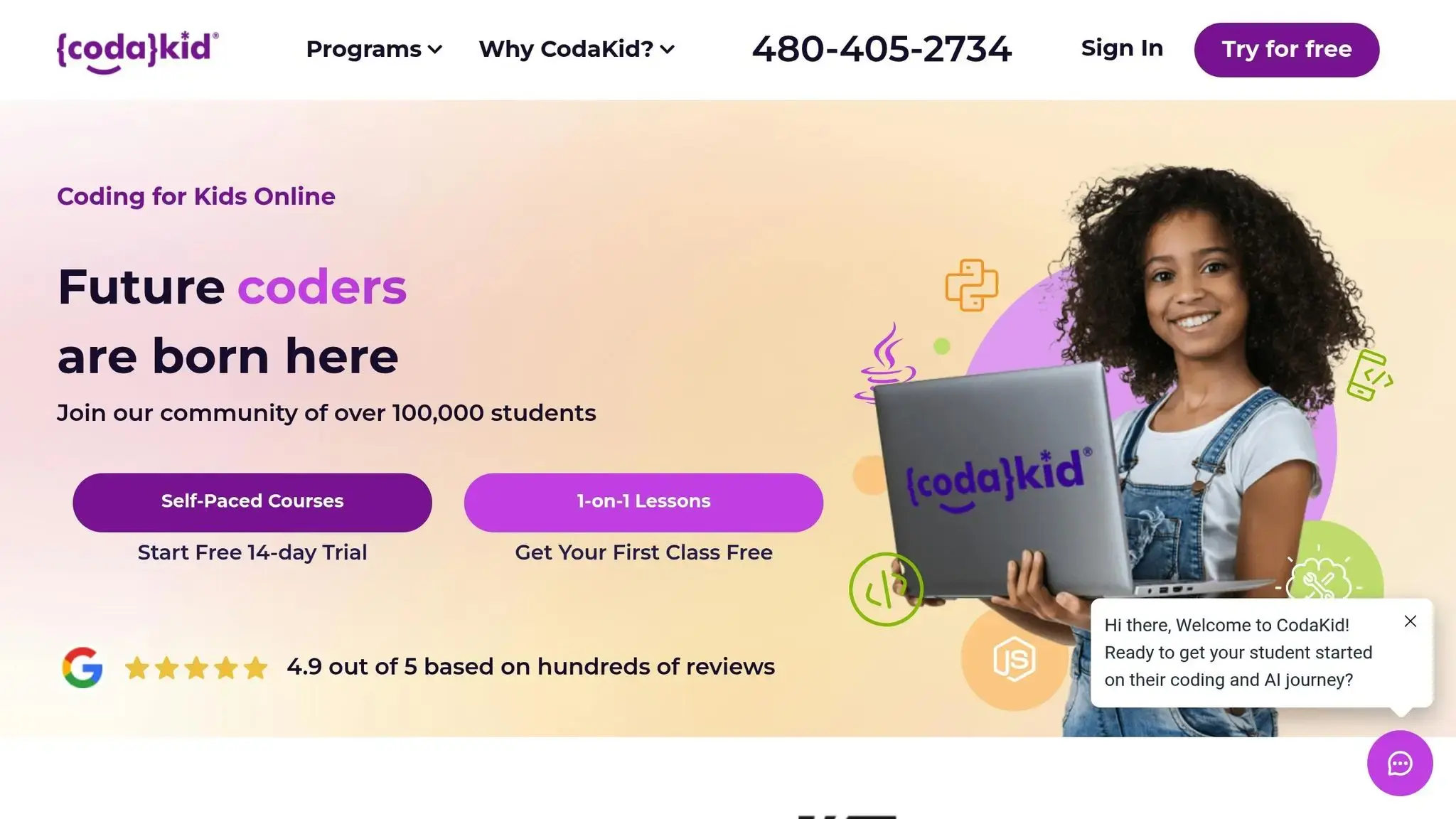
CodaKid has earned the trust of thousands of young learners by teaching JavaScript through real-world projects. The platform goes beyond simply explaining syntax – it empowers kids to create games, apps, websites, and even experiment with robotics. This hands-on approach helps kids understand not just how to code but why their code matters in real-world scenarios.
“I’ve tried several online 1-on-1 coding classes for my son (starting at age 7, he’s now 9) and CodaKid is outstanding in the quality of its instructors and ease of operation; he’s doing Java coding for Minecraft mods and LOVES it.”
– Terrence Masson, Parent
CodaKid offers three main learning paths designed to suit different learning preferences and budgets:
| Plan Name | Price | Description | Features |
|---|---|---|---|
| Self-Paced Courses | $29/month | Unlimited access to 85+ courses, including AI, Python, and Minecraft. | Video tutorials, help desk support, project-based learning, and certificates of completion. |
| Private Lessons 1:1 | $249/month | Personalized one-on-one instruction with live teachers. | Weekly sessions with the same instructor, tailored curriculum, progress reports, and flexible scheduling. |
| Virtual Camps | Varies | One-week, two-hour daily summer camps on topics like AI and Roblox. | Group learning with project-based activities and expert instructors. |
For independent learners, the self-paced courses provide over 750 hours of projects and tutorials to keep kids engaged. Plus, with seven-day-a-week support, help is always close at hand.
For kids who thrive on personalized attention, the private lessons offer one-on-one guidance from experienced instructors. Parents often rave about the quality of teaching, reflected in CodaKid’s impressive 4.9 out of 5 rating from over 350 reviews.
“My 12-year-old loved their Minecraft programming course. It kick-started his interest in computer science. A huge plus for busy parents is the outstanding and swift support from CodaKid. No frustrating long deadlock, but friendly, competent help to keep the kids going and exploring. Brilliant!”
– Ci Tro, Parent
Additional Learning Resources
Once your child has mastered the basics of JavaScript, there are plenty of other resources to help them take things further. Here are a few options worth exploring:
- CodeCombat: A game-based platform for ages 10–15 that teaches JavaScript through fun adventures. Kids control characters and solve puzzles by writing code.
- Code.org’s App Lab: Designed for ages 11–16, this tool allows students to build and share mobile apps using JavaScript. It’s perfect for those ready to explore real-world applications.
- Grasshopper: This app offers short, interactive lessons that break JavaScript concepts into manageable chunks. Ideal for ages 10–16, it’s great for kids with busy schedules.
- “JavaScript for Kids: A Playful Introduction to Programming”: A book that provides clear, beginner-friendly explanations for kids who prefer offline learning.
- CodeGuppy: A free platform offering tutorials and code examples, making it a great supplement for schools and independent learners.
When choosing a resource, prioritize platforms that are ad-free and safe for children. Look for programs with structured learning paths that encourage steady progress, and balance screen time with offline activities to keep things well-rounded. For example, combining online coding lessons with creative offline projects can help kids see programming as a tool for solving problems and expressing ideas.
The most important thing is to find resources that match your child’s interests and learning style. Whether they’re drawn to game-based learning or enjoy building practical applications, the right tools can make JavaScript learning both fun and rewarding.
Supporting Your Child’s JavaScript Learning Journey
As a parent, your role isn’t to become a coding expert but to support and inspire your child as they explore JavaScript. Research from the ACM Digital Library reveals that 91% of U.S. parents advocate for more computer science opportunities, and your confidence can significantly influence your child’s engagement with coding education. You don’t need to know how to code to make a meaningful impact. Your encouragement can fuel their creativity and keep them motivated as they build interactive projects. Here are practical ways to support their learning journey.
Create the Right Environment
Start by sparking their curiosity. Show them interactive websites, games, or apps they enjoy, and challenge them to recreate similar experiences. Set up a quiet, distraction-free space with a reliable internet connection where they can focus on their projects. A supportive environment can make all the difference.
Celebrate Small Wins
Every milestone – no matter how small – deserves recognition. Whether it’s their first button that changes colors or a simple alert message, celebrate these achievements. Share their creations with family, offer words of encouragement, or even give small rewards to mark their progress. A 2019 review by the American Psychological Association found that parental involvement boosts motivation and engagement, highlighting the importance of celebrating success.
Support Through Challenges
Coding comes with its fair share of bugs and errors, which can be frustrating for beginners. When your child encounters challenges, remind them that mistakes are part of the process. Help them break down error messages and troubleshoot step by step. This teaches resilience and problem-solving skills.
Encourage Creativity and Exploration
Keep learning fun by encouraging your child to experiment. Once they complete a basic project, ask questions like, “What if you changed this?” or “Can you make it do something new?”. Exploring new features or adding unique twists to their projects keeps their interest alive.
Connect Coding to Their Interests
Tie coding projects to what your child already loves. If they’re into sports, help them create a team roster app. If they enjoy art, guide them toward projects like drawing apps or pixel art makers. Personalizing their learning makes coding feel less like a chore and more like a tool to express their passions.
Balance Screen Time
While coding is important, maintaining a healthy balance is crucial. Encourage breaks, physical activity, and offline hobbies to complement their screen time. You can also mix online lessons with hands-on, offline projects to keep things varied and engaging.
Your enthusiasm and encouragement are far more impactful than any technical knowledge you might have. By celebrating their progress, creating a supportive environment, and framing mistakes as learning opportunities, you’re setting the stage for your child to thrive as they dive into JavaScript.
FAQs
What are some fun and easy JavaScript projects for kids to try as beginners?
Kids diving into JavaScript can try out some fun and straightforward projects that make learning to code an enjoyable adventure. For starters, they could design an interactive storybook where users click through a tale of their own creation. Or, they might build a basic calculator to tackle simple math problems or a to-do list app to keep tasks organized. Other cool ideas include creating a digital clock to display the current time or crafting a weather dashboard that shows local weather updates.
These beginner-friendly projects introduce key coding concepts while sparking creativity and encouraging problem-solving. Through these hands-on activities, kids get to watch their ideas come to life, making the process both educational and exciting.
How can parents help their kids learn JavaScript even if they don’t know coding?
Parents have an important role in guiding their child’s journey into JavaScript, even if they don’t have a coding background. One way to start is by sparking their curiosity with fun, hands-on projects. For example, they could create simple interactive web pages or design basic games. Tools like Code.org and JSFiddle are great resources to make coding approachable and enjoyable for beginners.
Another key aspect is fostering a supportive learning environment. Show interest in what they’re working on, celebrate their small achievements, and encourage them to think creatively and solve problems. These skills are central to coding and can boost their confidence as they learn. Your enthusiasm and encouragement can go a long way in keeping them excited and engaged!
What are some safe and kid-friendly platforms for learning JavaScript?
For kids diving into JavaScript, Code.org and Tynker are fantastic resources. They offer interactive lessons and fun challenges, all designed to make coding approachable for young learners. These platforms create a safe space where kids can experiment with coding concepts while working on exciting projects.
Other great options include Scratch and CodeCombat, which teach programming basics through a game-like experience. These tools make learning both fun and engaging, encouraging creativity while building essential coding skills.





