
As a parent, you want to prepare your child for the future. But with technology evolving so rapidly, it can be hard to know where to start. One of the best ways to future-proof your child’s education is by teaching them how to code.
I’ve spent over two decades in tech education, helping kids and teens learn coding and AI skills, and I’ve seen firsthand how coding empowers children with problem-solving skills, creativity, and resilience. As a father, I’ve also had to navigate the overwhelming number of options available when choosing a coding class. Should I go with live online lessons? Self-paced courses? In-person classes?
This guide is here to help you make the right choice for your child. Whether they are just starting out with Scratch or ready to dive into advanced AI and machine learning, I’ll walk you through the best learning formats, top coding courses by age group, and trusted coding schools to consider in 2025.
Let’s get started!
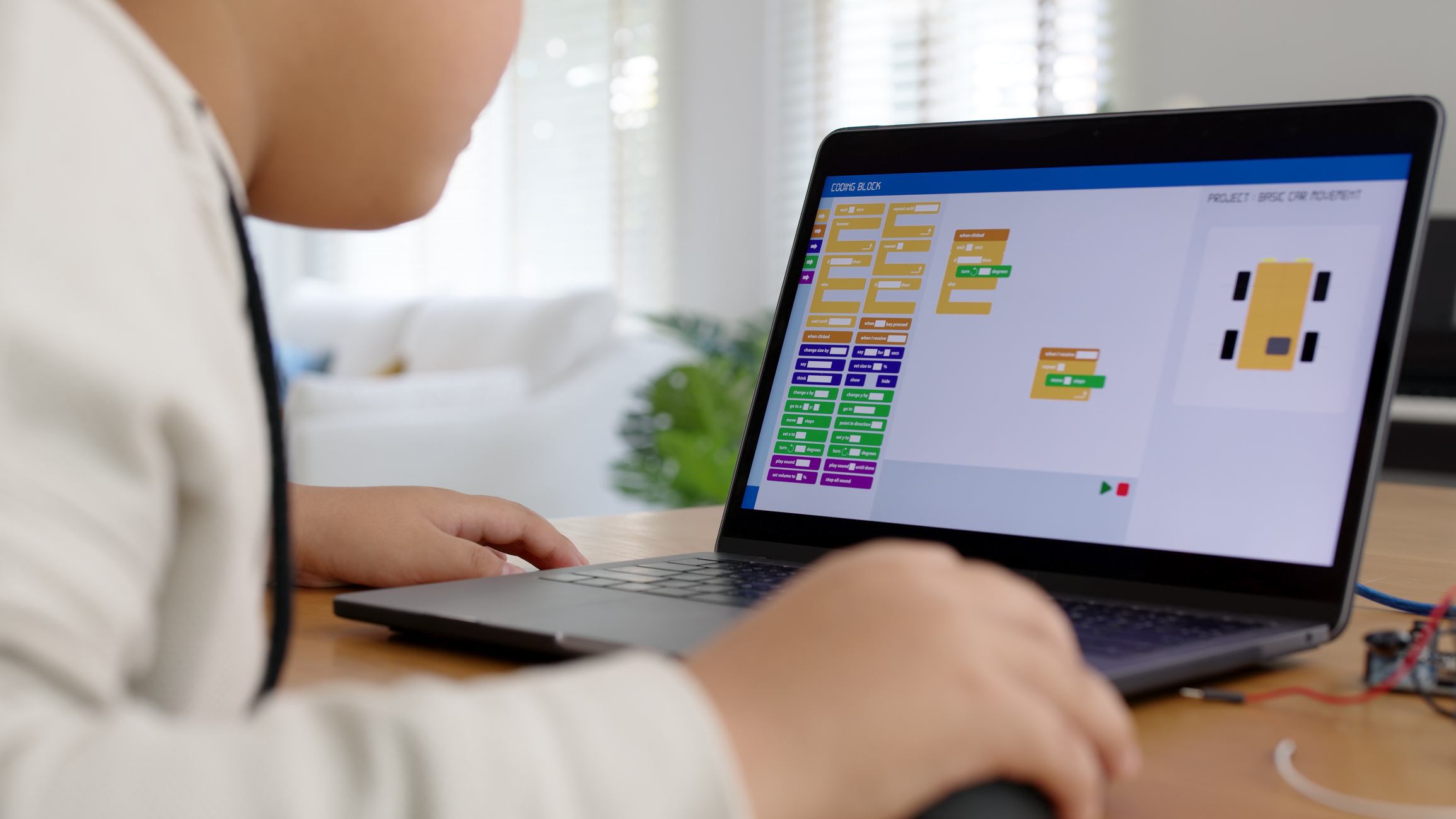
Table of Contents
Is Teaching My Child to Code Worth It in the Age of AI?
Absolutely! As a tech educator and parent myself, I can confidently say that understanding the foundations of computer science is critical in the AI-driven future. As AI continues to evolve, the ability to code and understand software development will set children up for success in a world where technology permeates nearly every aspect of life. Here’s why:
- The Future is Digital: In the age of agentic AI, where software and automation will run almost everything, individuals with computer science skills will be highly valuable to organizations. Even if AI automates some coding tasks, the ability to understand, modify, and optimize code will remain crucial.
- Problem-Solving with Technology: Coding teaches logical thinking, problem-solving, and creativity, all essential skills in tomorrow’s world. Even if your child doesn’t become a professional developer, these abilities will benefit them in any career field.
- Understanding AI Requires Coding Knowledge: While AI models generate code, those who can understand and manipulate these outputs will have a competitive advantage.
As someone who has worked in tech education for over 20 years, I’ve seen firsthand how coding helps kids develop resilience, creativity, and problem-solving skills. My own daughter is learning to code, and I can already see how it’s helping her think more logically and approach challenges with a problem-solving mindset.
What Class Format Should I Choose?
When selecting the best coding class for your child, consider their learning style, schedule, and level of independence. There are various formats available:
Online Learning Options
1. Live Online Learning – Interactive and engaging, offering personalized instruction from expert tutors. There is almost no advantage to in-person tutoring for computer programming, as both methods involve looking at a screen. Some benefits include:
- Structured learning with a dedicated instructor
- Real-time feedback and guidance
- Builds consistency and accountability
2. Online 1:1 Tutoring – Great for children who need personalized attention. Benefits include:
- Customized lesson plans based on the student’s pace
- Direct access to an experienced instructor for immediate help
- Helps keep students on track
3. Online Group Classes – Ideal for kids who enjoy working with peers. Key benefits:
- Collaborative learning environment
- Opportunities to make friends and work on team projects
- 1:1 instructor attention while maintaining a social aspect
4. Online Self-Paced Learning – Perfect for self-motivated learners who prefer a flexible schedule:
- Usually more affordable than live instruction
- Kids can work through content at their own pace
- Good for independent learners who don’t need constant guidance
As a parent, I personally love self-paced courses because they allow kids to learn when they’re feeling motivated, rather than being forced into a strict schedule. But for kids who thrive on structure, live learning is an excellent option.
In-Person Learning Options
5. In-Person Tutoring – Typically expensive but highly personalized:
- Ensures students stay focused and receive one-on-one support
- Ideal for kids who need hands-on assistance
6. In-Person Group Classes – Usually offered in after-school academies or community programs:
- Great for children who thrive in a classroom setting
- Less personalized attention, but fosters teamwork and collaboration

Course Recommendations by Age Group
Choosing age-appropriate courses ensures that your child stays engaged and builds the right skills at the right time.
For Ages 5-7 – Beginner-friendly, fun introduction to coding:
- Scratch Jr – Visual, block-based coding that teaches logic through storytelling.
- Code.org – Basic drag-and-drop coding activities designed for young learners.
Ages 8-10 – Developing coding fundamentals:
- Scratch – A step up from Scratch Jr, helping kids create games and animations.
- Roblox Game Development – Teaches basic Lua programming in a fun, interactive way.
For Ages 9-12 – Expanding technical skills:
- Python – One of the most widely used programming languages, beginner-friendly yet powerful.
- Roblox Game Development with Lua – More advanced game scripting.
- Minecraft Modding – A great way to learn Java through game modifications.
- Web Development – Introduces HTML, CSS, and JavaScript for creating websites.
- AI for Kids – Fun, interactive lessons teaching how AI works and how to build AI-driven applications.
Ages 13-17 – Advanced coding and real-world applications:
- Java – Used in AP Computer Science courses and professional applications.
- C++ – Foundational language for game development and high-performance applications.
- AI & Machine Learning – Introduces students to AI algorithms and real-world applications.
- Unity & C# – Used for professional game development.
- Unreal Engine – Popular in the gaming industry, particularly for 3D development.
- App Development – Helps teens build mobile applications using Swift or Java.
Best Coding Schools by Learning Format
Online Live Learning
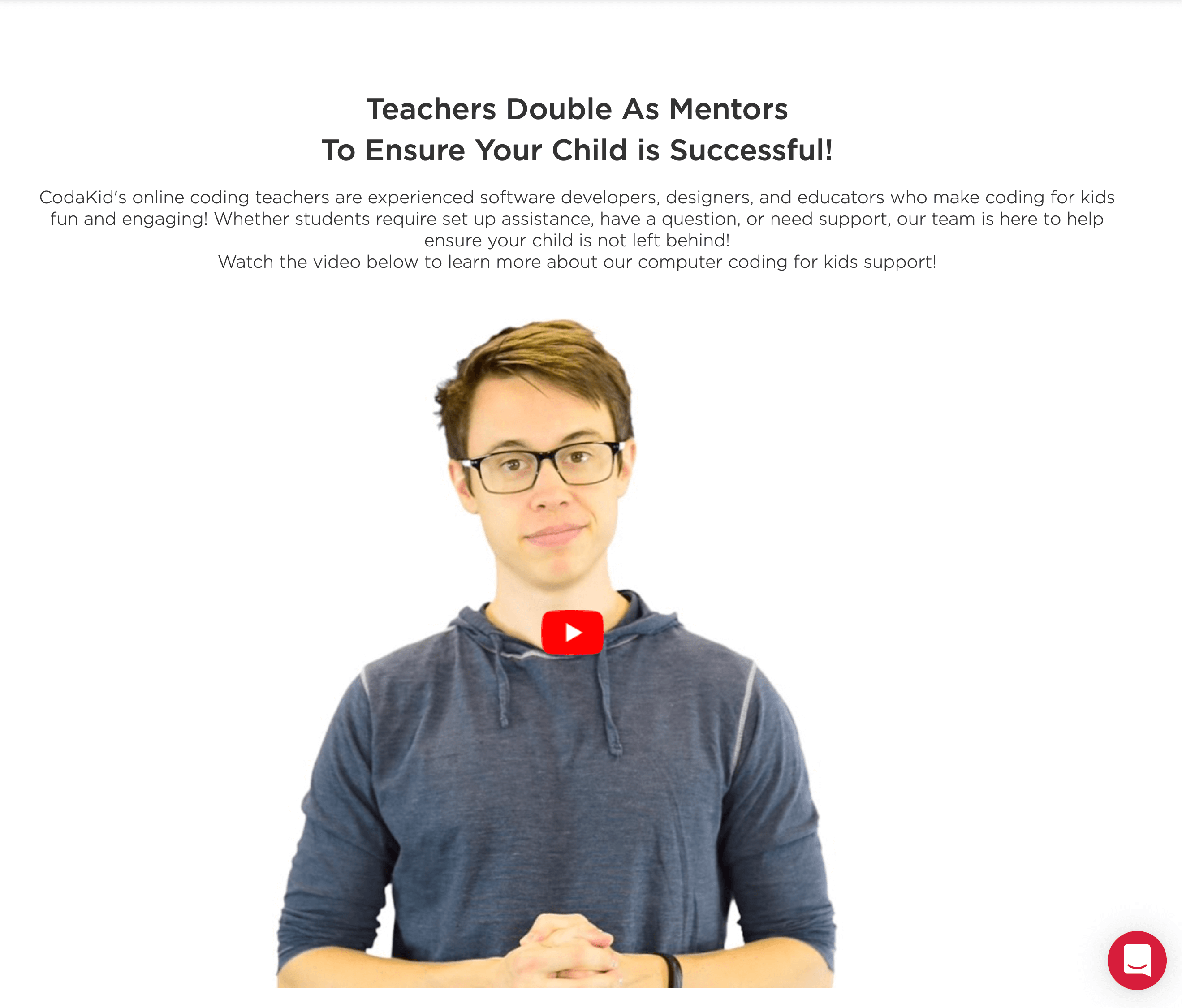
- CodaKid – Offers private tutoring, small group classes, and summer camps for kids interested in game development, AI, Python, and more.
- Coding with Kids – Live online classes for different coding levels.
- Code Wizards HQ – Online structured coding courses for kids and teens.
Online Self-Paced Learning
- CodaKid – Award-winning self-paced courses covering 100+ topics, including AI, Python, Scratch, Roblox, Minecraft Modding, Web Development, Unity, and Unreal Engine. Features trained AI agents for instant support and human instructors for additional guidance.
- Udemy – Offers thousands of courses for all levels. Good for older teens, but lacks structured support, meaning students need to be highly self-motivated.
In-Person Academies and Camps
- Code Ninjas – A franchise-based coding school with various locations.
- IDTech – Premium coding camps that offer an elite educational experience (but at a higher price point).
- CodeRev Kids – Hands-on coding workshops and after-school programs.
As a parent and educator, I strongly believe that coding is one of the best investments you can make in your child’s future. Whether they take online classes, attend an in-person academy, or learn at their own pace, coding will help them develop skills that last a lifetime. Ready to get started? Check out CodaKid’s free trial lesson today and see firsthand how engaging and effective online coding education can be!
We hope that you’ve enjoyed our blog Choosing the Best Coding Class for My Child. If we have missed any resources that you think we should have included, please leave a comment and let us know!
FAQs
What is the best coding language for kids to learn first?
For most kids, Scratch is the best first coding language because it uses visual, drag-and-drop blocks that eliminate syntax errors and let children focus on logic and creativity. For kids ages 9 and up who are ready for text-based coding, Python is widely considered the best first language — it has clean, readable syntax, runs on almost every platform, and is used professionally in AI, data science, and web development. Younger children (ages 5–7) can start with Scratch Jr, which introduces coding concepts through simple animations and storytelling.
How much does a kids coding class cost?
The cost of kids coding classes varies by format. Self-paced online courses typically range from $20–$50 per month via subscription platforms. Live online group classes generally cost $150–$300 per month. Private 1:1 online tutoring ranges from $50–$150 per hour depending on the instructor and platform. In-person coding academies and after-school programs vary widely by location, typically running $200–$500 per month. Premium summer camps can cost $1,000–$3,000+ per week. CodaKid offers self-paced and live options at multiple price points, including a free trial lesson.
At what age should my child start learning to code?
Children can start learning to code as early as age 5 using beginner tools like Scratch Jr and Code.org, which teach foundational logic through play and storytelling. Most coding educators recommend ages 6–8 as an ideal starting point, as kids at this age can follow sequential instructions and begin to understand cause and effect. By ages 9–12, children are ready for more structured programming in languages like Python or Lua. That said, it’s never too late to start — teens who begin coding at 13 or older can still build strong skills and pursue careers in tech.
How long does it take a child to learn to code?
The timeline depends on the child’s age, the language being learned, and how consistently they practice. Most kids can grasp basic coding concepts — sequences, loops, and conditionals — within 1–3 months of regular practice. Building simple games or apps typically takes 3–6 months. Reaching an intermediate level — writing original programs independently — generally takes 1–2 years of consistent learning. Coding is a lifelong skill, so the goal isn’t to “finish” but to build incrementally. Kids who practice 2–3 hours per week tend to see meaningful progress within a few months.
Is Scratch a good way to start coding for kids?
Yes — Scratch is one of the best introductory coding tools available for kids ages 6–12. Developed by MIT, it uses a visual block-based interface that removes the frustration of syntax errors, letting children focus on programming logic, creativity, and problem-solving. Kids can use Scratch to build games, interactive stories, and animations. It teaches core programming concepts — loops, conditionals, variables, and events — that directly transfer to text-based languages like Python and JavaScript later on. Scratch Jr is available for ages 5–7 as an even simpler starting point.
What is the difference between self-paced and live online coding classes for kids?
Self-paced coding courses let children learn on their own schedule, working through pre-recorded lessons and projects whenever they feel motivated. They tend to be more affordable and flexible, making them ideal for independent, self-motivated learners. Live online coding classes (either 1:1 or in small groups) are instructor-led in real time, offering immediate feedback, accountability, and a structured learning path. Live classes are better for kids who benefit from routine, need extra encouragement, or learn best through interaction. Some platforms like CodaKid offer both formats, so families can choose based on their child’s learning style and schedule.
Can kids learn to code without any prior experience?
Absolutely. No prior experience is needed to start learning to code. Today’s beginner coding tools are specifically designed for children with zero background in programming. Platforms like Scratch, Code.org, and CodaKid start with the most foundational concepts and introduce new ideas gradually through fun, project-based activities. The most important ingredients are curiosity and a willingness to experiment. Many kids who start with no experience go on to build their own games, apps, and websites within their first year of learning.
How do I know if my child is ready for AI and machine learning courses?
Most kids are ready to start exploring AI concepts around ages 10–12, once they have a basic understanding of programming logic and variables. Introductory AI courses at this level focus on how AI works conceptually — training models, recognizing patterns, making predictions — without requiring advanced math. For deeper machine learning coursework (building and training models with real code), a foundation in Python is strongly recommended, making ages 13–17 the sweet spot. Signs your child may be ready include: comfort with Python or another text-based language, curiosity about how apps and recommendation systems work, and an interest in real-world problem solving.