
Coding is becoming as important as reading and writing. And for kids, real-time collaborative coding platforms make learning fun, interactive, and social. These tools allow young learners to work on projects together, share ideas instantly, and develop problem-solving and teamwork skills. Here are the top 7 real-time coding platforms for kids, each offering unique features:
- CodaKid: Teaches professional programming tools like Python and JavaScript. Tailored courses for ages 6+ with real-time support. Pricing starts at $29/month.
- Replit: A browser-based coding environment supporting 50+ languages. Ideal for collaboration and beginners. Free tier available.
- Google Colab: Best for Python and data science. Offers real-time collaboration and is free, with a $9.99/month Pro option.
- Tynker: Visual programming with drag-and-drop tools for ages 5–18. Game-based learning starts at $7.50/month.
- Khan Academy: Free coding lessons with step-by-step tutorials for JavaScript, HTML, and SQL.
- Maker’s Empire: Focuses on 3D design and coding basics for ages 8–15. Plans start at $8/month per student.
- GitHub Codespaces: A professional-grade coding environment for ages 14+ with pay-as-you-go pricing.
Each platform caters to different skill levels and interests, from block-based coding for younger kids to advanced programming for teens. Whether your child is just starting or ready for more advanced challenges, there’s an option to match their needs.
Table of Contents
Is Coding Good for Kids?
1. CodaKid

CodaKid is an online coding and AI academy designed for kids aged 6 and up. It introduces young learners to real programming languages using professional-grade tools, giving them hands-on experience with the same platforms used by tech industry professionals.
Tailored Courses for Every Age
CodaKid offers over 85 courses, each carefully designed to align with different age groups and skill levels. For instance, kids as young as 6 can start with Scratch and JavaScript. By age 8, they can dive into Minecraft and Roblox development. AI programming is introduced at age 9, while Python courses are suggested for those 10 and older. More advanced topics, like Unity, Unreal Engine, and web development, are recommended for learners aged 12 and above. Each course is clearly labeled by difficulty, making it easier for parents and kids to choose the right starting point.
Learning Professional Programming Tools
What sets CodaKid apart is its focus on teaching industry-standard programming languages and tools. Kids learn Python, JavaScript, and Java, while also exploring game development with platforms like Unity (using C#) and Unreal Engine (using C++). Web development courses cover HTML, CSS, and JavaScript, ensuring students build a solid foundation for modern programming. With these skills, young coders can create professional-grade games and software, all while working with cutting-edge technology. To enhance this experience, students have access to real-time support, ensuring they get the help they need when they need it.
Personalized and Real-Time Support
CodaKid provides Private 1:1 lessons where students work live with expert instructors. This one-on-one approach ensures personalized guidance and immediate feedback, helping kids overcome challenges quickly. The platform also offers online support, where teachers are available to assist students in real time. Many parents praise this feature, noting how it keeps kids engaged and prevents frustration when they hit a roadblock.
CodaKid’s pricing is flexible to meet different needs. Self-paced courses start at $29 per month, while private 1:1 lessons are available for $249 per month. Additionally, seasonal virtual camps offer interactive group learning experiences, providing families with options to suit their schedules and learning preferences.
2. Replit
Replit is an online platform designed for writing, running, and sharing code effortlessly. It offers real-time collaborative coding, complete with built-in tools and support for a variety of programming languages. This makes it an excellent choice, especially for young or beginner developers looking to dive into coding without the hassle of setting up complex environments.
Up next, we’ll look at platforms that combine academic learning with hands-on coding challenges.
3. Google Colab
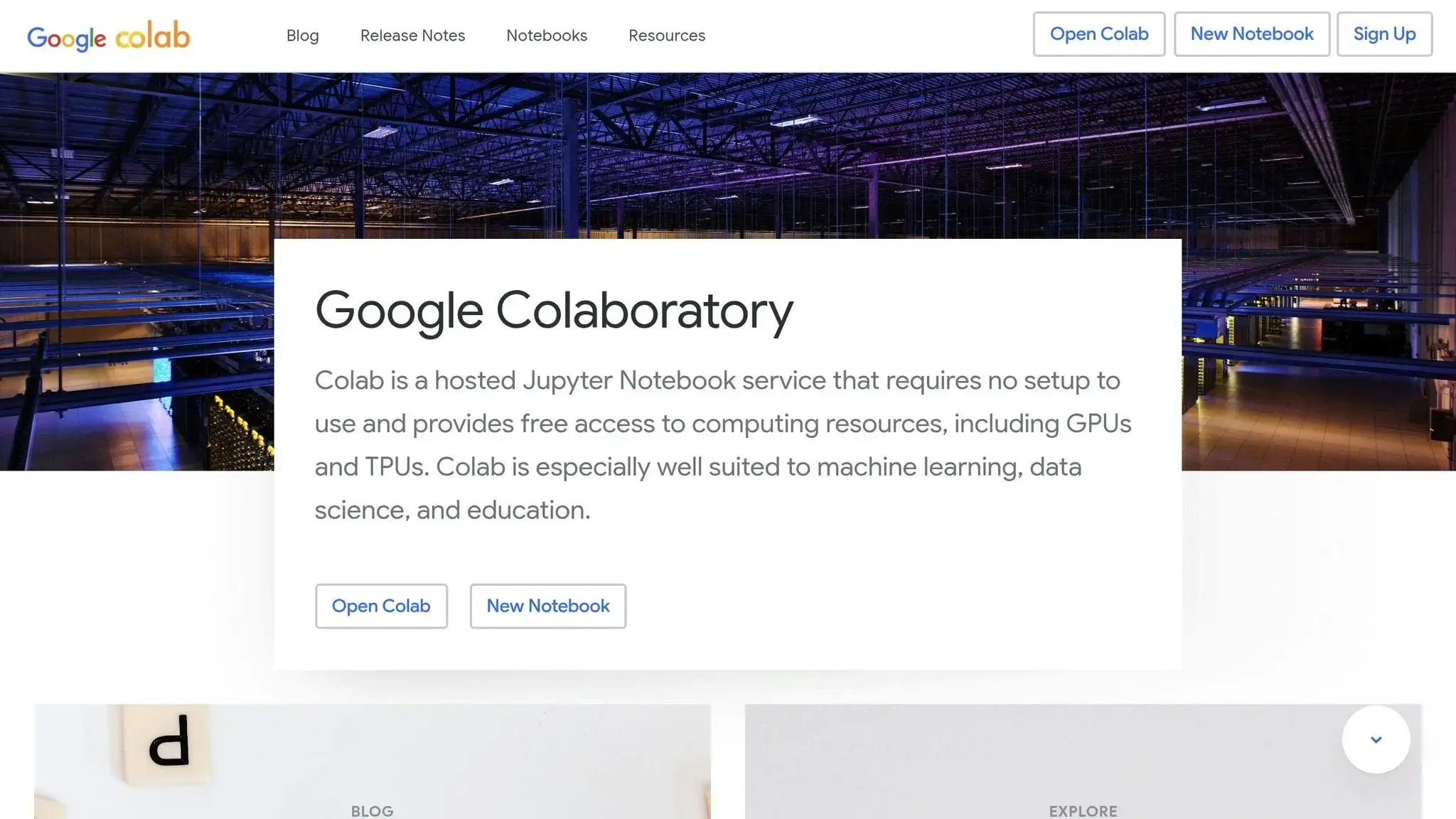
Google Colab is a standout platform for young coders, blending professional-grade tools with the ease of collaborative learning. It’s a cloud-based notebook environment that simplifies coding and data science, making it accessible even for beginners. This aligns perfectly with the goal of fostering real-time, collaborative coding experiences for aspiring developers.
Real-time Collaboration Features
One of Google Colab’s strongest features is its real-time collaboration. Multiple users can work on the same notebook simultaneously, with instant updates and built-in commenting. Notebooks can be shared effortlessly via Google Drive, making it easy for teachers and parents to guide students through projects. For kids already familiar with Google Docs, the interface feels intuitive, which helps smooth the learning process.
Support for Professional Programming Languages
Google Colab fully supports Python and its extensive libraries, including NumPy, Pandas, and Matplotlib. This allows young coders to explore concepts like data visualization, machine learning basics, and mathematical computations. Plus, the platform’s ready-to-use environment means there’s no need for complex setup – students can jump straight into coding.
Engaging Layout and Resources
While not specifically designed for children, Google Colab’s interactive notebook layout is highly engaging. By combining code, text, and visuals in one space, it creates an interactive learning experience. The ability to include rich text, images, and mathematical equations makes it ideal for crafting lessons that immediately show the results of students’ work.
Safety and Privacy for Young Users
Google Colab adheres to Google’s privacy policies, which include protections for users under 13 when using Google for Education accounts. Educators can manage access through Google Workspace, ensuring a secure environment. Additionally, requiring Google account authentication adds another layer of safety and user management, especially in classroom settings.
Next, we’ll explore platforms that focus on visual programming and game-based learning.
4. Tynker
Tynker is a platform designed to make learning to code fun and approachable for young learners. It uses a visual programming approach, where students work on interactive projects that teach coding fundamentals while encouraging creativity and teamwork. From building games to designing animations, kids get to see the results of their work in real time, making the learning process engaging and rewarding.
The platform features a drag-and-drop interface, which is perfect for beginners. Through this, students can learn key programming concepts like loops, conditionals, and variables without feeling overwhelmed. Beyond individual learning, Tynker also emphasizes collaboration. Students can team up on projects, share their creations, and draw inspiration from each other, fostering a sense of community that mirrors real-world coding environments.
5. Khan Academy
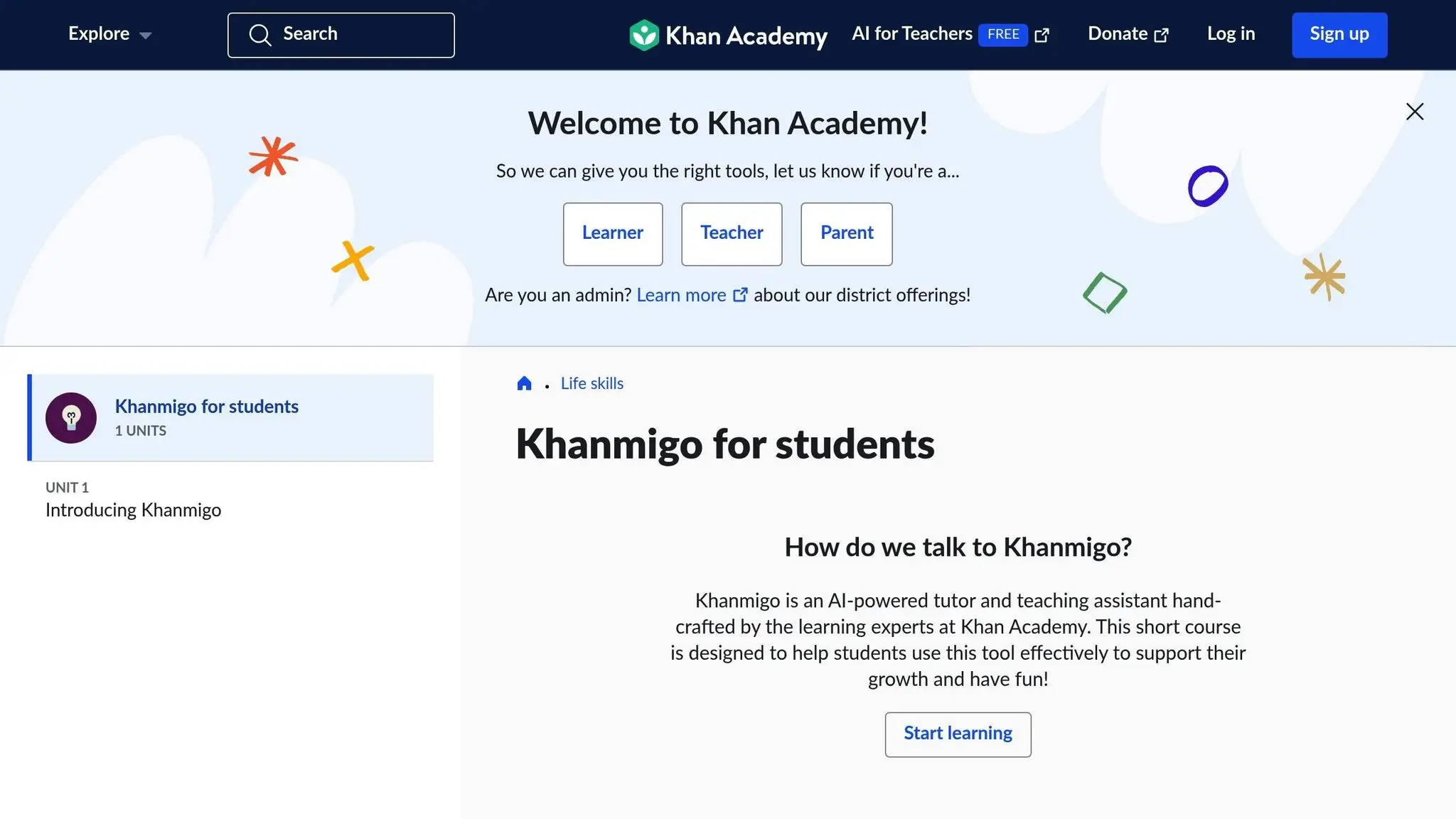
Khan Academy has made a name for itself by providing free, interactive learning resources, and coding is no exception. Their coding lessons are structured in a clear, step-by-step format, making it easy for learners to follow along at their own pace. The platform’s user-friendly interface and hands-on exercises make coding approachable, even for beginners. Plus, with built-in progress tracking, both students and parents can keep an eye on achievements and milestones as they happen.
6. Maker’s Empire
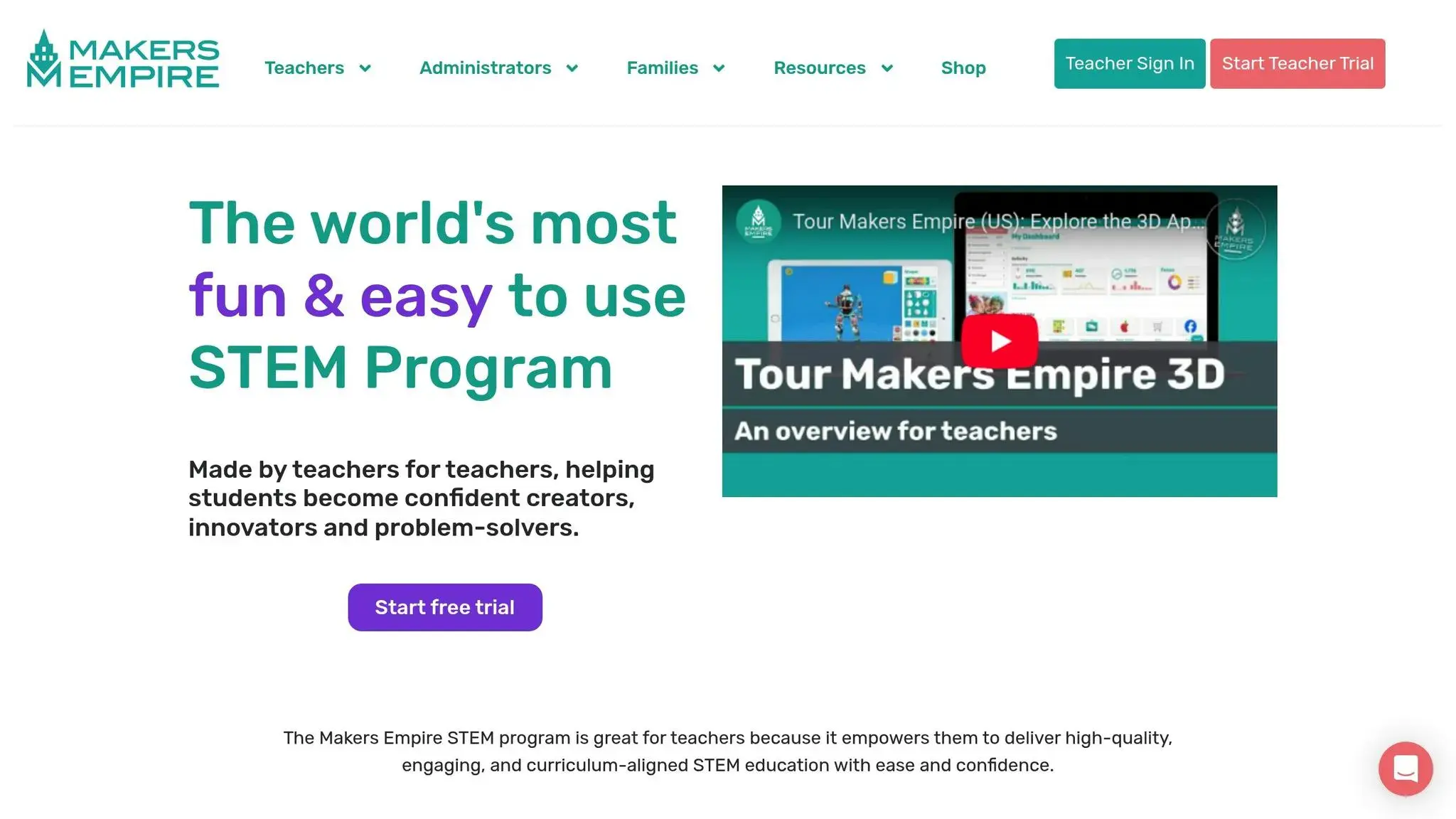
Maker’s Empire combines creativity with the basics of coding, giving young learners a chance to explore, experiment, and create. Through its interactive and visually engaging tools, kids can turn their imaginative ideas into digital projects. Along the way, they also build teamwork and problem-solving skills by working on collaborative projects.
Building on this creative foundation, the next platform introduces more advanced features for collaborative coding.
7. GitHub Codespaces
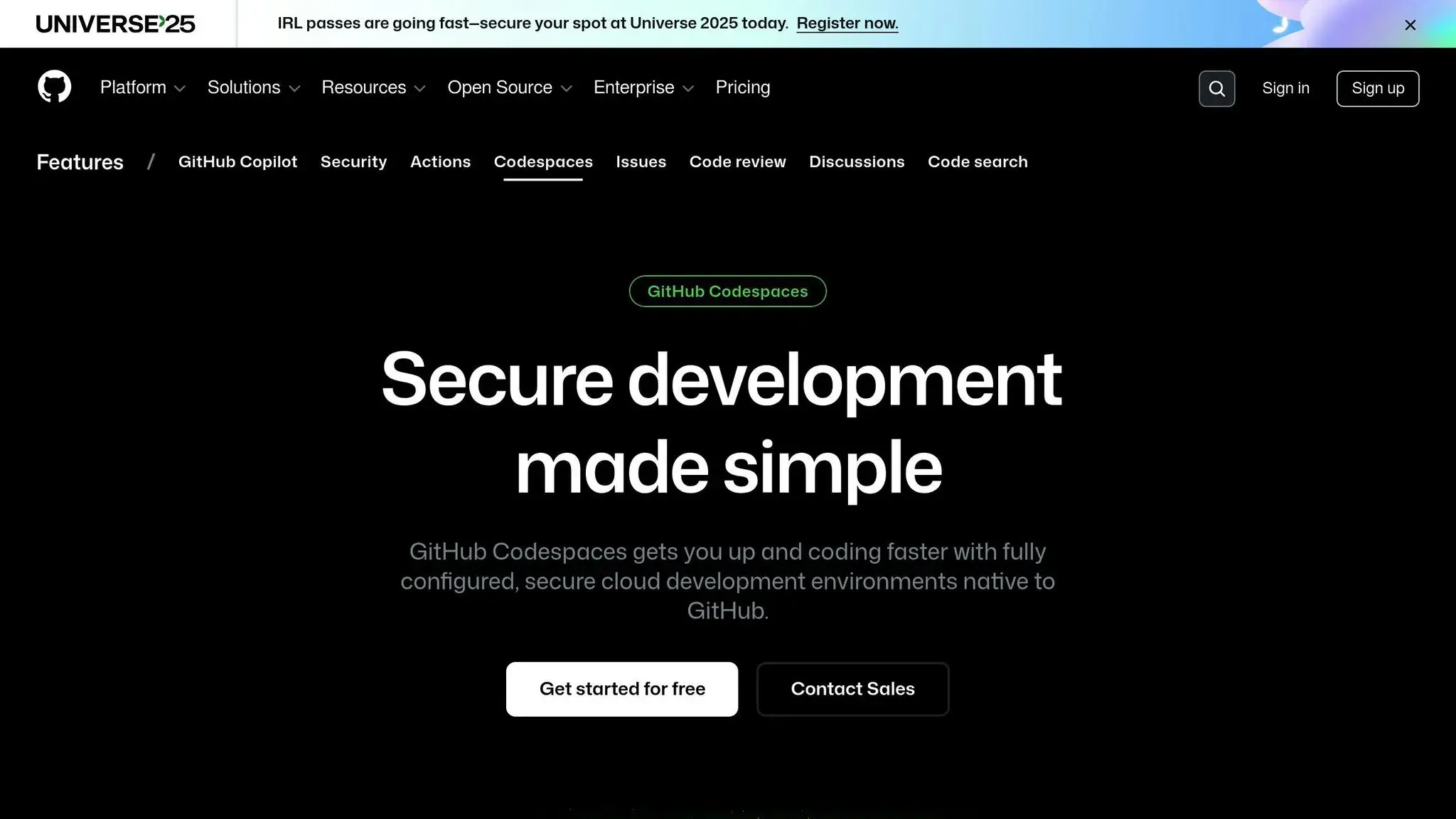
Next up is GitHub Codespaces, a tool that provides a glimpse into professional development workflows. This cloud-based development environment, offered by GitHub, allows users to dive straight into coding with pre-configured setups. While it’s designed for professionals, it’s also a fantastic way for students to get hands-on experience with real-world coding practices.
GitHub Codespaces supports a variety of programming languages and tools commonly used in professional development. By incorporating this platform into classroom projects, students can work in a modern coding environment, gaining familiarity with tools and processes used in the tech industry. Educators should explore GitHub’s documentation to ensure the platform aligns with classroom needs and meets safety requirements.
Platform Comparison Table (Top 7 Real-Time Coding Platforms)
Here’s a quick breakdown of key features across various platforms. This table serves as a handy summary to complement the detailed reviews provided earlier.
| Platform | Age Range | Collaboration Features | Supported Languages | Pricing (USD) | Key Benefits |
|---|---|---|---|---|---|
| CodaKid | 8–18 years | Help desk support, virtual camps | Python, JavaScript, Java, HTML/CSS, AI dev | $29/month (Self-paced), $249/month (1:1 lessons) | Real-world programming tools, project-based learning |
| Replit | 10+ years | Simultaneous coding, shared workspaces | 50+ languages, including Python, JavaScript, C++ | Free tier, $7/month (Hacker plan) | Browser-based IDE, instant deployment, community features |
| Google Colab | 12+ years | Shared notebooks, commenting | Python | Free, $9.99/month (Colab Pro) | Machine learning tools, GPU access, Google Drive integration |
| Tynker | 5–18 years | Classroom management, peer sharing | Visual blocks, Python, JavaScript | $7.50/month (individual), classroom plans vary | Game-based learning, visual programming, curriculum integration |
| Khan Academy | 8+ years | Community discussion forums | JavaScript, HTML/CSS, SQL | Completely free | Structured learning paths, video tutorials, progress tracking |
| Maker’s Empire | 8–15 years | Classroom sharing, design galleries | 3D design scripting | $8/month per student | Focus on 3D design, STEAM integration, lesson plans |
| GitHub Codespaces | 14+ years | Git collaboration, pull requests | All major languages | $0.18/hour (2-core), $0.36/hour (4-core) | Professional-grade environment, version control |
The pricing options range from free access to subscription-based plans, making these top 7 real-time coding platforms accessible to a variety of budgets. Notably, Khan Academy stands out as a completely free option, ensuring inclusivity for all learners.
Each platform tailors its features to specific age groups and learning goals. For instance, Replit shines in real-time coding collaboration, while GitHub Codespaces focuses on professional workflows and version control. On the other hand, CodaKid offers a more personalized experience with direct help desk support and one-on-one lessons. Whether you’re looking for game-based learning, machine learning tools, or professional development environments, there’s something here for everyone.
Conclusion (Top 7 Real-Time Coding Platforms)
Real-time coding platforms are transforming how kids develop collaboration and problem-solving skills. Research suggests that coding education can boost these abilities by an impressive 70%.
Beyond technical skills, these platforms emphasize teamwork. Kids discover that programming isn’t just about writing code – it’s about working together, sharing ideas, and supporting one another, much like professional development environments.
By working with widely-used programming languages like Python, JavaScript, and Java, students gain hands-on experience creating real-world projects. Along the way, they build digital literacy, an invaluable asset for both college admissions and future careers.
There’s a platform for every budget, ranging from free options to more comprehensive programs priced at $29 per month. Many offer free trials, making it easy to find the right fit for each learner.
As technology continues to shape our world, these platforms empower kids to become creators, not just consumers, of technology. By connecting them to vibrant coding communities and dynamic learning opportunities, we’re equipping the next generation with the tools they need to succeed in an increasingly digital future. These platforms are paving the way for even more exciting educational opportunities in coding.
FAQs (Top 7 Real-Time Coding Platforms)
What is a good age for kids to start using real-time coding platforms, and how are different skill levels supported?
Many coding platforms are crafted with young learners in mind, starting as early as 5 or 6 years old. These tools are designed to be beginner-friendly, offering lessons and activities that are both engaging and easy to follow, helping kids build confidence as they learn.
To cater to different skill levels, these platforms often provide tiered content. From simple tutorials for beginners to more challenging projects for teens, kids can advance at their own pace. Whether they’re curious about game development, AI, or web design, there’s something to match their interests and keep them motivated.
How do real-time coding platforms help kids build teamwork and problem-solving skills?
Real-time coding platforms are a fantastic way for kids to build teamwork and problem-solving skills. By working together in a shared coding environment, young learners can collaborate on projects, which encourages clear communication and group effort to overcome challenges.
These collaborative experiences allow kids to exchange ideas, gain insights from different perspectives, and sharpen their critical thinking skills. Beyond just improving their technical know-how, this kind of teamwork helps prepare them for group projects they’ll encounter in school and later in life.
What safety and privacy measures should parents and educators consider when children use coding platforms?
When it comes to coding platforms for kids, ensuring safety and privacy is a top priority. Leading platforms incorporate strong security features like secure logins, data encryption, and monitored communication tools to create a safe space for learning.
To further protect children, parents and educators should carefully review the platform’s privacy policies and activate any parental control options available. Open conversations about online safety and keeping an eye on kids’ activities online can also go a long way in maintaining a secure learning environment.